
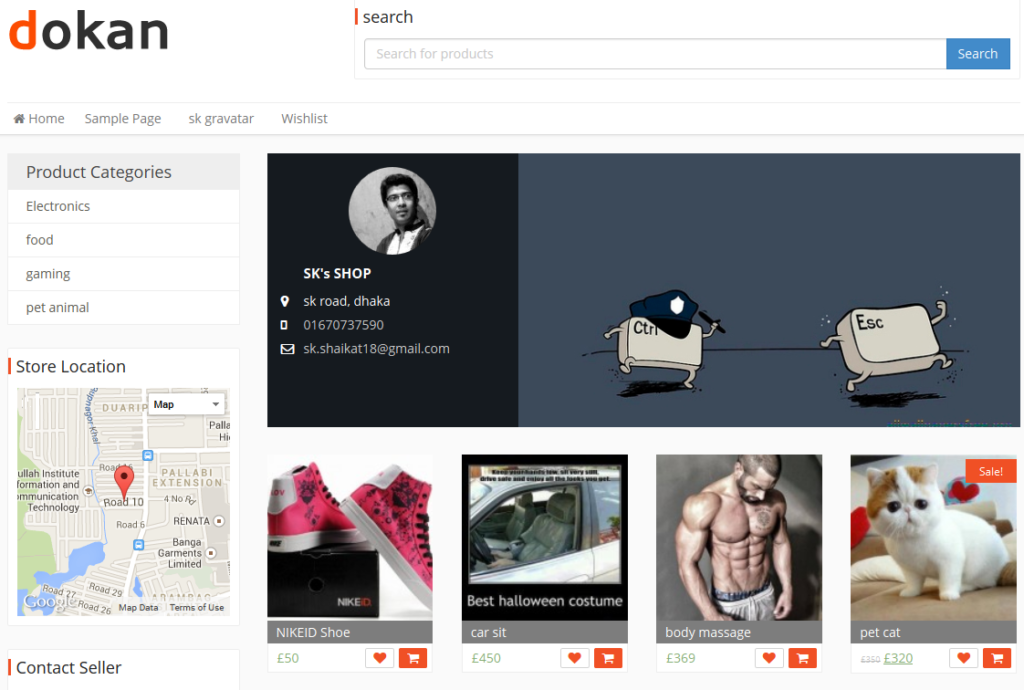
Creating a multi-vendor marketplace like Amazon or Etsy is much easier today with Dokan. Using WordPress and WooCommerce, you can build a scalable marketplace where multiple vendors sell through a single platform.
This guide explains how to create a multi-vendor marketplace using Dokan, step by step, with visuals to make everything clear.
What Is a Multi-Vendor Marketplace?
A multi-vendor marketplace is a website where:
-
Multiple sellers register as vendors
-
Each vendor manages their own products
-
Customers buy from different vendors in one checkout
The marketplace owner earns money through commission, subscriptions, or service fees.
Why Choose Dokan?
Dokan is popular because it offers:
-
Frontend vendor dashboard
-
Individual vendor store pages
-
Flexible commission system
-
Easy withdrawals for vendors
-
Scalable structure for growth
It works for products, services, bookings, and niche marketplaces.
Step 1: Prepare WordPress & WooCommerce
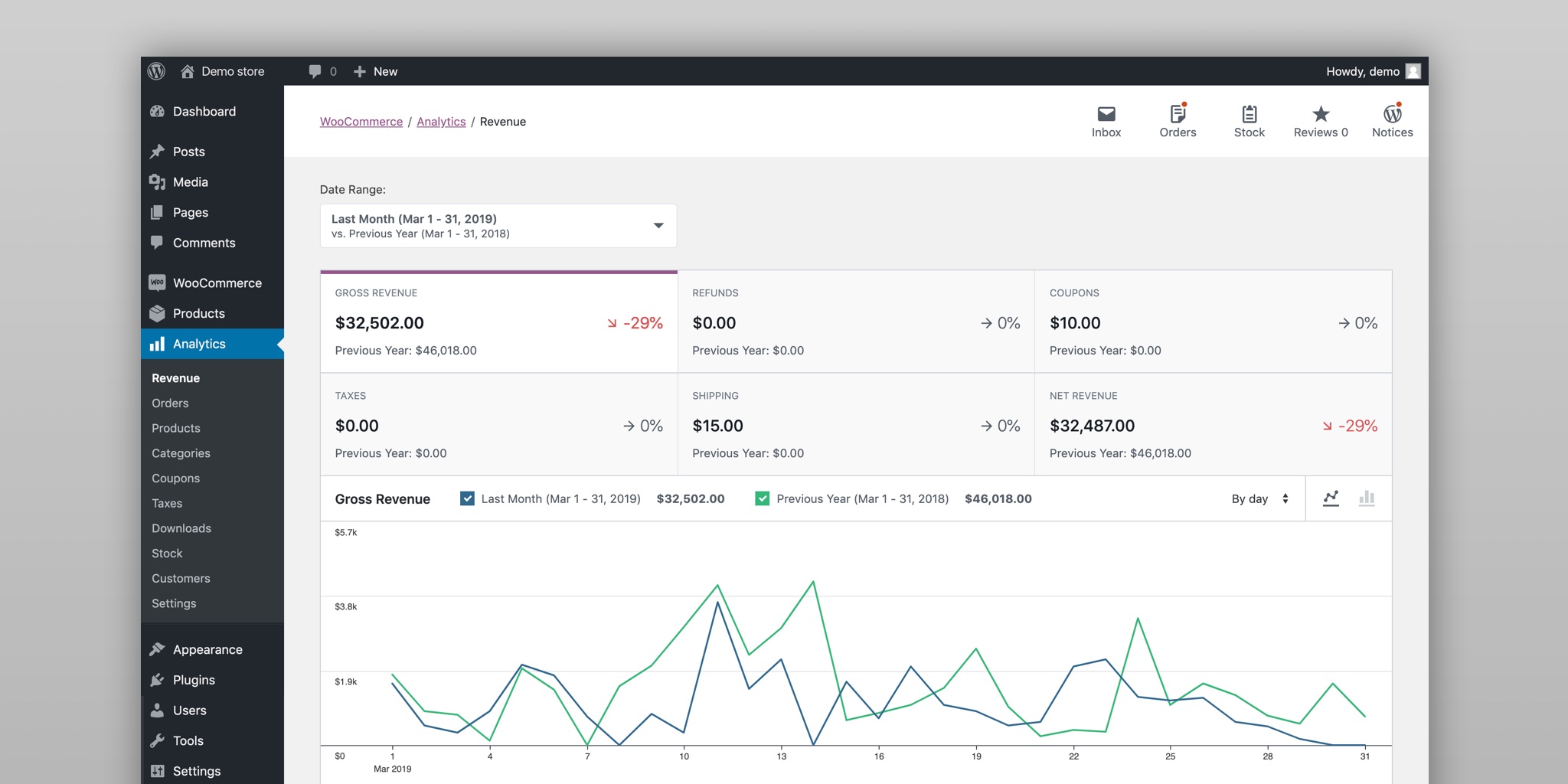

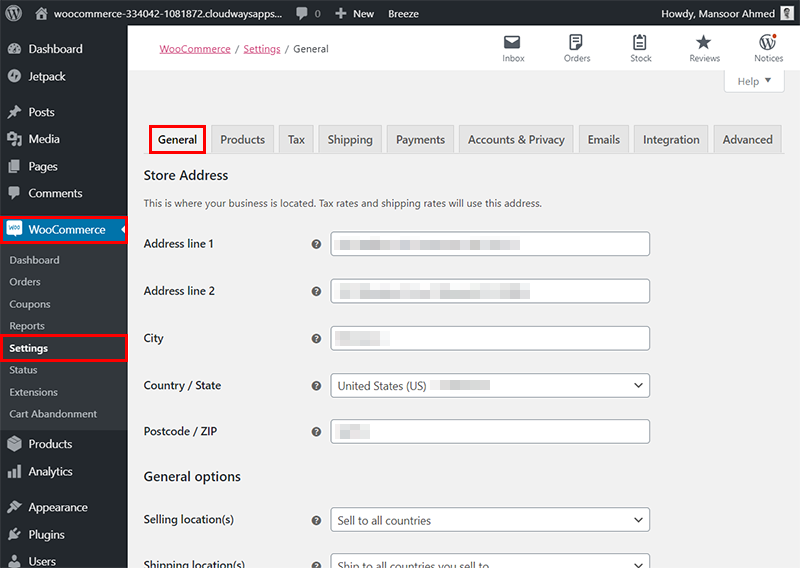
What You Need
-
A WordPress website
-
WooCommerce installed and configured
-
Reliable hosting
WooCommerce manages products, payments, and orders. Dokan adds multi-vendor functionality on top of it.
Step 2: Install and Set Up Dokan
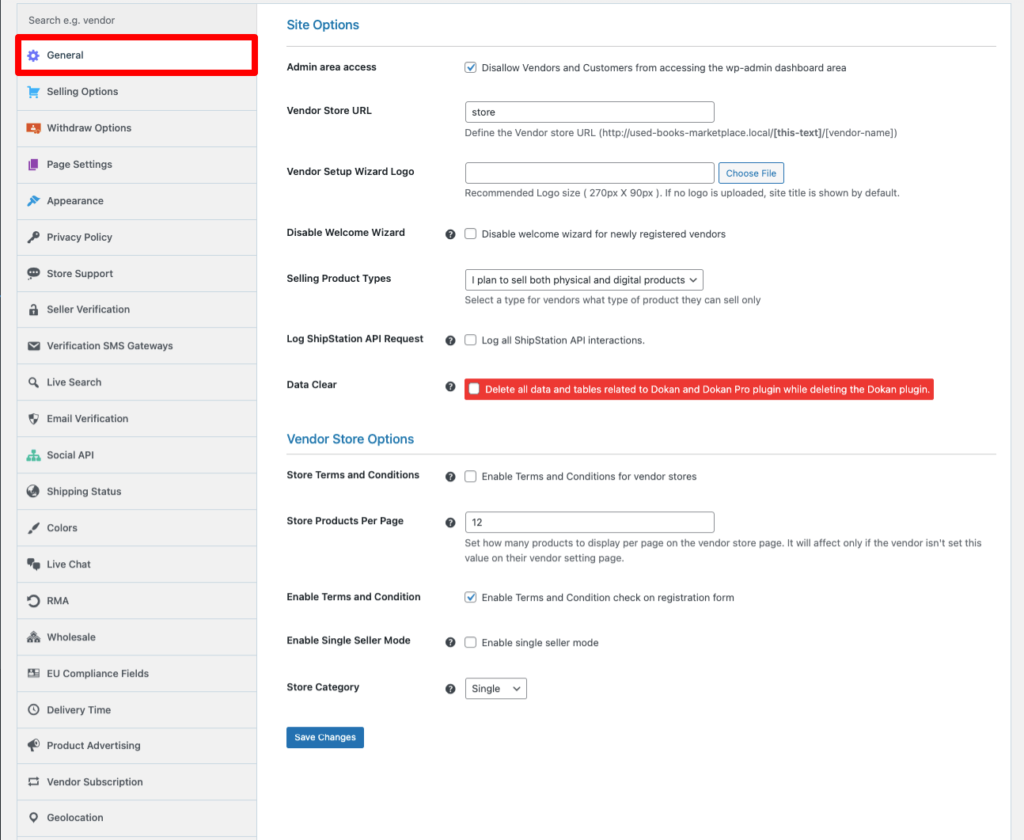
How to Do It
-
Install Dokan Lite from the WordPress plugin store
-
Upgrade to Dokan Pro if advanced features are needed
-
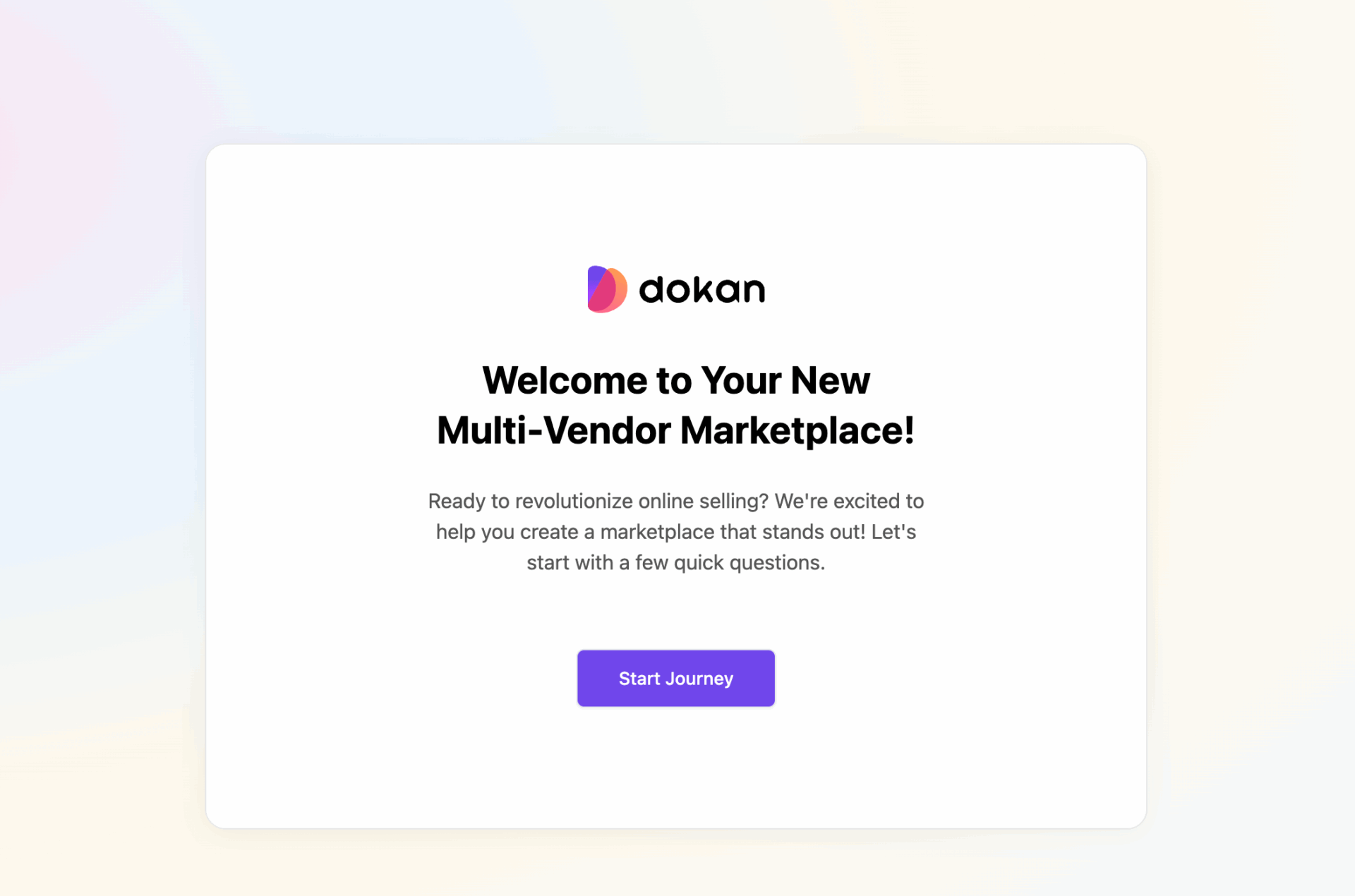
Run the Dokan setup wizard
The wizard automatically creates:
-
Vendor Dashboard
-
Vendor Store pages
-
Marketplace pages
Step 3: Enable Vendor Registration
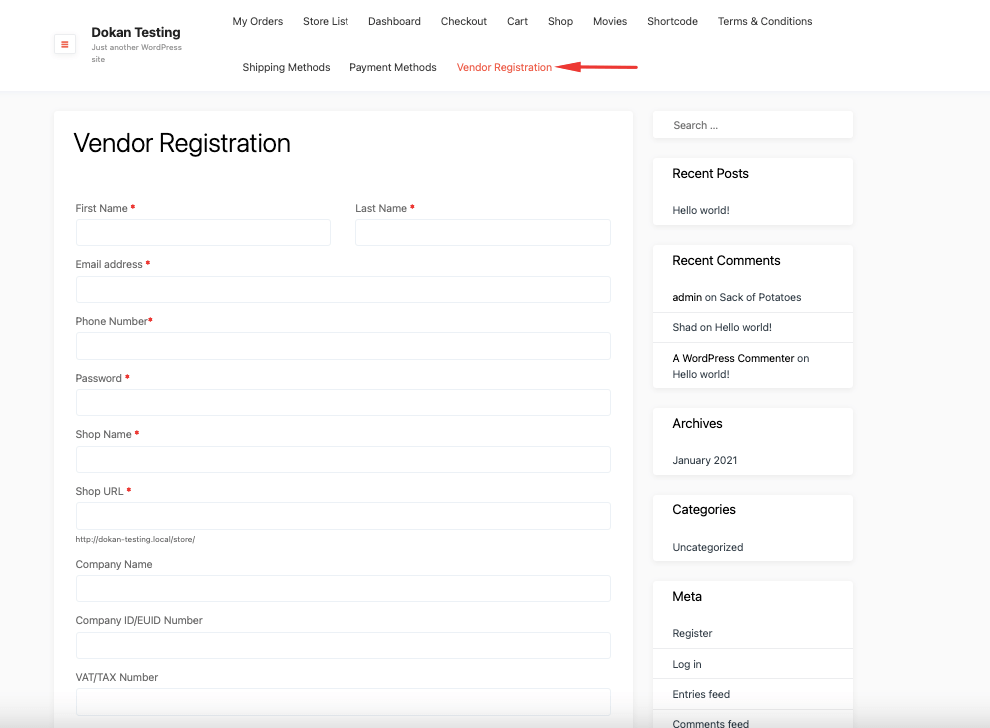
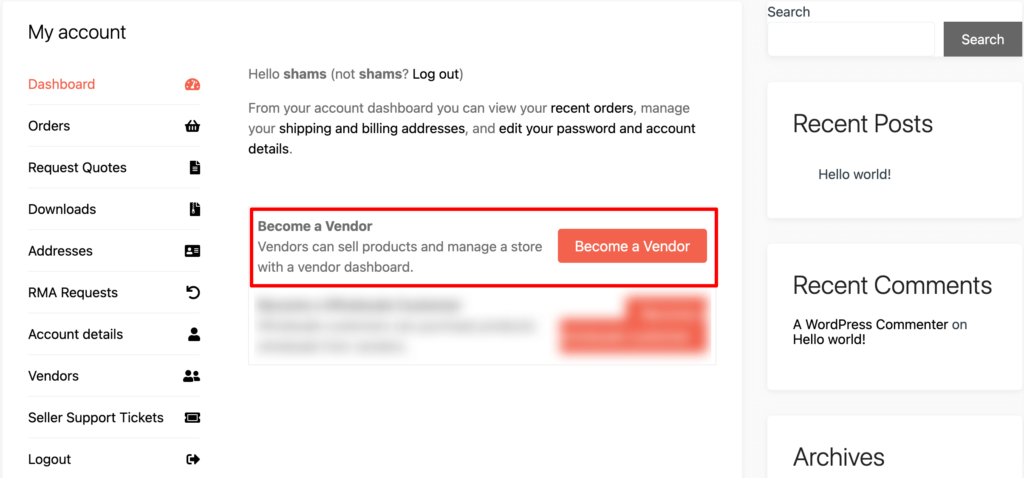
Why This Is Important
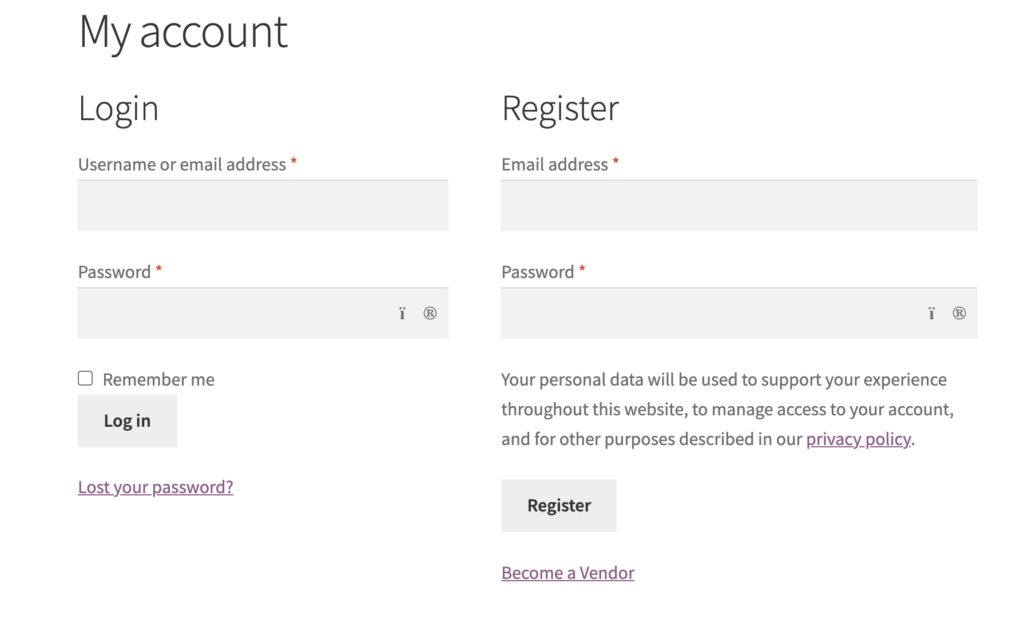
Vendor registration allows sellers to join your marketplace without admin intervention.
What to Check
-
Enable vendor registration in Dokan settings
-
Allow vendor role selection on the My Account page
Step 4: Configure Commission & Monetization
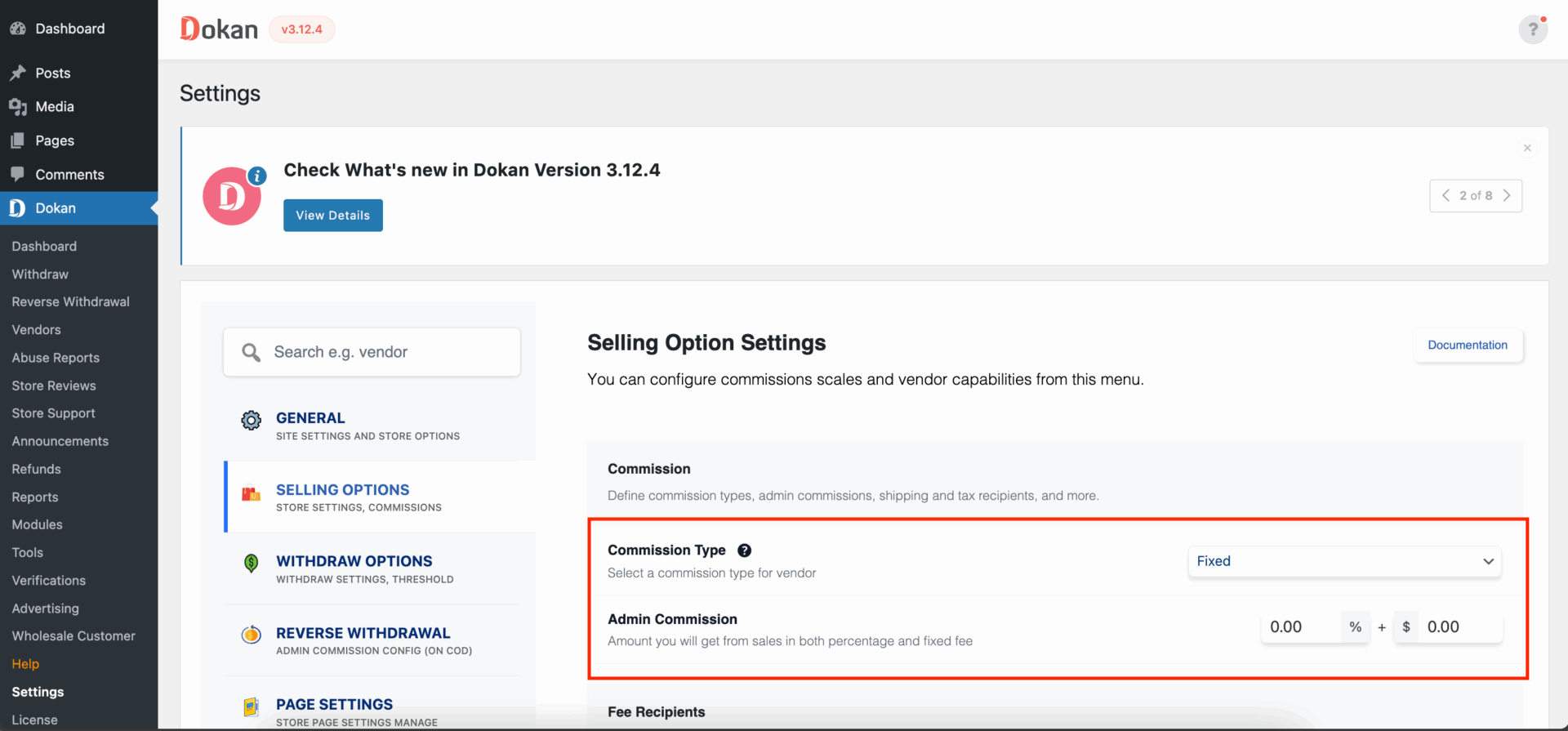
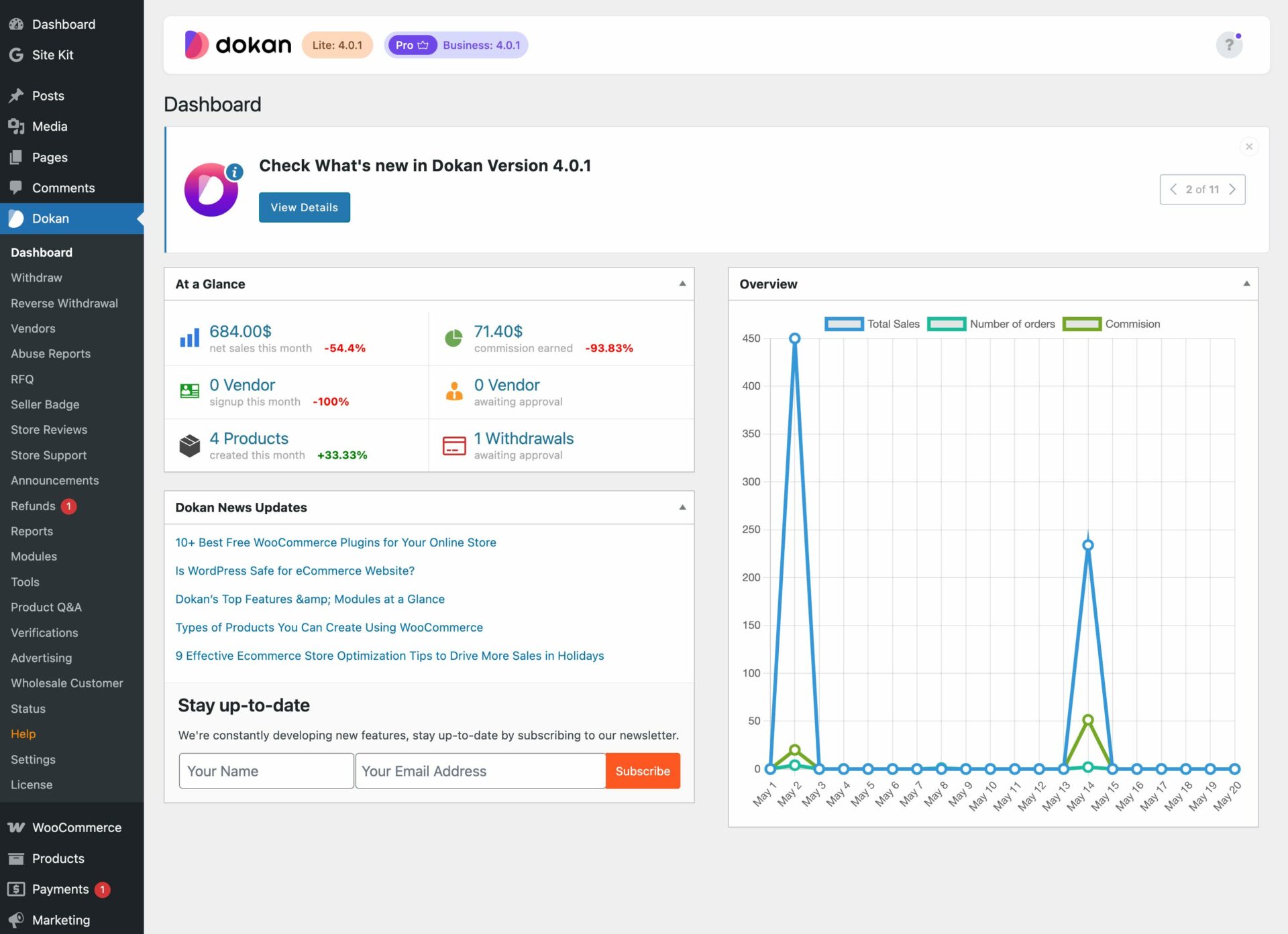
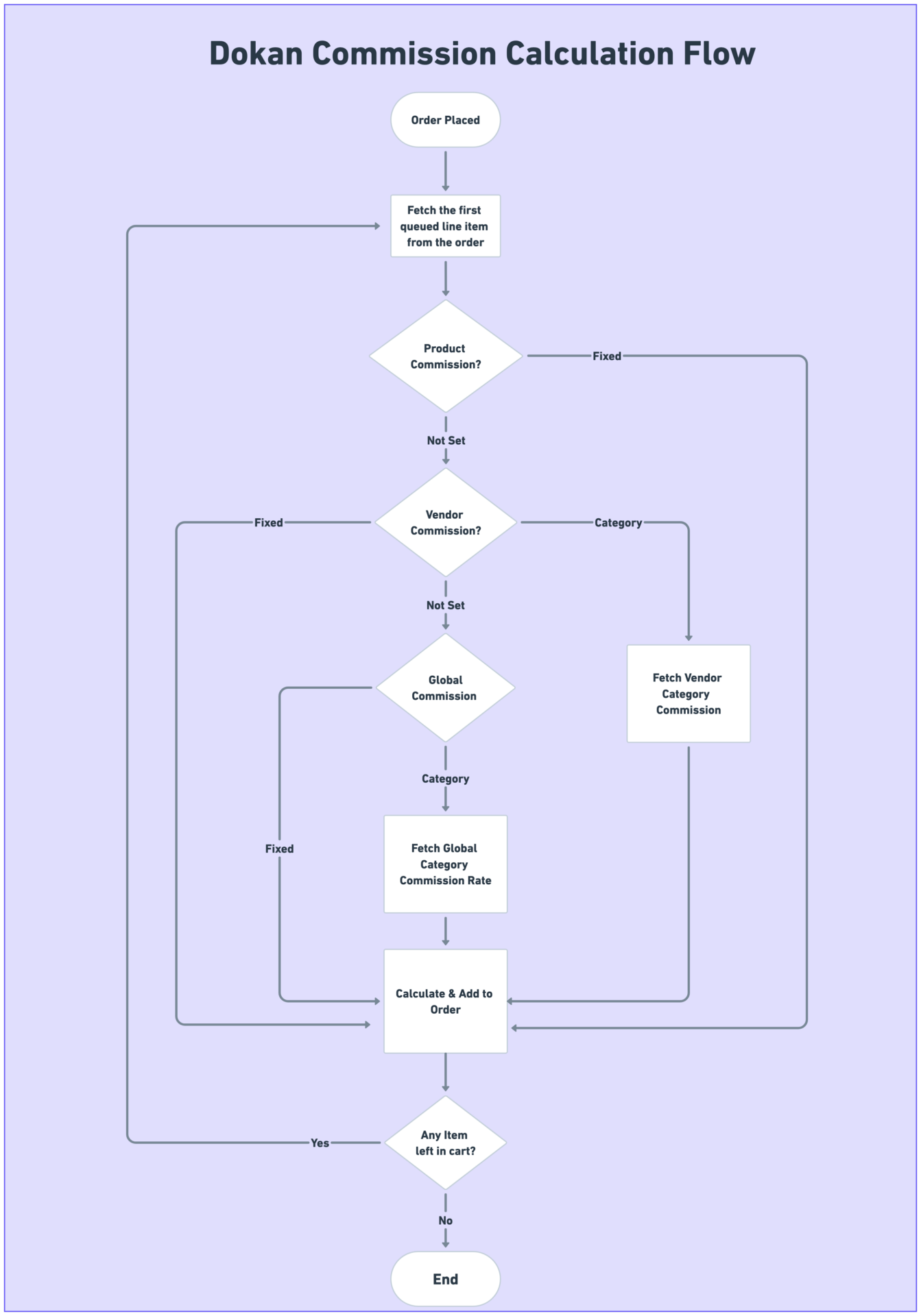
Monetization Options
-
Percentage commission
-
Fixed commission
-
Vendor subscription plans
Choose a model based on your business type and vendor expectations.
Step 5: Vendor Store & Product Management
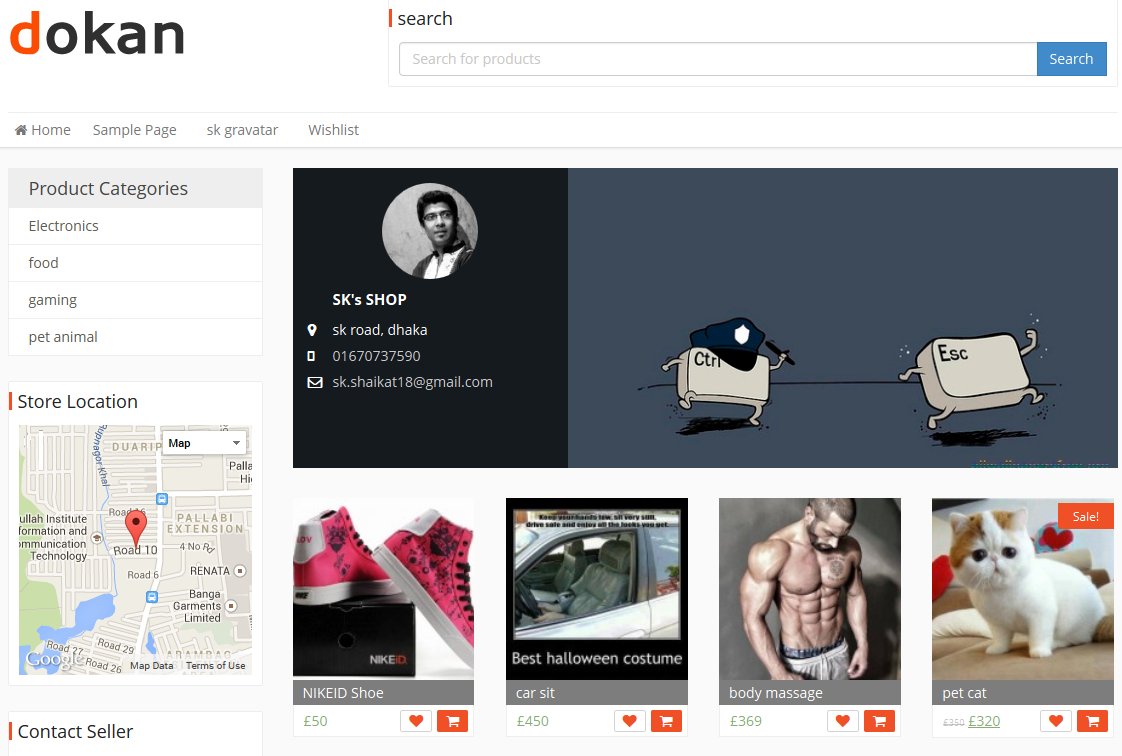
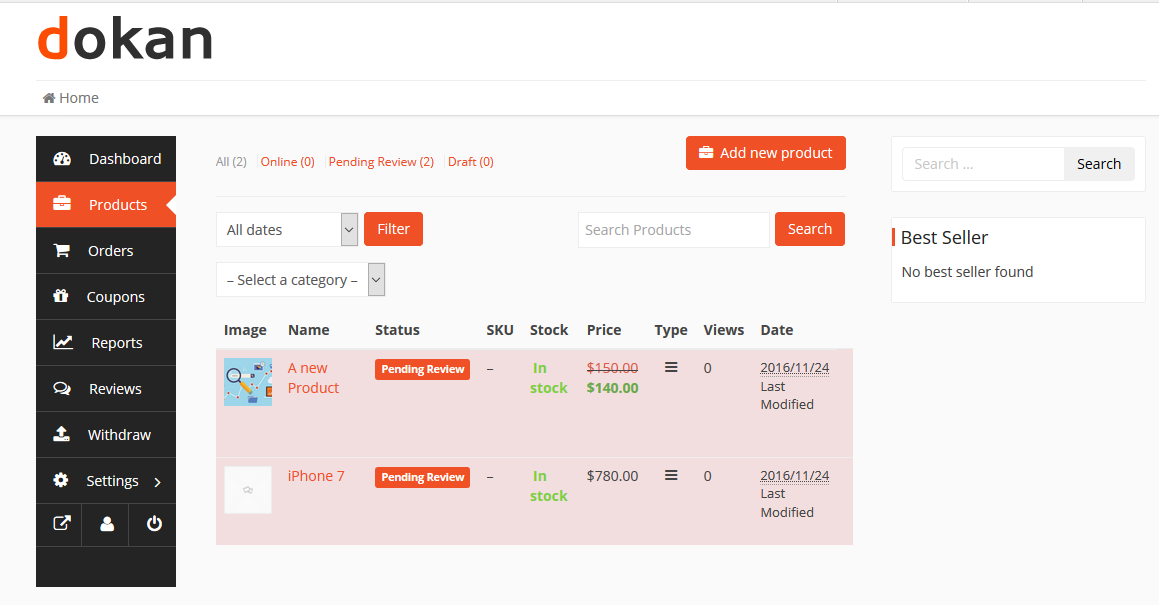
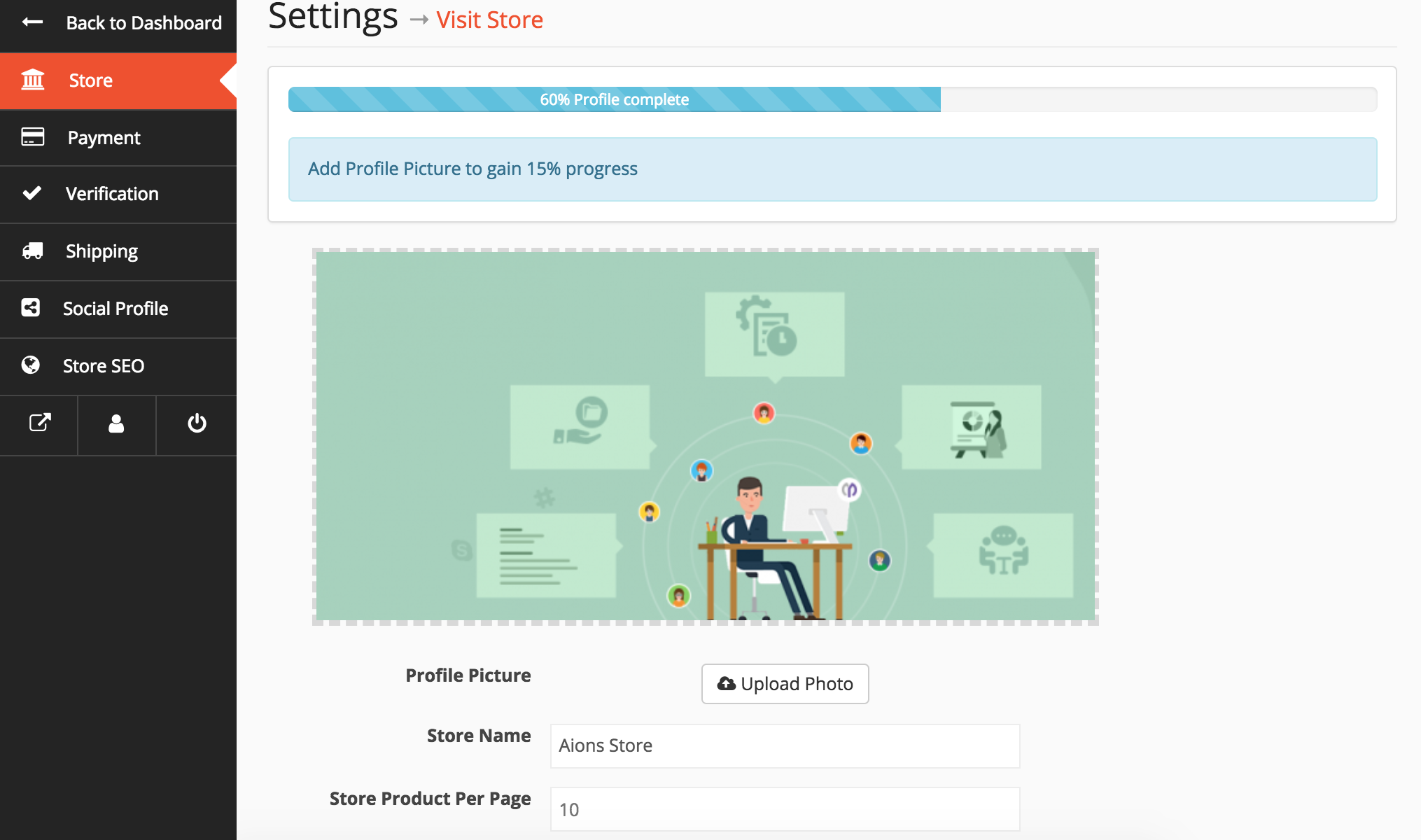
Each vendor gets:
-
A public store page
-
Frontend product upload
-
Order and earnings tracking
-
Reviews and ratings
With SEO optimization, vendor store pages can also rank on Google.
Step 6: Payments & Withdrawals
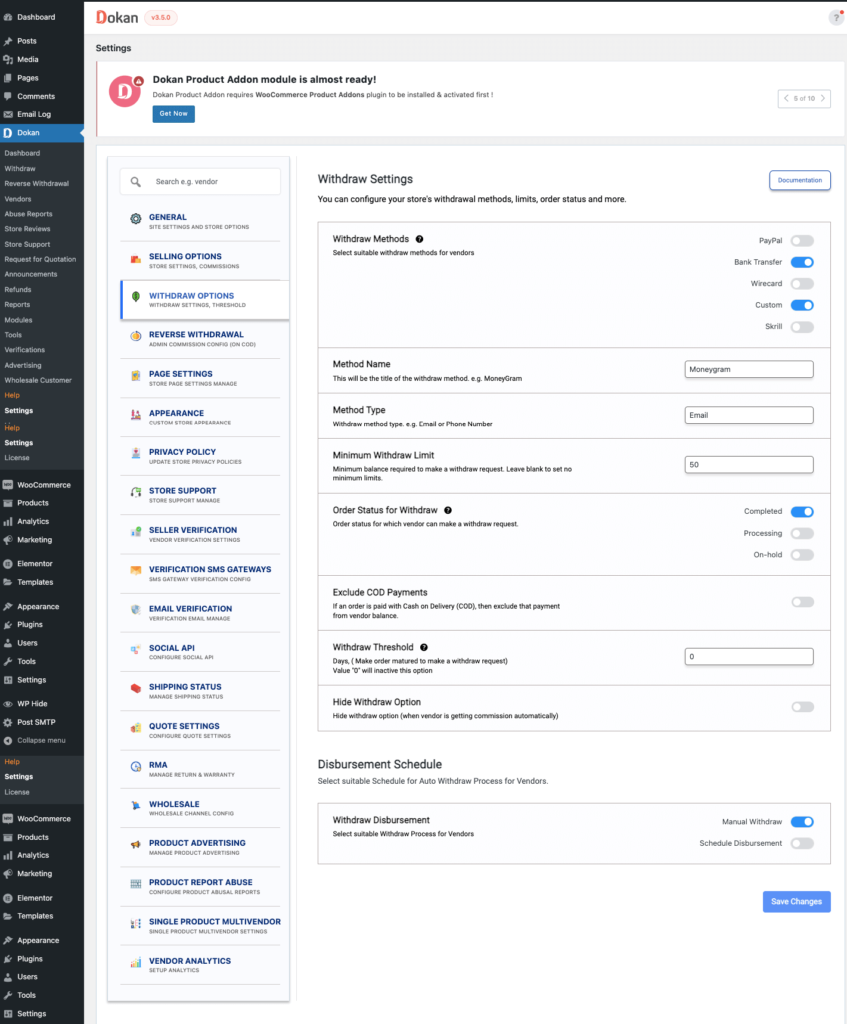
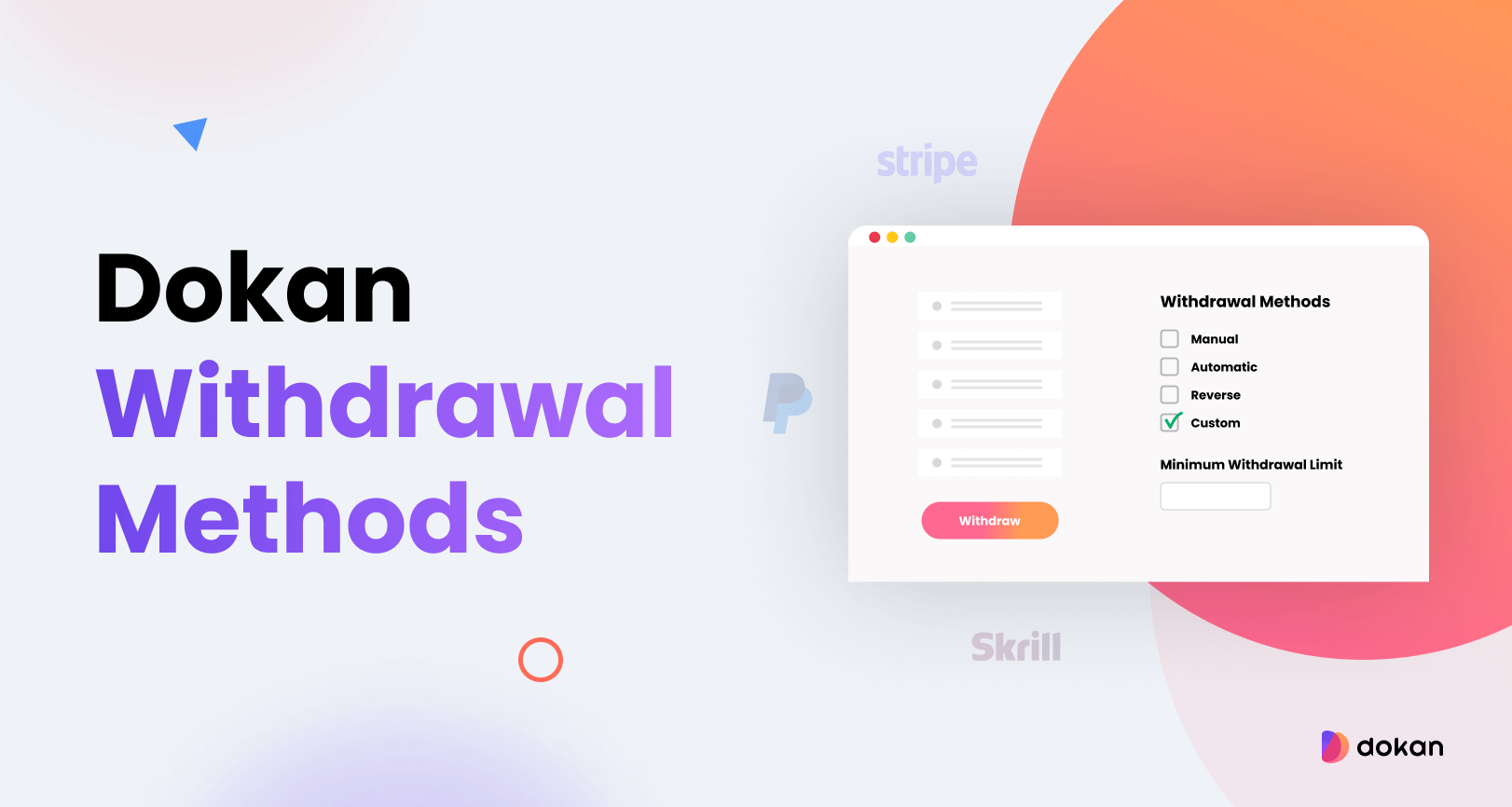
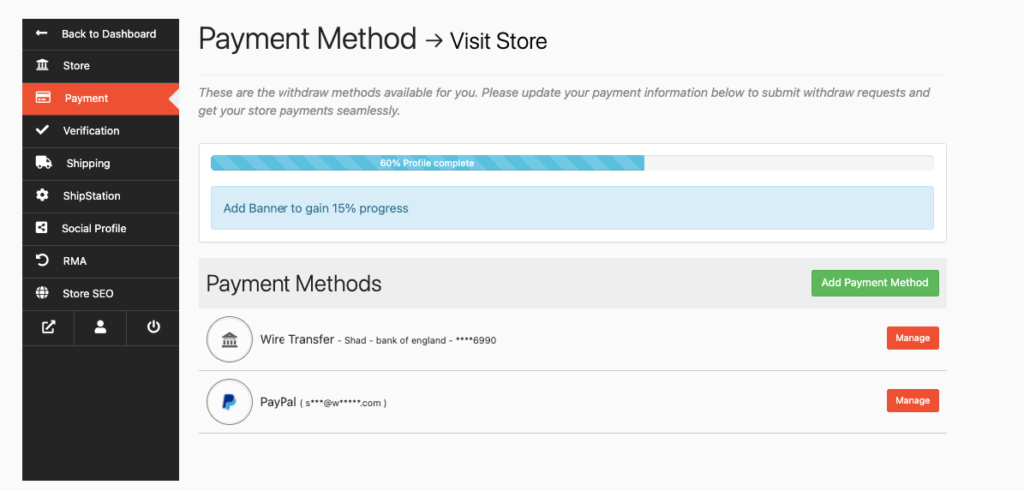
Dokan supports:
-
PayPal withdrawals
-
Bank transfer
-
Manual approval
You control:
-
Withdrawal limits
-
Approval rules
-
Payment schedules
Step 7: Launch, Optimize & Scale
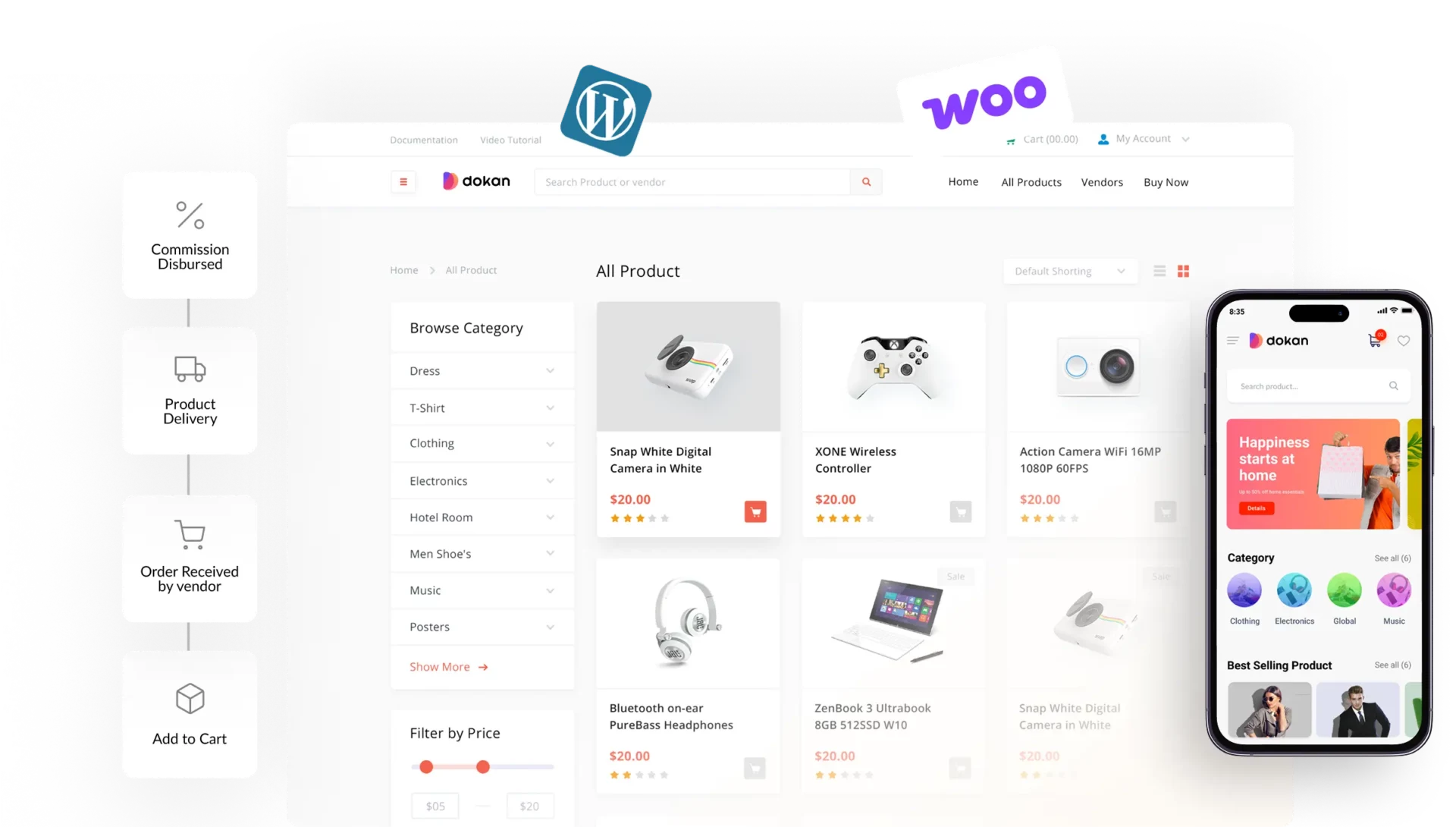
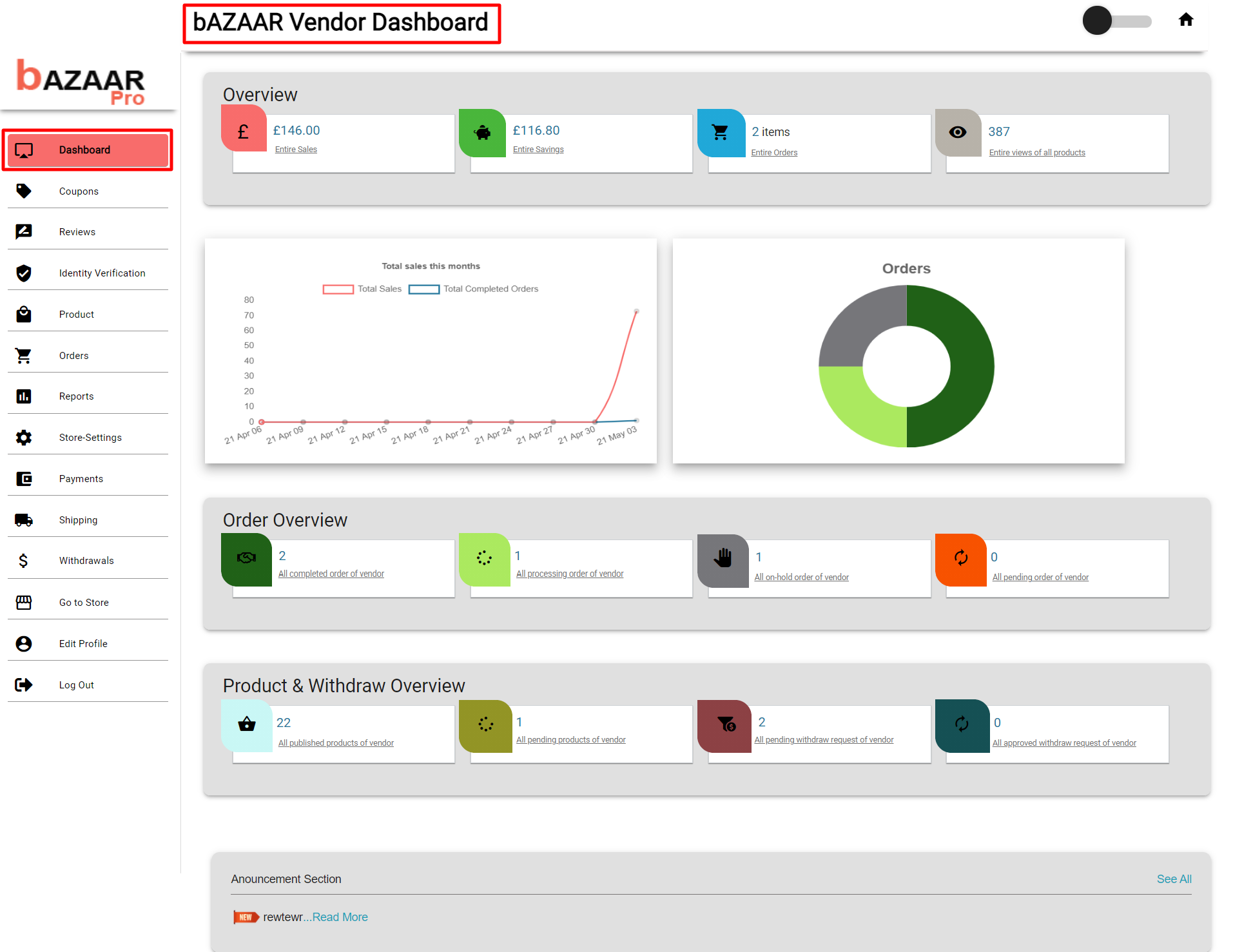
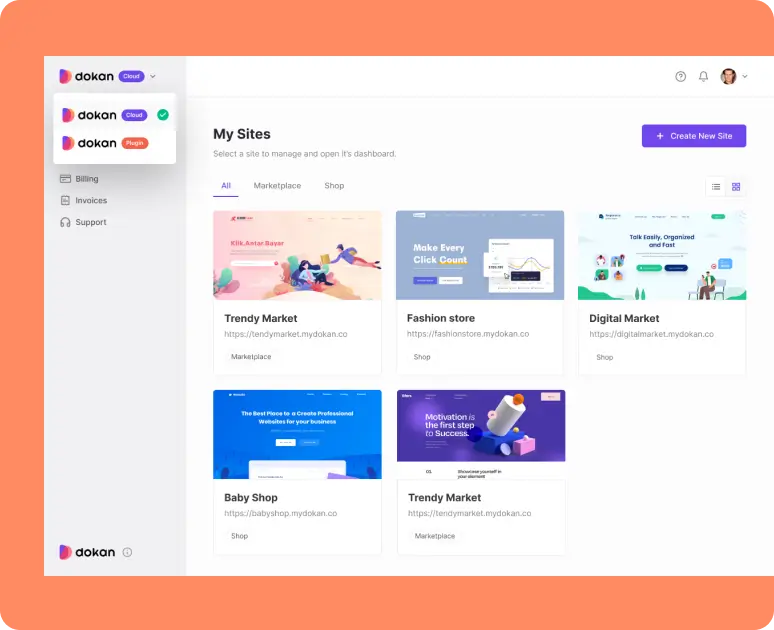
After launch, focus on:
-
SEO blogs for traffic
-
Speed optimization
-
Smooth vendor onboarding
-
Custom features as you grow
A successful marketplace depends on performance + UX + customization.
Common Mistakes to Avoid
-
Using only default Dokan settings
-
Ignoring mobile optimization
-
No SEO for vendor stores
-
Unclear commission structure
Fixing these early saves time and money.
Final Thoughts
Dokan makes launching a multi-vendor marketplace easy, but long-term success requires proper setup, optimization, and customization. A well-built marketplace attracts quality vendors, ranks better on Google, and converts visitors into customers.
I can help you make the right technical and business decision.
💬 Helping businesses worldwide build and scale Dokan marketplaces.

Hire Me on Upwork – Dokan & WooCommerce Expert

 Chat on WhatsApp
2 Responses