
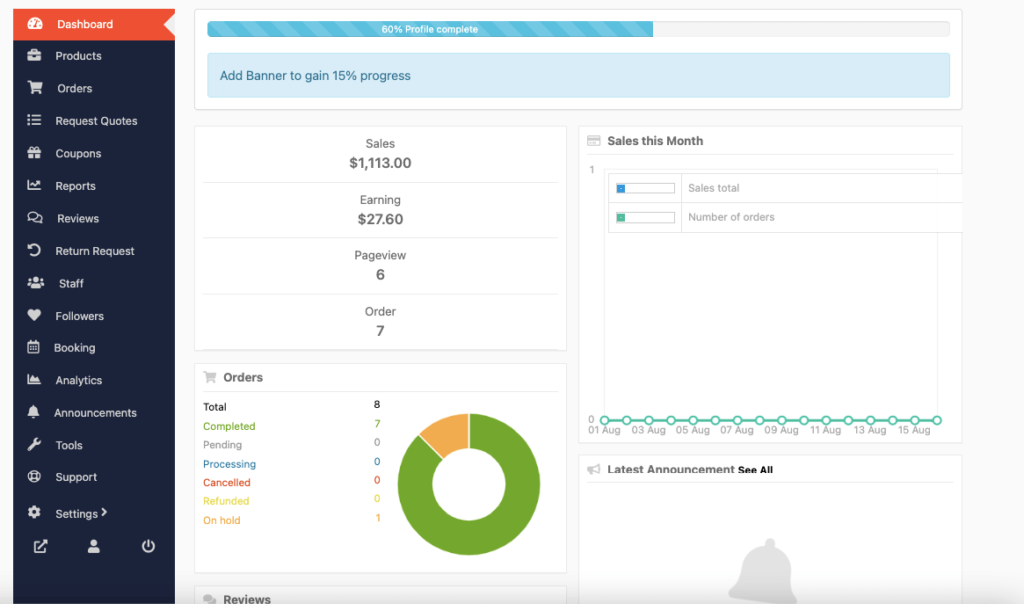
One of the most common and confusing issues in a multi-vendor marketplace is when vendors add products successfully, but the products do not appear on the shop, vendor store, or frontend.
If vendor products are not showing in Dokan, this guide will help you identify the exact cause and fix it step by step.
Plugin covered: Dokan
🔴 Common Symptoms
You may notice issues like:
-
Vendor added product but it’s not visible on the shop
-
Product visible in admin but not on frontend
-
Vendor store page shows “No products found”
-
Products appear only after admin approval
-
Products visible to admin but not customers
👉 These issues are very common and usually caused by settings or permissions.
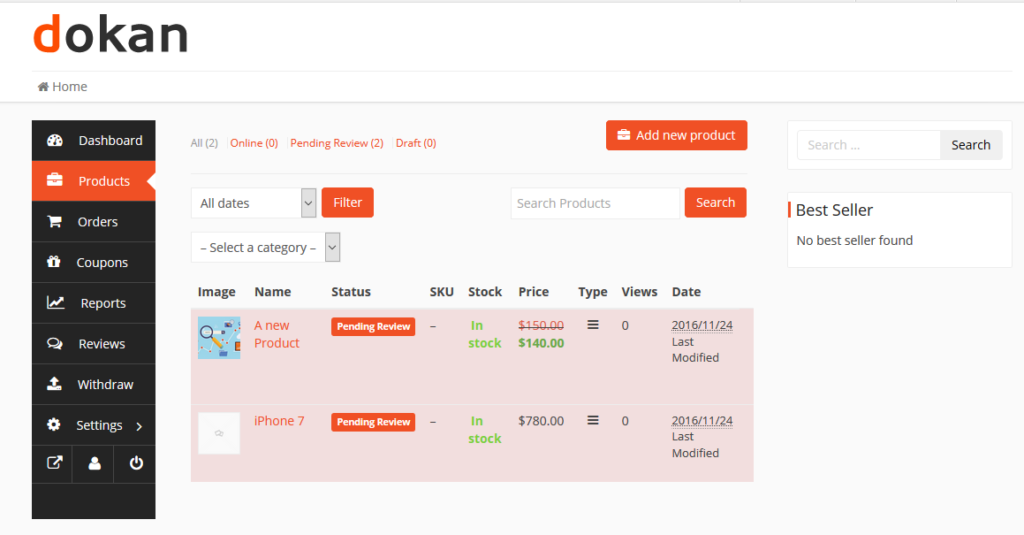
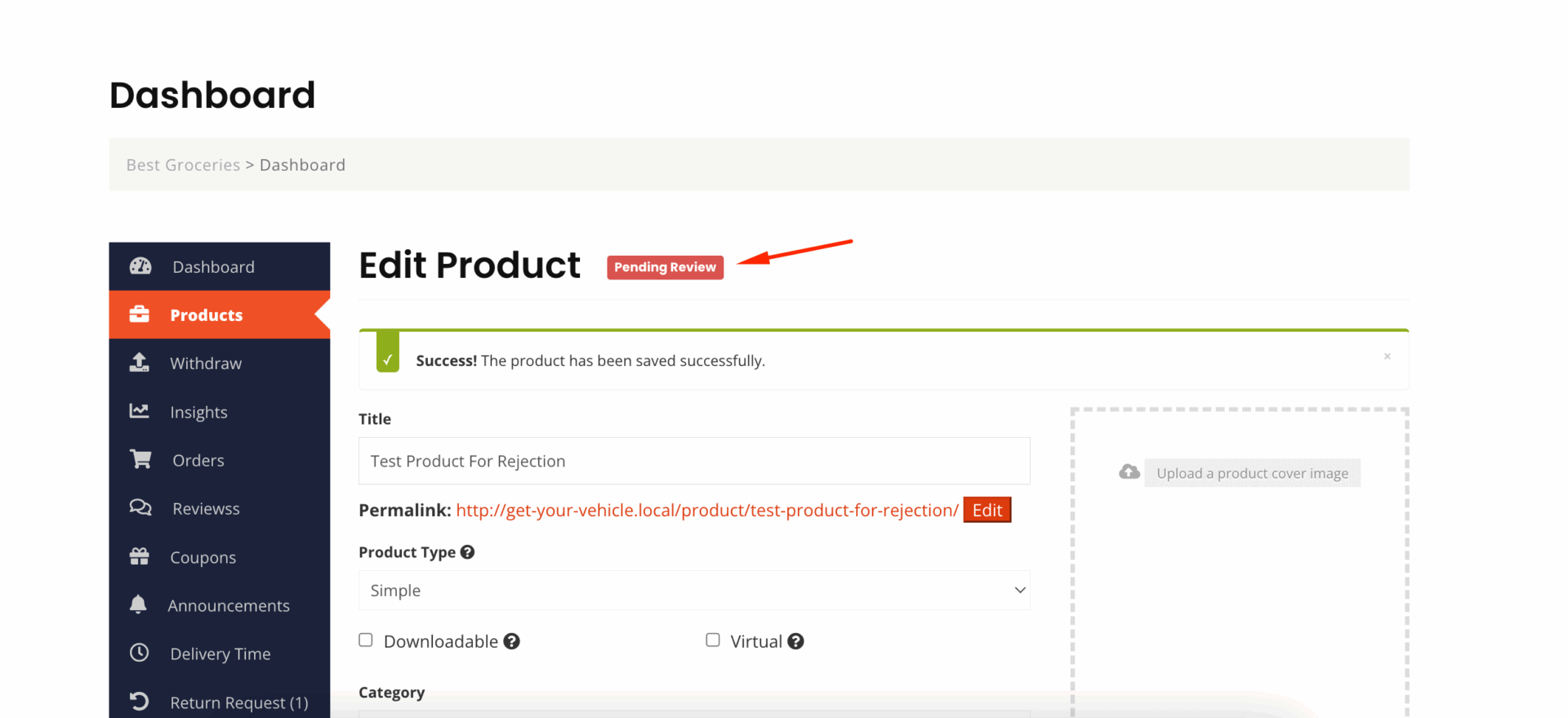
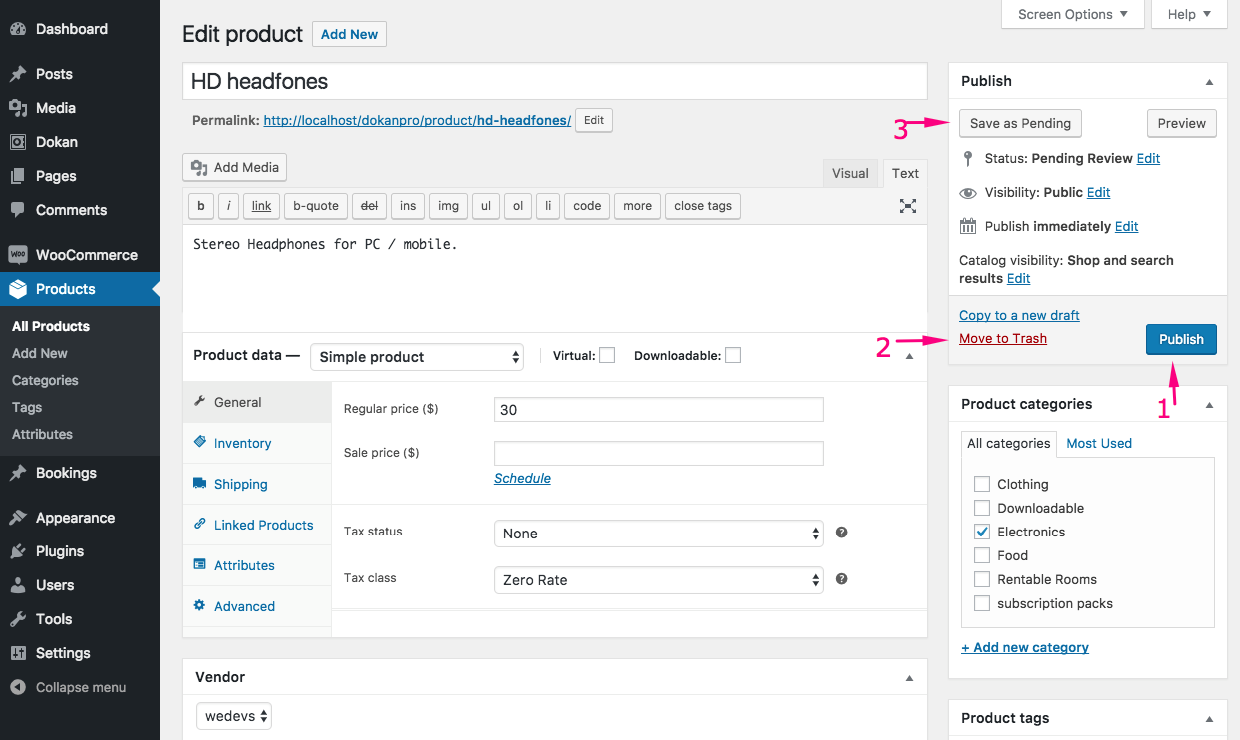
1️⃣ Product Status Is Set to Draft or Pending
Problem
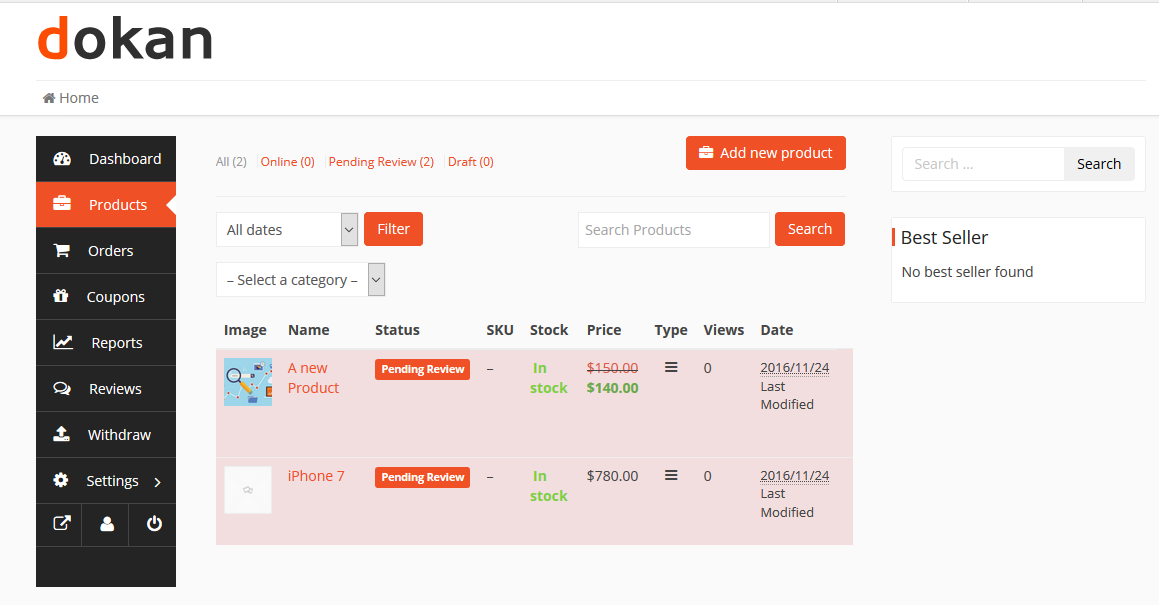
Vendor added a product, but it’s saved as Draft or Pending Review.
Why It Happens
-
Admin approval is required
-
Vendor role permissions are limited
Fix
-
Go to WordPress Admin → Products
-
Check product status
-
Either:
-
Publish manually, or
-
Disable product approval in Dokan settings
-
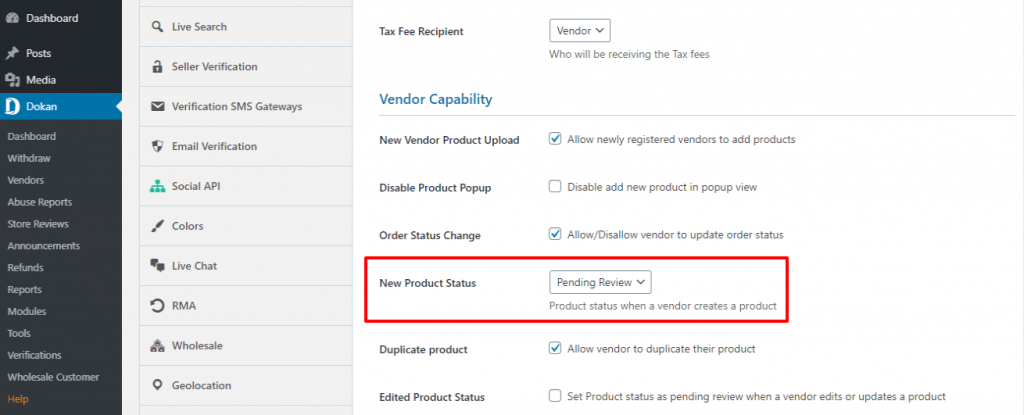
2️⃣ Product Approval Is Enabled in Dokan
Problem
Products require admin approval before appearing.
Fix
-
Go to Dokan → Settings → Selling Options
-
Disable “New product requires admin approval” (if not needed)
-
Save settings
3️⃣ Product Visibility Settings Are Incorrect
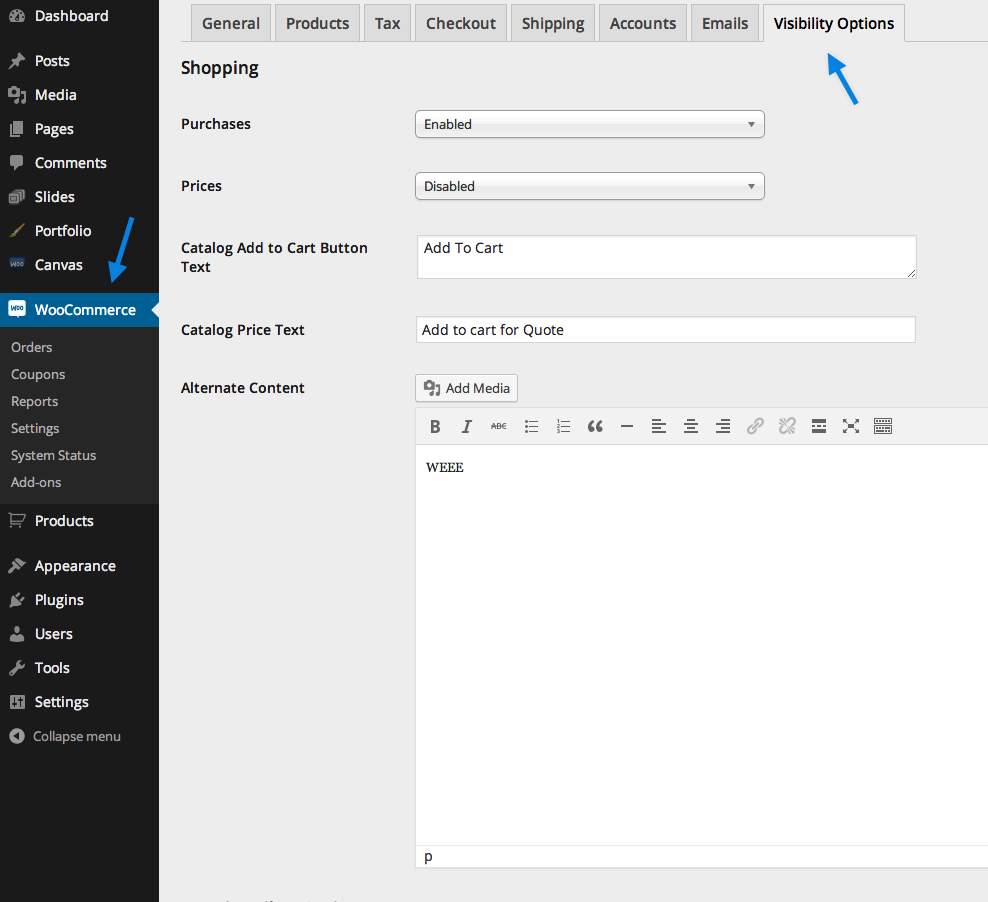
Problem
Product is set to hidden from catalog or search.
Fix
-
Edit the product
-
Check Catalog Visibility
-
Set it to:
-
Shop and search
-
4️⃣ Product Category or Taxonomy Issue
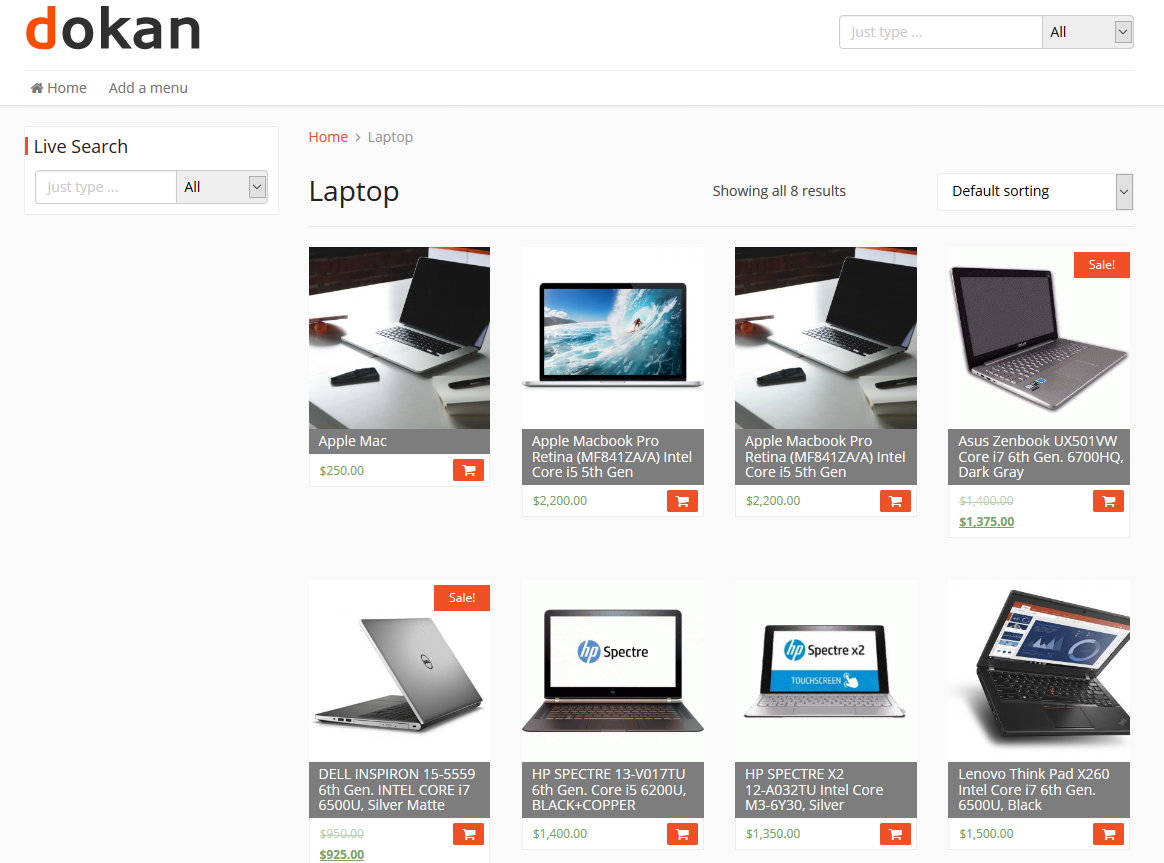

Problem
Product has no category or an invalid category.
Fix
-
Ensure at least one valid category is selected
-
Avoid deleted or restricted categories
5️⃣ Stock Status or Price Missing

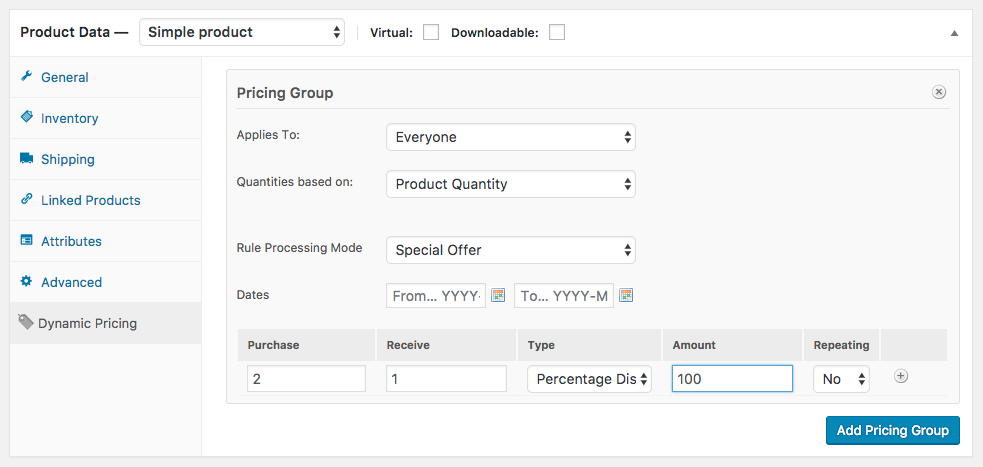
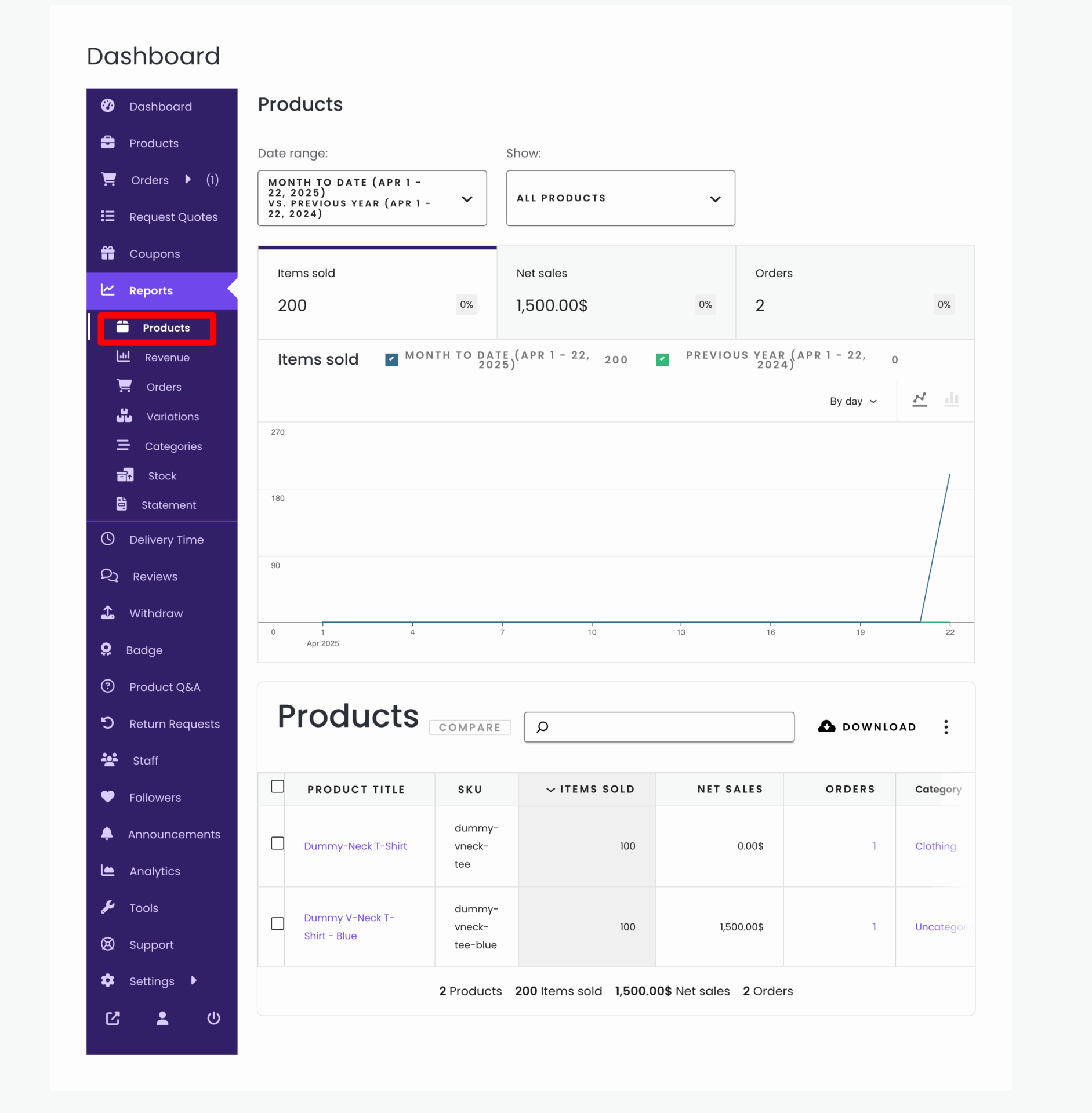
Problem
WooCommerce hides products with:
-
No price
-
Out of stock (depending on settings)
Fix
-
Ensure product has:
-
Price set
-
Stock enabled or in stock
-
6️⃣ Vendor Role & Permissions Issue
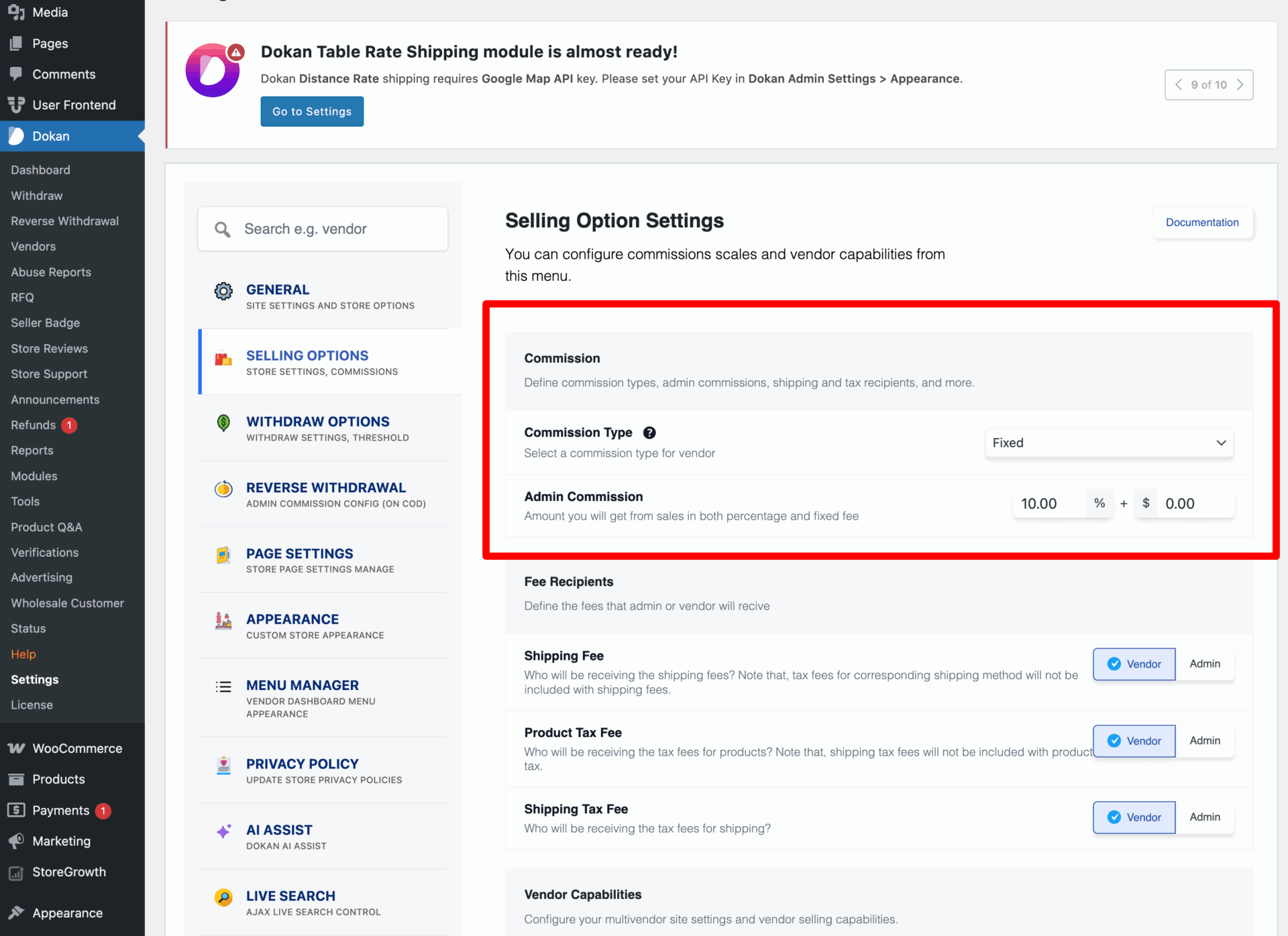

Problem
Vendor role doesn’t have permission to publish products.
Fix
-
Check vendor role capabilities
-
Ensure vendor role allows product publishing
-
Avoid conflicting role-management plugins
7️⃣ Theme or Plugin Conflict

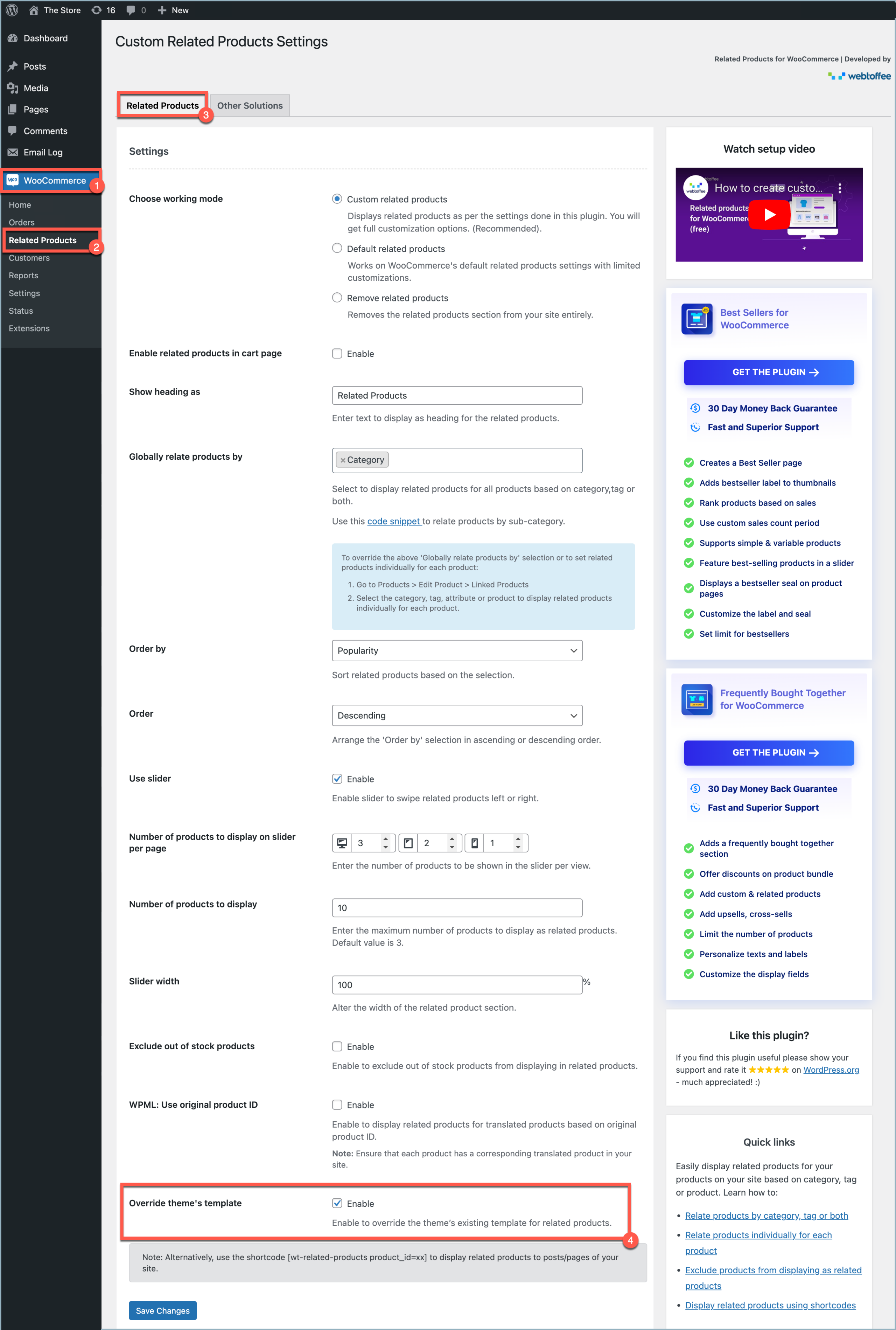
Problem
Products exist but are not displayed due to conflicts.
Fix
-
Switch temporarily to Storefront theme
-
Disable non-essential plugins
-
Identify the conflict
8️⃣ Cache & Indexing Issues
Problem
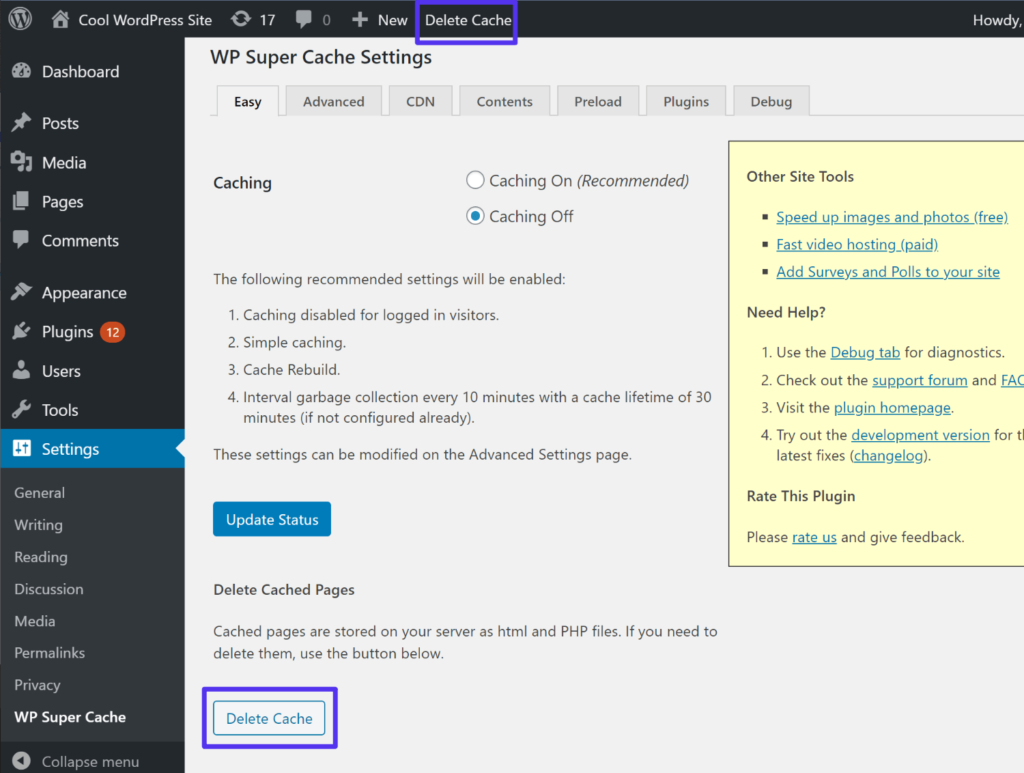
Product added but cache shows old content.
Fix
-
Clear all cache (plugin + server)
-
Disable cache for shop & vendor store pages
9️⃣ Custom Query or Custom Code Issue
Problem
Custom code filters products incorrectly.
Fix
-
Review custom queries
-
Ensure proper post status & meta queries
-
Debug custom hooks
Link this post to:
And add links from those posts back to this one.
🚨 When You Need Custom Dokan Fixes
If:
-
Products disappear randomly
-
Only certain vendors are affected
-
Custom product logic is used
Then custom Dokan development is required.

Hire Me on Upwork – Dokan & WooCommerce Expert

 Chat on WhatsApp