
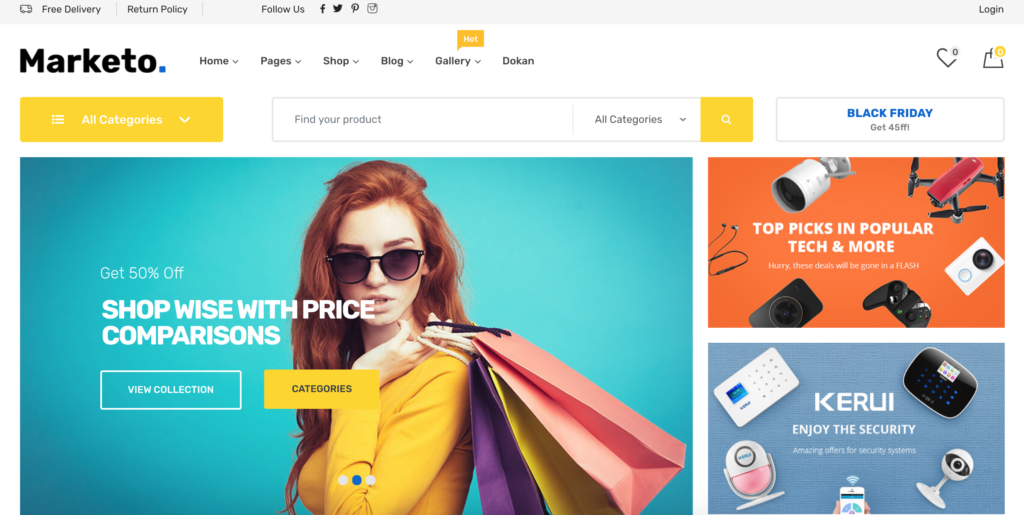
If you want to build an online store using WordPress, WooCommerce is one of the most powerful and popular solutions available today.
In this guide, you’ll learn what WooCommerce is, how it works, and why millions of businesses choose it to sell products and services online.
🔹 What Is WooCommerce?
WooCommerce is a free, open-source eCommerce plugin for WordPress.
It turns a normal WordPress website into a fully functional online store.
With WooCommerce, you can:
-
Sell physical or digital products
-
Accept online payments
-
Manage orders and customers
-
Control shipping, taxes, and inventory
👉 WooCommerce is used by millions of stores worldwide, from small businesses to large brands.
🔹 Why WooCommerce Is So Popular
WooCommerce is popular because it is:
✅ Free to start
✅ Highly customizable
✅ Scalable for small to large stores
✅ Supported by thousands of plugins & themes
✅ Fully controlled by you (no platform lock-in)
Unlike hosted platforms, WooCommerce gives you full ownership of your website and data.
🔹 How Does WooCommerce Work? (Step-by-Step)
Let’s understand how WooCommerce works in a simple way.
1️⃣ WordPress + WooCommerce Setup
WooCommerce works as a plugin inside WordPress.
Basic setup flow:
-
Install WordPress
-
Install WooCommerce plugin
-
Run the setup wizard
The wizard helps you configure:
-
Store location
-
Currency
-
Payment methods
-
Shipping options
2️⃣ Adding Products


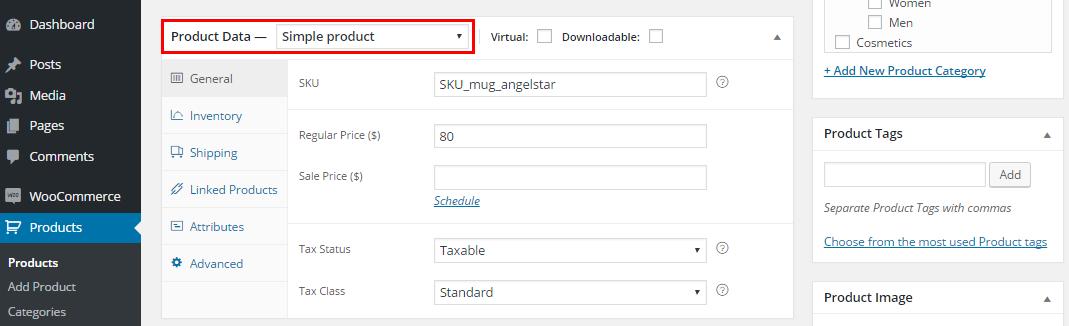
You can add different product types:
-
Simple products
-
Variable products (size, color, etc.)
-
Digital products
-
Subscription or booking products (with add-ons)
Each product includes:
-
Title & description
-
Price
-
Images
-
Stock & shipping details
3️⃣ Payment Processing
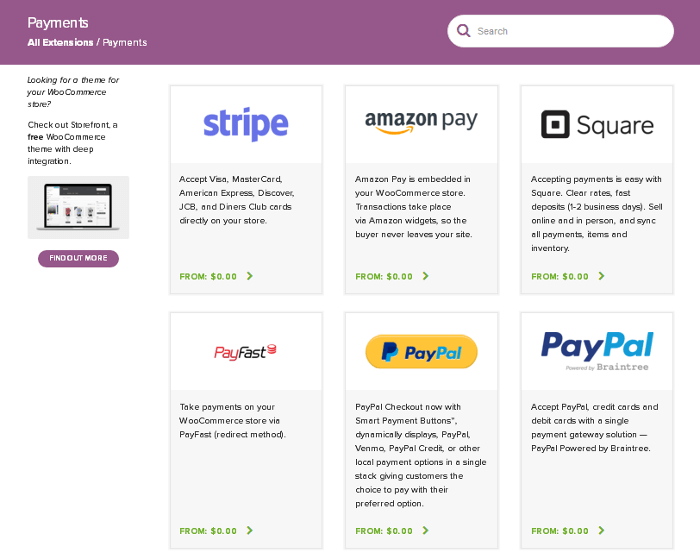
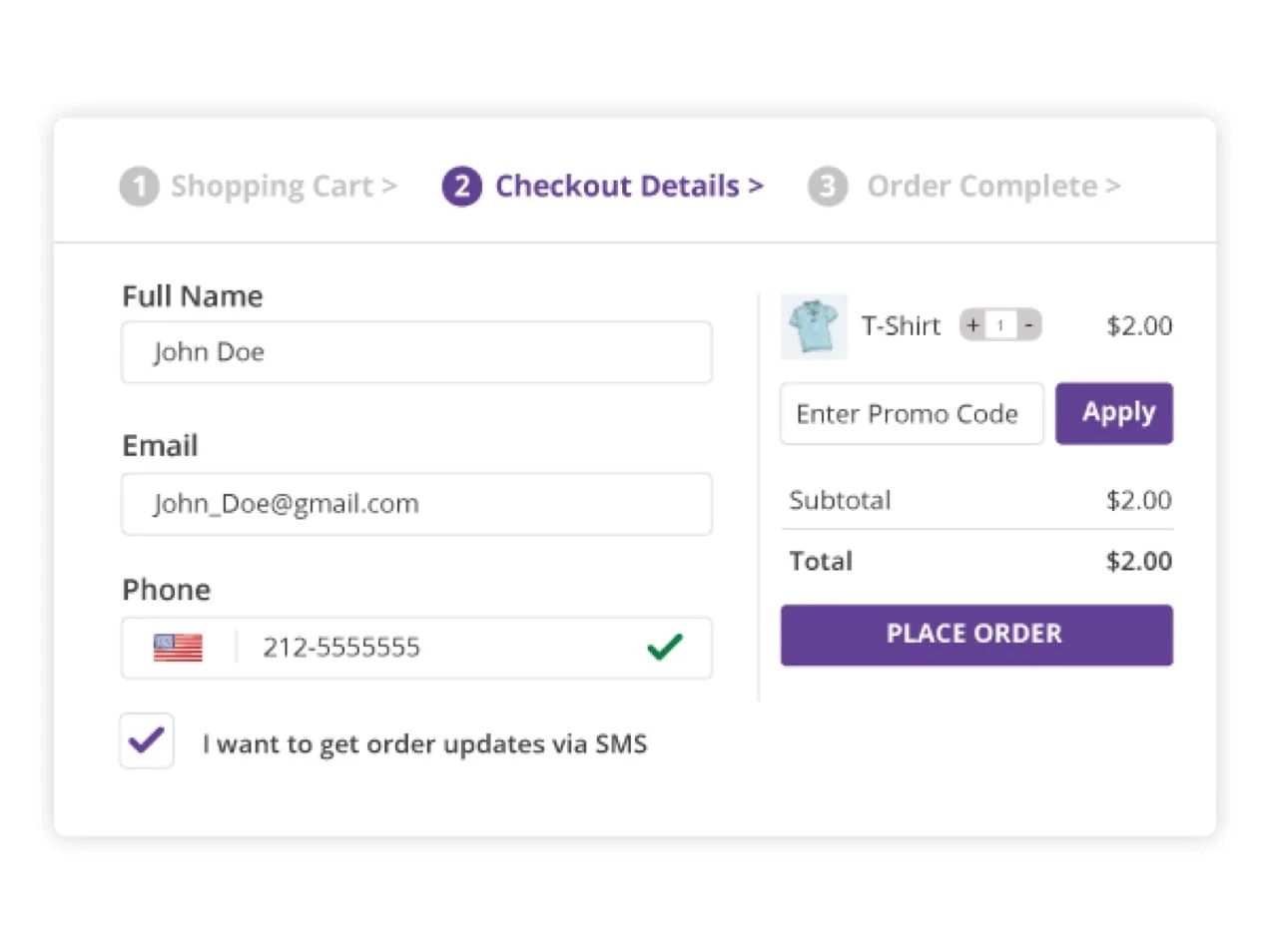

WooCommerce supports many payment methods:
-
PayPal
-
Stripe
-
Bank transfer
-
Cash on delivery
You can also integrate local or custom payment gateways.
Payments go directly to your bank account.
4️⃣ Shipping & Taxes
WooCommerce lets you:
-
Create shipping zones
-
Set flat rate or free shipping
-
Calculate shipping based on location
-
Configure taxes automatically or manually
This makes it suitable for local and global stores.
5️⃣ Order & Customer Management

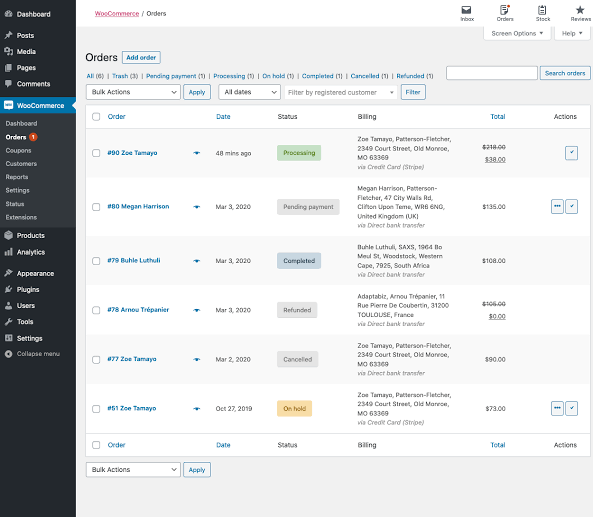
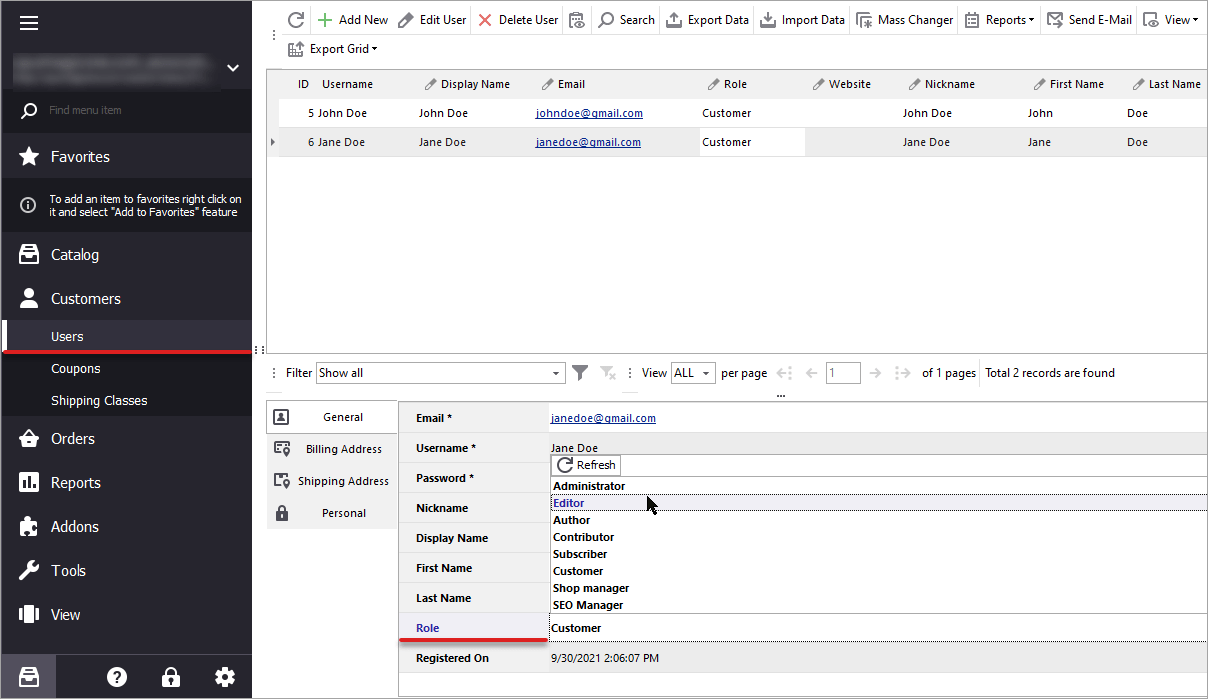
From the admin dashboard, you can:
-
View new orders
-
Update order status
-
Manage refunds
-
See customer details
Everything is managed in one place.
🔹 WooCommerce for Advanced Use Cases
WooCommerce is not limited to simple stores.
You can build:
-
Multi-vendor marketplaces (using Dokan)
-
Subscription-based websites
-
Booking & rental platforms
-
Service-based websites
👉 Related guide:
🔹 Is WooCommerce Right for Your Business?
✔ WooCommerce Is Perfect If:
-
You want full control
-
You plan to scale
-
You need custom features
-
You want lower long-term costs
❌ It May Not Be Ideal If:
-
You don’t want any technical setup
-
You prefer fully hosted platforms only
🔹 Common WooCommerce Issues (And Solutions)
Like any platform, WooCommerce can face issues such as:
-
Checkout not working
-
Slow website
-
Plugin conflicts
-
Shipping or payment errors
👉 Related fixes:
🚀 Need Help With WooCommerce Development?

Hire Me on Upwork – Dokan & WooCommerce Expert

 Chat on WhatsApp