
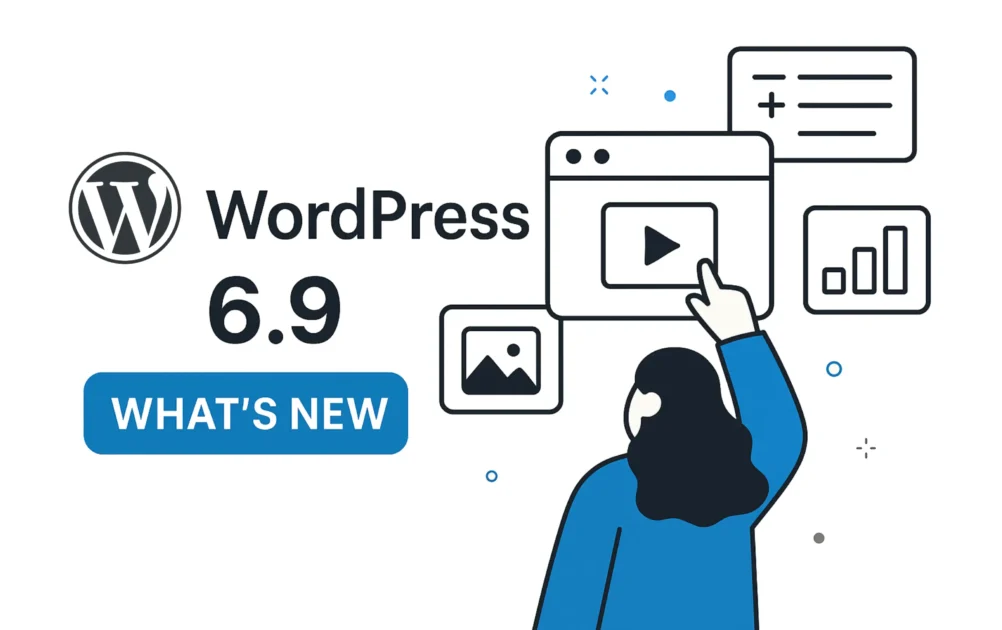
WordPress continues to power more than 40% of websites worldwide, and with every update, it becomes faster, more secure, and more flexible.
If you’re a business owner, developer, or website manager, keeping up with what’s new in WordPress is critical — because updates directly affect performance, security, SEO, and compatibility.
In this guide, you’ll learn:
-
What’s new in recent WordPress updates
-
How these changes impact your website
-
What you must check after updating
-
When to update safely — and when not to
Platform: WordPress
🚀 Major Performance Improvements in Recent WordPress Updates
Performance is one of WordPress’s top priorities.
Recent versions introduced several backend and frontend optimizations that help websites load faster — even without extra plugins.
🔹 Key Performance Enhancements
-
Faster database queries
-
Improved object caching handling
-
Reduced memory usage
-
Faster block editor loading
🔹 What This Means for Your Website
-
Better Core Web Vitals
-
Improved SEO rankings
-
Faster admin dashboard
-
Smoother editing experience
👉 Even small performance gains can significantly improve conversion rates.
🔐 Security Enhancements You Should Know About
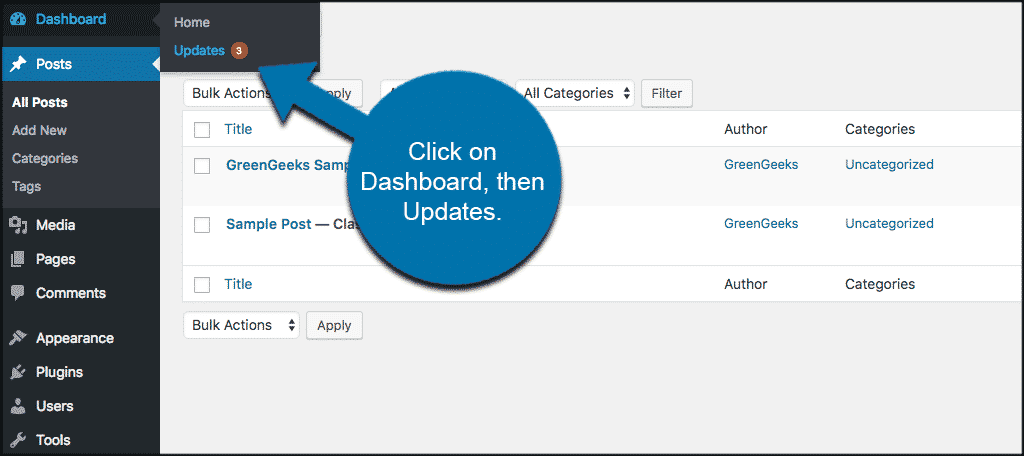
Security updates are not optional — they protect your site from known vulnerabilities.
Recent WordPress releases focused heavily on improving core security.
🔹 Latest Security Improvements
-
Patches for reported vulnerabilities
-
Improved password & authentication handling
-
Better REST API security validation
-
Hardened file handling
🔹 Why This Is Critical
Outdated WordPress versions are one of the top reasons websites get hacked.
Keeping WordPress updated significantly reduces:
-
Malware risk
-
Data leaks
-
Website downtime
🎨 Block Editor (Gutenberg) & UX Improvements
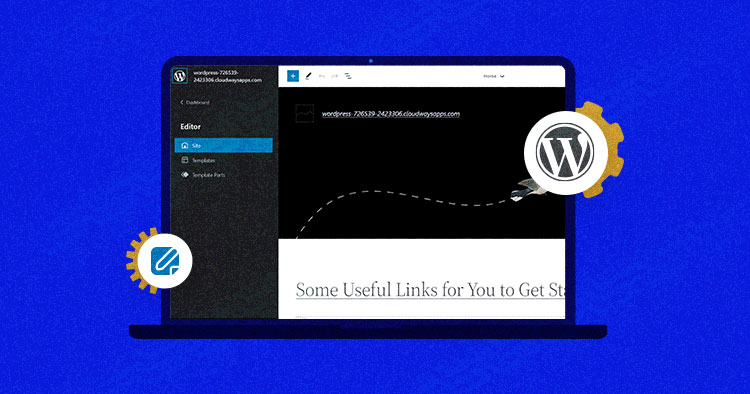
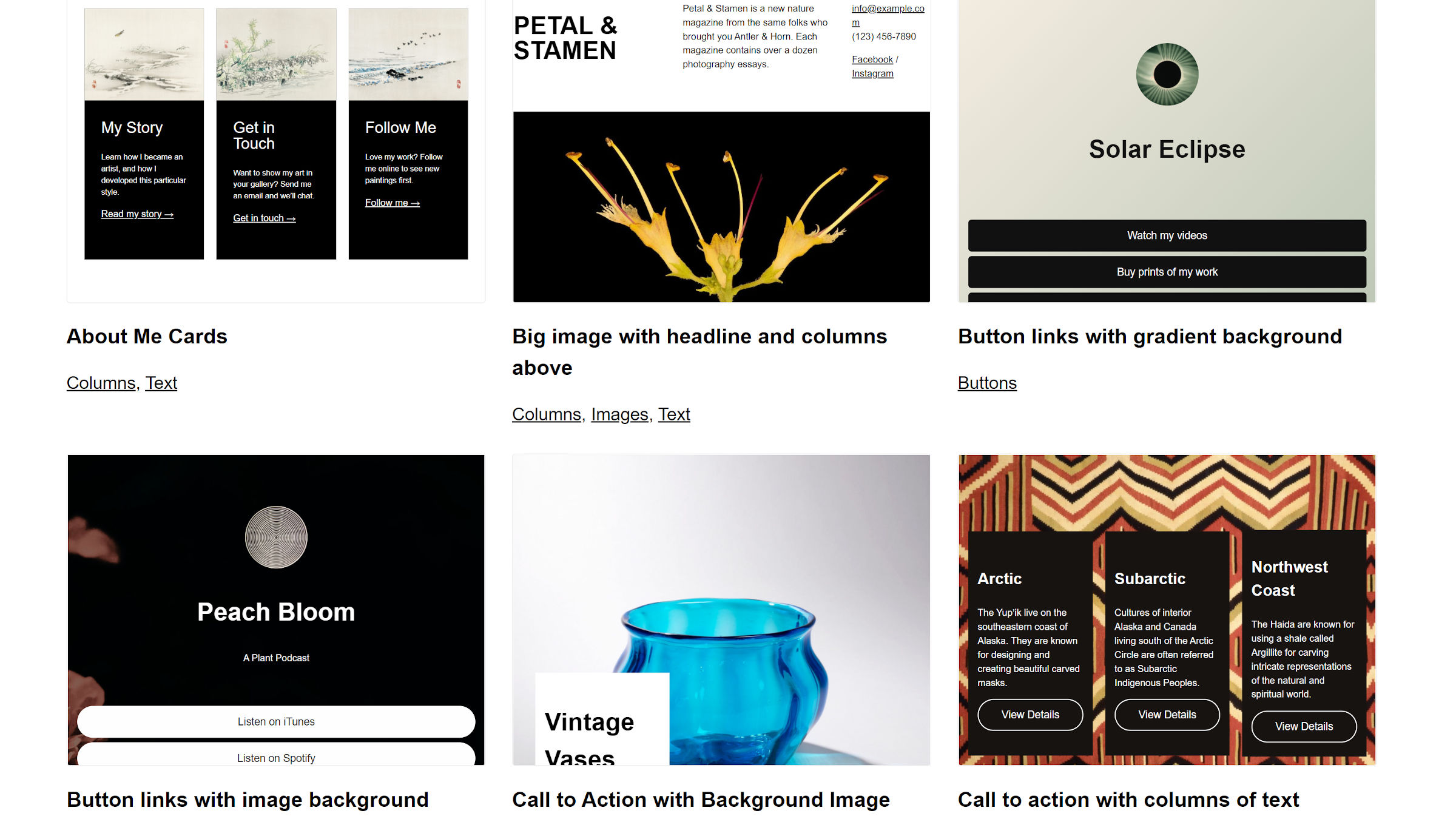
The block editor continues to evolve into a powerful website-building tool.
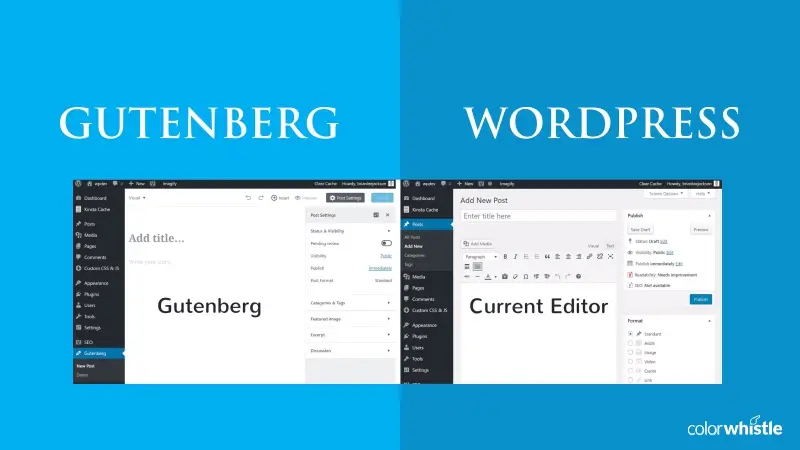
🔹 What’s New in the Editor
-
Improved block patterns
-
Better typography & spacing controls
-
Faster editing experience
-
Improved mobile responsiveness
🔹 Full Site Editing (FSE)
Full Site Editing allows you to:
-
Customize headers & footers visually
-
Edit templates without code
-
Create consistent designs across the site
👉 This reduces dependency on heavy page builders.
🧩 Developer & Under-the-Hood Improvements
WordPress updates are not just cosmetic — they include important technical changes.
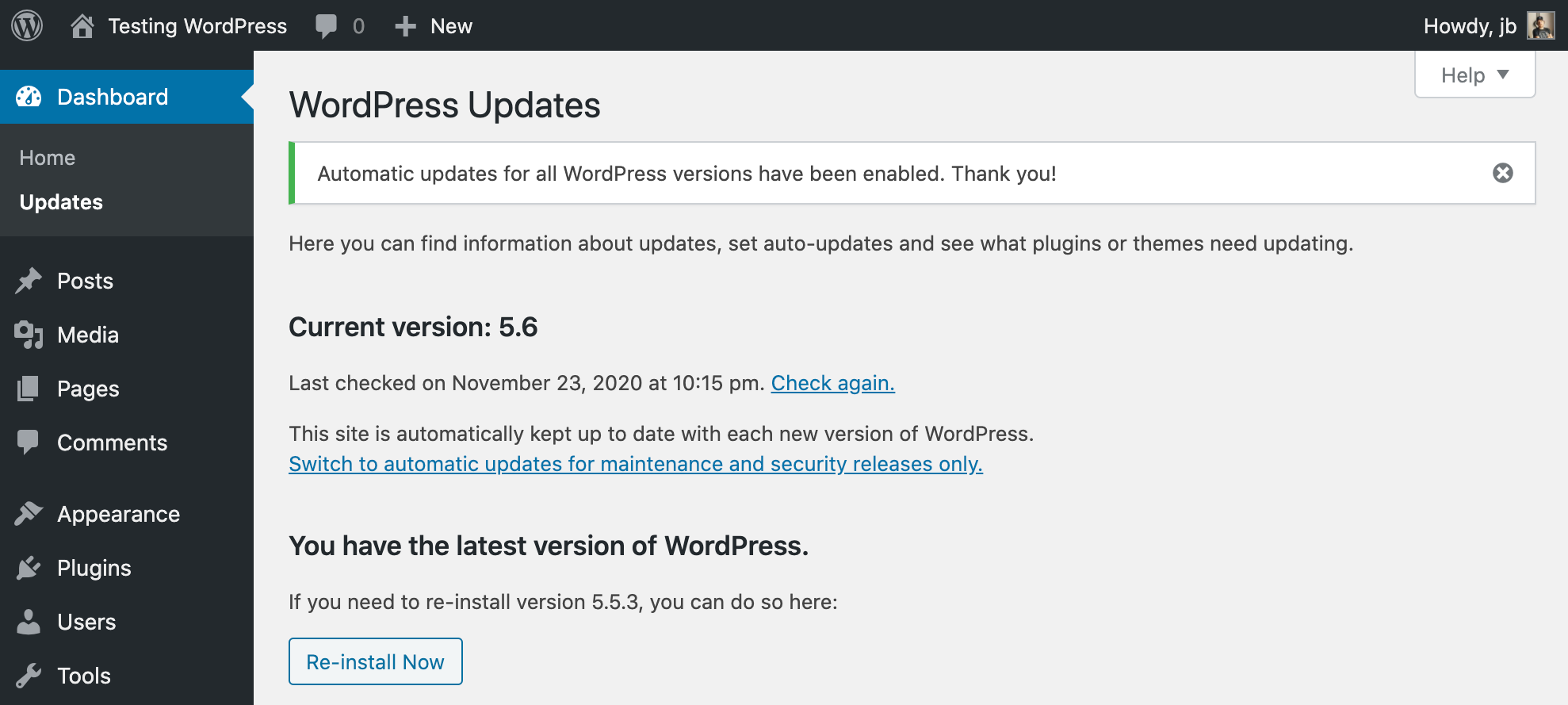
🔹 Key Technical Updates
-
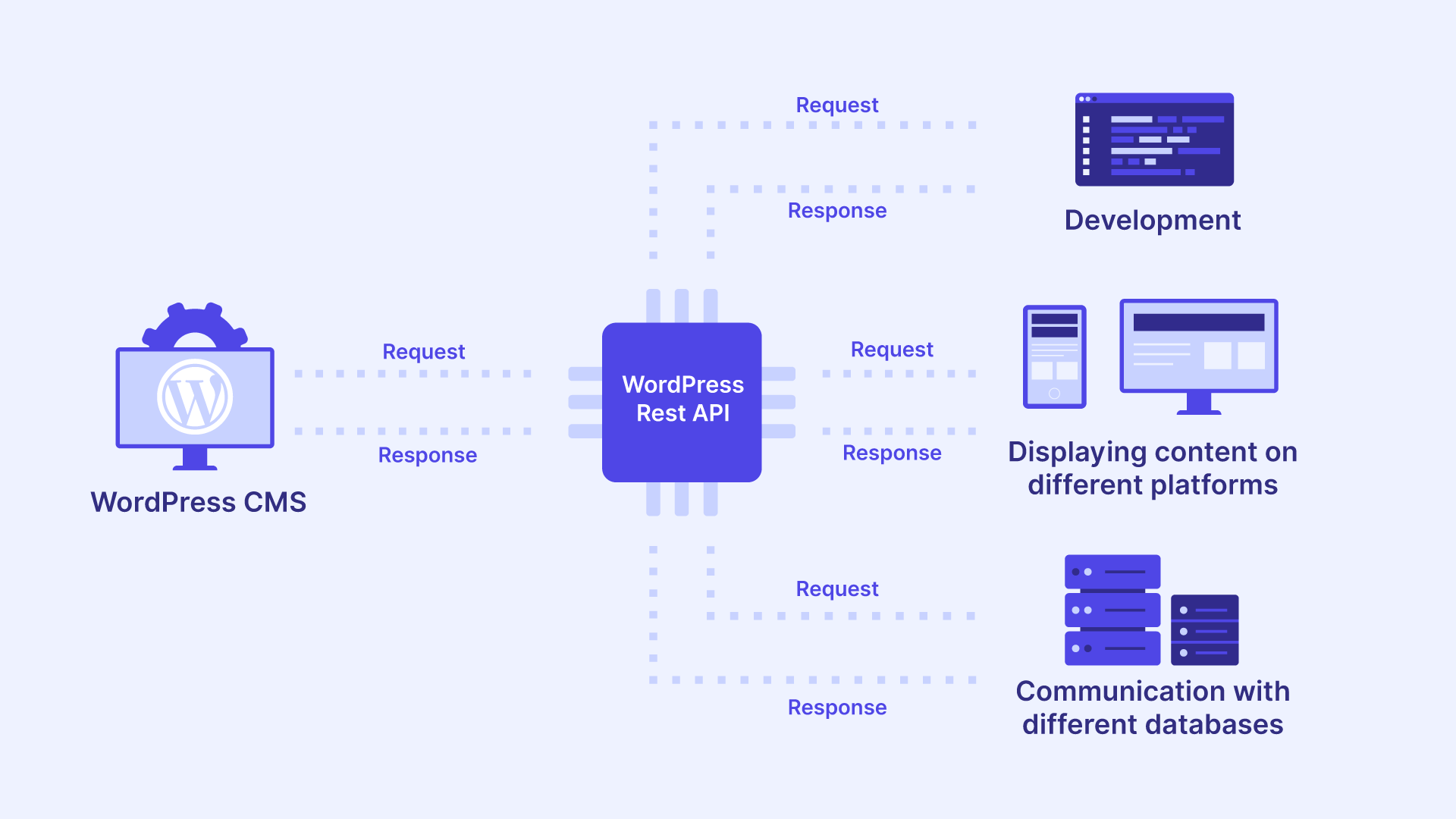
Improved REST API performance
-
Better compatibility with modern PHP versions
-
Cleaner core code
-
Improved error handling
These changes help developers build faster, safer, and more scalable websites.
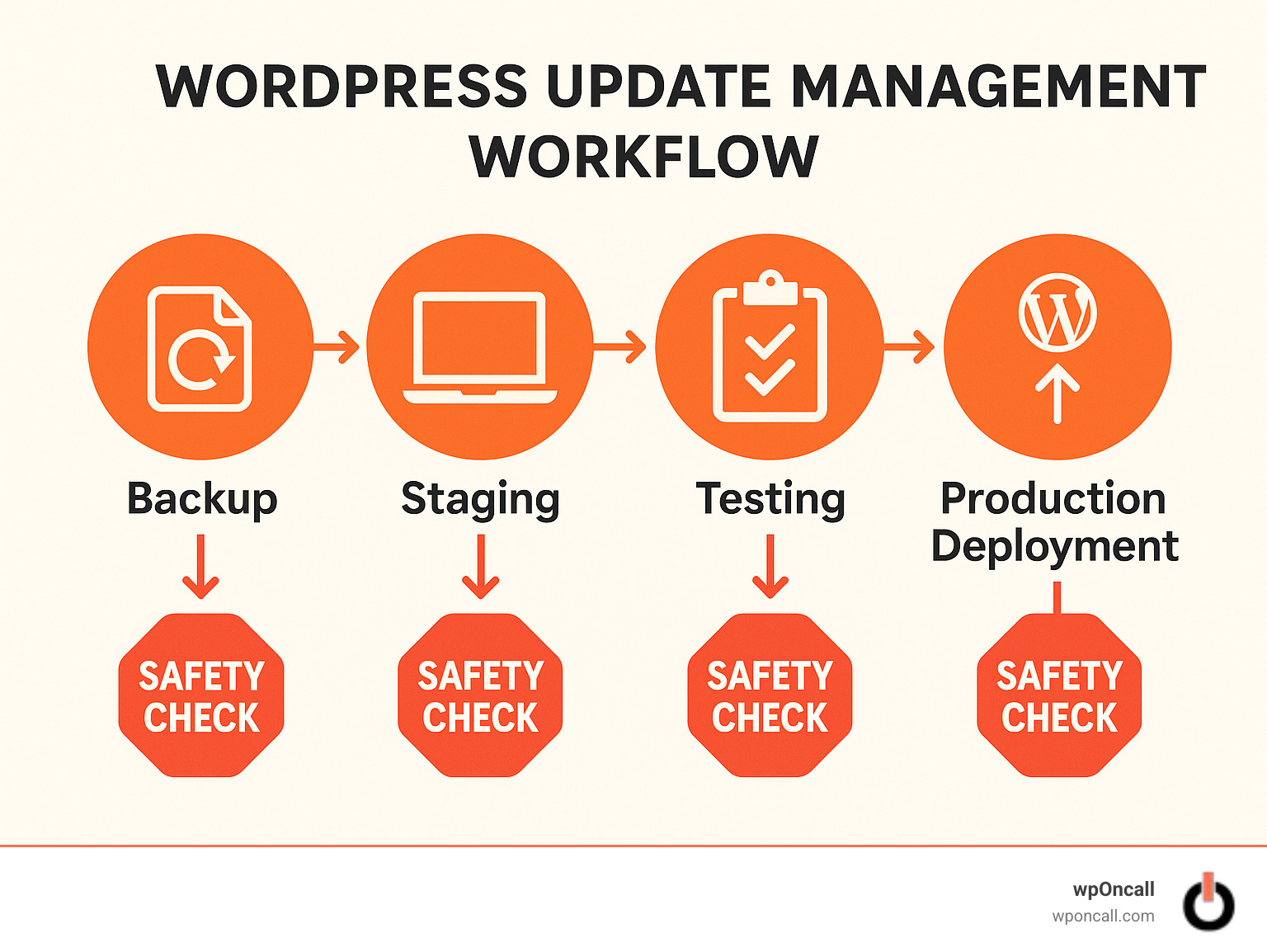
⚠️ What You MUST Check After Updating WordPress
Never update blindly.
After every update, you should test critical areas.

✅ Post-Update Checklist
✔ Website frontend layout
✔ Forms & contact pages
✔ WooCommerce checkout (if applicable)
✔ Dokan vendor dashboard (if applicable)
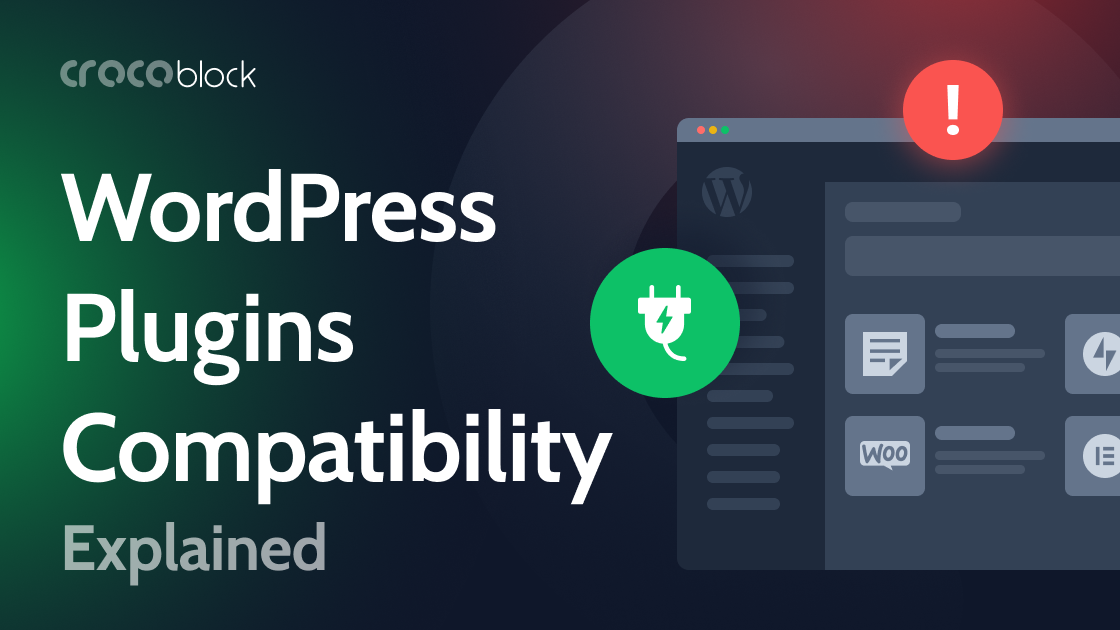
✔ Plugin compatibility
✔ Theme styling
👉 Skipping this step is how most sites break.
❌ Common Problems After WordPress Updates
Sometimes updates cause issues due to conflicts.
Common issues include:
-
White screen of death
-
Broken layout
-
Plugin conflicts
-
Slow admin panel
These usually happen because:
-
Plugins are outdated
-
Theme is not compatible
-
PHP version mismatch
🛡️ Best Practices for Safe WordPress Updates
To avoid downtime and errors:
🔹 Always Do This
-
Take a full backup before updating
-
Update plugins & themes first
-
Test updates on staging if possible
🔹 Avoid This
-
Updating directly on live site without backup
-
Skipping minor security updates
-
Using outdated plugins
🚀 Need Help With WordPress Updates or Maintenance?
If you want:
-
Safe WordPress updates
-
Performance optimization
-
Security hardening
-
Ongoing maintenance
I can help you manage WordPress without stress.

Hire Me on Upwork – Dokan & WooCommerce Expert

 Chat on WhatsApp