
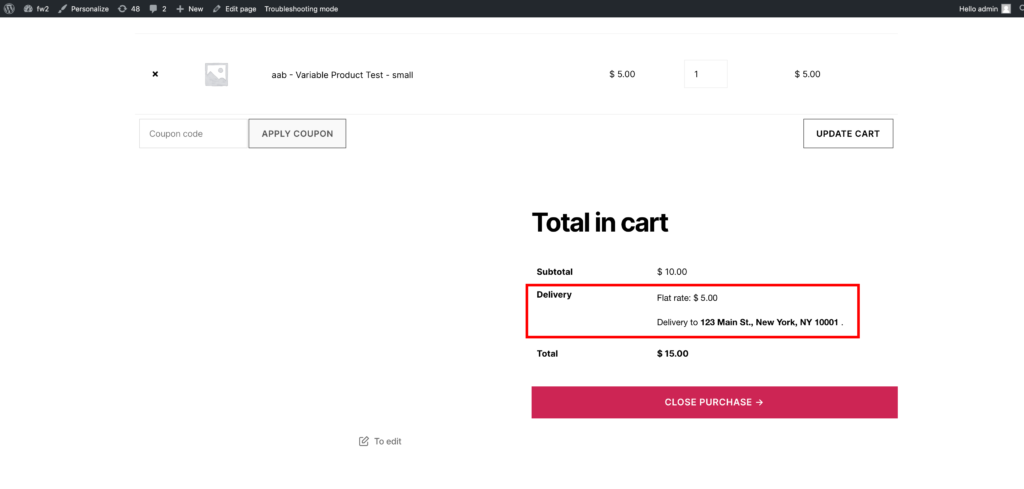
But growing WooCommerce stores often need advanced shipping logic, such as:
-
Free shipping over ₹5,000
-
Extra charge for heavy items
-
Shipping based on cart subtotal
-
Different shipping for specific categories
-
Location-based shipping restrictions
-
Conditional express delivery
If shipping rules are too simple:
❌ You lose profit
❌ Customers get wrong shipping charges
❌ Checkout becomes confusing
❌ International orders fail
This guide explains how to configure advanced shipping rules and conditional shipping in WooCommerce, step by step.
🔴 Why Advanced Shipping Rules Matter
Shipping directly impacts:
-
Conversion rate
-
Customer trust
-
Profit margins
-
Cart abandonment
Improper shipping configuration is one of the top reasons for abandoned carts.
👉 Advanced shipping ensures accuracy and fairness.
🧠 How WooCommerce Shipping Works
WooCommerce calculates shipping using:
1️⃣ Customer location
2️⃣ Shipping zones
3️⃣ Shipping methods
4️⃣ Shipping classes
5️⃣ Cart content
Basic shipping types:
-
Flat rate
-
Free shipping
-
Local pickup
Advanced rules require combining these smartly.
1️⃣ Free Shipping Based on Cart Total
One of the most common conditional rules:
Free shipping if cart total exceeds a certain amount.
Example:
-
Free shipping above ₹5,000
-
Standard ₹200 shipping below ₹5,000
Setup:
✔ Create shipping zone
✔ Add Free Shipping method
✔ Set minimum order amount
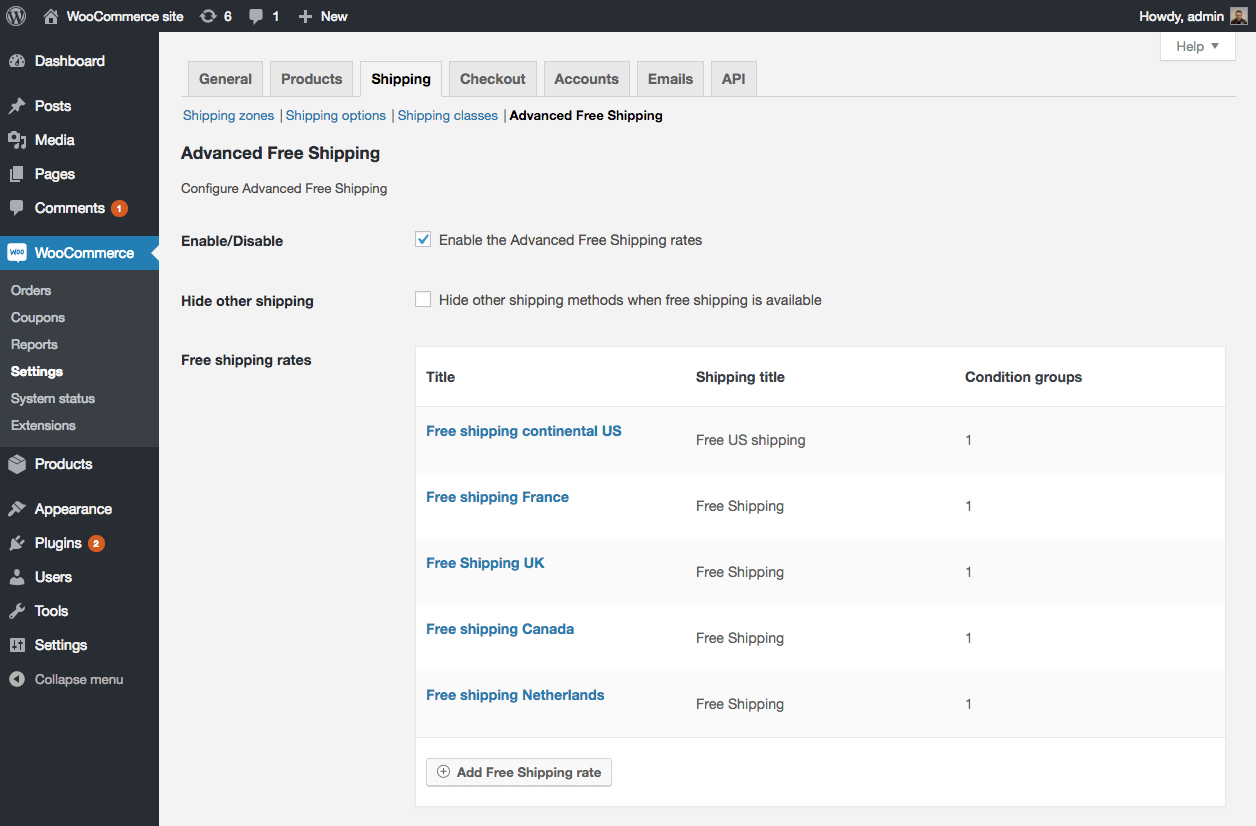
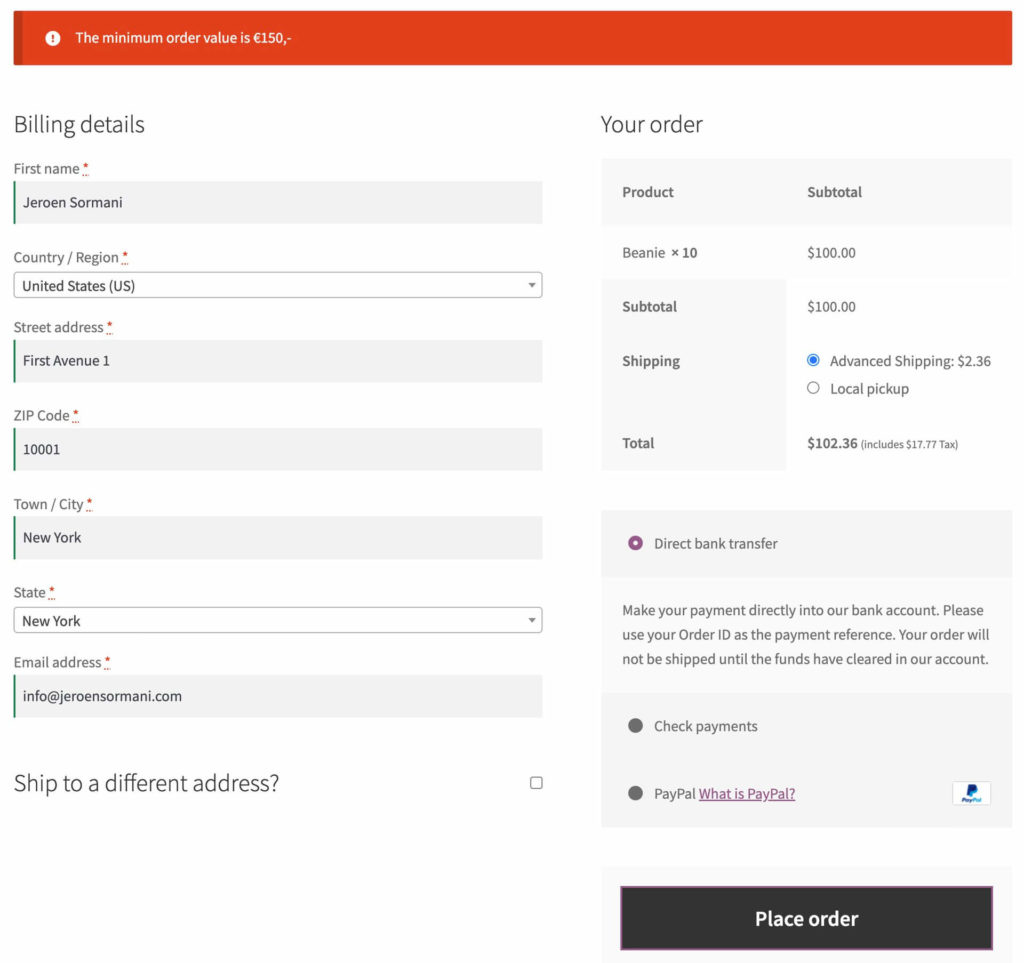
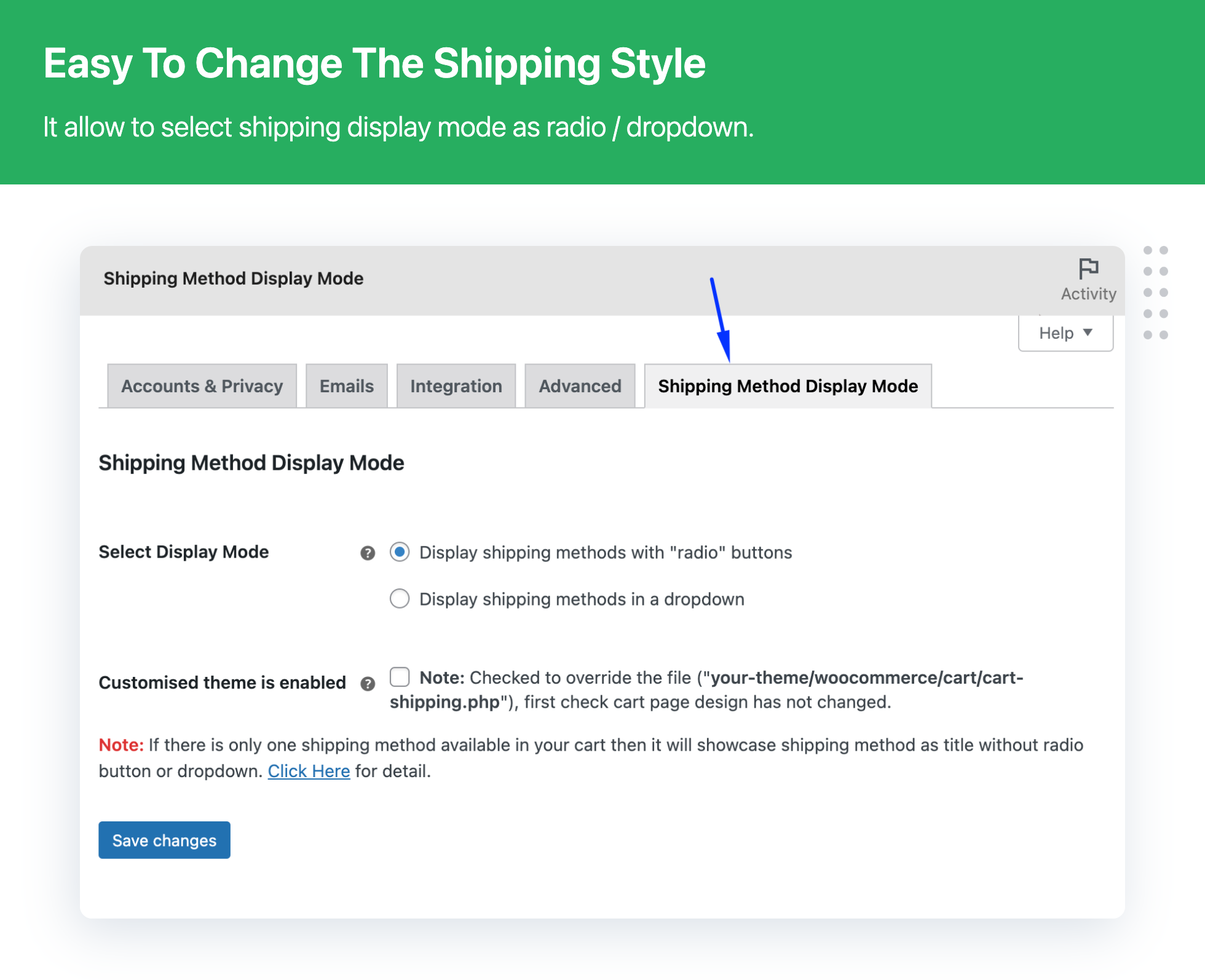
This increases average order value.
2️⃣ Conditional Shipping Based on Product Category
You may want:
-
Electronics → ₹300 shipping
-
Clothing → ₹100 shipping
-
Digital → No shipping
Use shipping classes:
✔ Create shipping class per category
✔ Assign to products
✔ Configure flat rate per class
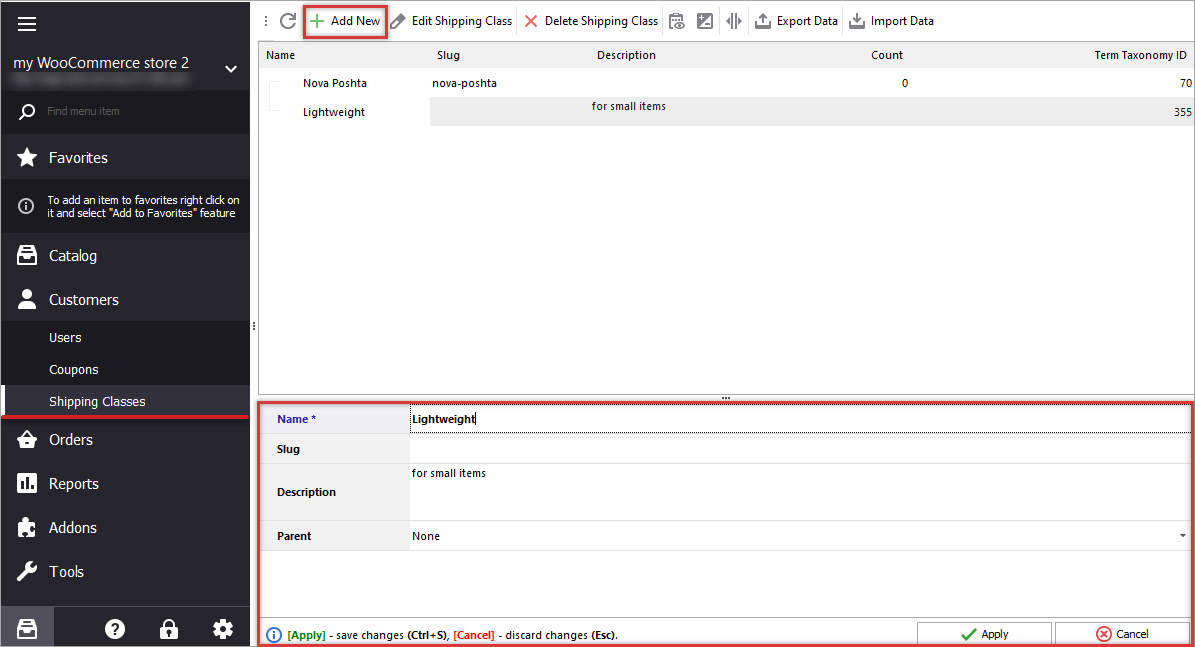

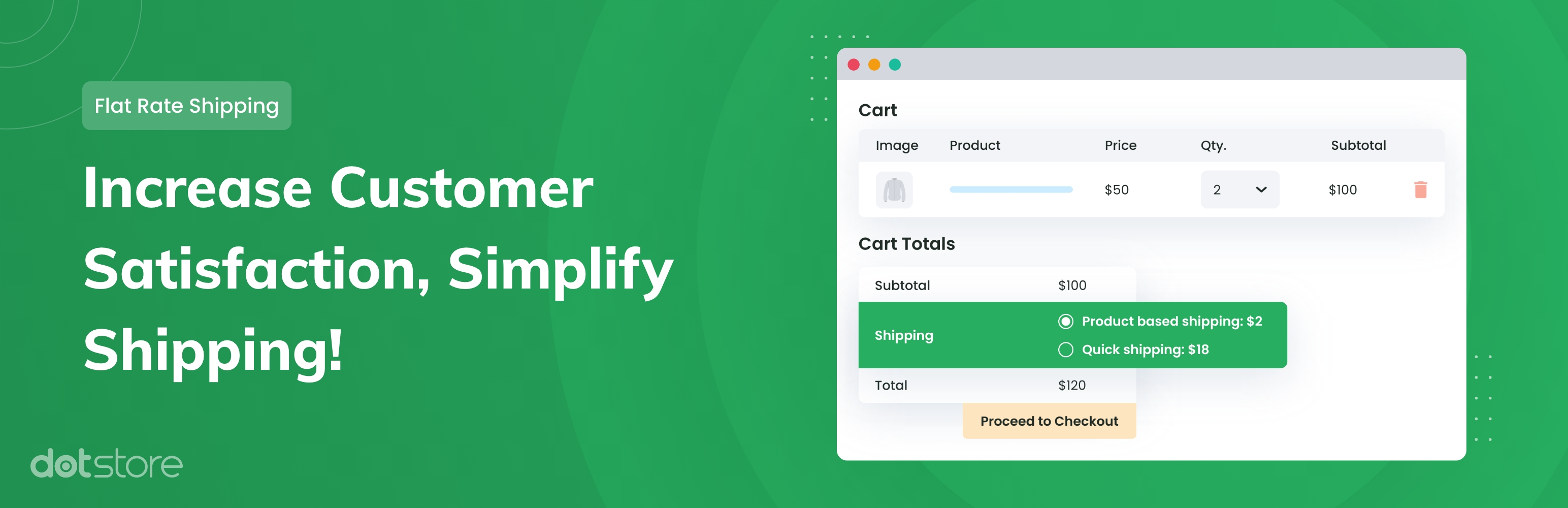
This allows granular shipping control.
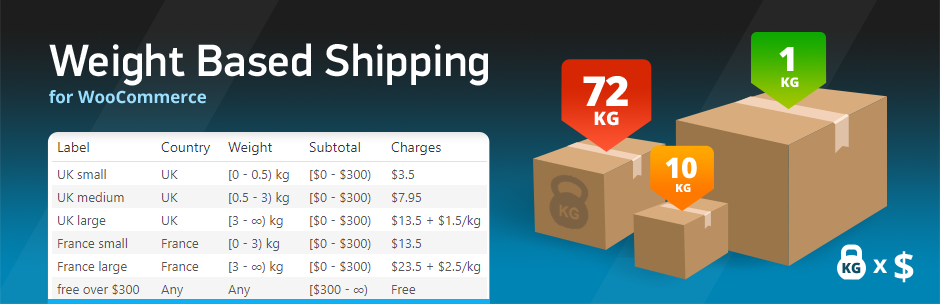
3️⃣ Shipping Based on Weight
Heavy products cost more to ship.
Example:
-
0–1kg → ₹100
-
1–5kg → ₹300
-
5kg+ → ₹600
To configure weight-based shipping:
✔ Ensure product weight is defined
✔ Use shipping method supporting weight logic
✔ Define weight tiers
Weight-based rules prevent undercharging.
4️⃣ Location-Based Conditional Shipping
You may want:
-
Free shipping within Delhi
-
Extra ₹500 for remote areas
-
No shipping to certain countries
Steps:
✔ Create separate shipping zones
✔ Define zone priority
✔ Add appropriate methods
Zone order matters — WooCommerce applies first matching zone.
5️⃣ Express Shipping Conditions
Offer optional express shipping:
Example:
-
Standard → ₹150
-
Express → ₹400
Conditional rule:
✔ Express available only for specific cities
✔ Express disabled for heavy items
Advanced shipping plugins may be required for strict condition logic.
6️⃣ Cart-Based Conditional Shipping Rules
Shipping can depend on:
✔ Cart subtotal
✔ Cart quantity
✔ Product combination
✔ Coupon usage
Example rules:
-
Buy 3 items → Free shipping
-
Luxury category → Extra ₹1,000
-
Coupon applied → Free shipping removed
Conditional shipping improves profitability.
7️⃣ Mixed Cart & Split Shipping
Complex scenario:
Cart contains:
-
Physical product
-
Digital product
-
Oversized product
Shipping logic must:
✔ Ignore digital products
✔ Add surcharge for oversized items
✔ Calculate total correctly
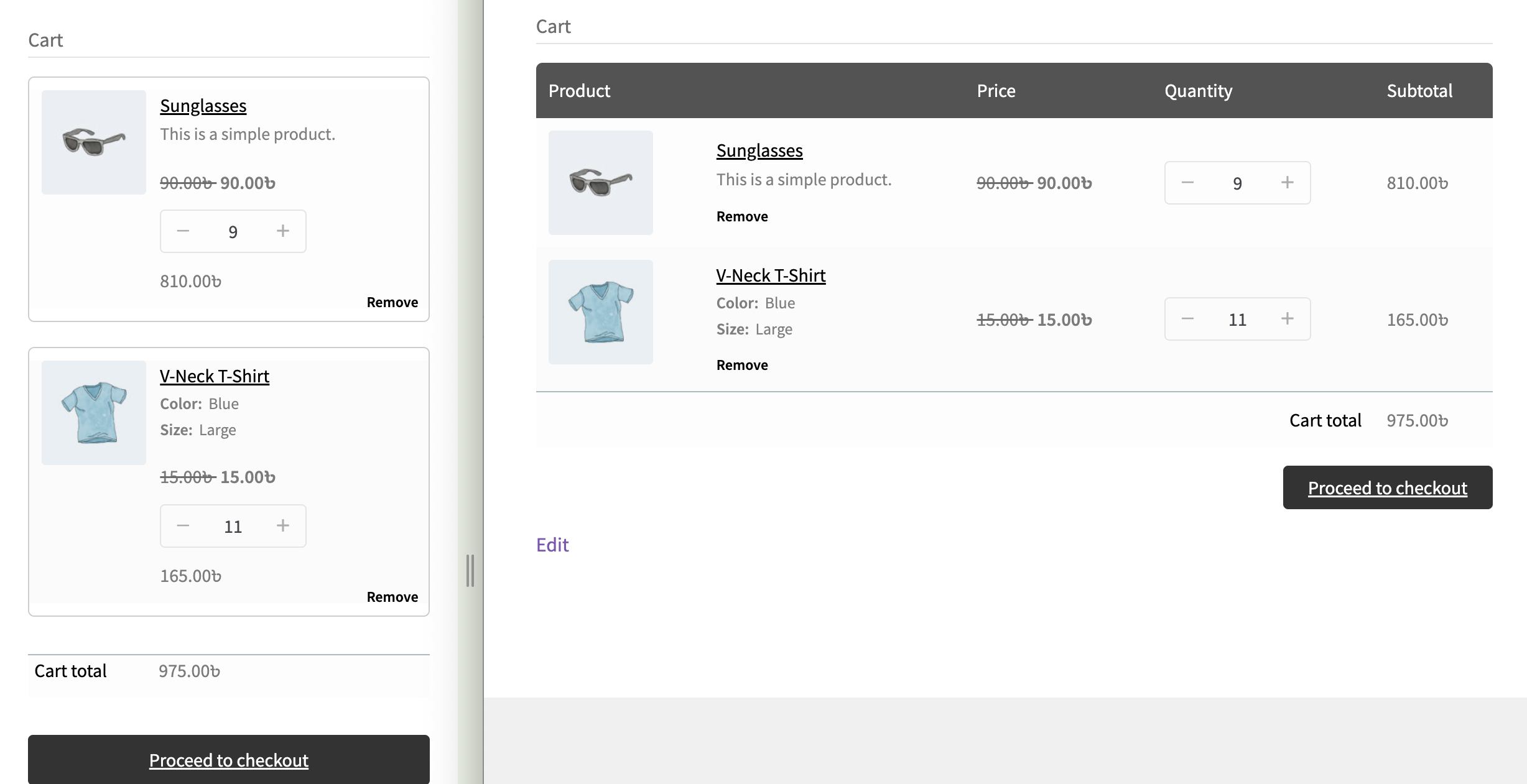

Testing is critical in mixed carts.
8️⃣ International Shipping Rules
Global stores need:
✔ Country-based rates
✔ Currency compatibility
✔ Customs cost inclusion
✔ Region restrictions
Example:
-
India → ₹200
-
USA → $25
-
Europe → €30
Always test checkout for multiple countries.
9️⃣ Shipping Restrictions (Conditional Blocking)
You may want to:
✔ Block shipping for specific PIN codes
✔ Disable COD for remote areas
✔ Restrict heavy products internationally
Conditional shipping rules can block checkout if criteria not met.
Example message:
“This product cannot be shipped to your location.”
Transparency reduces confusion.
🔟 Advanced Shipping Formula Examples
WooCommerce flat rate supports formulas like:
Example:
-
₹10 base
-
₹5 per quantity
You can combine:
✔ Per item cost
✔ Per class cost
✔ Per weight cost
✔ Base handling fee
Formulas give powerful flexibility.
🚨 Common Advanced Shipping Mistakes
❌ Overlapping shipping zones
❌ Incorrect zone priority
❌ Missing product weight
❌ Ignoring shipping classes
❌ Not testing mixed cart
Most shipping problems are configuration errors.
📊 Testing Before Launch
Before going live:
✔ Test small cart
✔ Test heavy cart
✔ Test international address
✔ Test coupon interaction
✔ Test mobile checkout
Shipping errors destroy trust instantly.
📈 Optimizing Shipping for Conversions
To reduce cart abandonment:
✔ Display shipping cost early
✔ Offer free shipping threshold
✔ Simplify shipping options
✔ Provide delivery estimates
Clear shipping = higher conversion.
📚 Also Read (Internal Links)
- Advanced WooCommerce Tax Configuration for Global Stores
- Complete WooCommerce Store Launch Checklist

Hire Me on Upwork – Dokan & WooCommerce Expert

 Chat on WhatsApp