

As your store grows, your database grows even faster.
Orders, customers, products, logs, sessions — everything is stored in the database.
If it’s not optimized, your WooCommerce store will eventually become:
❌ Slow
❌ Unresponsive
❌ Error-prone
❌ Difficult to scale
That’s why database optimization is critical for performance, stability, and scalability.
In this guide, you’ll learn how to optimize your WooCommerce database step by step.
🔴 Why Database Optimization Matters


Without optimization:
❌ Slow page load
❌ Admin panel lag
❌ Checkout delays
❌ High server load
With optimization:
✔ Faster queries
✔ Smooth checkout
✔ Better performance
✔ Scalable store
👉 Database = core of WooCommerce performance
🧠 How WooCommerce Database Works
WooCommerce uses WordPress database structure.
Key Tables:
-
wp_posts→ Orders, products -
wp_postmeta→ Product & order meta -
wp_users→ Customers -
wp_usermeta→ User data -
wp_options→ Settings -
wp_woocommerce_order_items
👉 Most performance issues come from wp_postmeta
⚠️ Common Database Problems


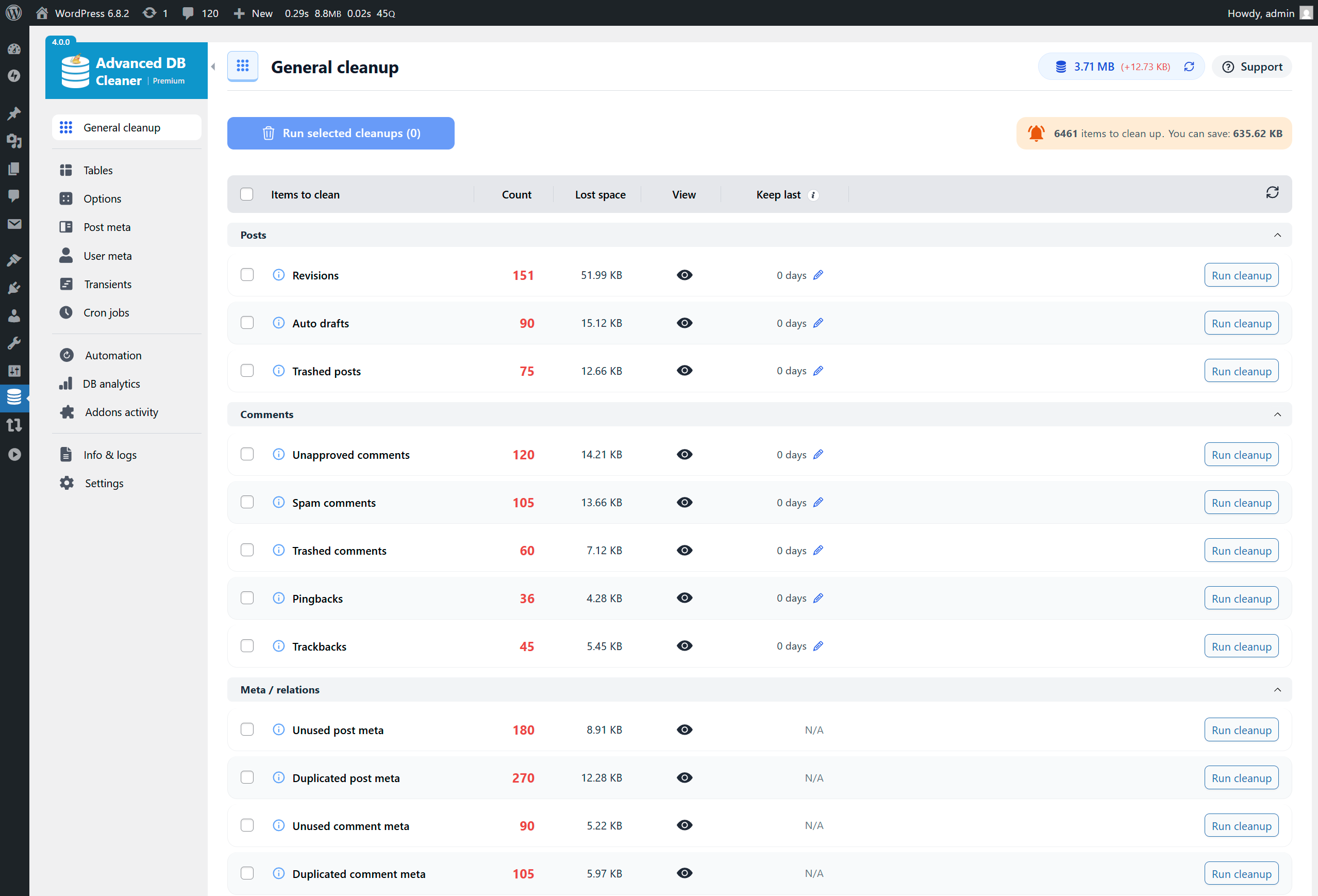
❌ Large wp_postmeta table
❌ Too many autoload options
❌ Expired transients
❌ Unused plugin data
❌ Slow queries
👉 These issues slow down your site.
1️⃣ Clean Up Unused Data

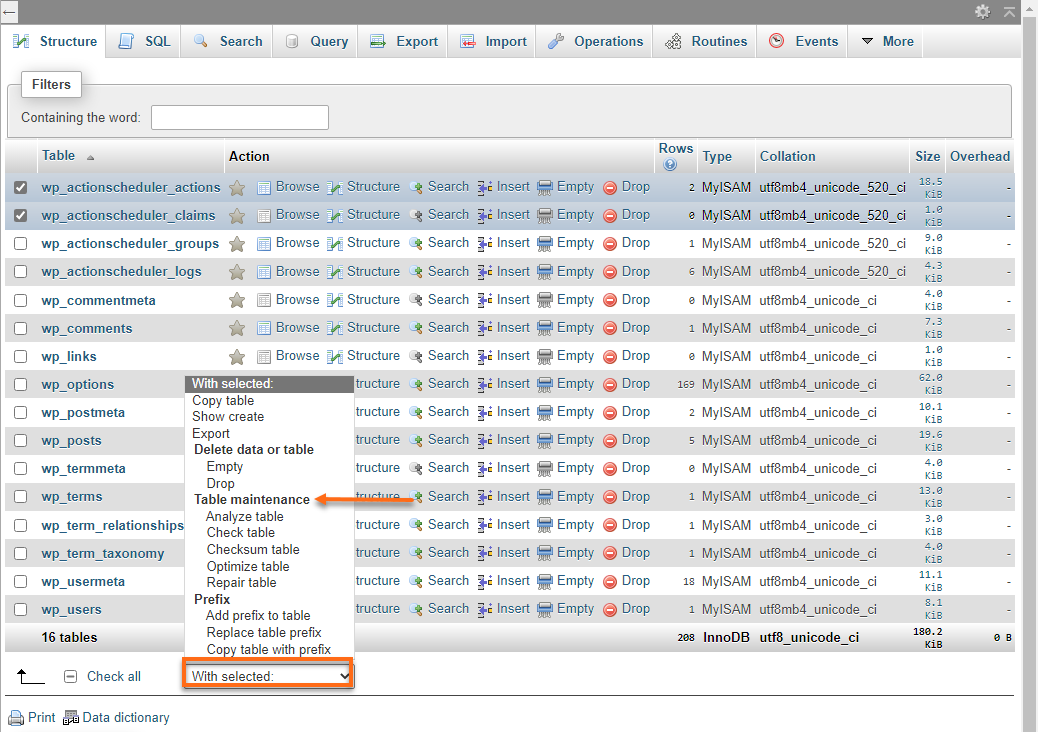
Remove:
✔ Post revisions
✔ Spam comments
✔ Trash posts
✔ Expired transients
👉 Reduces database size instantly
2️⃣ Optimize wp_postmeta Table (Most Important)


Problems:
-
Huge table
-
Unindexed queries
Fix:
✔ Add indexes
✔ Remove unused meta
✔ Avoid excessive meta usage
👉 Biggest performance gain comes from here
3️⃣ Limit Autoloaded Options
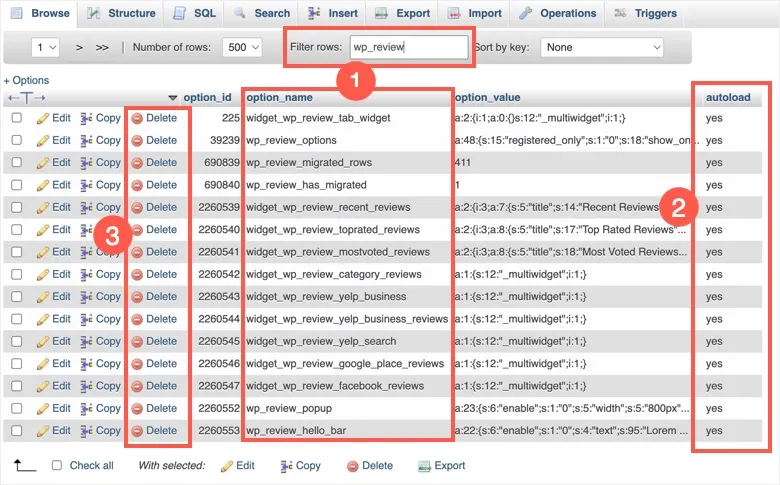
Check:
Fix:
✔ Disable unnecessary autoload
✔ Clean unused options
👉 Reduces memory usage
4️⃣ Delete Expired Transients
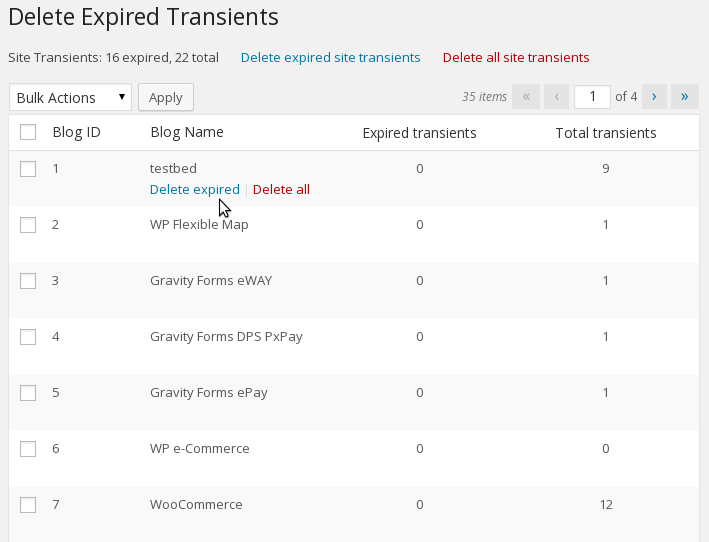
Transients = temporary data
Fix:
✔ Delete expired transients
✔ Schedule cleanup
👉 Keeps database clean
5️⃣ Optimize Database Tables
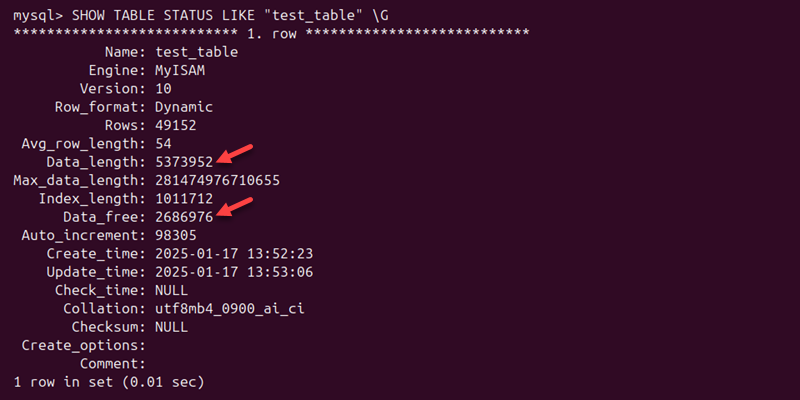
Run:
👉 Improves storage and speed
6️⃣ Use Object Caching (Redis)


Benefits:
✔ Reduces database queries
✔ Faster page load
✔ Better scalability
👉 Highly recommended for WooCommerce
7️⃣ Reduce Plugin Database Load
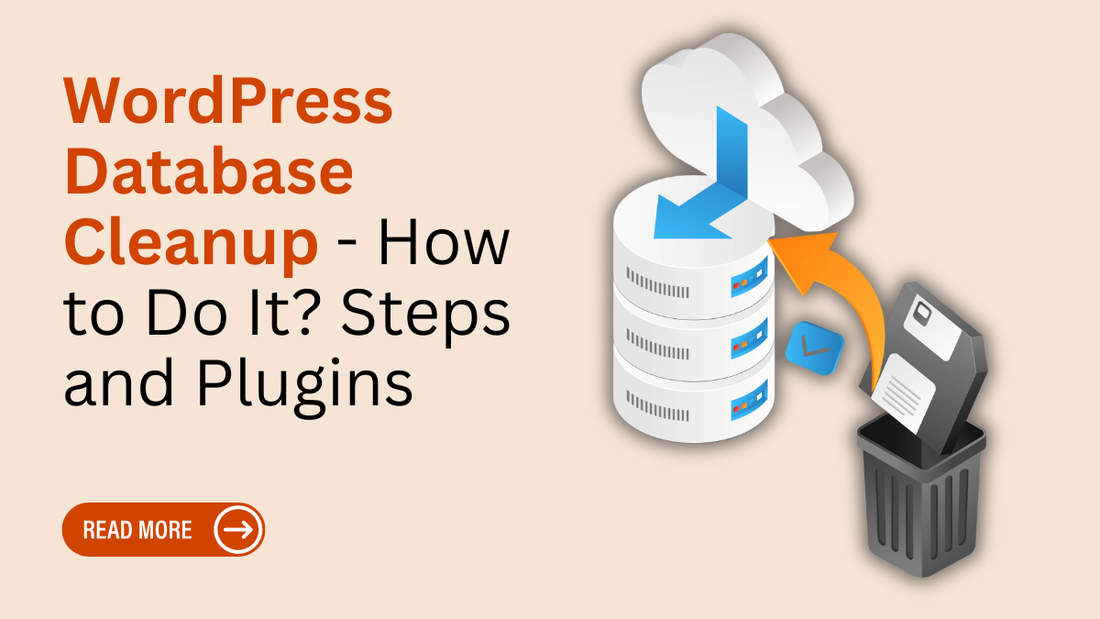
Fix:
✔ Remove unused plugins
✔ Clean leftover data
✔ Replace heavy plugins
👉 Plugins = major database load source
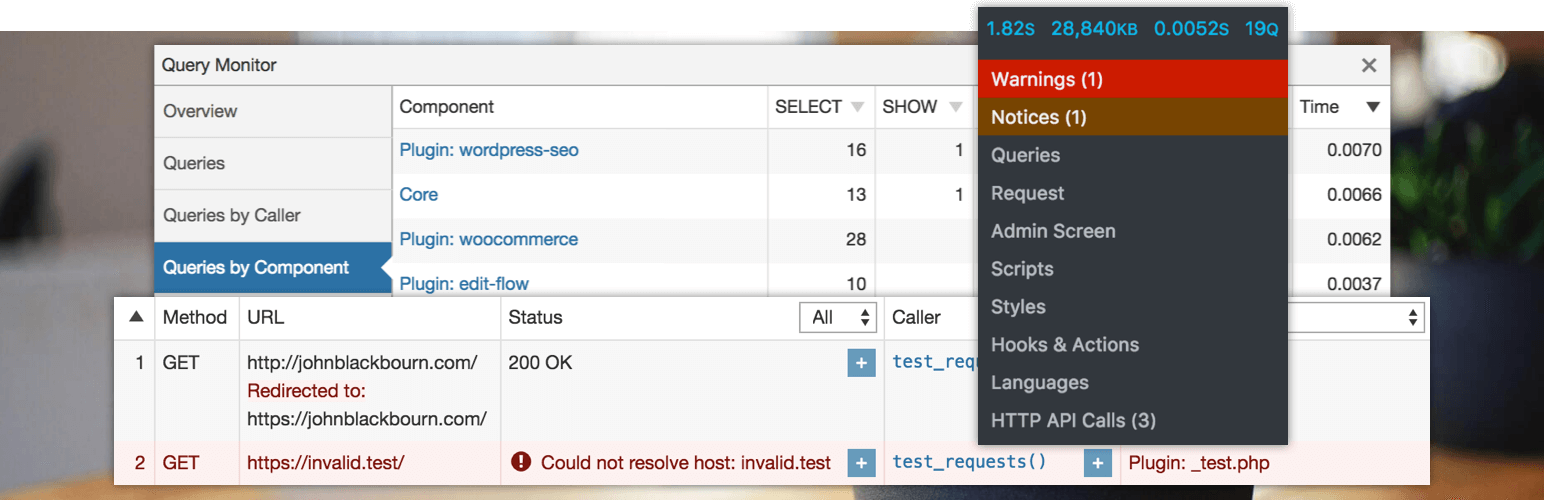
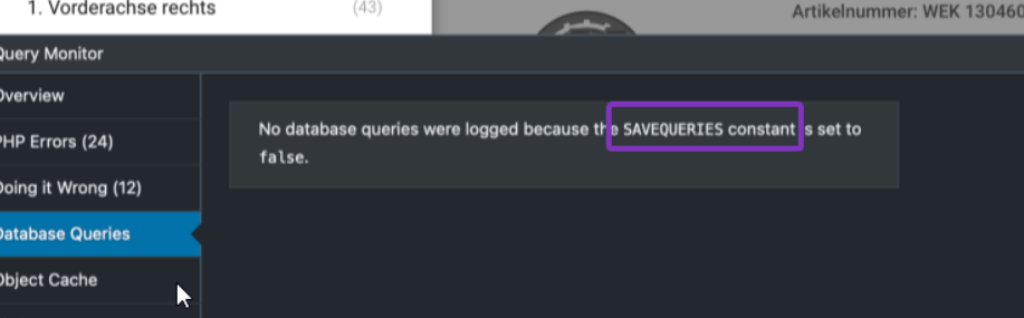
8️⃣ Monitor Queries (Debugging)

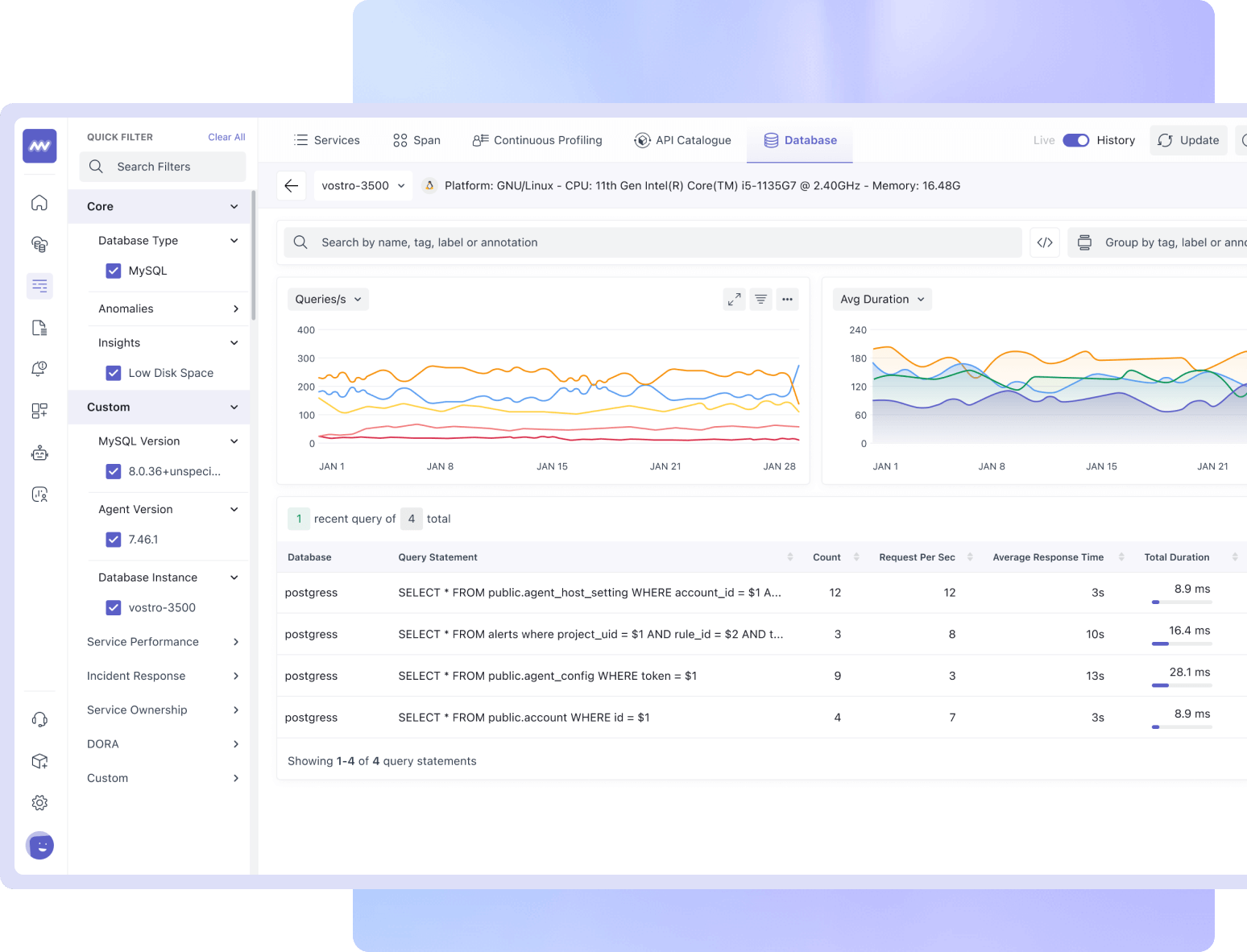
Use tools:
✔ Query Monitor
✔ Debug logs
👉 Identify slow queries easily
9️⃣ Optimize WooCommerce Sessions



Fix:
✔ Delete old sessions
✔ Limit session duration
👉 Prevents database bloat
🔟 Use Better Hosting & Database Server


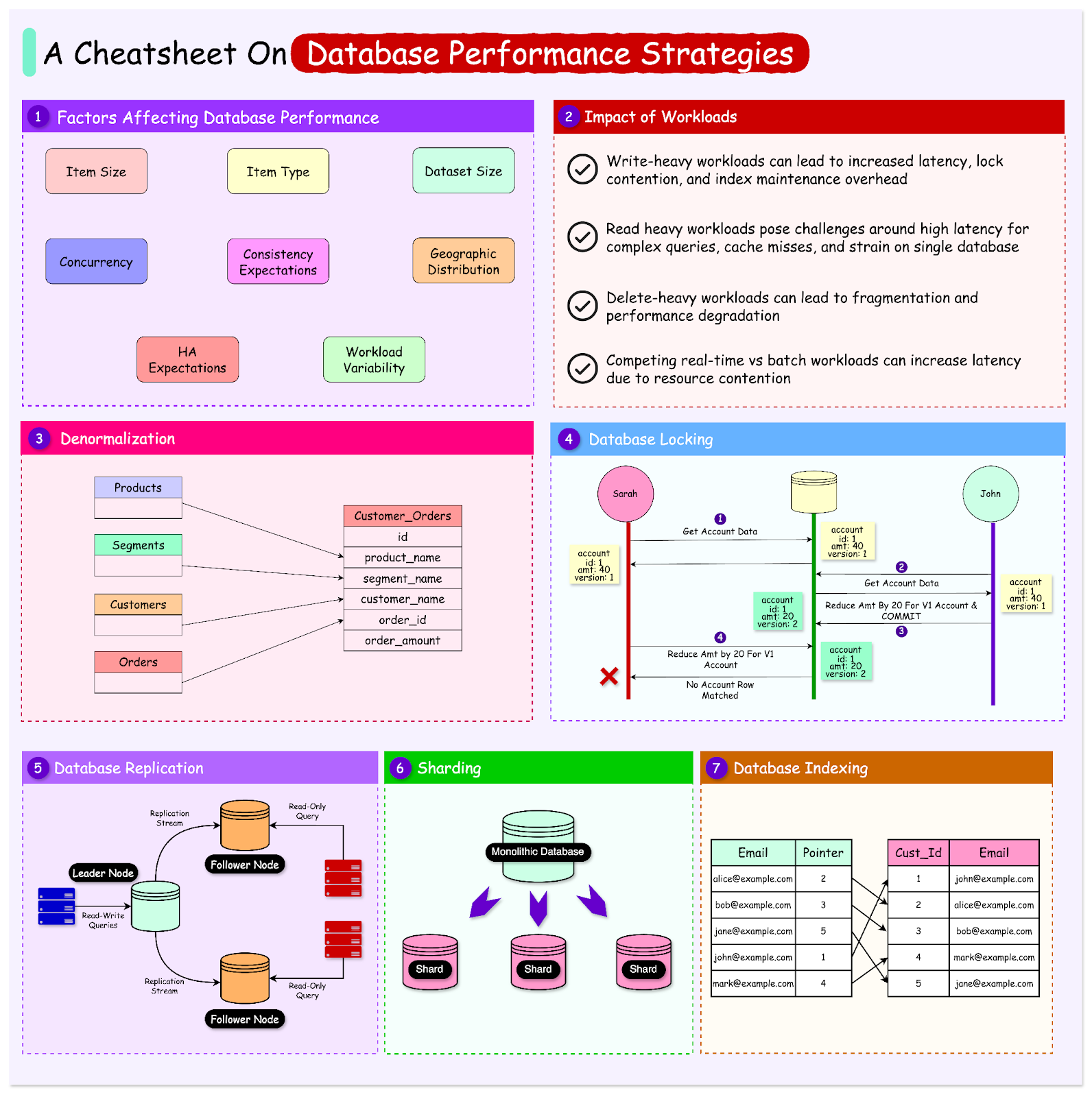
Upgrade to:
✔ Managed hosting
✔ Optimized MySQL server
✔ SSD storage
👉 Server plays huge role in performance
🚨 Common Mistakes to Avoid
❌ Ignoring database cleanup
❌ Too many plugins
❌ No indexing
❌ Large autoload options
❌ No caching
👉 These issues slow down your store
📈 Database Optimization Checklist
✔ Clean unused data
✔ Optimize tables
✔ Reduce autoload options
✔ Enable caching
✔ Monitor queries
✔ Clean sessions
👉 Follow this regularly
📚 Also Read (Internal Links)

Hire Me on Upwork – Dokan & WooCommerce Expert

 Chat on WhatsApp