
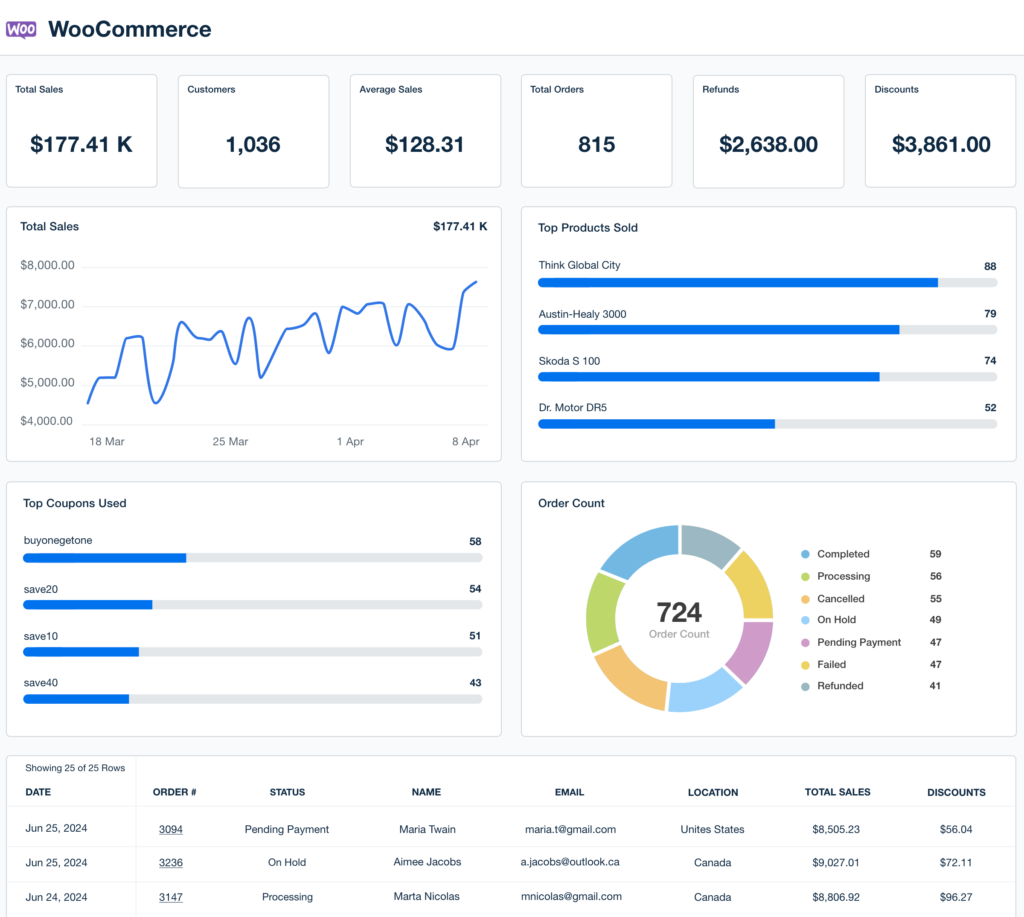
Refunds and disputes are a normal part of running an online store — but poor handling can seriously damage your brand.
If refunds are slow, unclear, or inconsistent:
-
Customers lose trust
-
Disputes escalate into chargebacks
-
Payment gateways flag your account
-
Revenue and reputation suffer
This guide explains how WooCommerce refunds and disputes work, and shares best practices used by successful stores to:
-
Handle refunds smoothly
-
Reduce disputes and chargebacks
-
Protect revenue
-
Keep customers satisfied
🔴 Why Refund & Dispute Management Matters in WooCommerce
Every refund or dispute affects:
-
Cash flow
-
Payment gateway health
-
Customer confidence
-
Store credibility
Poor refund handling leads to:
❌ Chargebacks
❌ Payment gateway restrictions
❌ Negative reviews
❌ Customer churn
👉 A clear refund system is not optional — it’s essential.
🧠 How Refunds Work in WooCommerce (High-Level Flow)
Standard WooCommerce refund process:
1️⃣ Customer requests a refund
2️⃣ Store reviews the request
3️⃣ Refund is approved or rejected
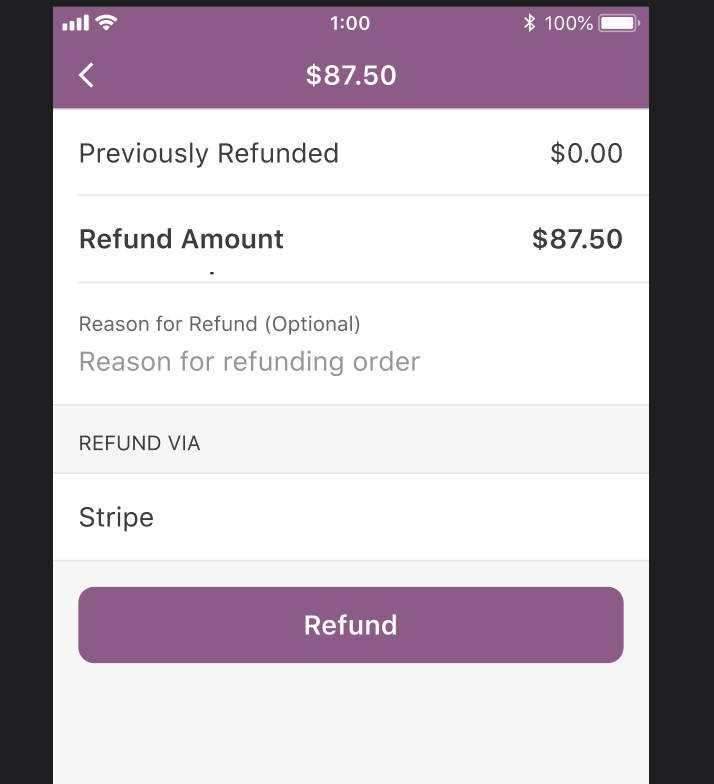
4️⃣ Payment is refunded via gateway or manually
5️⃣ Order status updated
6️⃣ Inventory adjusted
If any step is unclear or delayed, disputes begin.
1️⃣ Refund Types in WooCommerce
WooCommerce supports two main refund types.
🔹 Full Refund
-
Entire order amount refunded
-
Order marked as Refunded
✔ Used for:
-
Cancelled orders
-
Completely returned items
-
Failed deliveries
🔹 Partial Refund
-
Only part of the order refunded
-
Order remains partially completed
✔ Used for:
-
Damaged items
-
Missing products
-
Shipping adjustments
📌 Partial refunds reduce losses while keeping customers happy.
2️⃣ Automatic vs Manual Refunds
🔹 Automatic Refunds
-
Processed directly via payment gateway
-
Stock updated automatically
-
Order status synced
✔ Best option when supported by gateway
🔹 Manual Refunds
-
Money refunded outside WooCommerce
-
Admin must confirm manually
❌ Risky if not documented properly


3️⃣ Payment Gateway Refund Limitations
Not all gateways handle refunds equally.
⚠️ Common Issues:
-
Partial refunds not supported
-
Refunds limited by time window
-
Manual confirmation required
✅ Best Practice:
-
Test refunds before going live
-
Document gateway refund rules
-
Train support staff
👉 Most disputes happen due to gateway misunderstandings.
4️⃣ WooCommerce Disputes Explained
A dispute happens when a customer:
-
Is unhappy with a refund decision
-
Contacts the payment provider
-
Files a chargeback
🚨 Chargebacks Are Dangerous
-
High fees
-
Revenue loss
-
Gateway account risk
👉 Too many chargebacks can get your payment account suspended.
5️⃣ Common Reasons for WooCommerce Disputes
❌ Late delivery
❌ Product not as described
❌ Refund delays
❌ Poor communication
❌ Billing confusion
📌 Most disputes are preventable.
6️⃣ How to Prevent Refund Disputes
✅ Best Practices:
✔ Clear refund policy
✔ Accurate product descriptions
✔ Realistic delivery timelines
✔ Fast support responses
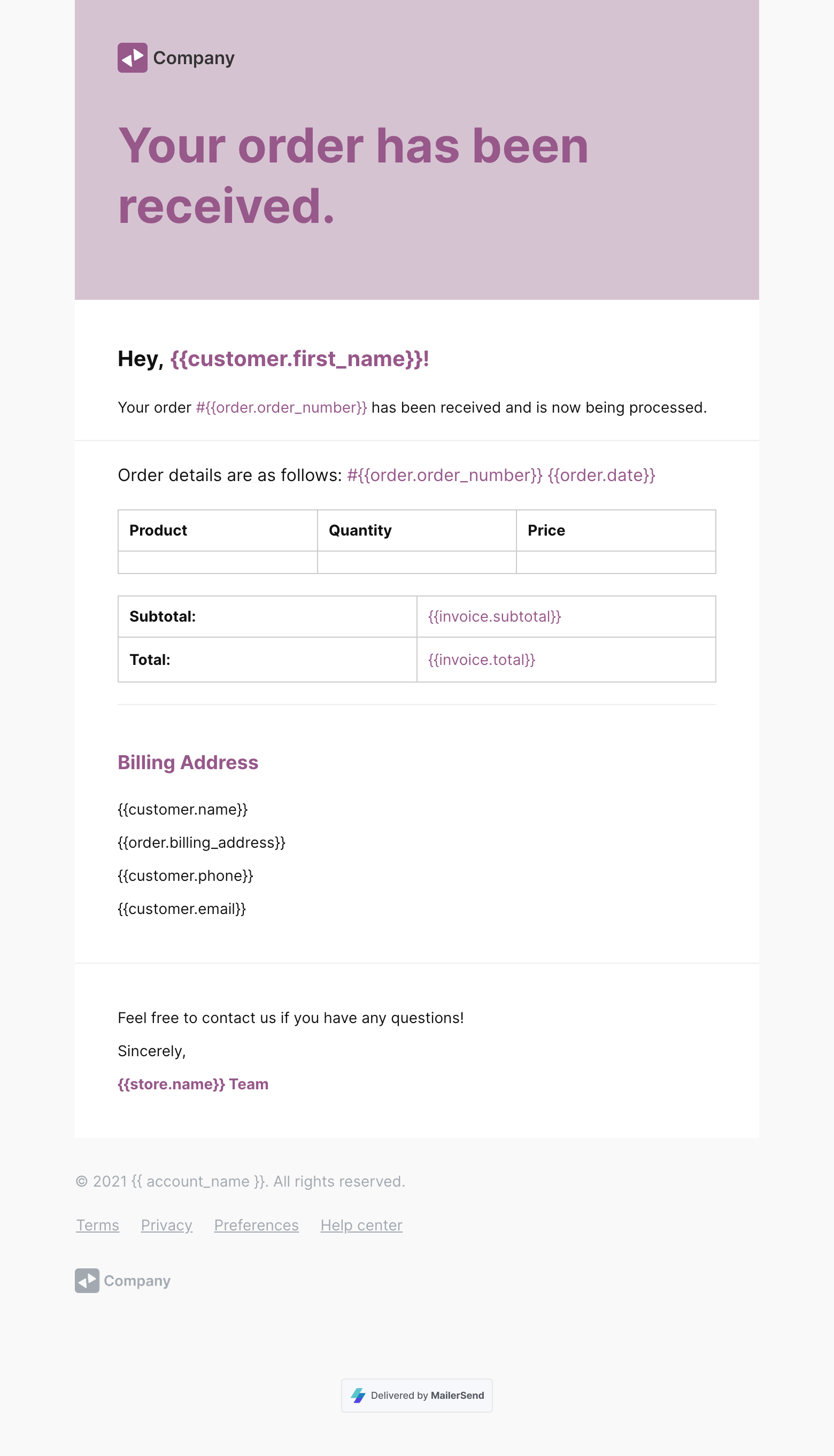
✔ Transparent order communication
👉 Prevention is cheaper than dispute resolution.
7️⃣ Writing a Strong Refund Policy
Your refund policy should clearly explain:
-
Refund eligibility period
-
Non-refundable items
-
Shipping refund rules
-
Digital vs physical products
-
Refund processing time
📌 Display refund policy on:
-
Product pages
-
Checkout page
-
Footer links
8️⃣ Handling Disputes Professionally
🛠 Recommended Dispute Flow:
-
Acknowledge customer complaint
-
Review order & communication
-
Offer resolution options
-
Process refund if justified
-
Document everything
👉 Calm, documented handling reduces escalation.
9️⃣ Inventory & Accounting Impact of Refunds
Refunds affect:
-
Stock levels
-
Sales reports
-
Revenue calculations
-
Tax records
✅ Best Practice:
-
Enable automatic stock adjustment
-
Sync refunds with accounting tools
-
Audit refunds monthly
📌 Untracked refunds cause reporting errors.
🔟 Scaling Refund & Dispute Management
As order volume grows:
-
Manual handling breaks
-
Errors increase
-
Team confusion rises
✅ Best Practice:
-
Create refund SOPs
-
Assign refund responsibilities
-
Automate emails & workflows
-
Track dispute metrics
👉 Systems first, scale second.
🚨 Common WooCommerce Refund Mistakes
❌ No refund policy
❌ Delayed responses
❌ Manual refunds without records
❌ Ignoring gateway rules
❌ No dispute monitoring
These mistakes quietly drain revenue.
📚 Also Read (Internal Links)

Hire Me on Upwork – Dokan & WooCommerce Expert

 Chat on WhatsApp