
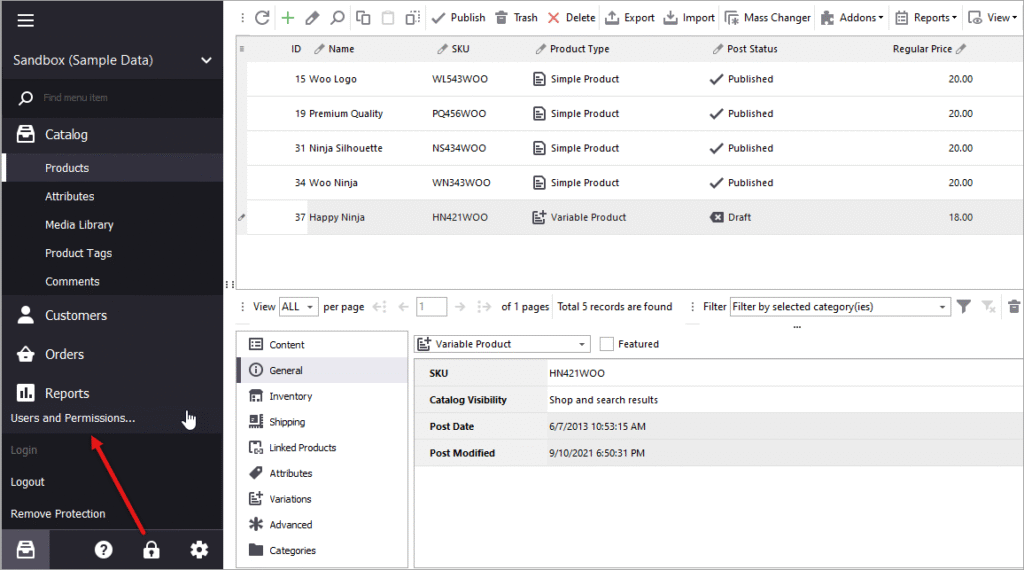
Running an online store means handling customer data, payments, and orders.
One security mistake can lead to data breaches, payment fraud, lost trust, and revenue loss.
If you’re running a store with WooCommerce on WordPress, this checklist will help you secure your store properly.
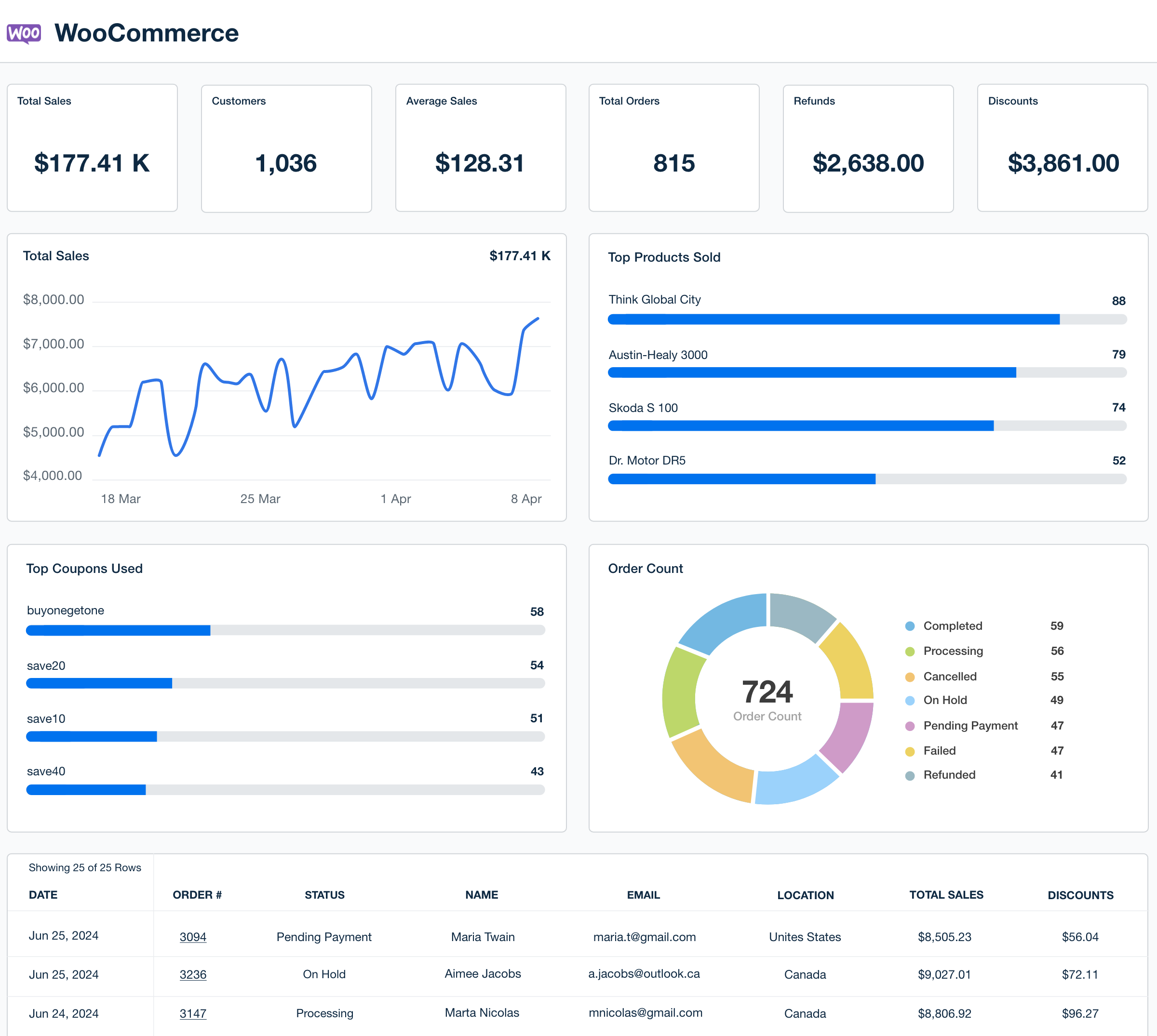
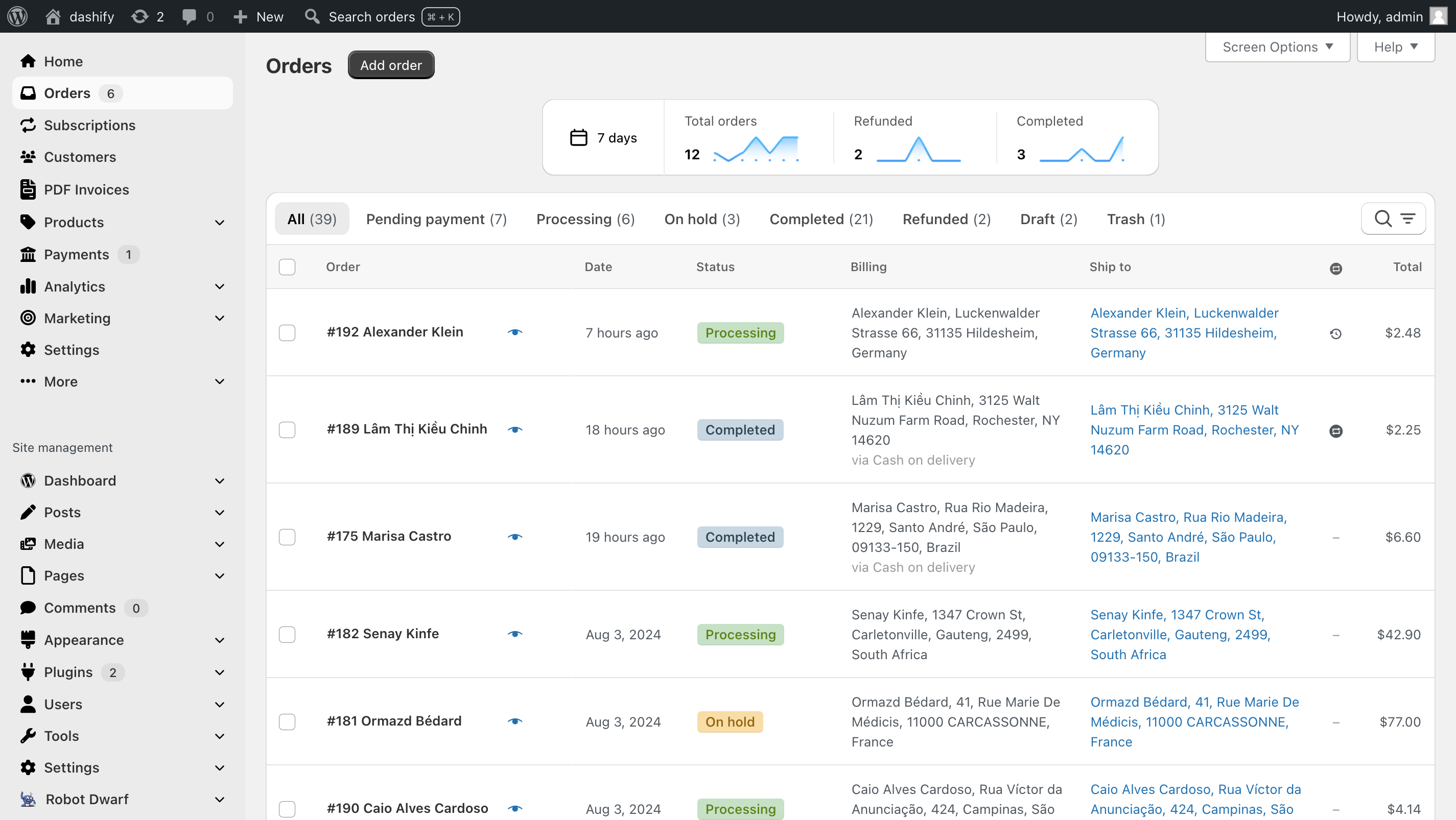

🔒 Why WooCommerce Security Is Critical
WooCommerce stores are common targets because they:
-
Process online payments
-
Store customer data
-
Use multiple plugins
-
Receive frequent traffic
Security is not optional — it’s a business requirement.
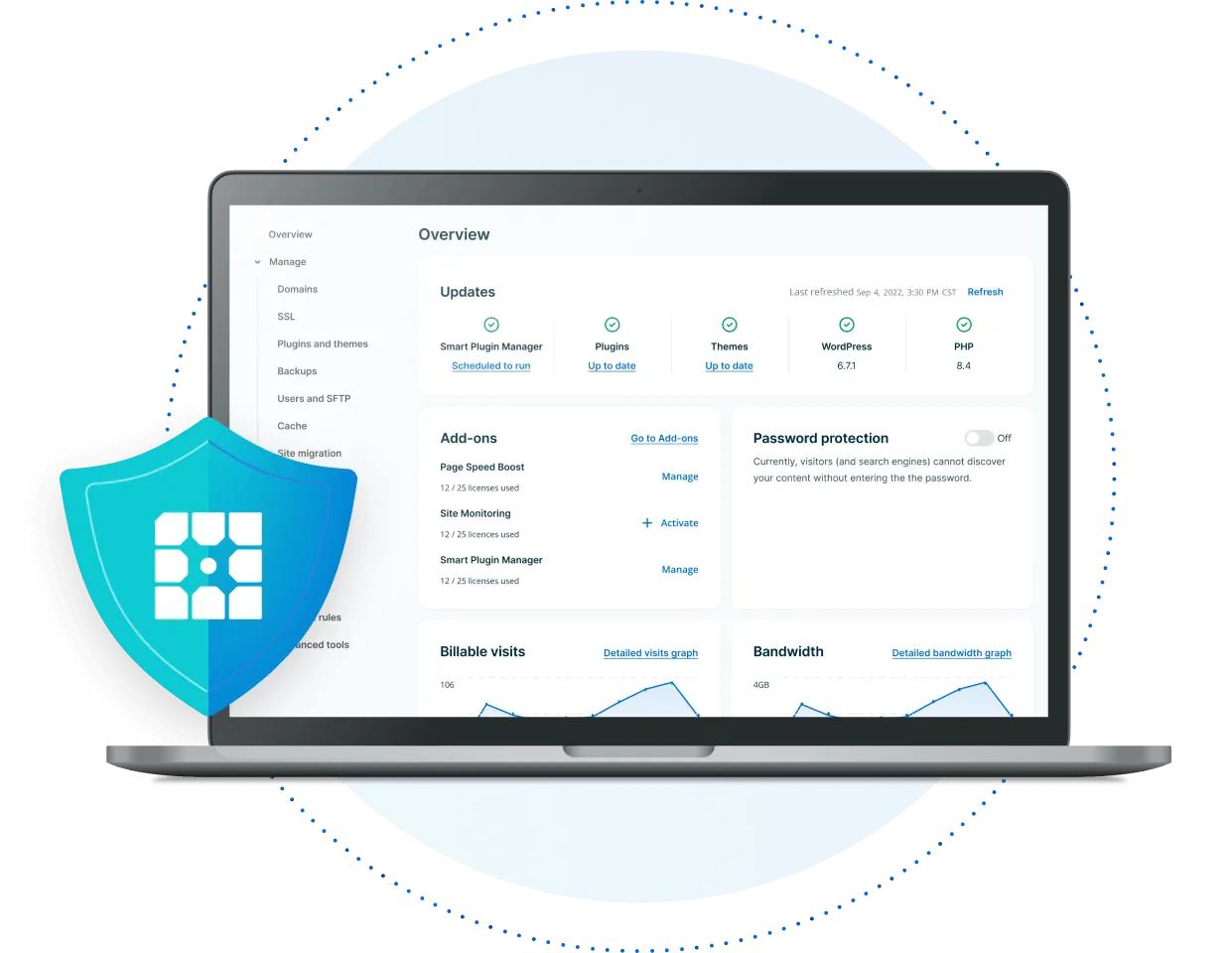
🛡️ 1. Secure Hosting & Server Setup
Everything starts at the server.
Checklist
✔ Choose WooCommerce-optimized hosting
✔ Enable server firewall (WAF)
✔ Use latest stable PHP version
✔ Disable unused server services
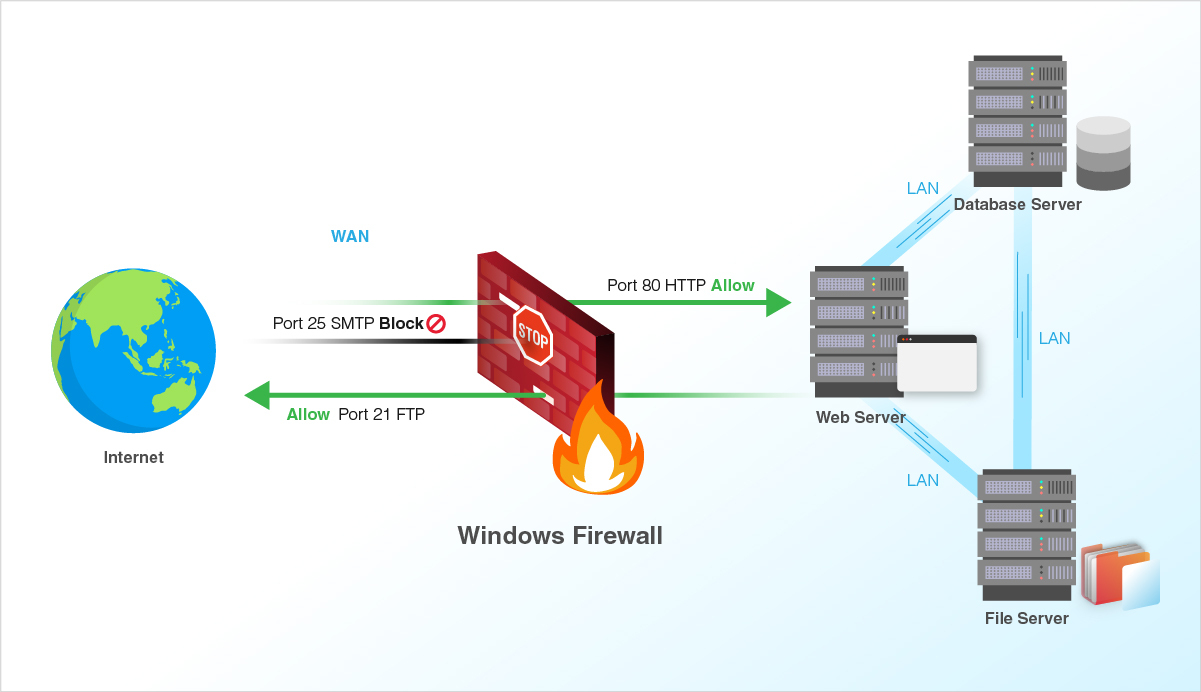
👉 Avoid cheap shared hosting for serious stores.
🔐 2. Lock Down Admin & User Logins
Login pages are the most attacked.
Checklist
✔ Use strong, unique passwords
✔ Enable 2-factor authentication (2FA)
✔ Limit login attempts
✔ Change default admin username
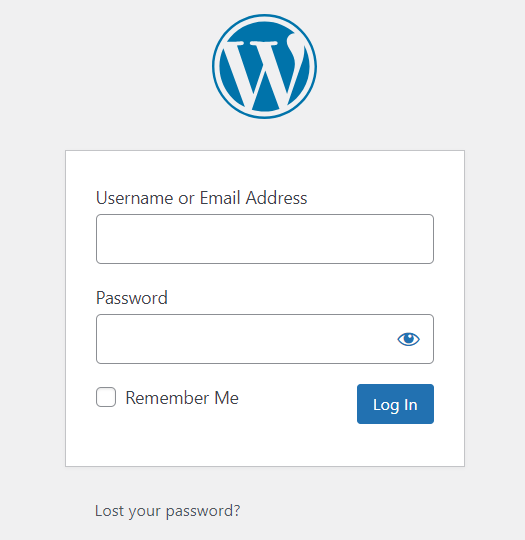
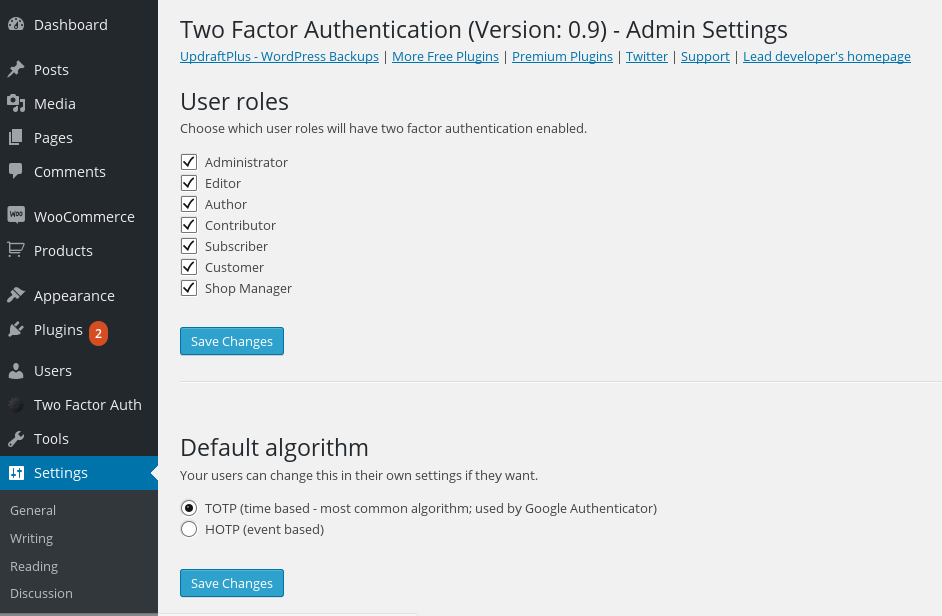
💡 Tip: Staff accounts should never share passwords.
🔄 3. Keep WooCommerce & WordPress Updated
Outdated software = vulnerabilities.
Checklist
✔ Update WordPress core regularly
✔ Keep WooCommerce updated
✔ Update plugins & themes
✔ Remove unused plugins & themes

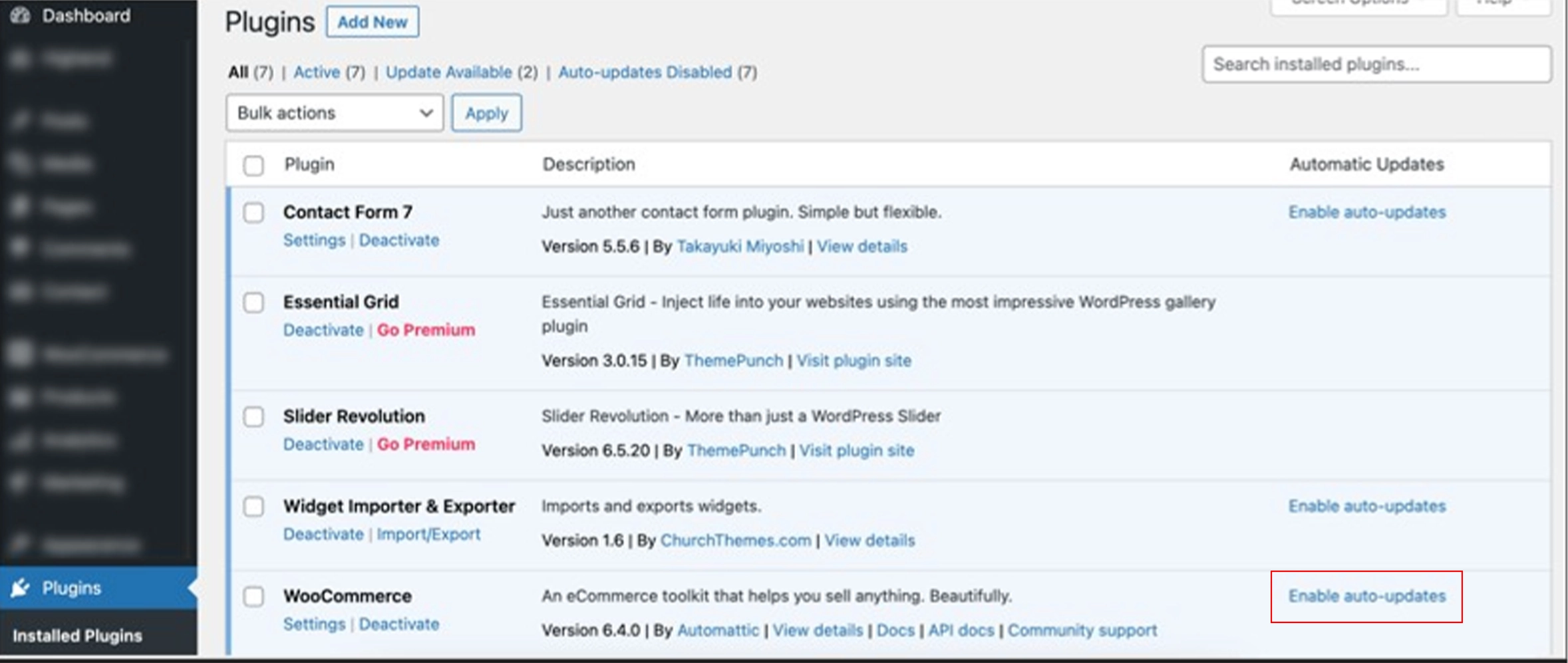
👉 Always test updates on staging before live.
🧩 4. Install a Reliable Security Plugin
A security plugin adds a strong protection layer.
Must-Have Features
✔ Firewall protection
✔ Malware scanning
✔ File change detection
✔ Brute-force protection
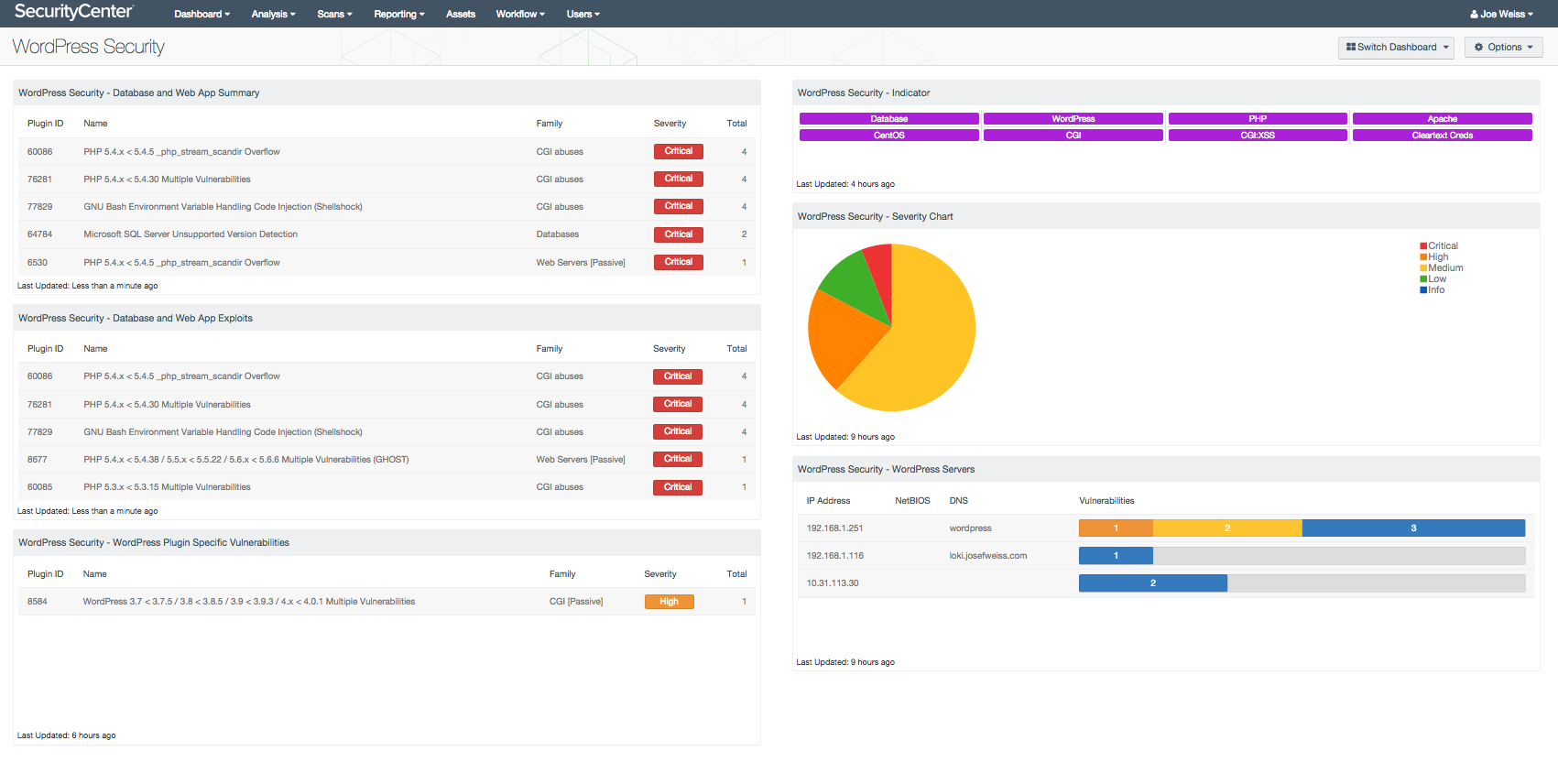
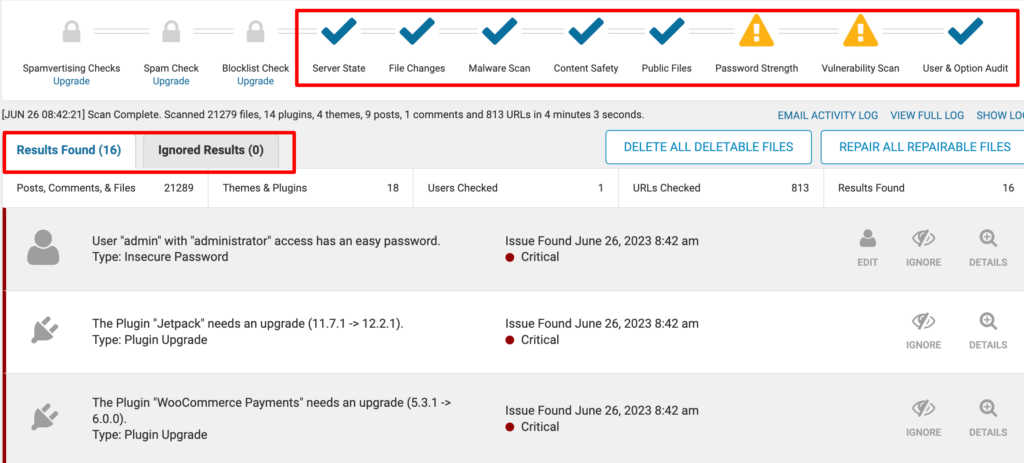
💡 One well-maintained plugin is enough — don’t stack many.
💳 5. Secure Payments & Checkout
Payments are the most sensitive area.
Checklist
✔ Use trusted gateways only (Stripe, PayPal, etc.)
✔ Enforce HTTPS on all pages
✔ Do not store card data locally
✔ Monitor failed payment attempts
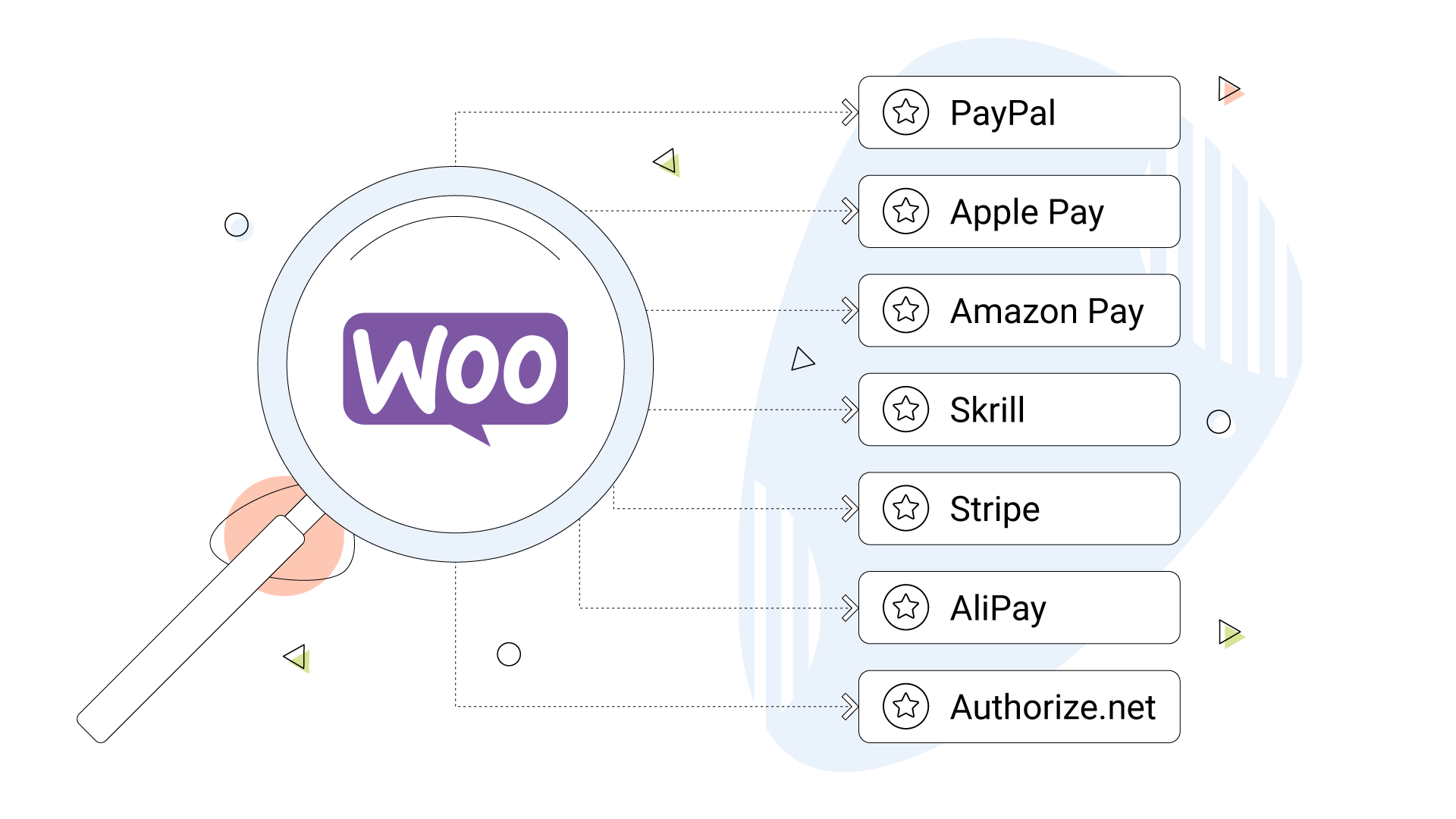
👉 Never customize payment logic without proper validation.
📂 6. Protect File Uploads & Media
Uploads can be abused.
Risks
-
Malware uploads
-
PHP execution via uploads
-
Oversized file attacks
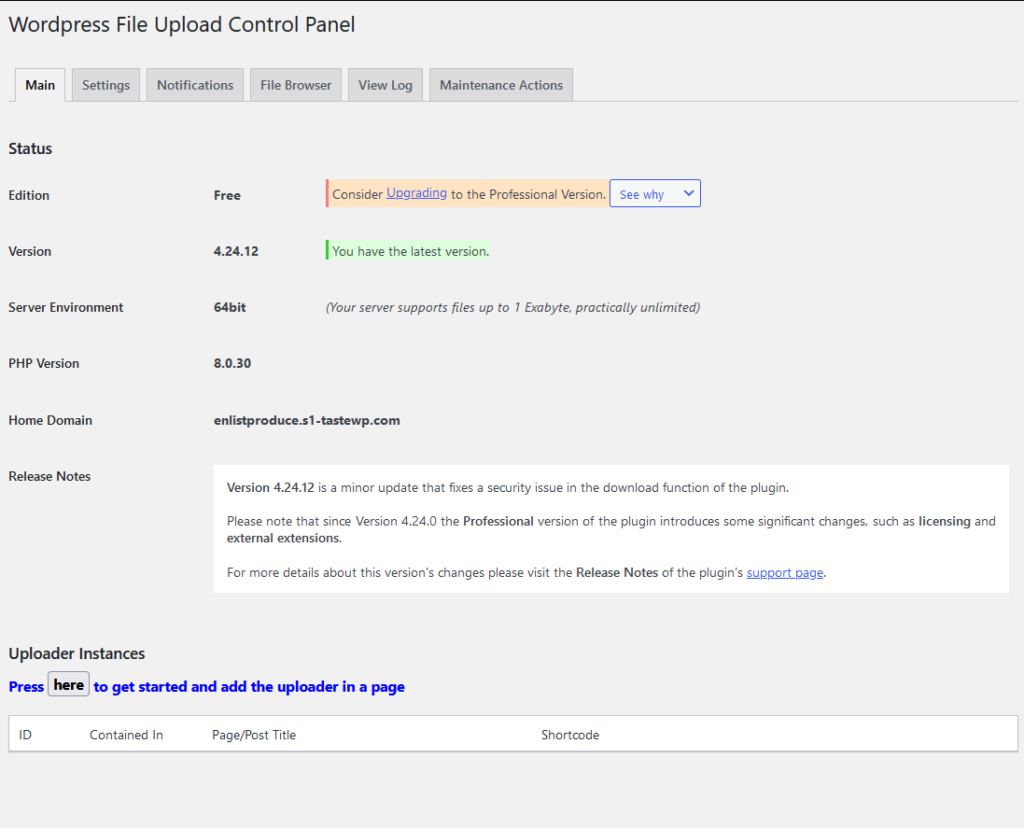
Checklist
✔ Restrict allowed file types
✔ Disable PHP execution in uploads folder
✔ Scan uploads automatically
⚡ 7. Performance & Security Go Hand-in-Hand
Slow stores are easier to attack.
Checklist
✔ Enable caching
✔ Use CDN
✔ Optimize database
✔ Remove unused data

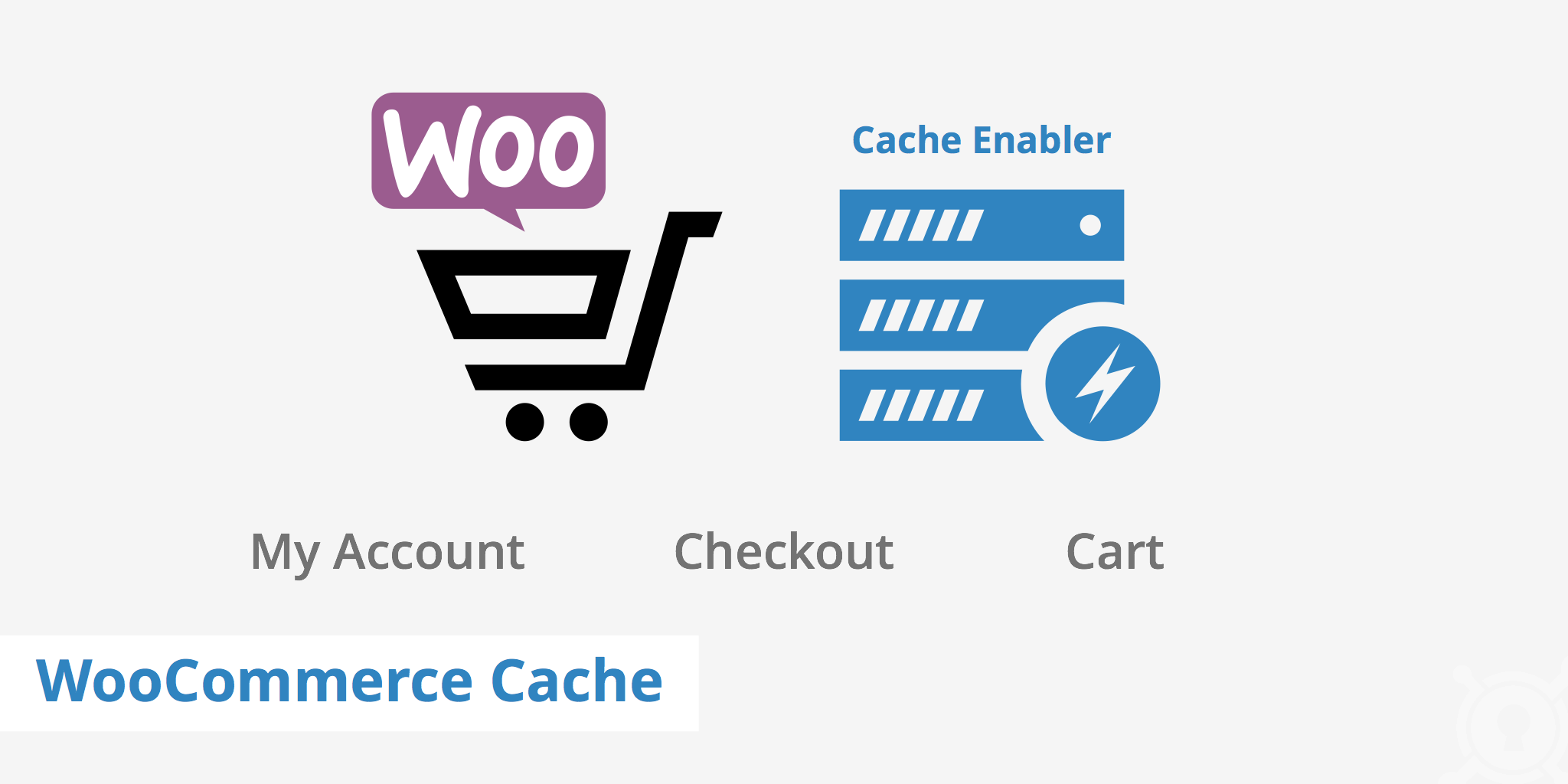
Better performance reduces attack surface.
🔄 8. Enable Regular Backups (Non-Negotiable)
Backups are your safety net.
Backup Strategy
✔ Daily automated backups
✔ Off-site storage
✔ Test restore process

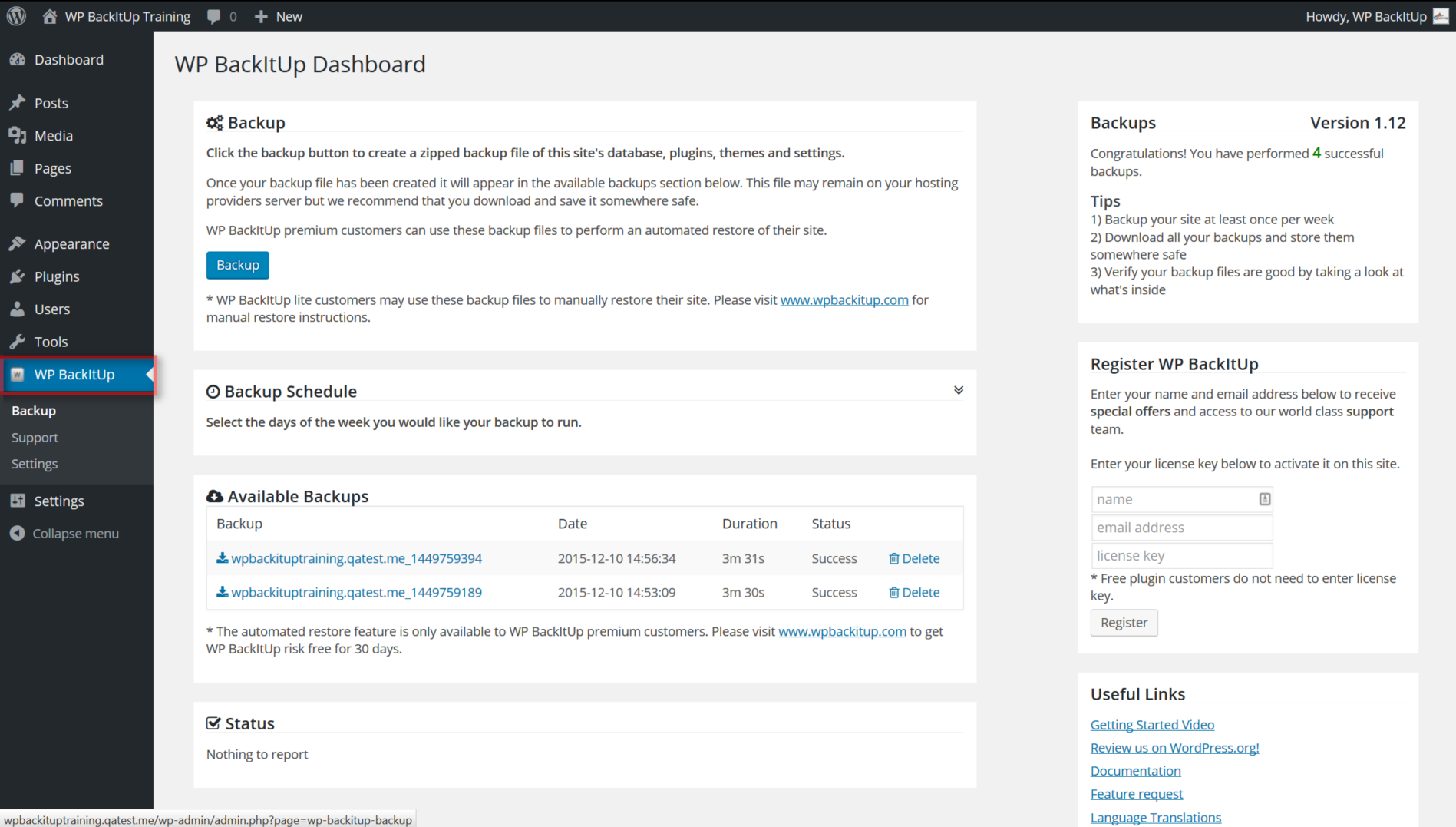
👉 No backup = no recovery.
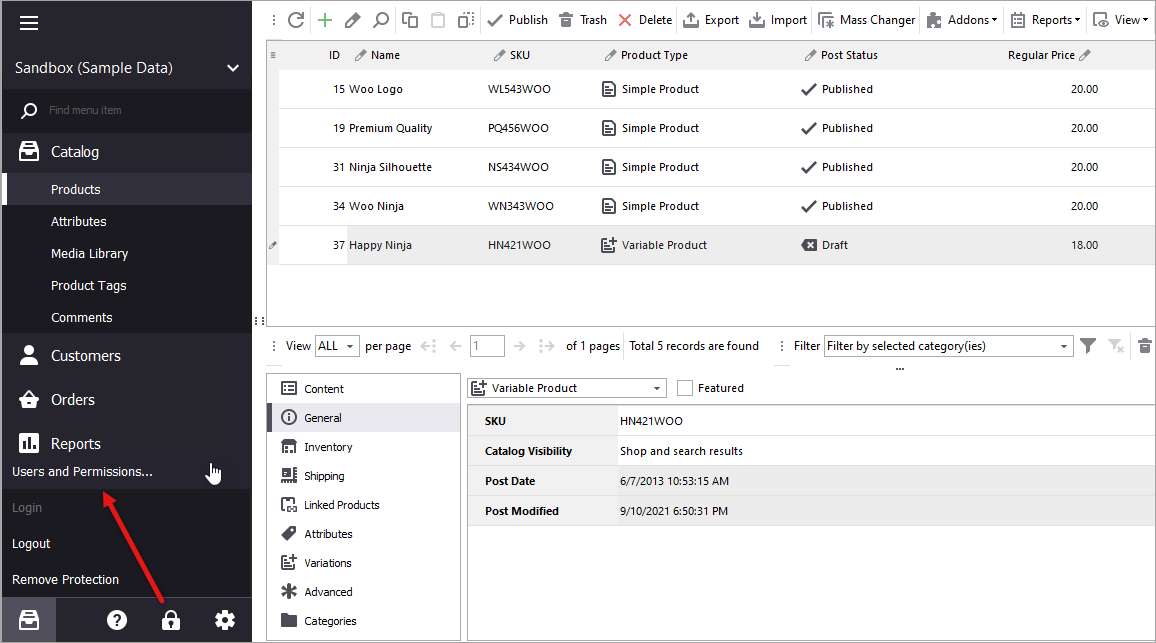
🧑💼 9. Manage User Roles & Permissions
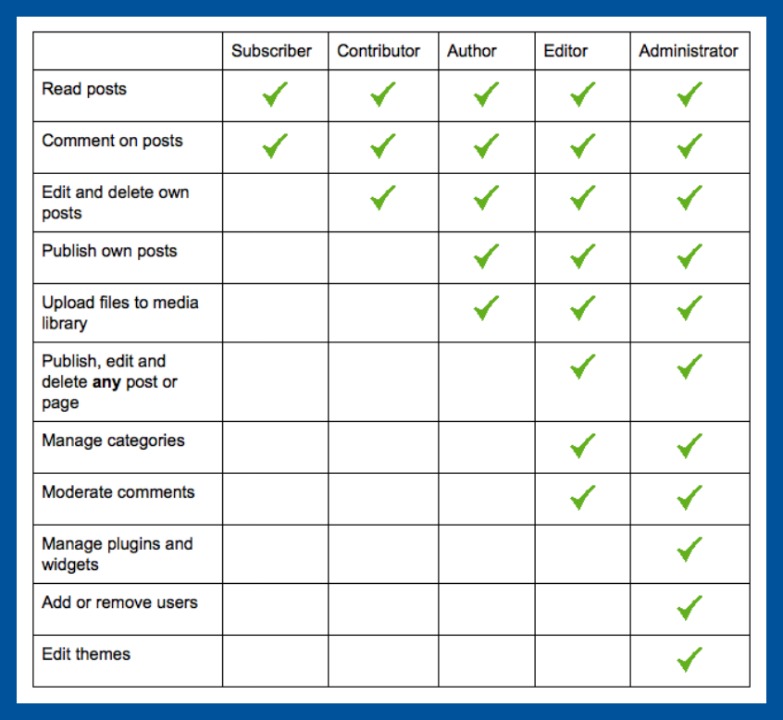
Too much access = risk.
Checklist
✔ Limit admin accounts
✔ Use proper roles for staff
✔ Review user access regularly
📜 10. Add Legal & Trust Pages
Security also builds customer trust.
Must-Have Pages
✔ Privacy policy
✔ Terms & conditions
✔ Refund & return policy
✔ Contact details
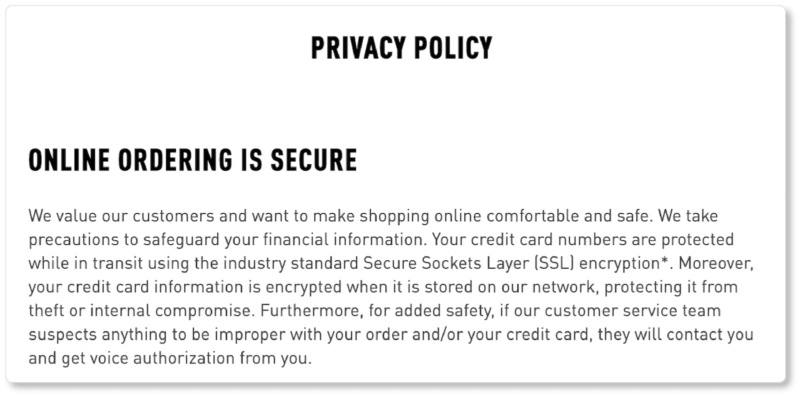
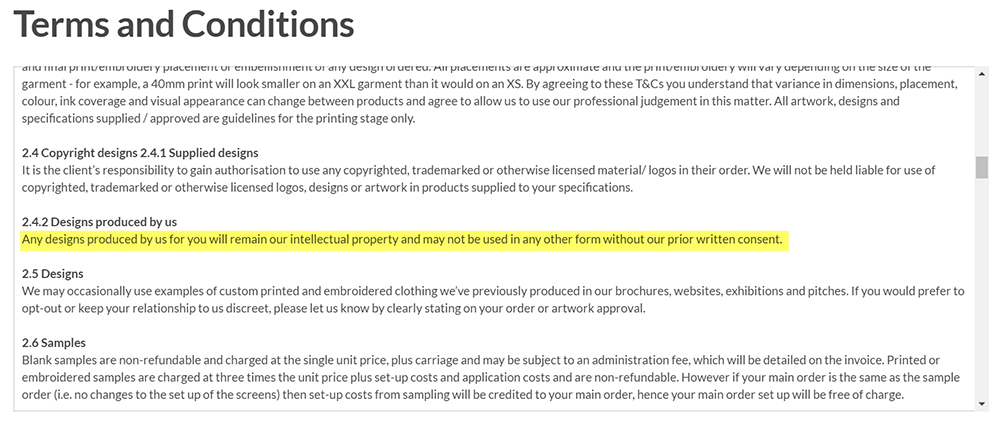
Clear policies reduce disputes and fraud.
🧠 Advanced Security for Growing Stores
As your store grows, consider:
-
Activity logging
-
Real-time alerts
-
Security audits
-
Custom checkout validation
✅ Quick WooCommerce Security Checklist (Summary)
✔ Secure hosting
✔ Strong logins & 2FA
✔ Regular updates
✔ Security plugin
✔ HTTPS & safe payments
✔ File upload protection
✔ Performance optimization
✔ Automated backups
✔ Proper user roles
📚 Recommended Reading

Hire Me on Upwork – Dokan & WooCommerce Expert

 Chat on WhatsApp