
Planning to launch an online store with WooCommerce?
One of the first and most important questions business owners ask is:
-
How much does a WooCommerce store really cost?
-
Can it be built for $300, or does it require $3,000+?
The honest answer is:
WooCommerce store cost is not fixed.
The total cost depends on your business model, features, level of customization, and long-term growth plans.
In this guide, you’ll get a transparent, step-by-step breakdown of WooCommerce store costs, so you can budget correctly and avoid hidden expenses.
🔴 What Determines the Cost of a WooCommerce Store?
The total cost of a WooCommerce store depends on:
-
Type of store (simple shop vs advanced eCommerce)
-
Number of products
-
Required features (subscriptions, bookings, shipping logic)
-
Design & UX expectations
-
Custom development needs
-
Performance & security level
A WooCommerce store cost is usually divided into 6 main components 👇
-
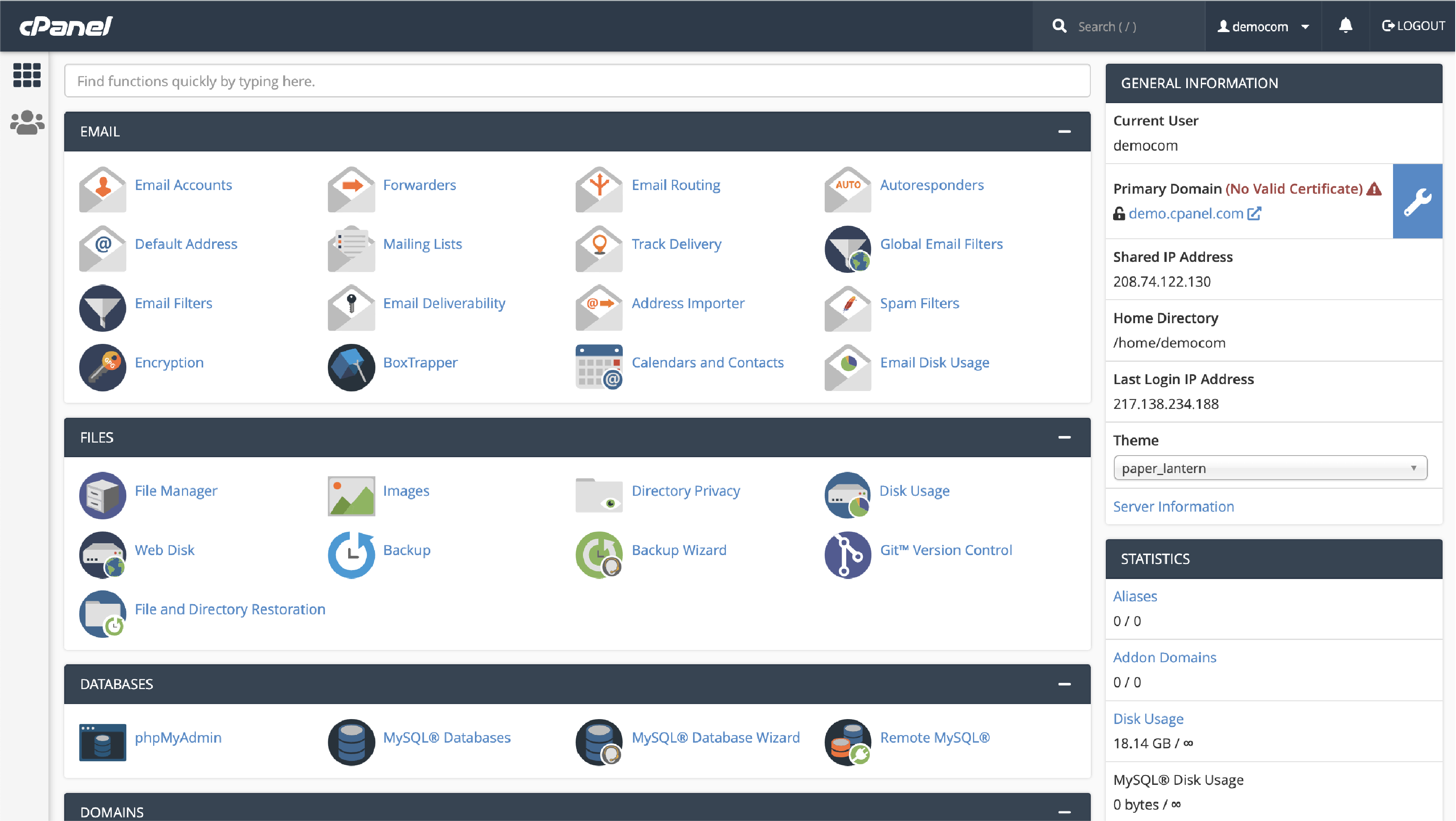
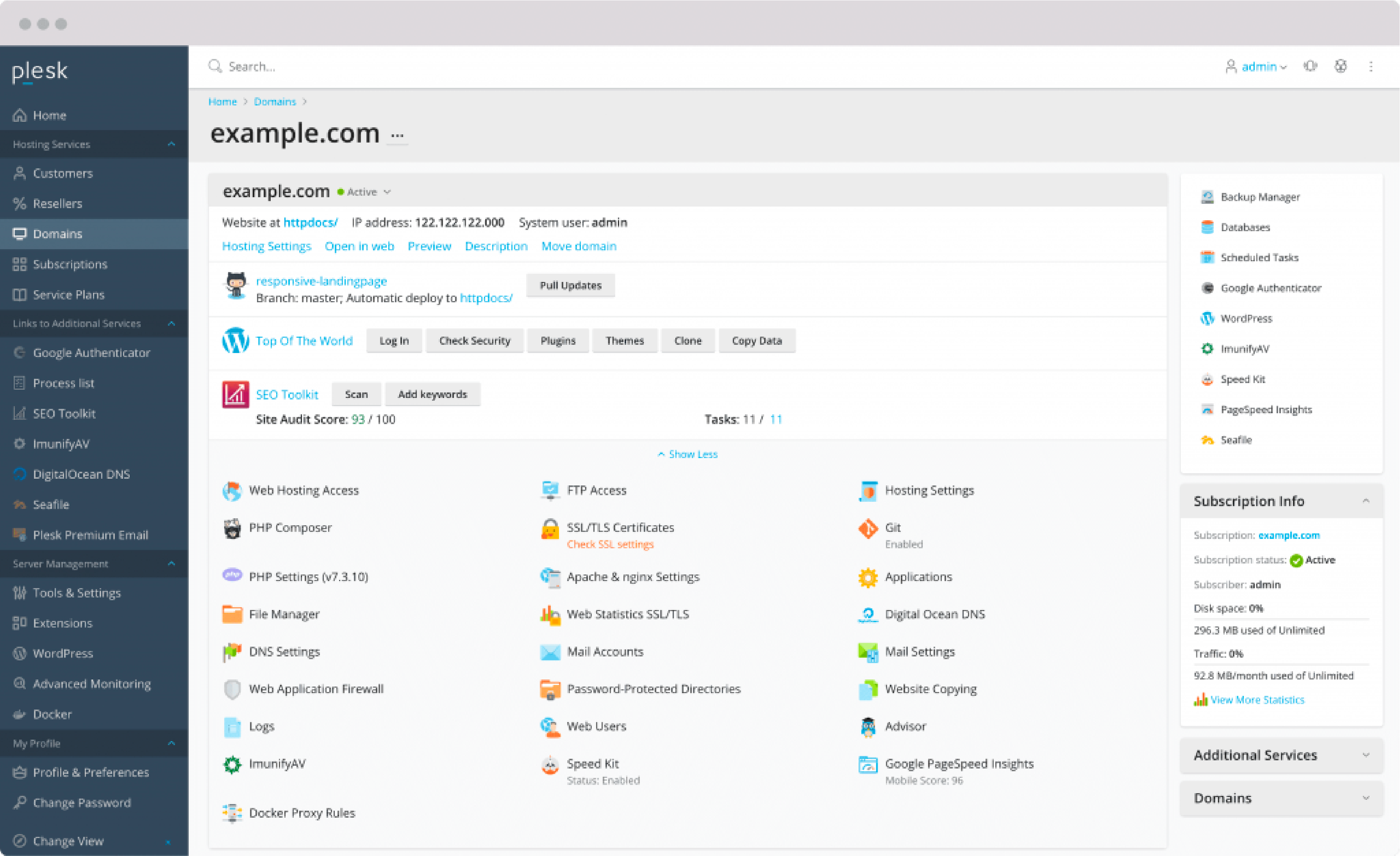
Domain & Hosting
-
WooCommerce Core (Plugin Cost)
-
Theme & Design
-
Essential Plugins
-
Development & Customization
-
Maintenance & Scaling
1️⃣ Domain & Hosting Cost (Foundation)
🔹 Domain Name
Your domain is your brand identity.
-
.com,.in,.store -
Cost: $10 – $15 / year
🔹 Hosting (Critical for Performance)
WooCommerce is database-heavy:
-
Cart
-
Checkout
-
Orders
-
Payments
Using cheap hosting often results in:
❌ Slow checkout
❌ Payment failures
❌ Lost sales
Recommended hosting types:
-
Shared hosting ❌ (not recommended)
-
Cloud or Managed WordPress hosting ✅
💰 Cost: $60 – $180 / year (starter to mid-level)

2️⃣ WooCommerce Plugin Cost
Good news 😊
👉 WooCommerce core plugin is completely FREE.
However, WooCommerce alone provides only basic store functionality.
Most real-world stores require additional plugins (covered below).
3️⃣ Theme & Design Cost
Your theme controls:
-
User experience (UX)
-
Mobile responsiveness
-
Conversion rate
-
Page speed
🔹 Free Themes
✔ Good for testing
❌ Limited customization
❌ Average performance
🔹 Premium WooCommerce Themes (Recommended)
Examples:
-
Astra Pro
-
Flatsome
-
WoodMart
-
Porto
💰 Cost: $50 – $100 (yearly or lifetime)
👉 A premium theme is strongly recommended for professional stores.
4️⃣ Essential WooCommerce Plugin Costs
Most WooCommerce stores need these plugins:
| Feature | Approx Cost |
|---|---|
| Payment Gateways (Stripe, Razorpay, PayPal) | Free |
| SEO (Yoast / RankMath) | Free / Paid |
| Security Plugin | $25 – $50 / year |
| Performance / Cache | $40 – $70 / year |
| Backup Plugin | $30 – $50 / year |
| Email Customization | $25 – $60 / year |
💡 Not every plugin is mandatory — costs depend on requirements.

5️⃣ Development & Customization Cost (Biggest Variable)
This is where most of the budget difference happens.
🔹 Basic WooCommerce Store ($150 – $300)
Includes:
-
WooCommerce installation
-
Theme setup
-
Basic product upload
-
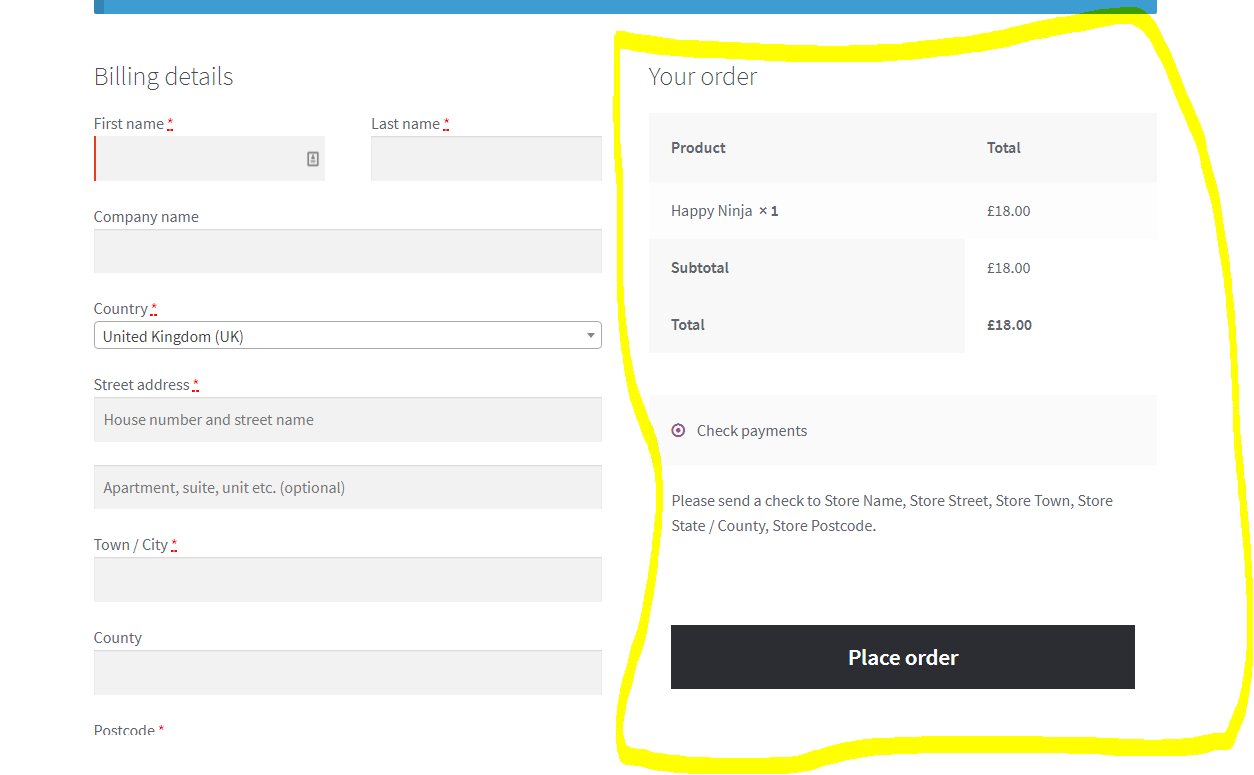
Payment & shipping configuration
✔ Suitable for small or personal stores
🔹 Professional WooCommerce Store ($400 – $900) ⭐ Most Common
Includes:
-
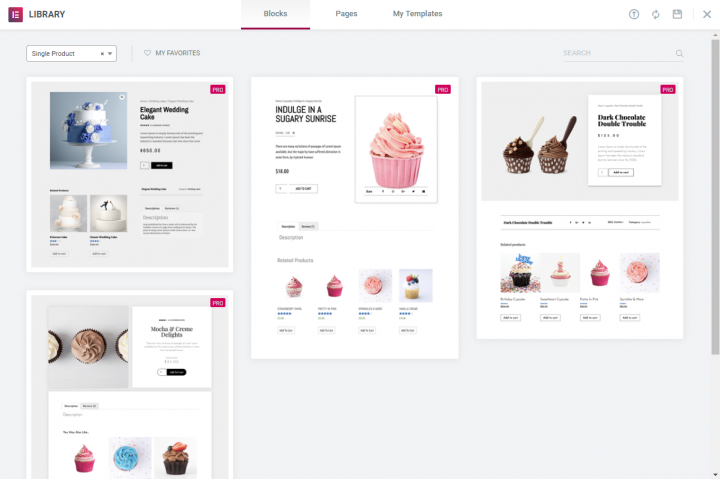
Custom homepage design
-
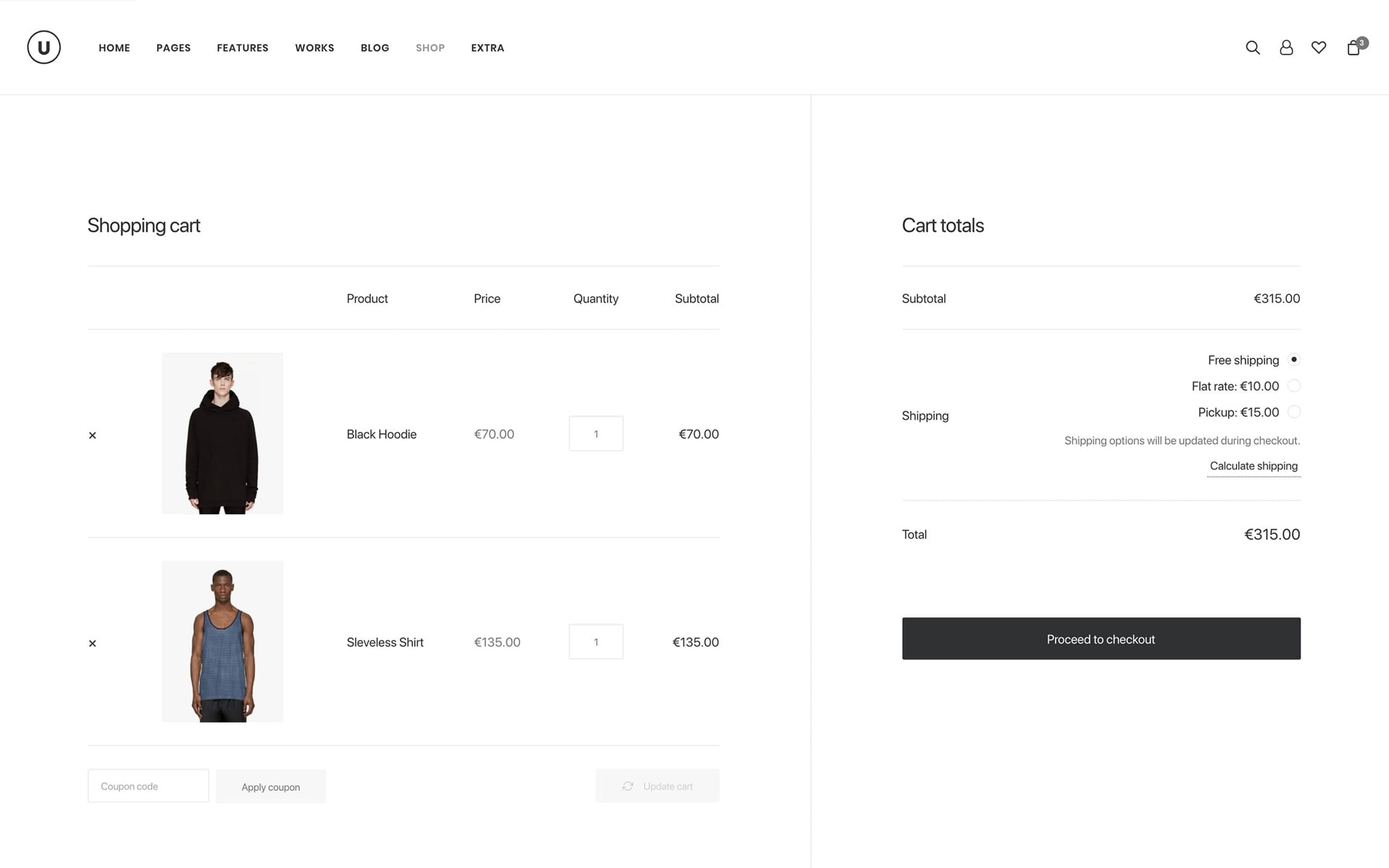
Optimized shop & product pages
-
Checkout optimization
-
Mobile responsiveness
-
Speed optimization
-
Basic SEO setup
✔ Best choice for serious businesses

🔹 Advanced / Custom WooCommerce Store ($1,200 – $3,000+)
Includes:
-
Custom product logic
-
Advanced shipping rules
-
Subscriptions or bookings
-
API integrations
-
Custom checkout flow
-
High-traffic optimization
✔ Ideal for scaling businesses and startups
6️⃣ Optional Feature Costs (Requirement-Based)
| Feature | Approx Cost |
|---|---|
| WooCommerce Subscriptions | $200 / year |
| Booking & Appointments | $250 / year |
| Multi-currency | $60 – $100 |
| Advanced Shipping Rules | $70 – $150 |
| WhatsApp / SMS Notifications | $30 – $80 |
💰 Total WooCommerce Store Cost Summary
🔹 Starter Store
$250 – $400
-
Basic design
-
Limited products
-
Minimal features
🔹 Professional Business Store (Most Popular)
$500 – $1,200
-
Conversion-optimized
-
Scalable
-
SEO-ready
🔹 Enterprise / Custom Store
$2,000 – $5,000+
-
High traffic
-
Custom workflows
-
Long-term scalability
🚨 Hidden Costs Most Store Owners Ignore
❌ Cheap hosting
❌ No speed optimization
❌ Weak security
❌ No backup strategy
❌ No scalability planning
👉 These lead to:
-
Cart abandonment
-
Poor Google rankings
-
Revenue loss
📚 Also Read (Internal Links)

Hire Me on Upwork – Dokan & WooCommerce Expert

 Chat on WhatsApp