
If you’re running a content-driven website or WordPress content restriction ,WooCommerce store, giving everything for free is not a sustainable strategy.,
To build a profitable and scalable business, you need content restriction (membership logic).
With proper restriction, you can:
✔ Sell premium content
✔ Build a paid community
✔ Offer exclusive products/services
✔ Increase customer lifetime value
Using WordPress with WooCommerce, you can easily implement membership-based access control.
WordPress content restriction
This guide will teach you how to restrict content in WordPress using real-world membership logic.
🔴 Why Content Restriction Matters


Without restriction:
❌ No recurring revenue
❌ Low engagement
❌ Content undervalued
❌ No user segmentation
With restriction:
✔ Monetization of content
✔ Better user experience
✔ Tier-based access control
✔ Predictable income
👉 Content restriction = business model upgrade
🧠 How Membership Logic Works in WordPress
Membership system ka basic flow:
1️⃣ User registers / logs in
2️⃣ User purchases plan or gets role
3️⃣ Membership rules apply
4️⃣ Content access is controlled
5️⃣ Access expires when plan ends
Key Components:
-
User roles
-
Membership plans
-
Access rules
-
Content protection
👉 Yeh system fully automated ho sakta hai.
📦 Methods to Restrict Content in WordPress
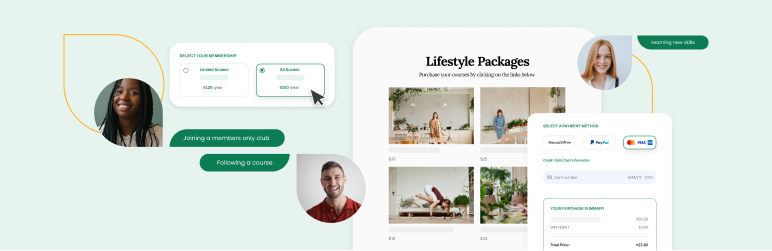
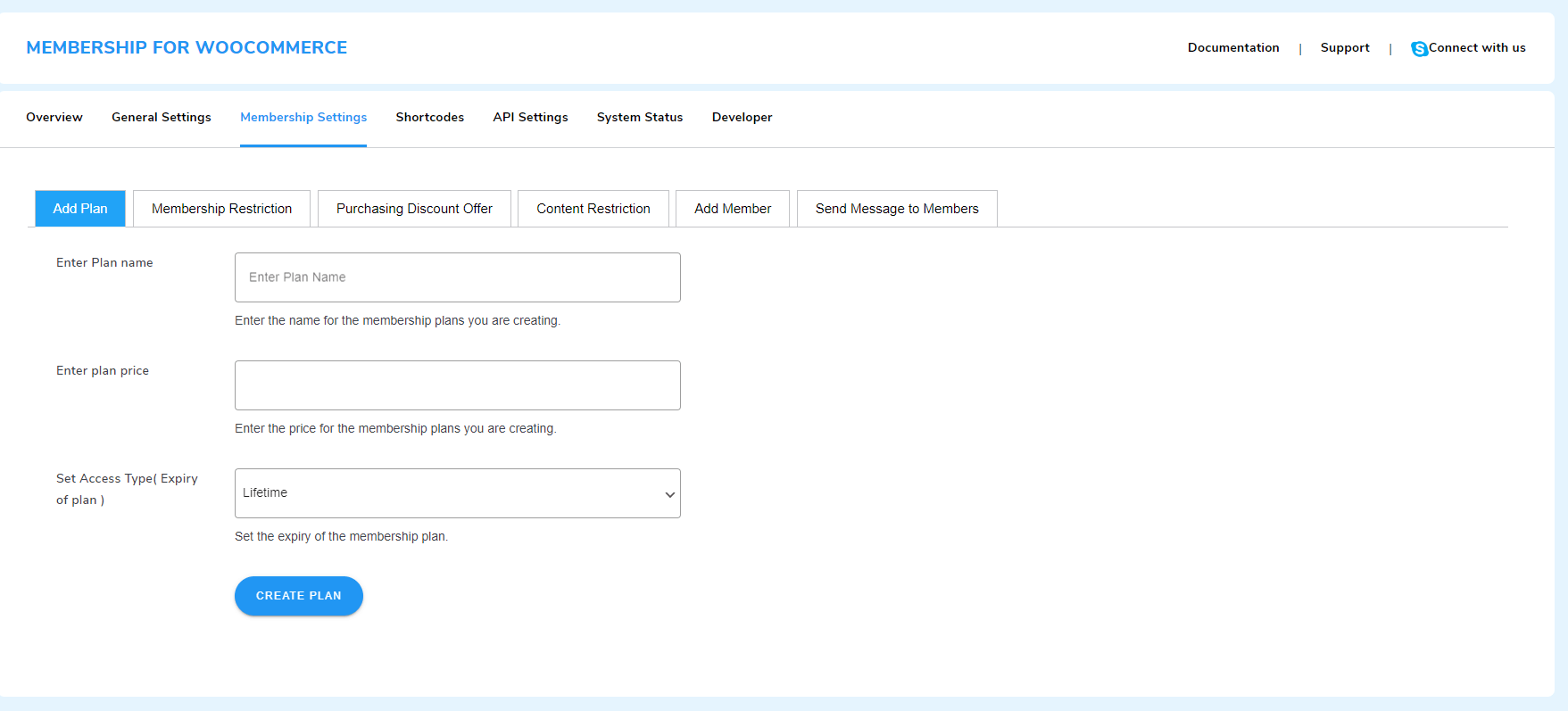
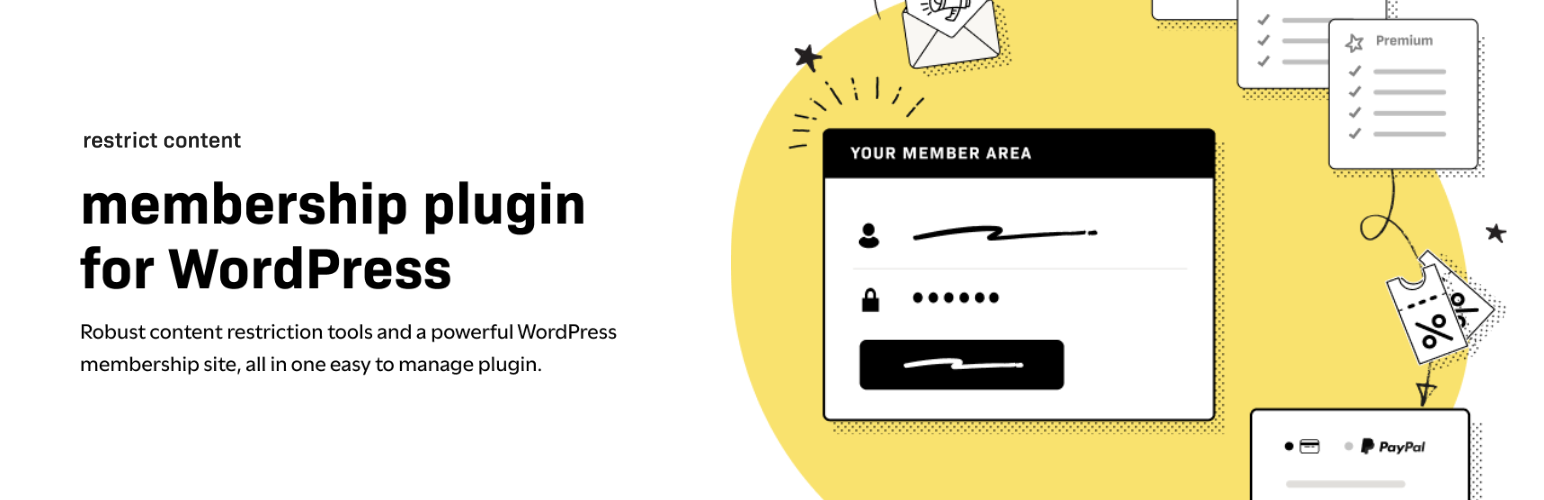
You can restrict content using:
1️⃣ Membership Plugins
-
WooCommerce Memberships
-
MemberPress
-
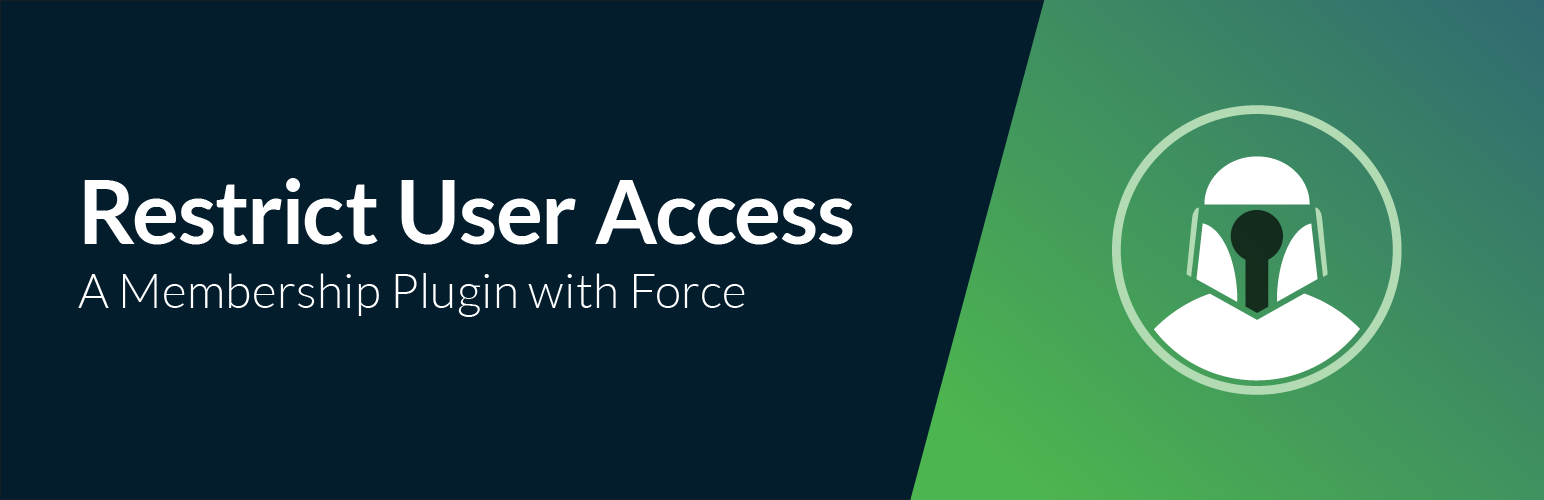
Restrict Content Pro
2️⃣ User Roles (Basic Method)
-
Subscriber
-
Customer
-
Custom roles
3️⃣ Custom Code (Advanced)
👉 Best method = Plugin-based membership system
1️⃣ Restrict Pages & Posts
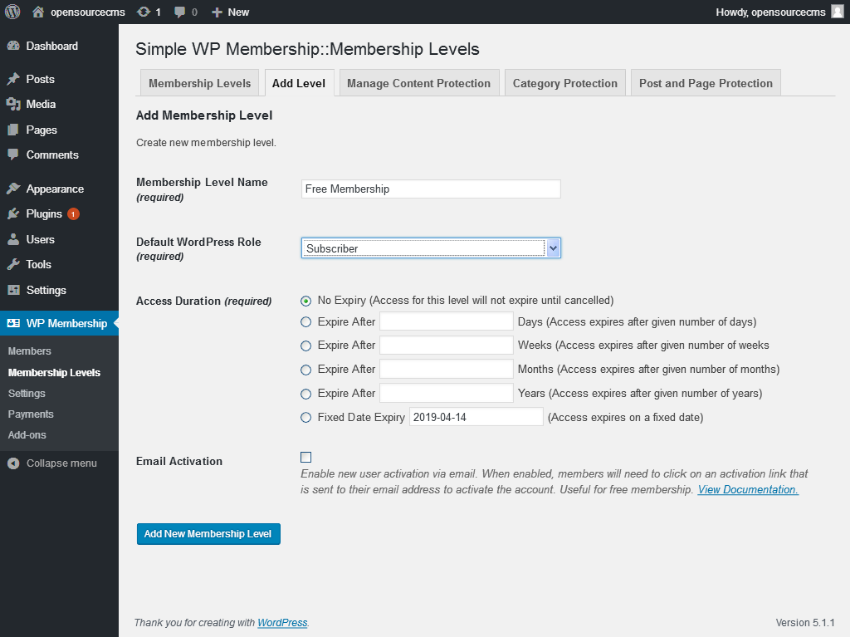
You can restrict:
✔ Blog posts
✔ Landing pages
✔ Tutorials
✔ Documentation
Example:
-
Free users → limited preview
-
Paid users → full content
👉 Great for blogs & learning platforms
2️⃣ Restrict WooCommerce Products
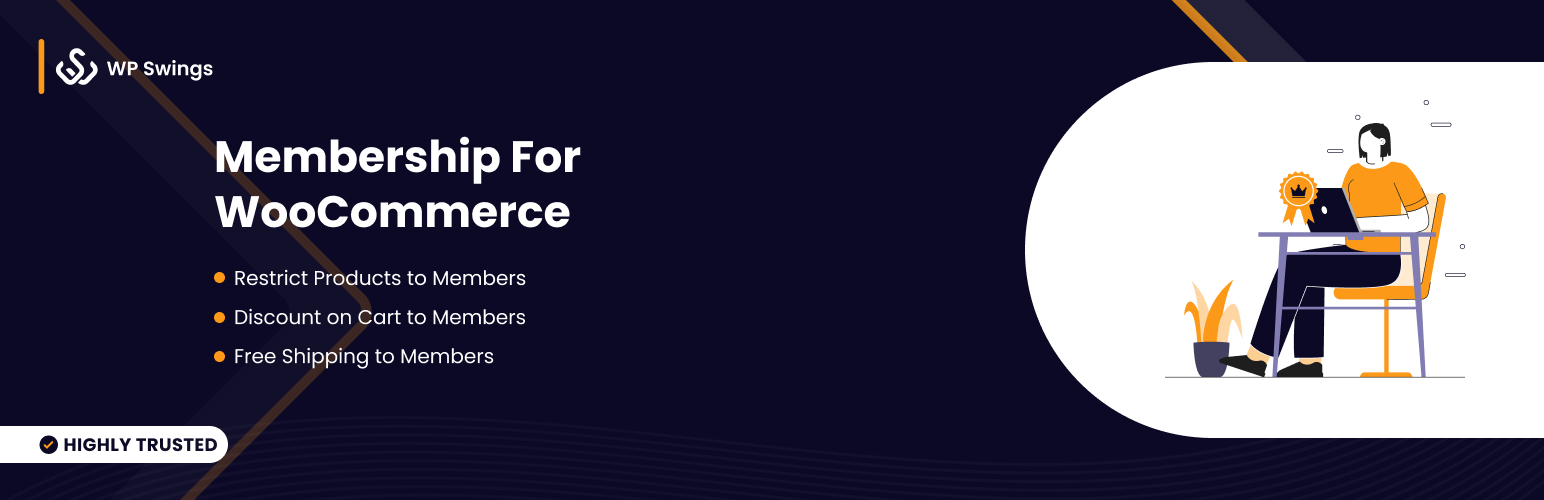
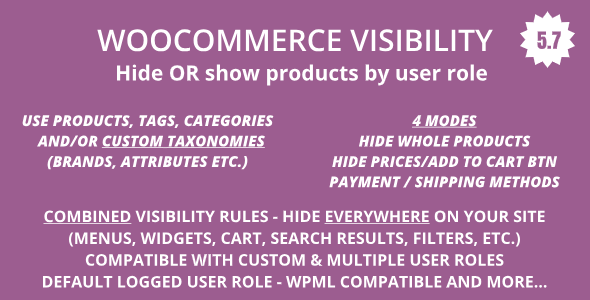
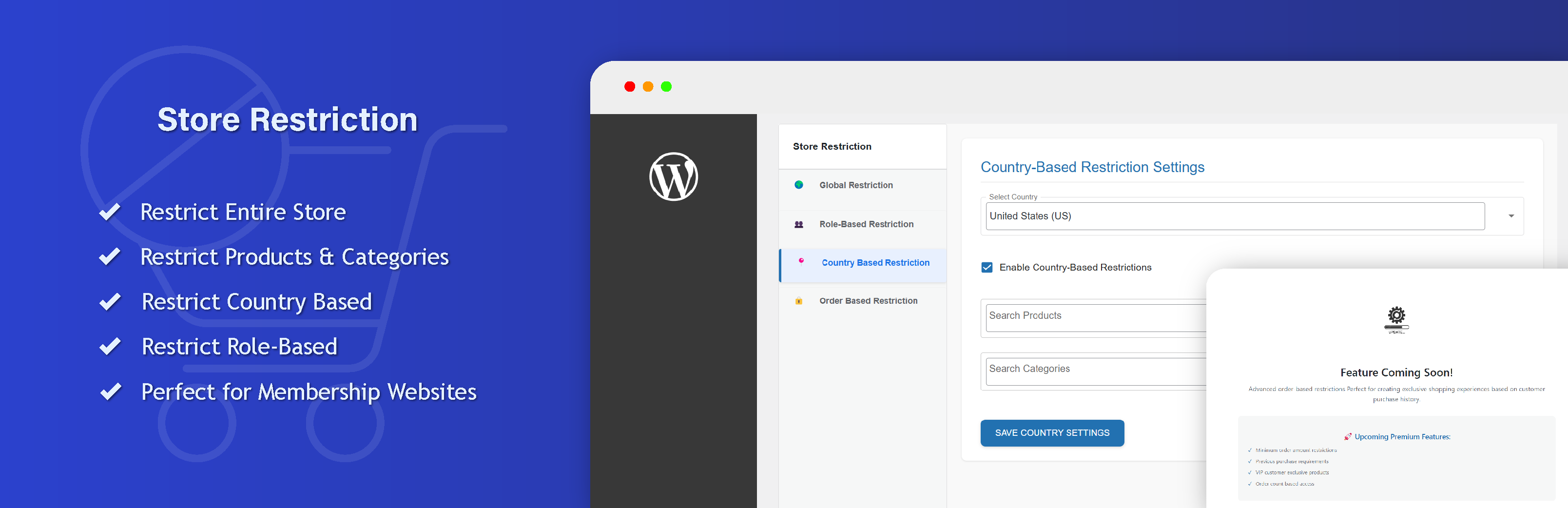
You can:
✔ Hide products from non-members
✔ Allow purchase only for members
✔ Show special pricing
Example:
-
Non-member → Cannot see product
-
Member → Can purchase
👉 Useful for B2B stores & VIP shops
3️⃣ Offer Member-Only Pricing
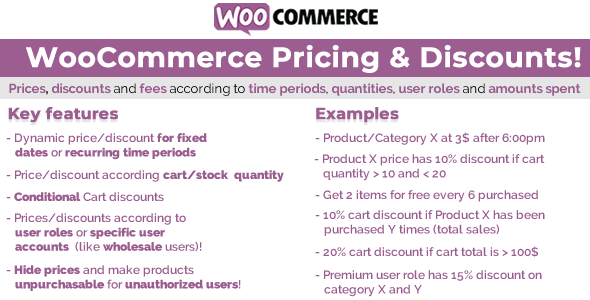
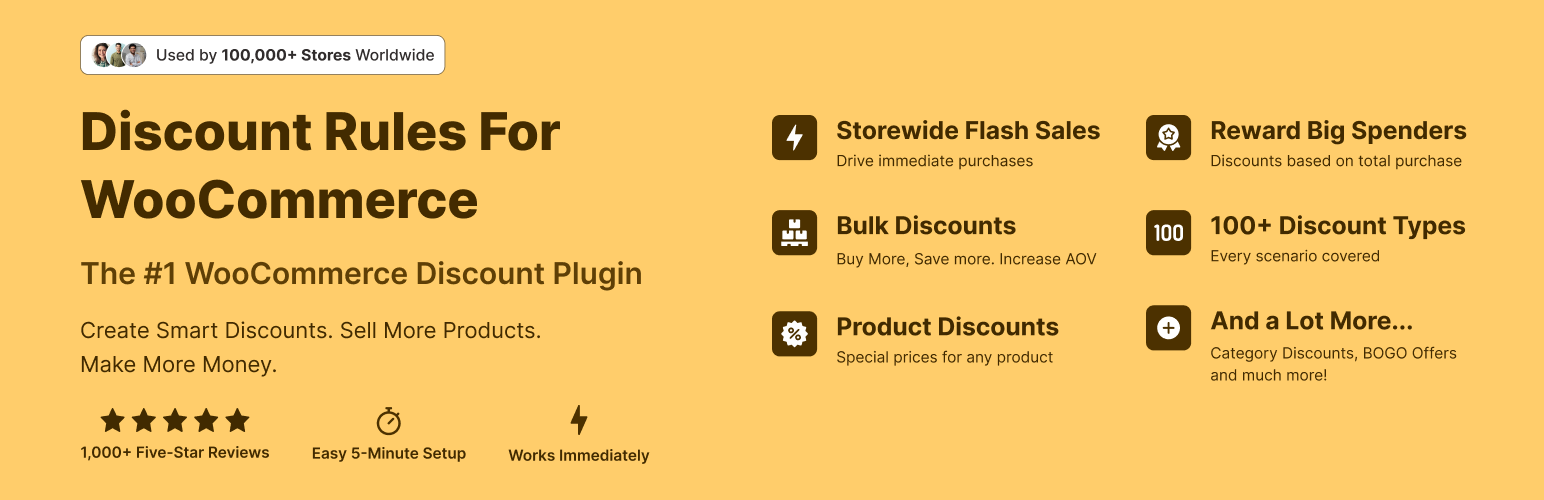
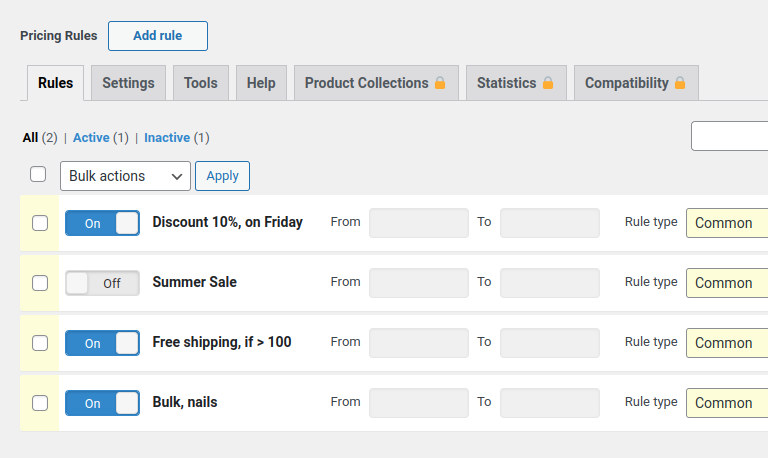
Example:
-
Normal price → ₹1000
-
Member price → ₹700
👉 Benefits:
✔ Higher conversion
✔ Increased retention
✔ Encourages subscription
4️⃣ Restrict Content by User Role


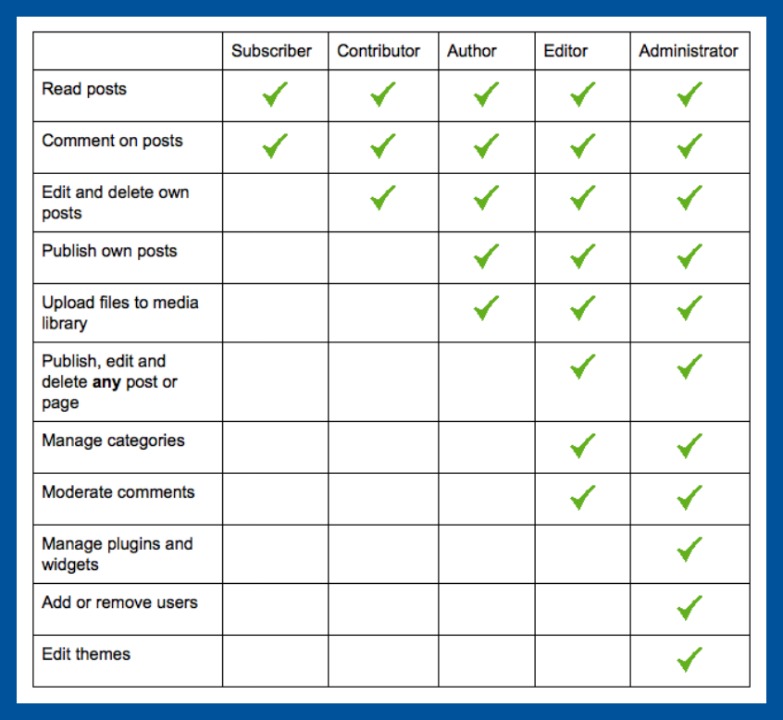
Basic method:
✔ Assign roles
✔ Restrict content based on role
Example:
-
Subscriber → Basic content
-
Premium → Full access
👉 Simple but limited compared to membership plugins
5️⃣ Drip Content (Timed Access)


Content release over time:
Example:
-
Day 1 → Module 1
-
Day 5 → Module 2
-
Day 10 → Full access
👉 Best for:
✔ Online courses
✔ Training programs
✔ Coaching platforms
6️⃣ Restrict Content by Category
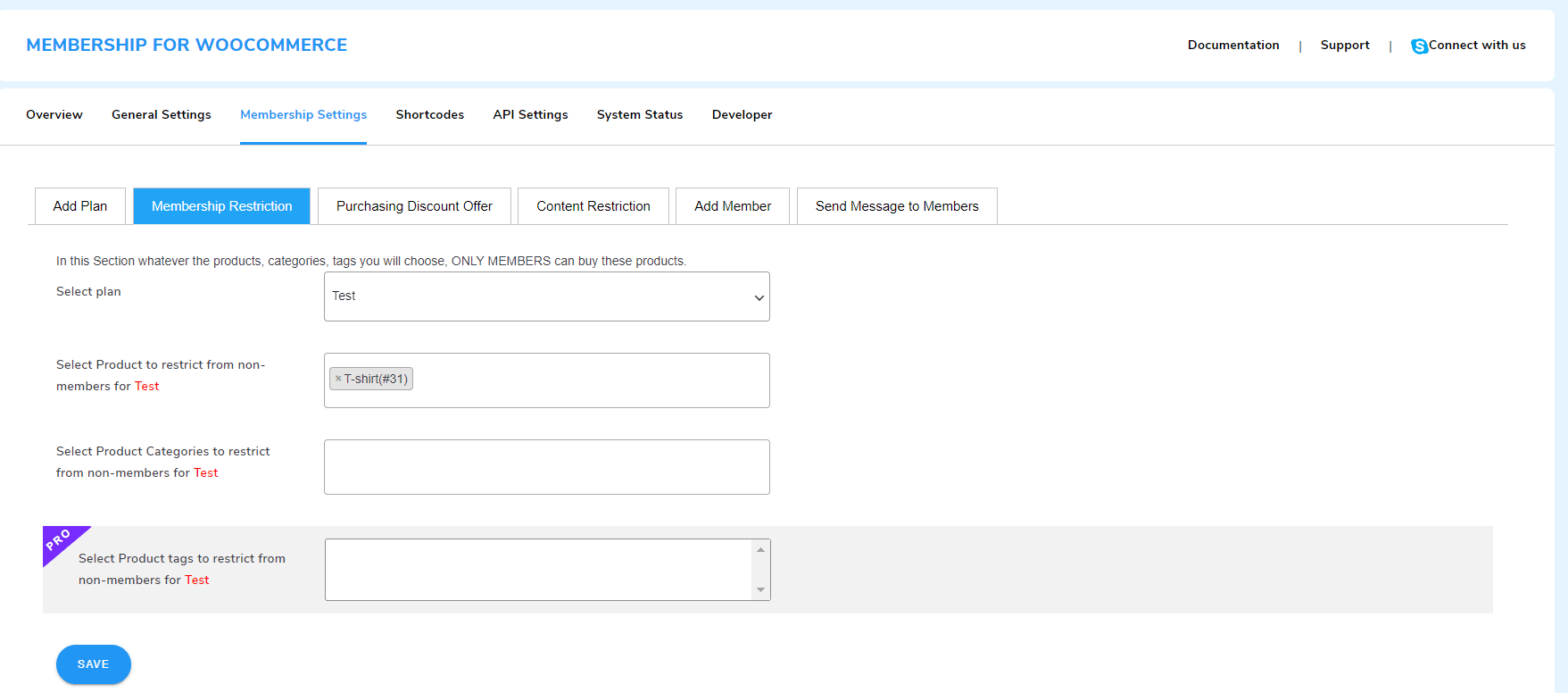

You can restrict:
✔ Entire blog categories
✔ Product categories
✔ Course sections
👉 Saves time compared to page-level restriction
7️⃣ Partial Content Restriction (Preview Mode)
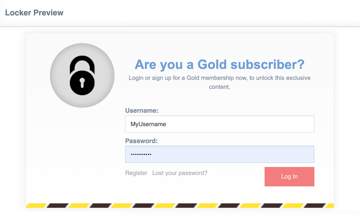

Show partial content:
-
First 2 paragraphs → Free
-
Full content → Members only
👉 Improves:
✔ SEO
✔ User engagement
✔ Conversion rate
8️⃣ Restrict Content Based on Subscription Status
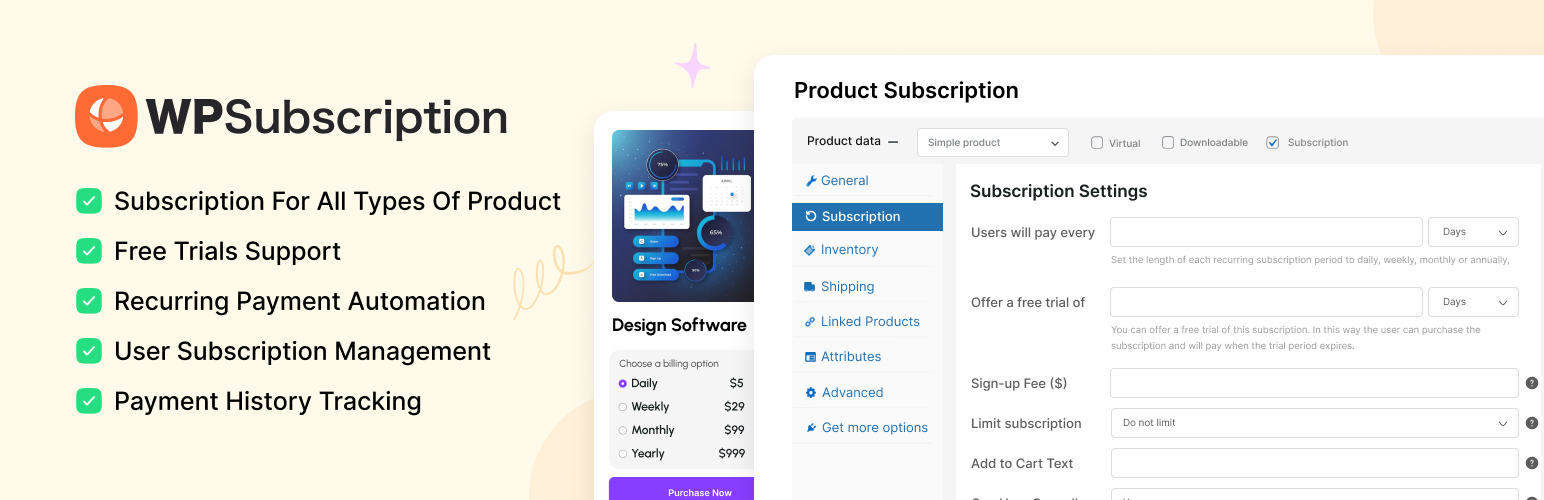
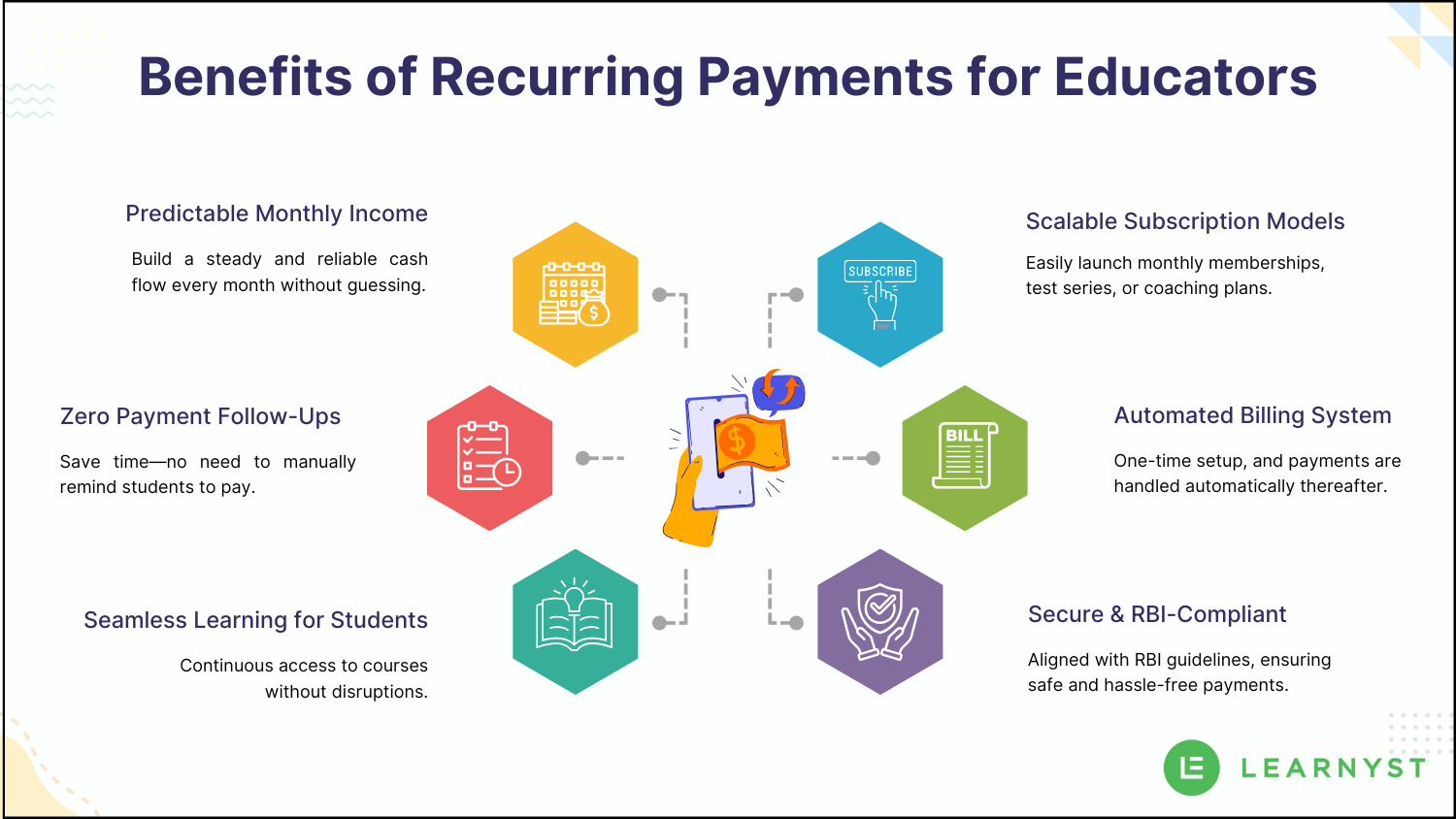
Access depends on:
✔ Active subscription → Access allowed
✔ Expired → Access removed
👉 Fully automated system
9️⃣ Redirect or Show Custom Message

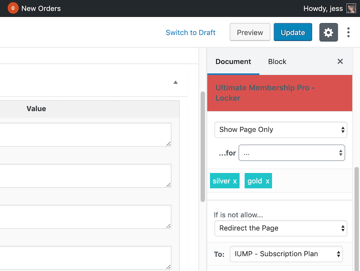
Instead of blank page, show:
👉 “Please login or purchase membership to access this content”
✔ Improves UX
✔ Encourages conversion
🔟 Advanced Membership Logic

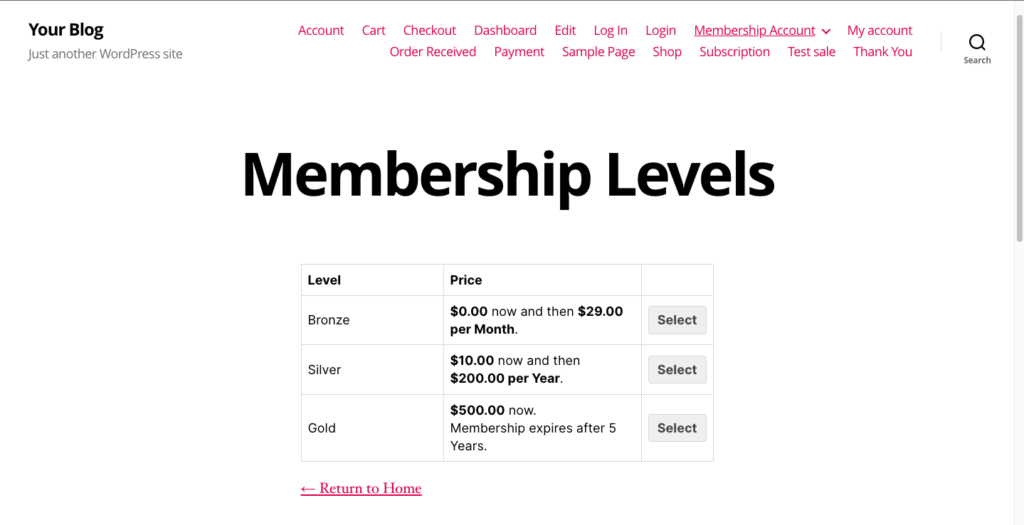

Advanced setups:
✔ Multi-tier membership (Basic, Pro, VIP)
✔ Category-based access per plan
✔ Product + content combo access
✔ Time-limited offers
👉 Perfect for scaling platforms
🚨 Common Mistakes to Avoid
❌ Not testing restriction rules
❌ Wrong membership-product linking
❌ Poor UX (no message)
❌ Over-restricting content
❌ Ignoring SEO impact
👉 Balance between free & paid content is important
📈 Best Practices for Content Restriction
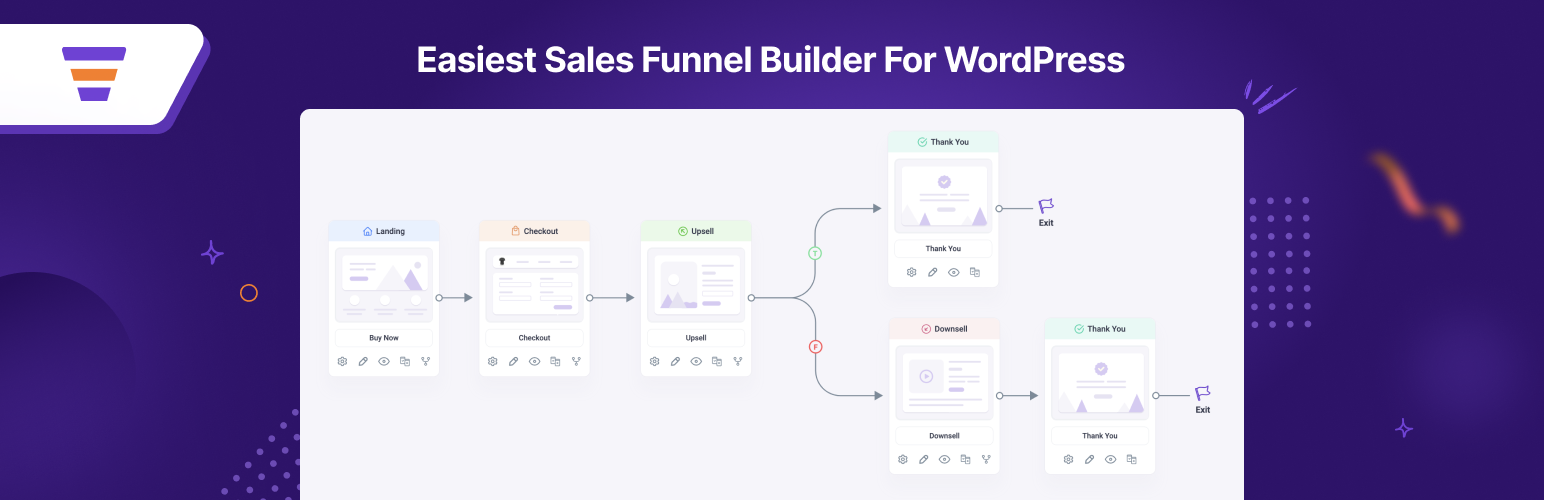

✔ Offer free value first
✔ Use teaser content
✔ Create clear pricing plans
✔ Highlight benefits
✔ Use strong CTAs
📊 Smart strategy = higher conversions
📚 Also Read (Internal Links)

Hire Me on Upwork – Dokan & WooCommerce Expert

 Chat on WhatsApp