WordPress: Cleaning & Optimizing WordPress Database

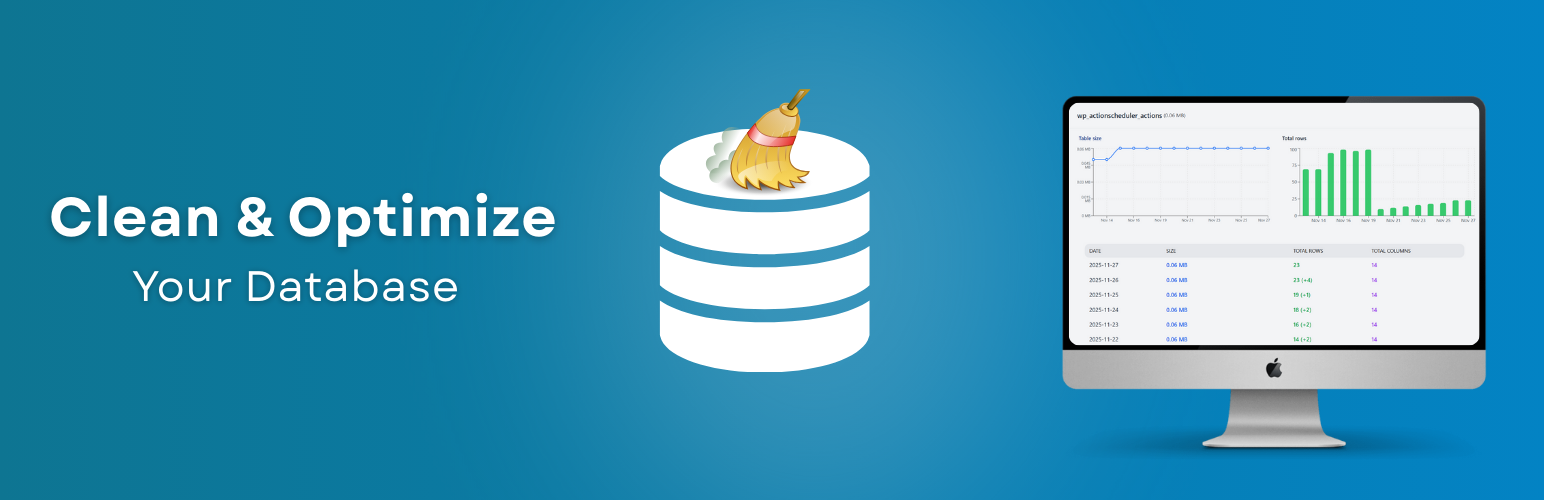
WordPress: Cleaning & Optimizing WordPress Database (Complete Guide 2026)

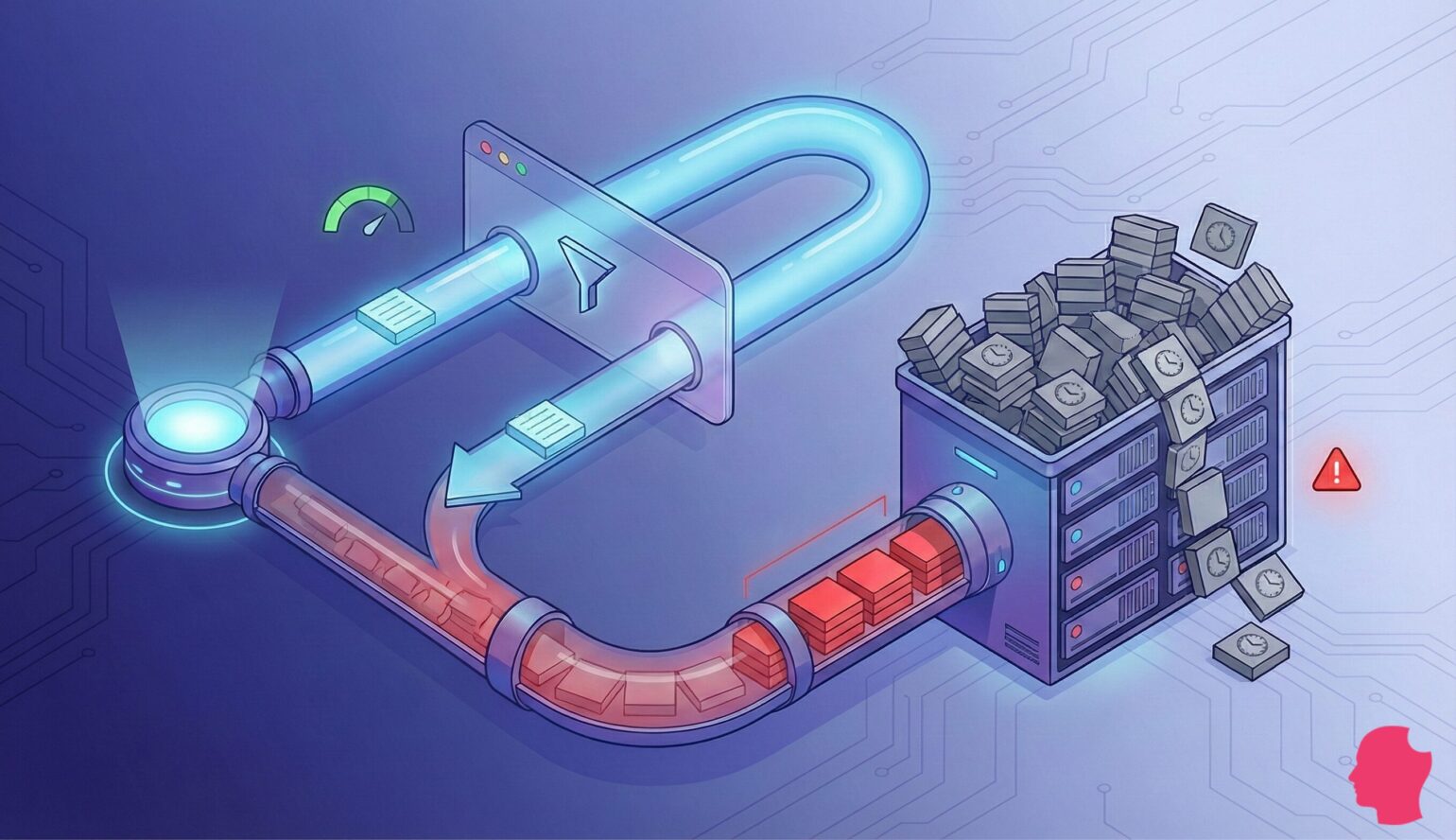
Over time, every WordPress website becomes bloated.

Posts, revisions, plugins, transients, logs — all of this keeps accumulating inside your database.
If not cleaned regularly, your site built on WordPress will start to:

❌ Load slowly
❌ Lag in admin panel
❌ Consume more server resources
❌ Affect SEO & conversions

That’s why database cleaning & optimization is essential.

In this guide, you’ll learn how to clean and optimize your WordPress database step-by-step.


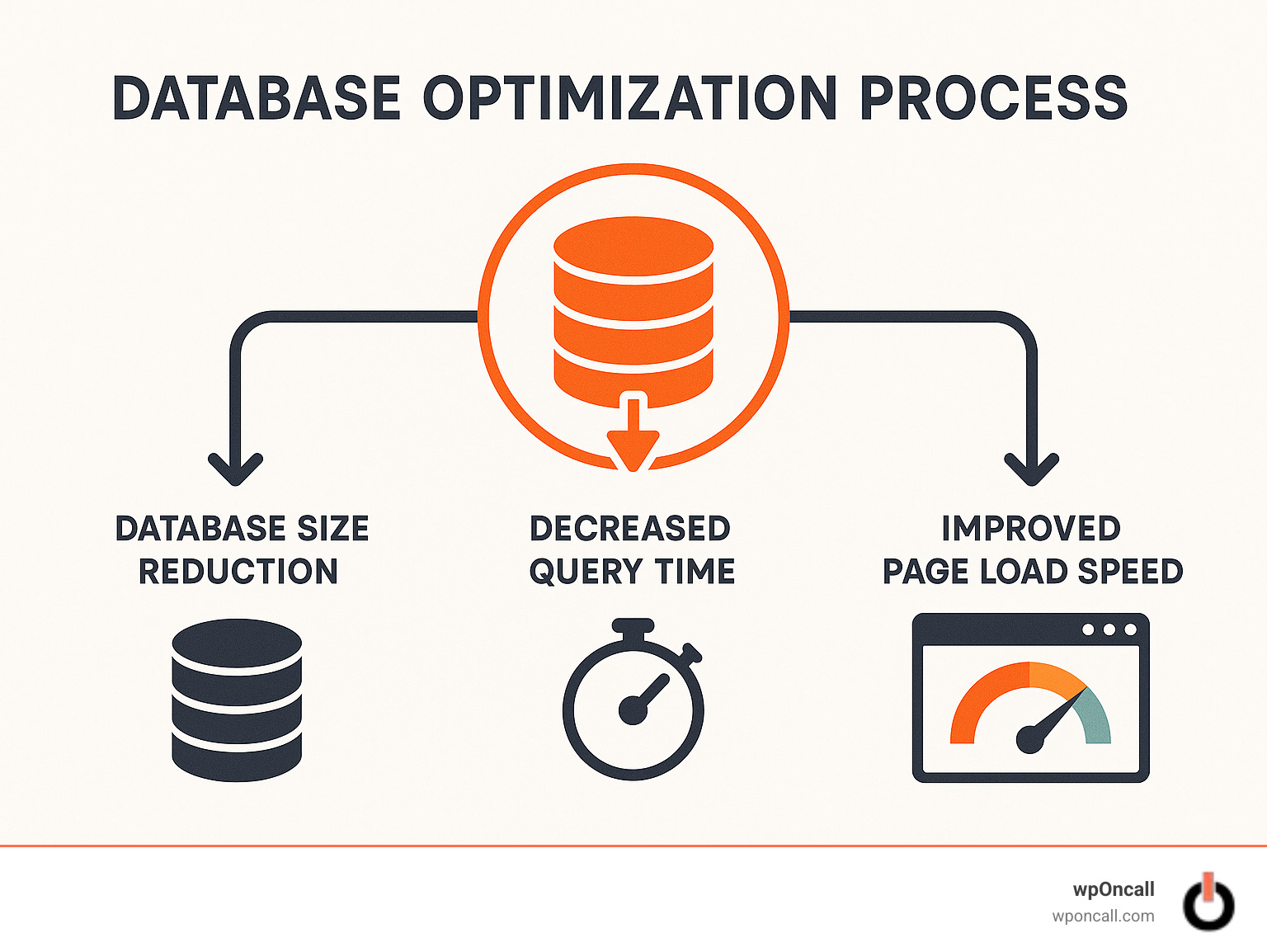
🔴 Why Database Optimization Matters

https://img.webnots.com/2020/04/Checking-Table-Size-in-WordPress-Database.png
https://images.theeventscalendar.com/kb/uploads/2025/04/query-monitor-scaled.jpg
https://user-images.githubusercontent.com/9804013/182165715-a22a0da7-a1f5-4035-811f-7b3a76e4a94a.png
4

Without optimization:

❌ Large database size
❌ Slow queries
❌ Poor performance

With optimization:

✔ Faster loading
✔ Smooth admin experience
✔ Better scalability
✔ Improved SEO

👉 Database = performance backbone


🧠 How WordPress Database Works

WordPress stores everything in MySQL tables:

Important Tables:

  • wp_posts → Posts, pages

  • wp_postmeta → Metadata

  • wp_users → Users

  • wp_options → Settings

  • wp_comments → Comments

👉 Most issues come from wp_postmeta & wp_options


⚠️ Common Database Issues
https://ps.w.org/advanced-database-cleaner/assets/screenshot-1.png?rev=3405580
https://img.webnots.com/2024/08/Delete-Autoloaded-Options-in-WordPress.jpg
https://images.theeventscalendar.com/kb/uploads/2025/04/query-monitor-scaled.jpg
4

❌ Post revisions overload
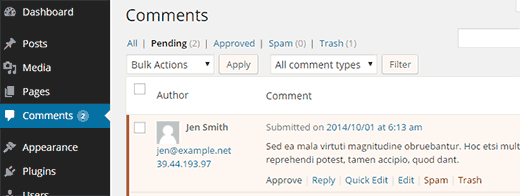
❌ Spam comments
❌ Expired transients
❌ Large autoload options
❌ Unused plugin data

👉 These slow down your site.


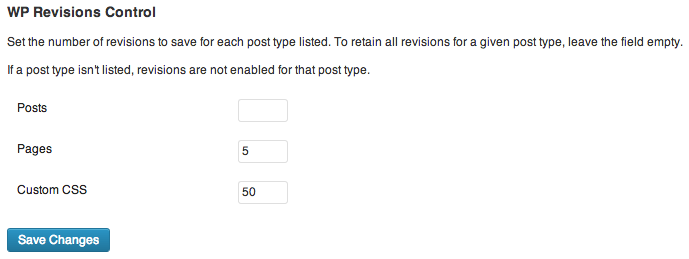
1️⃣ Delete Post Revisions

https://www.joomunited.com/images/com_droppics/275/full/wp-speed-of-light-database-auto-cleaup.png?1770717203=
https://www.joomunited.com/images/com_droppics/275/full/1-Revisions.png?1770717203=
https://ps.w.org/wp-revisions-control/assets/screenshot-1.png?rev=735065
4

WordPress stores multiple revisions for each post.

Fix:

✔ Delete old revisions
✔ Limit future revisions

define(‘WP_POST_REVISIONS’, 5);

👉 Reduces database size


2️⃣ Clean Spam & Trash Comments

https://www.domains.co.za/images/kb/02-domains-dashboard.png
https://ps.w.org/advanced-database-cleaner/assets/banner-1544x500.png?rev=3405580
https://sinosoft.guru/images/kb/10_pending-comments.png
4

Remove:

✔ Spam comments
✔ Trash comments
✔ Unapproved comments

👉 Improves database performance


3️⃣ Delete Expired Transients
https://ps.w.org/advanced-database-cleaner/assets/screenshot-1.png?rev=3405580
https://cdn.deliciousbrains.com/content/uploads/2026/02/10144620/DB-Transients-Feature-Image-1540x888.jpg
https://www.debugbear.com/dimg/0f32d493530d8e291987b0cedbfdad4f.png
4

Transients = temporary cache data

Fix:

✔ Remove expired transients
✔ Automate cleanup

👉 Keeps database lightweight


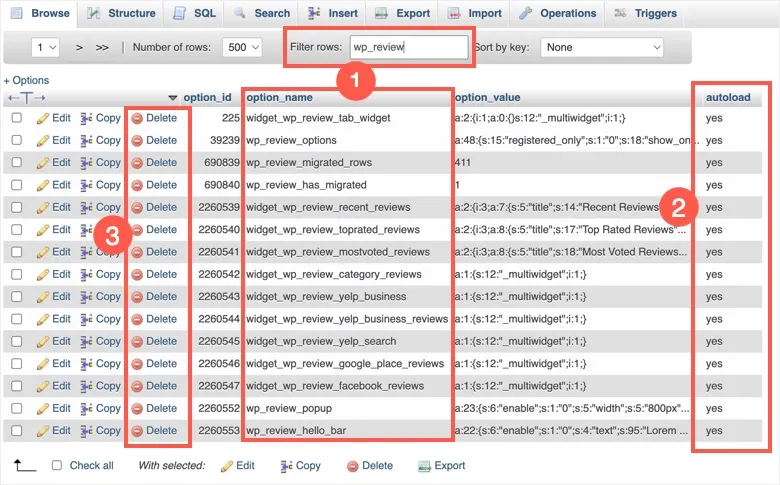
4️⃣ Optimize wp_options Table

https://i.sstatic.net/9hua2.png
https://make.wordpress.org/core/files/2024/06/image-2.png
https://img.webnots.com/2020/05/Cleanup-WP-Options-Table.png
4

Problem:

❌ Too many autoloaded options

Fix:

✔ Remove unused options
✔ Disable unnecessary autoload

👉 Reduces memory usage


5️⃣ Remove Unused Plugin Data
https://ps.w.org/advanced-database-cleaner/assets/screenshot-1.png?rev=3405580
https://static.hosting.com/kb/kb_wp_select_table_drop_table.png
https://www.themespride.com/cdn/shop/articles/wordpress-database-cleanup_85d63ed9-b07a-48eb-a806-5a0f71f693e3.png?v=1771384908&width=1100
4

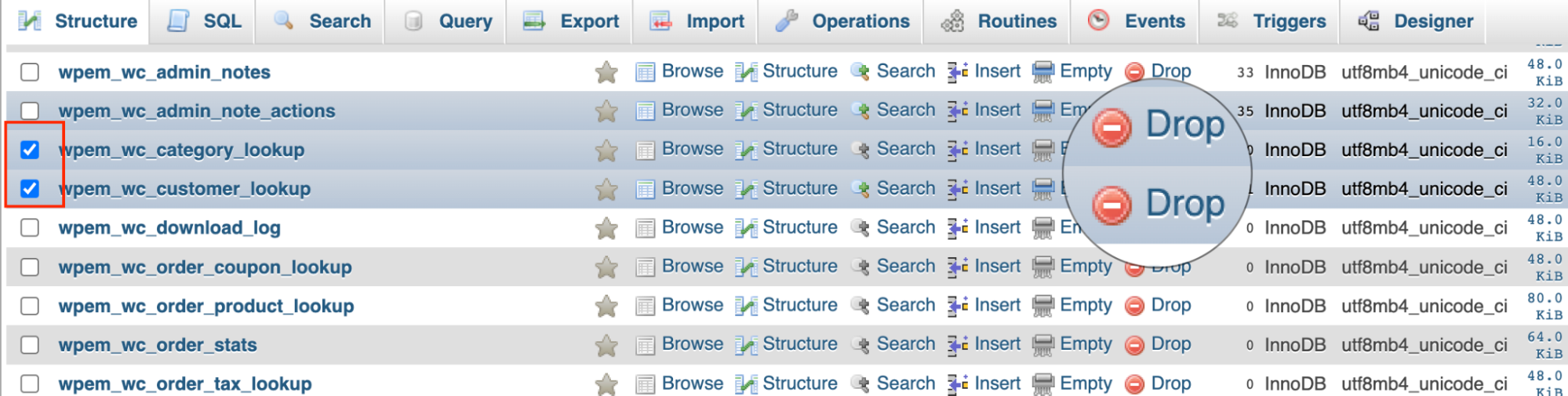
When plugins are deleted:

❌ Their data often remains

Fix:

✔ Remove unused tables
✔ Clean orphaned data

👉 Prevents database bloat


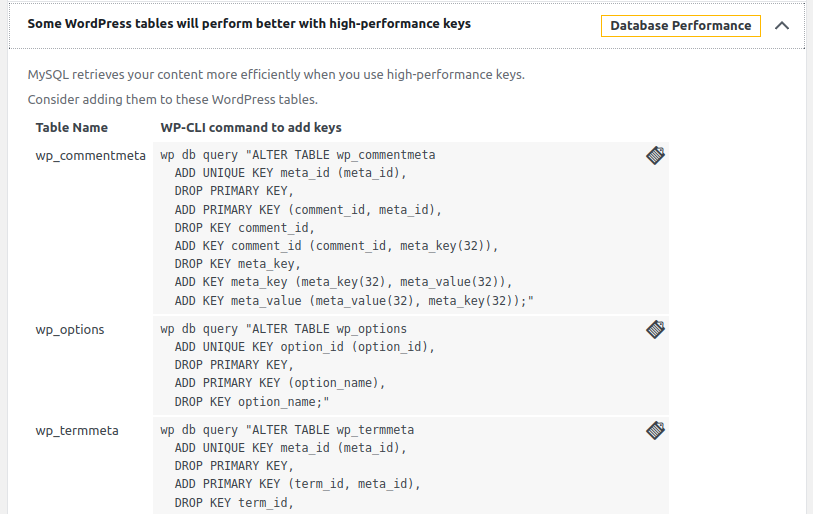
6️⃣ Optimize Database Tables
https://content.hostgator.com/img/cpanel-databases-phpmyadmin-table-maintenance.png
https://images.bannerbear.com/direct/4mGpW3zwpg0ZK0AxQw/requests/000/090/621/534/JWBKNELpyQ2xG1yrzPvbX5R93/58668fe57cf790bcc0fe562e9229e1e4609b196e.jpg
https://www.codeable.io/wp-content-new/uploads/2024/08/wordpress-database-repair-location-of-databases-in-phpmyadmin-1.png
4

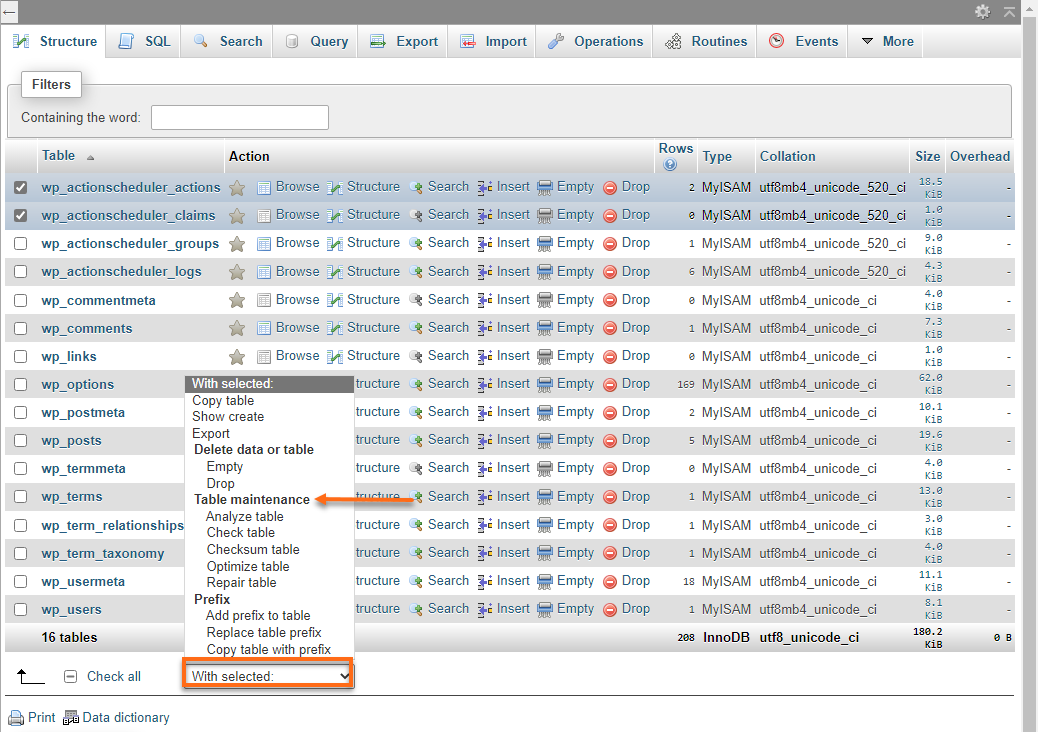
Run:

OPTIMIZE TABLE wp_posts;

👉 Improves performance & storage


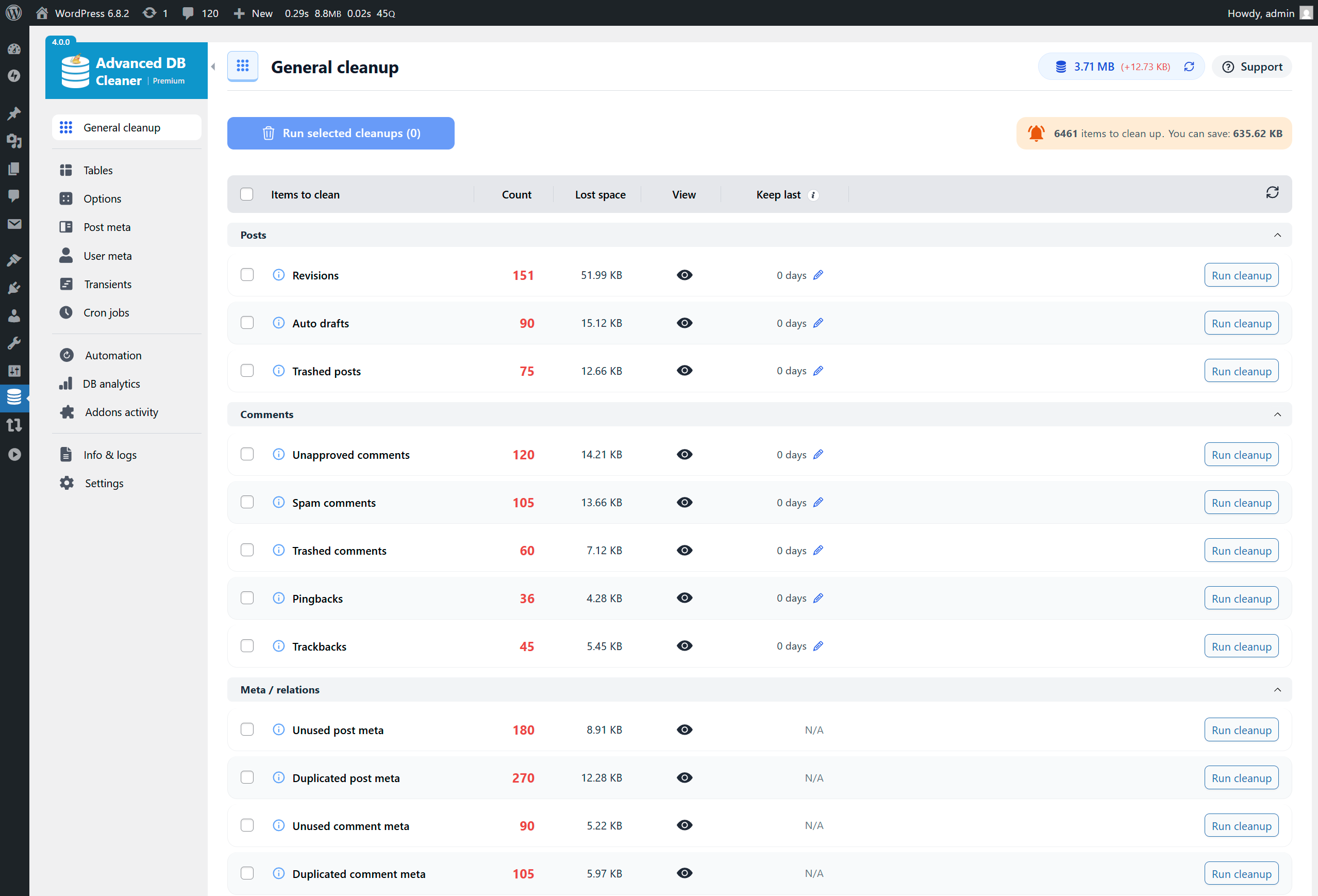
7️⃣ Use Database Optimization Plugins
https://ps.w.org/wp-optimize/assets/screenshot-2.png?rev=2143870
https://cms-assets.tutsplus.com/cdn-cgi/image/width%3D850/uploads/users/48/posts/36436/image-upload/WP%20Cleaner.png
https://ps.w.org/advanced-database-cleaner/assets/screenshot-1.png?rev=3405580
4

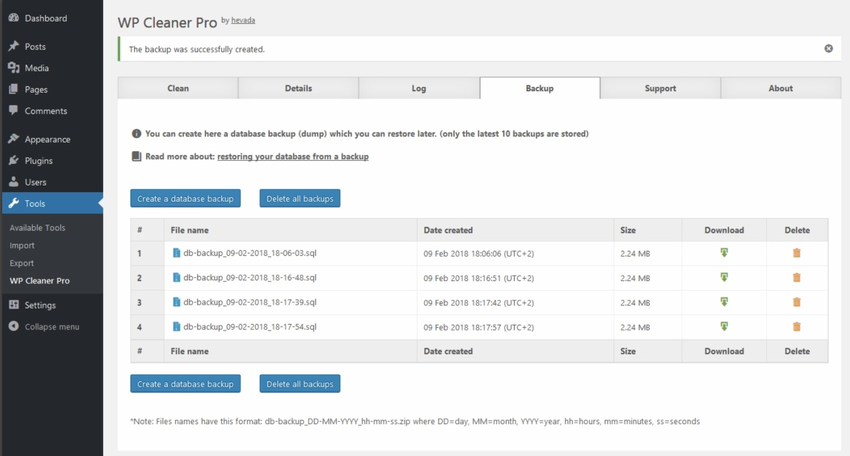
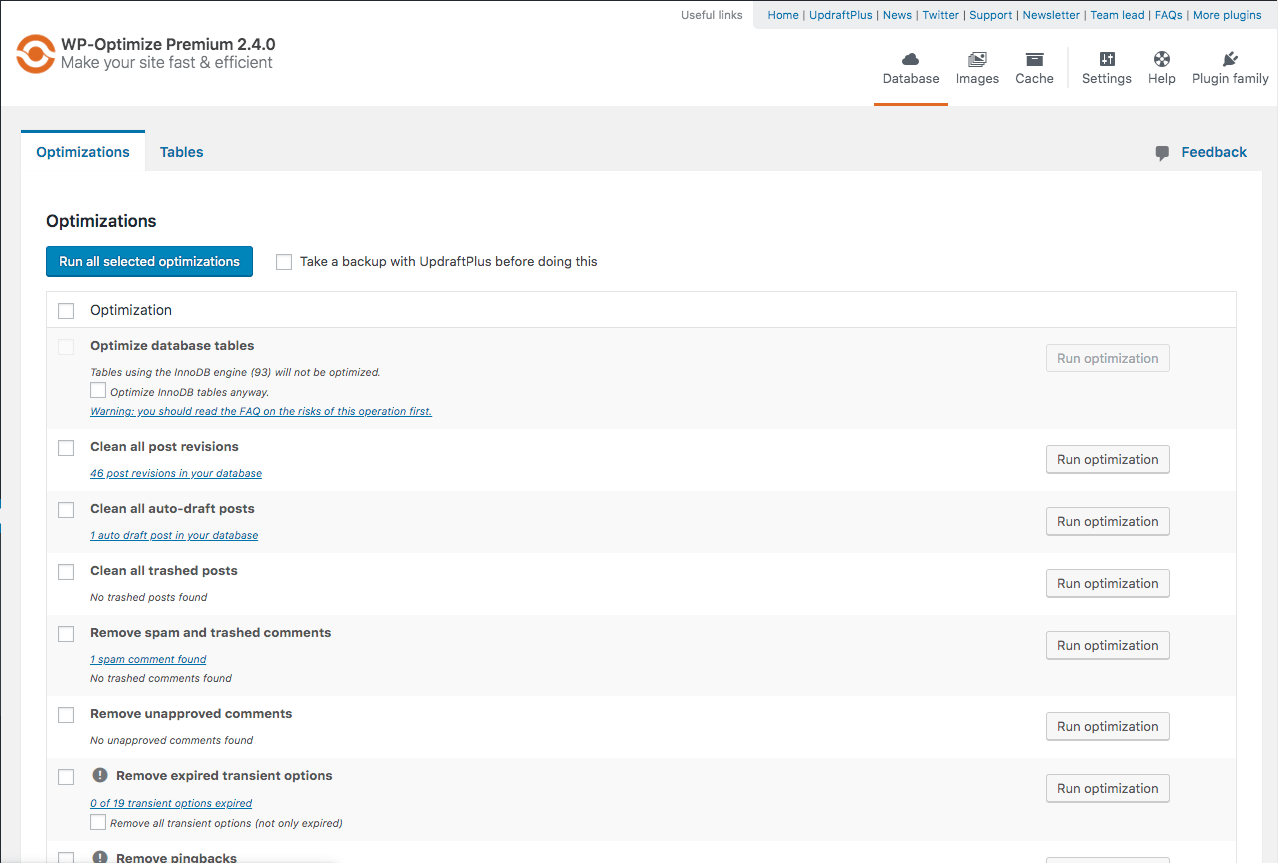
Popular tools:

✔ WP-Optimize
✔ WP-Sweep
✔ Advanced Database Cleaner

👉 Easy & automated cleanup


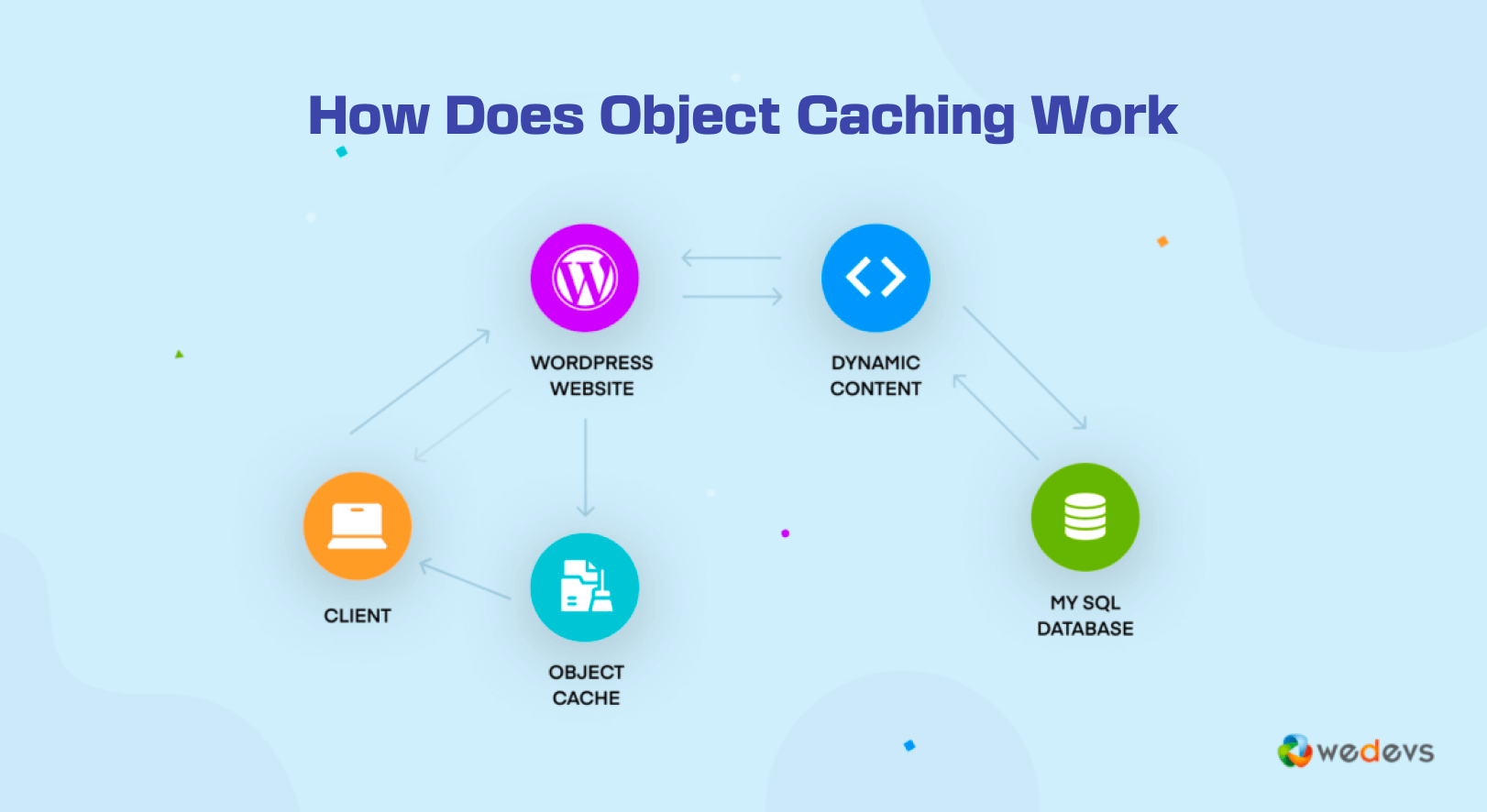
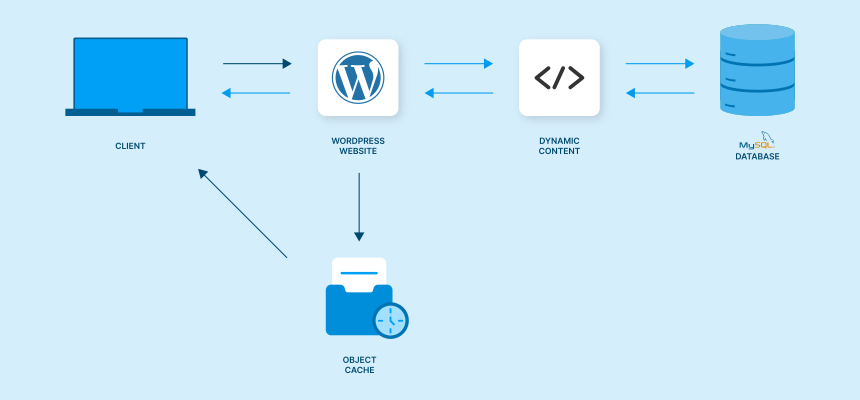
8️⃣ Enable Object Caching (Advanced)

https://chemicloud.com/blog/storage/2023/07/Object-Caching.png
https://cdn.wedevs.com/uploads/2023/06/How-does-object-caching-work.png
https://www.cloudpanel.io/astatic/assets/images/article/2021/37/733490b2d2364e85b4009cc1942ff68a.svg
4

Benefits:

✔ Reduces database queries
✔ Faster load time
✔ Better scalability

👉 Recommended for high-traffic sites


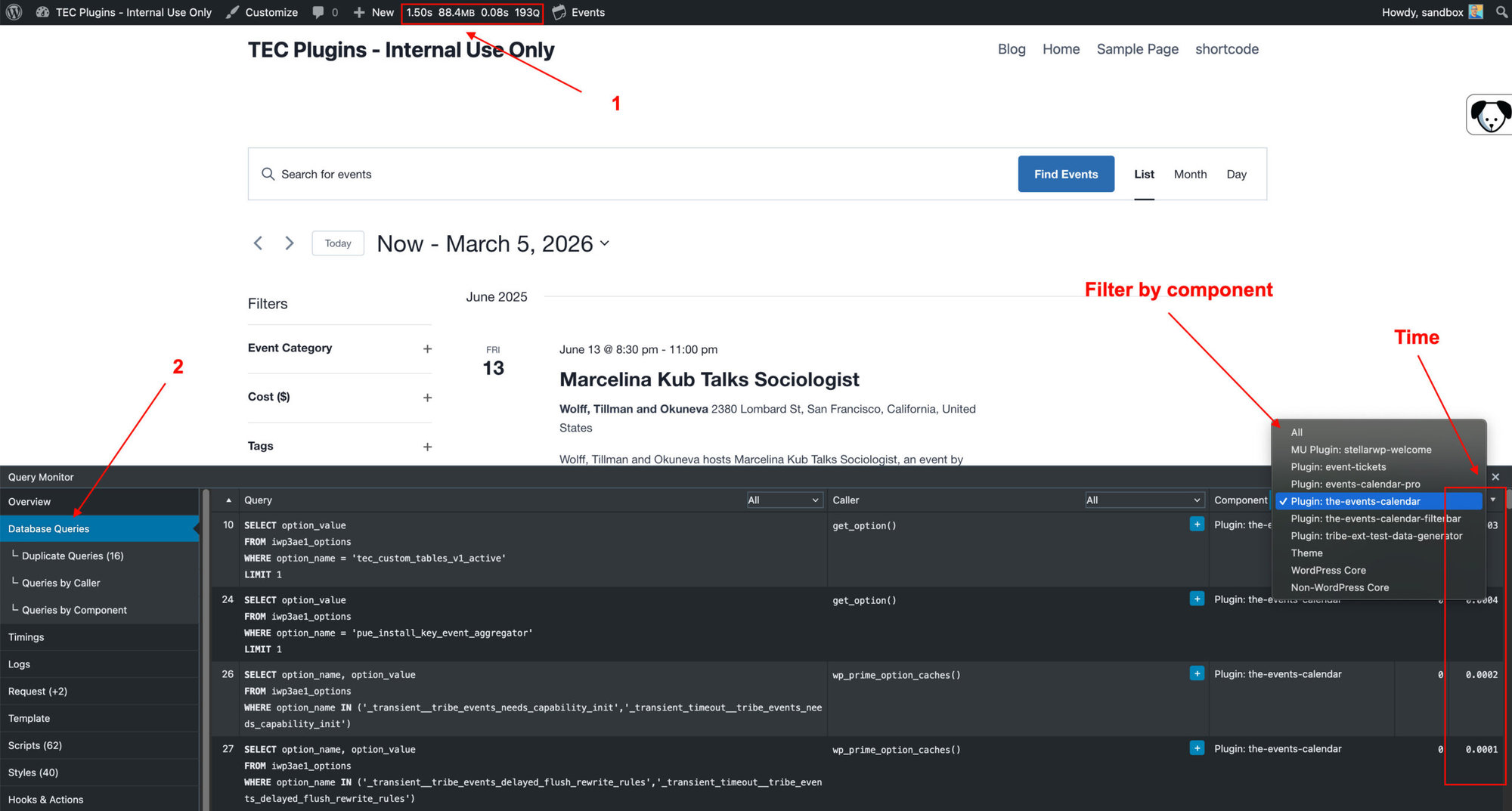
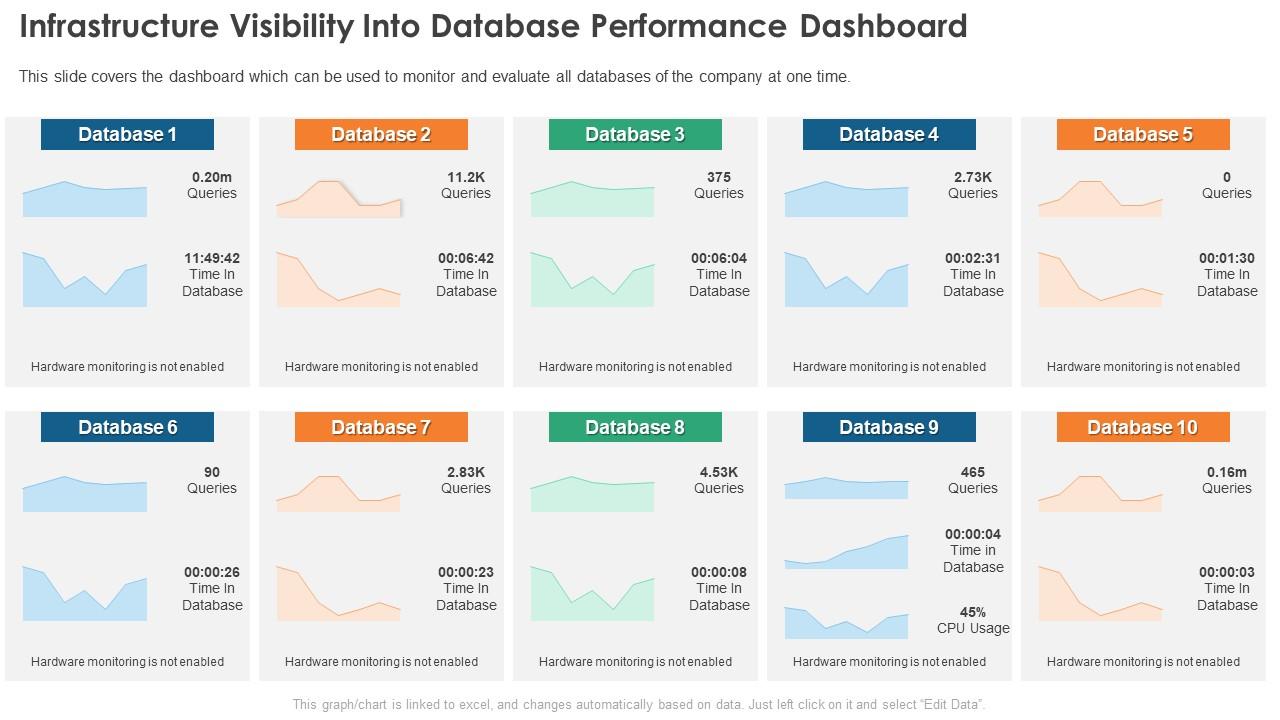
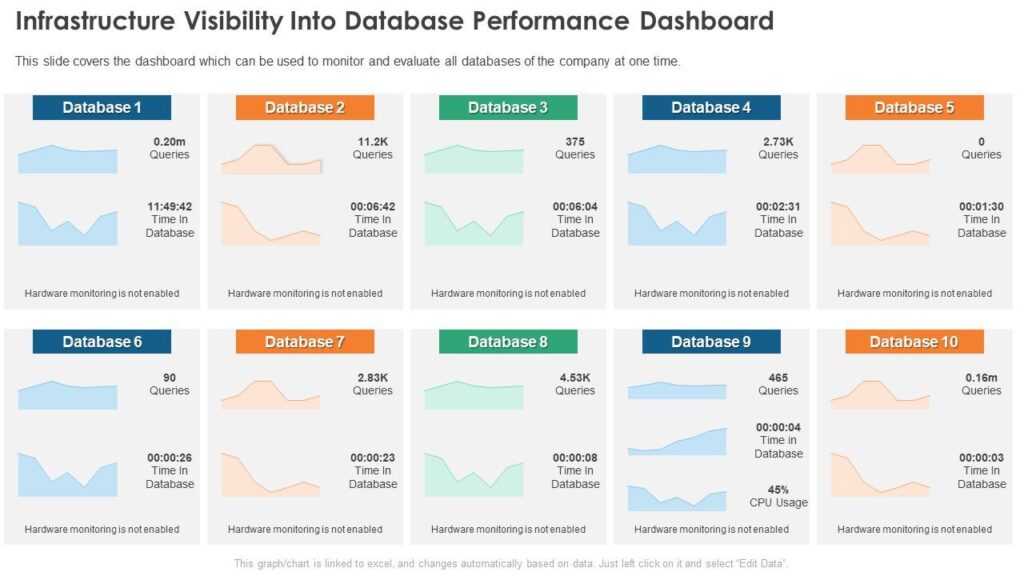
9️⃣ Monitor Database Performance
https://ps.w.org/query-monitor/assets/banner-1544x500.png?rev=2870124
https://i.sstatic.net/z9IFs.png
https://www.slideteam.net/media/catalog/product/cache/1280x720/i/n/infrastructure_monitoring_database_performance_dashboard_slide01.jpg
4

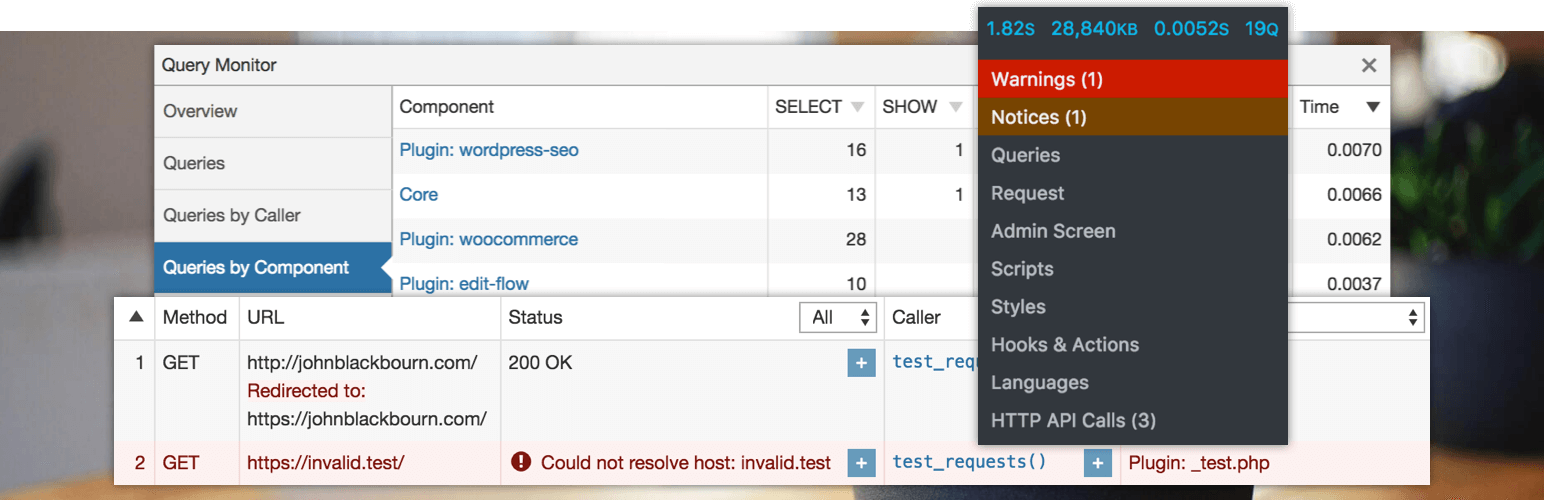
Use tools:

✔ Query Monitor
✔ Debug logs

👉 Identify issues quickly


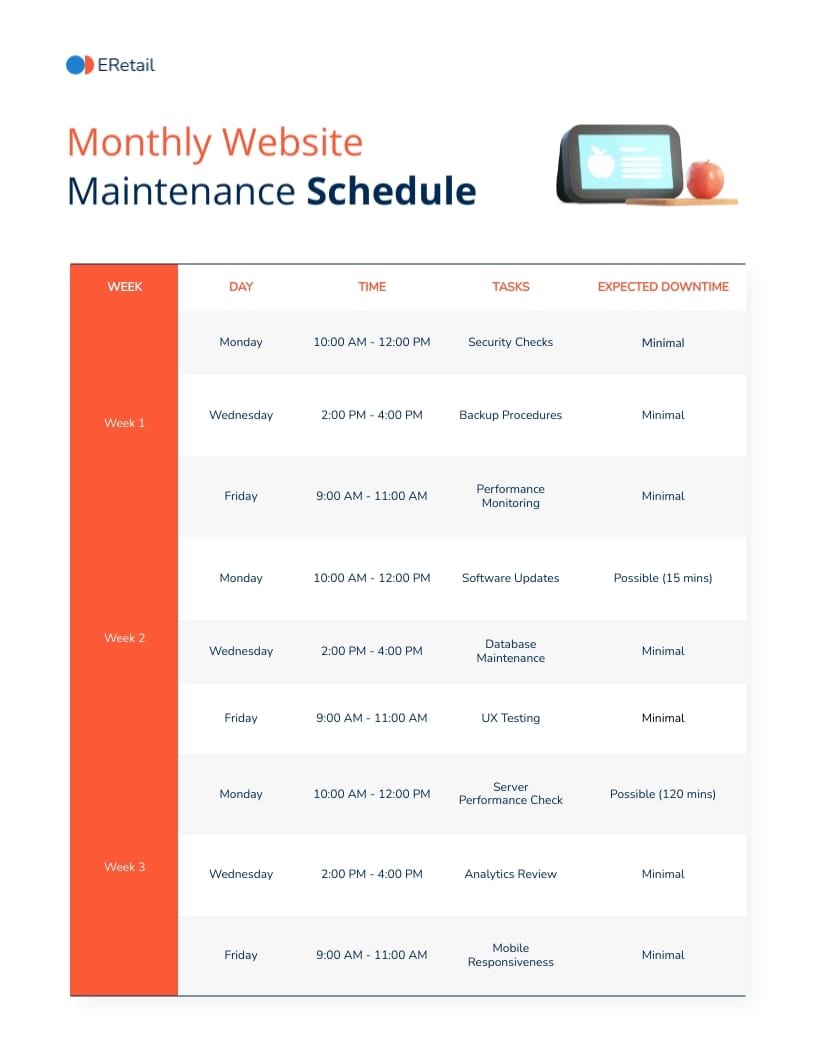
🔟 Schedule Regular Cleanup
https://ps.w.org/advanced-database-cleaner/assets/screenshot-1.png?rev=3405580
https://ps.w.org/advanced-database-cleaner/assets/banner-1544x500.png?rev=3405580
https://assets.visme.co/templates/banners/thumbnails/i_Website-Maintenance-Schedule_full.jpg
4

Set:

✔ Weekly cleanup
✔ Monthly optimization

👉 Keeps database healthy


🚨 Common Mistakes to Avoid

❌ No regular cleanup
❌ Too many plugins
❌ Ignoring autoload data
❌ No caching
❌ Not optimizing tables

👉 Leads to slow performance


📈 Optimization Checklist

✔ Delete revisions
✔ Clean comments
✔ Remove transients
✔ Optimize tables
✔ Enable caching
✔ Monitor queries

👉 Follow this regularly


📚 Also Read (Internal Links)

Leave a Reply

Your email address will not be published. Required fields are marked *