
Selling digital products is one of the fastest and most scalable online business models.
From eBooks and templates to software and courses, WordPress gives you full control, flexibility, and ownership over your digital business.
If your website is built on WordPress, this guide explains how to set up WordPress for selling digital products, step by step.
🔴 What Are Digital Products?
Digital products are items delivered online instead of physically.
Popular Digital Product Examples
-
eBooks & PDFs
-
Design templates
-
Themes & plugins
-
Software & licenses
-
Audio, video, music
-
Digital resources & tools



🧠 Why Use WordPress for Digital Products?
WordPress is ideal for digital products because it offers:
-
Full ownership (no platform lock-in)
-
Unlimited customization
-
SEO-friendly structure
-
Scalable growth
-
Integration with payments & tools
Unlike closed platforms, WordPress lets you build exactly what your business needs.
🧩 Core Components Needed to Sell Digital Products
To sell digital products on WordPress, you need:
1️⃣ WordPress (CMS)
2️⃣ eCommerce system (WooCommerce or similar)
3️⃣ Secure hosting
4️⃣ Payment gateway
5️⃣ Download protection


1️⃣ Install WordPress on Reliable Hosting
Choose hosting that supports:
-
SSL (HTTPS)
-
Latest PHP version
-
Good performance
-
Daily backups
A secure hosting foundation is critical for digital products.
2️⃣ Install WooCommerce for Digital Sales
To handle payments and downloads, install WooCommerce.
WooCommerce allows you to:
-
Create digital products
-
Accept payments
-
Automatically deliver files
-
Manage customers


3️⃣ Create Digital Products in WooCommerce
Steps:
-
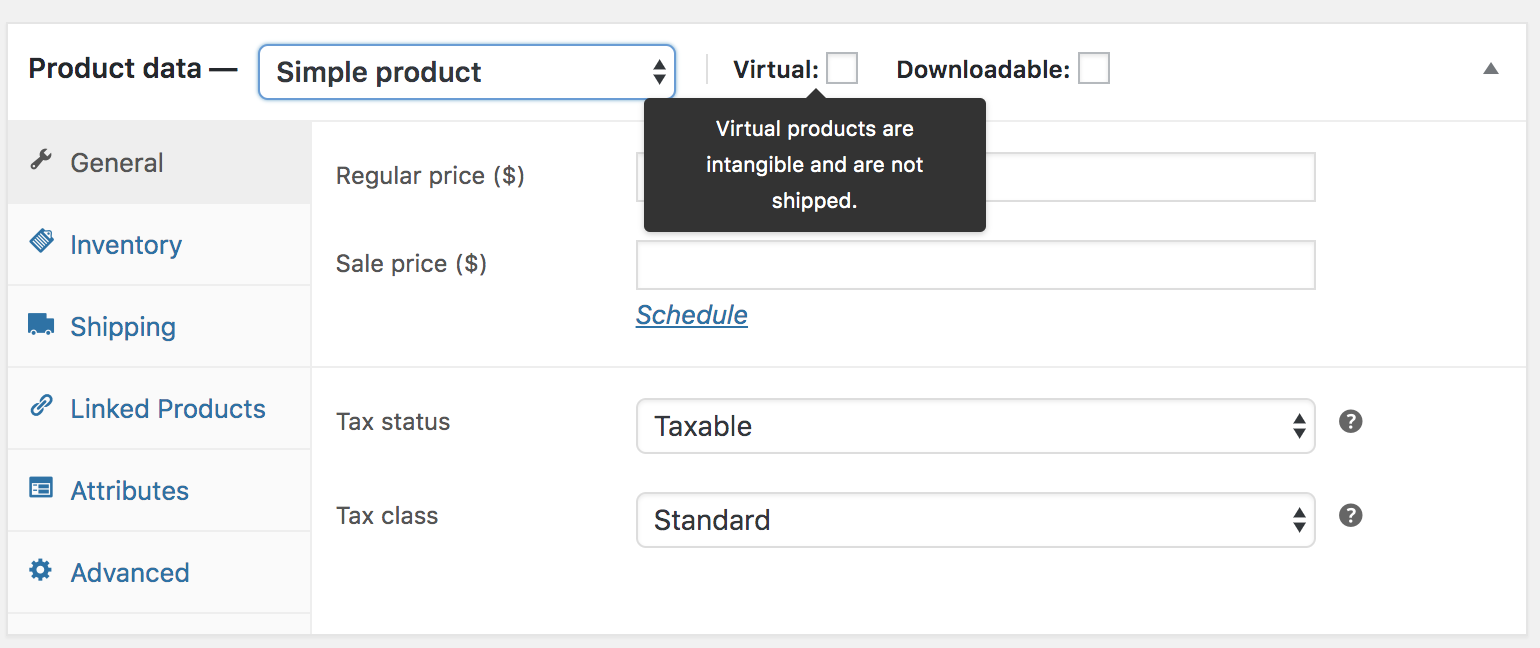
Go to Products → Add New
-
Select Simple Product
-
Enable:
-
✅ Virtual
-
✅ Downloadable
-
-
Upload your file
-
Set price & publish
WooCommerce will automatically generate secure download links.
4️⃣ Configure Download Protection (VERY IMPORTANT)
For security, configure:
-
Download limits
-
Expiry days
-
Prevent direct file access
Best Practice
✔ Avoid unlimited downloads
✔ Protect premium files

5️⃣ Set Up Payment Gateways
Digital product stores must have smooth and trusted checkout.
Common payment options:
-
Credit/Debit cards
-
UPI & wallets
-
PayPal / Stripe
Ensure:
-
Test mode works
-
Payment emails are delivered
6️⃣ Customize Product Pages for Better Sales
For digital products, focus on:
-
Clear description
-
Benefits & use cases
-
Screenshots or previews
-
FAQs
-
Refund policy
Good content = fewer refunds + higher trust.

7️⃣ Secure Your WordPress Digital Store
Security is critical for digital businesses.
Best Practices
-
Enable SSL
-
Use strong admin passwords
-
Keep plugins updated
-
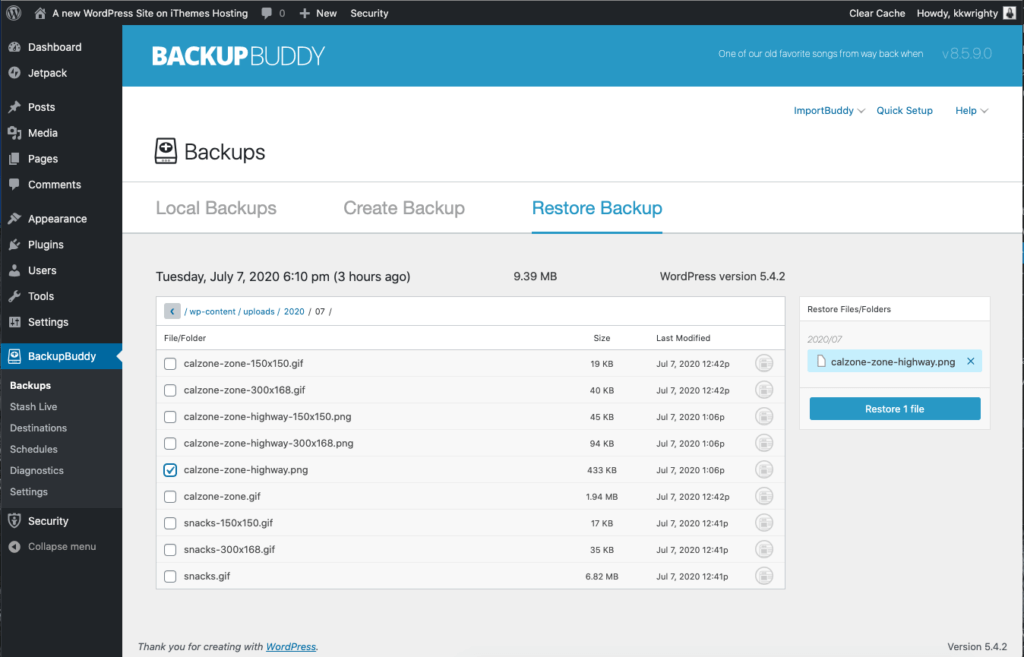
Regular backups
-
Security plugin setup
⚠️ Common Mistakes to Avoid
❌ Uploading files without protection
❌ Using weak hosting
❌ No download limits
❌ Poor product descriptions
❌ Ignoring backups
Avoiding these mistakes saves time and revenue.
🧩 When You Need Custom WordPress Development
Custom development is needed if you want:
-
License key system
-
Subscription-based access
-
Drip content delivery
-
Role-based downloads
-
API-based digital delivery
Custom solutions ensure:
✔ Better security
✔ Scalability
✔ Business-specific workflows
📚 Also Read

Hire Me on Upwork – Dokan & WooCommerce Expert

 Chat on WhatsApp