
WordPress powers over 40% of the web, which also makes it a prime target for hackers.
One small security gap can lead to malware, data loss, SEO penalties, or a hacked website.
If your site runs on WordPress, this checklist will help you secure it properly and confidently.
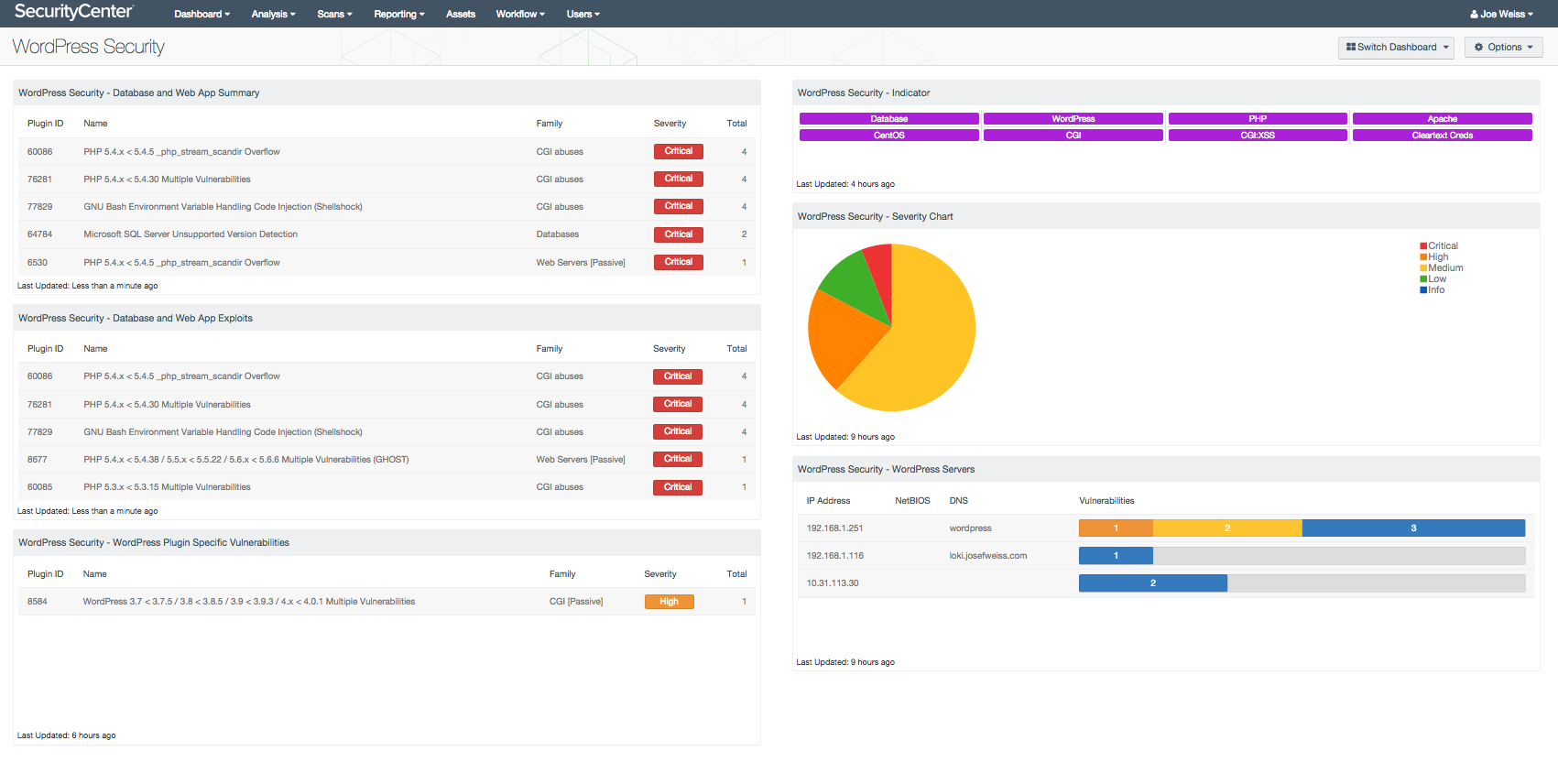
🔐 Why WordPress Security Is So Important
WordPress websites are attacked because they often:
-
Use weak passwords
-
Run outdated plugins/themes
-
Ignore backups
-
Have poor hosting security
The good news? Most attacks are preventable.
🛡️ 1. Choose Secure WordPress Hosting
Security starts at the server level.
Checklist
✔ Choose WordPress-optimized hosting
✔ Enable server firewall (WAF)
✔ Use latest supported PHP version
✔ Disable unnecessary server services
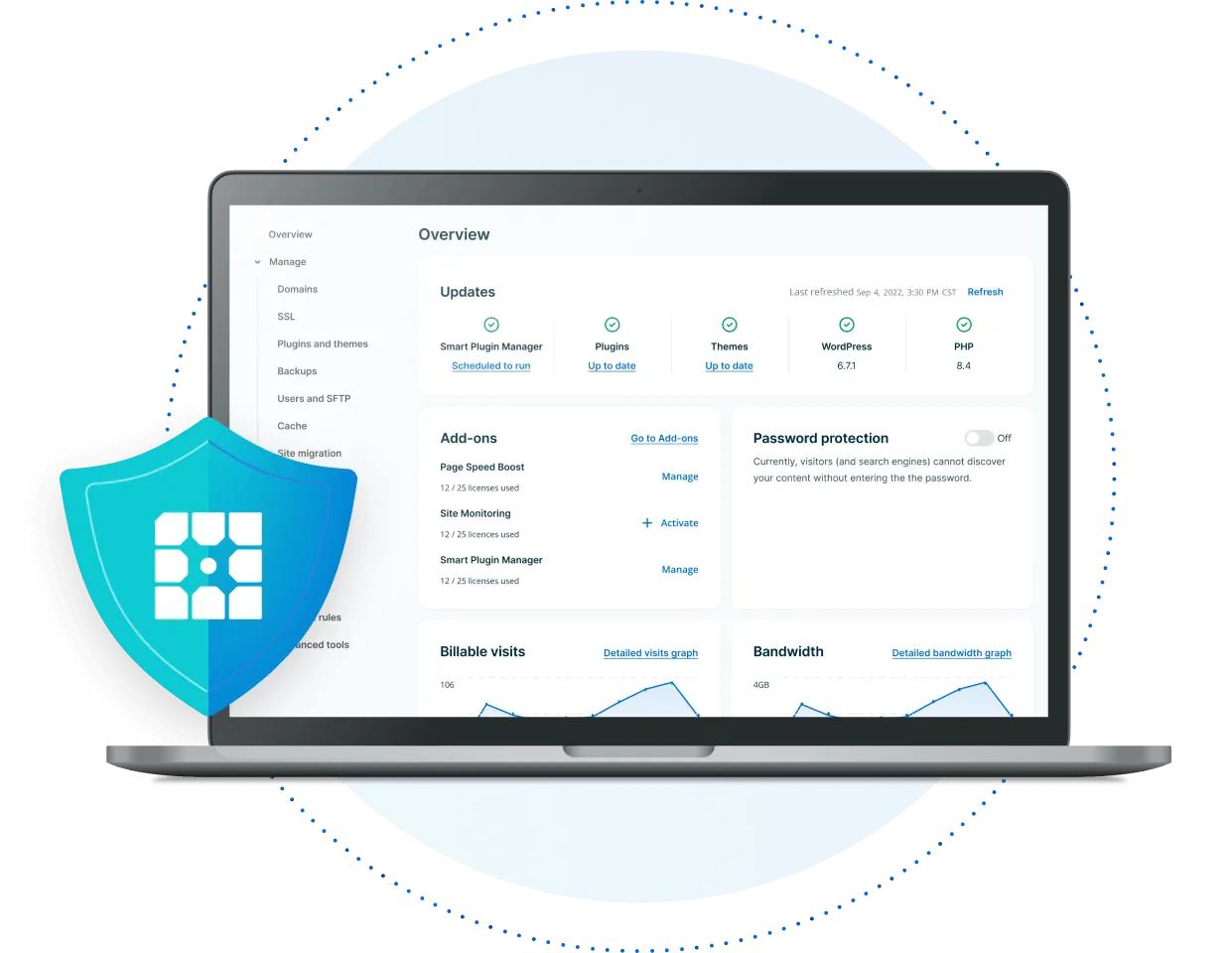
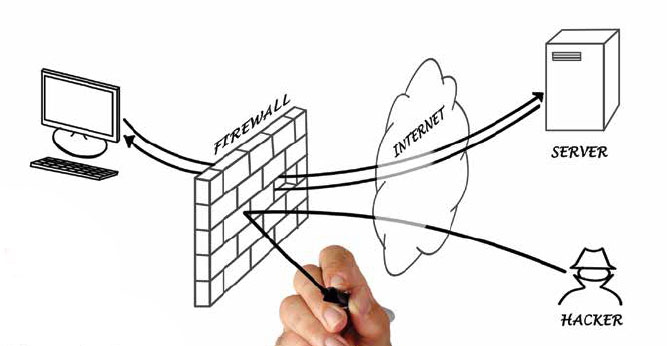
👉 Cheap hosting often skips essential security layers.
🔑 2. Lock Down Login & Admin Access
Login pages are the most attacked part of WordPress.
Checklist
✔ Use strong, unique passwords
✔ Enable Two-Factor Authentication (2FA)
✔ Limit login attempts
✔ Change default admin username
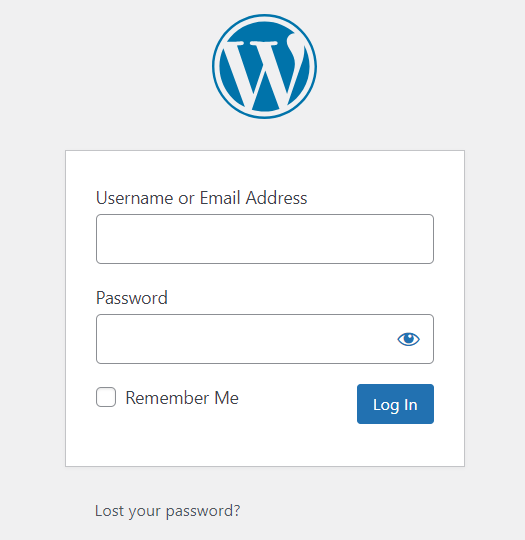
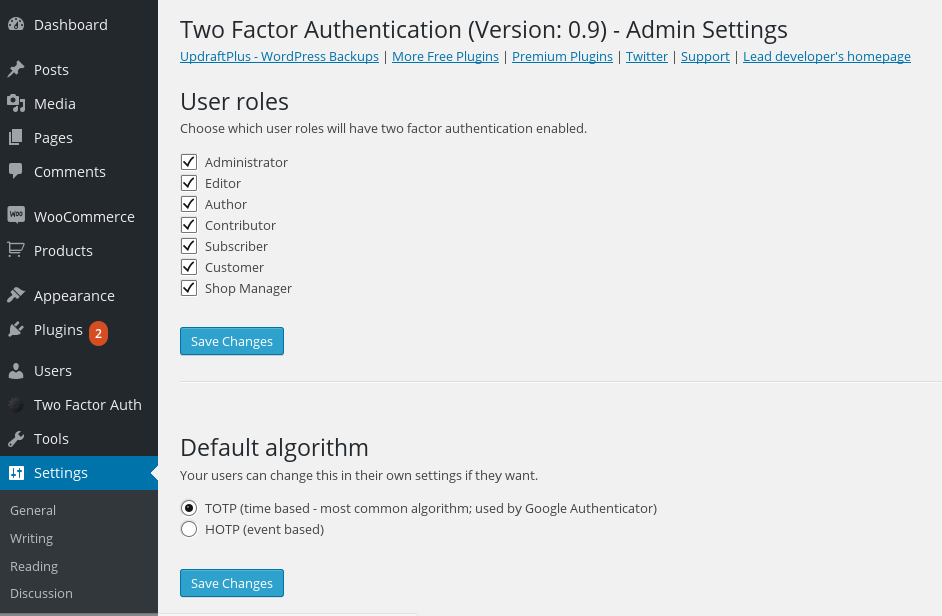
💡 Tip: Never share admin credentials.
🔄 3. Keep WordPress Core, Themes & Plugins Updated
Outdated software is the #1 cause of hacks.
Checklist
✔ Update WordPress core regularly
✔ Keep all plugins updated
✔ Update themes
✔ Delete unused plugins & themes

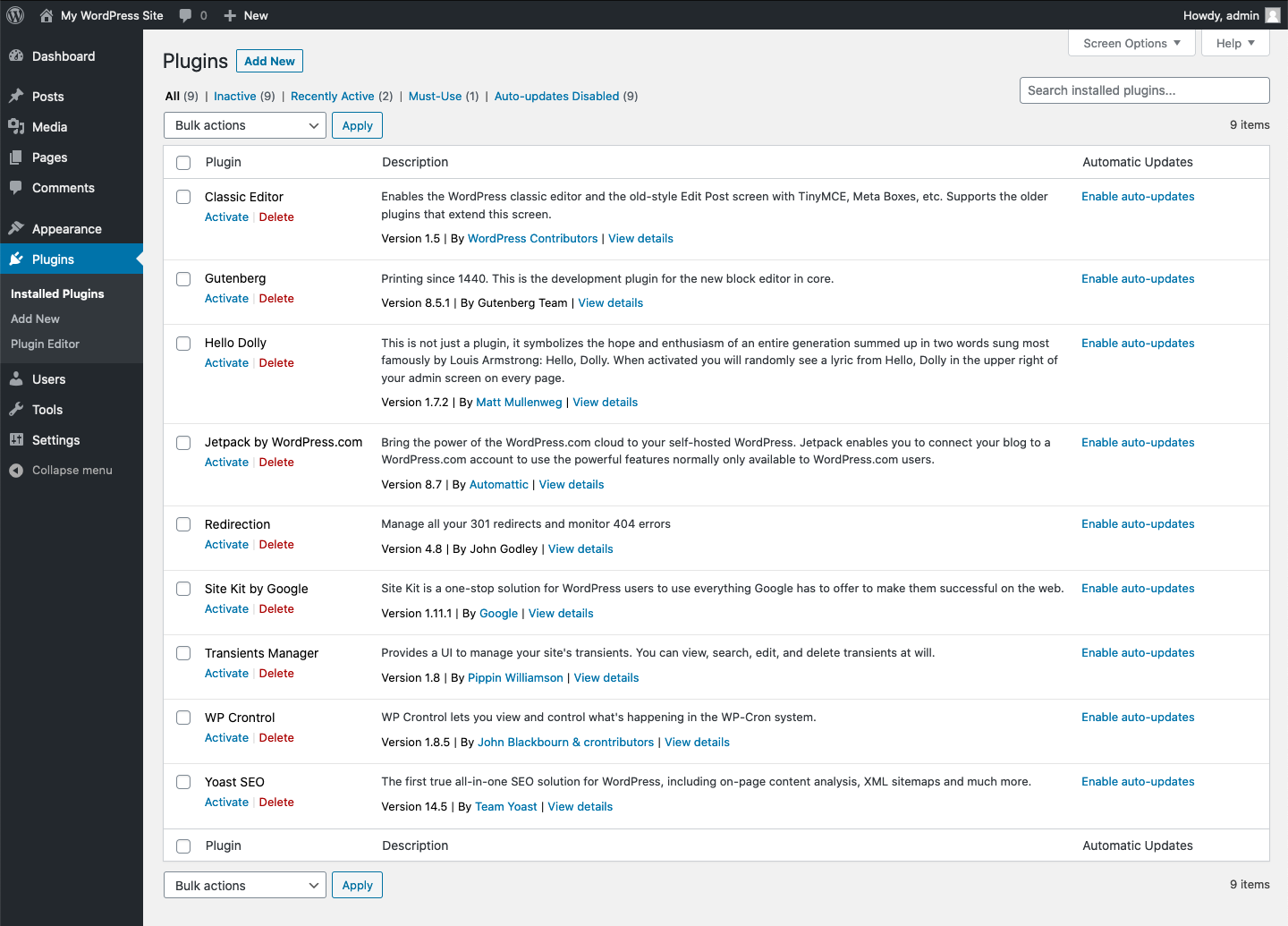
👉 Always test updates on staging first.
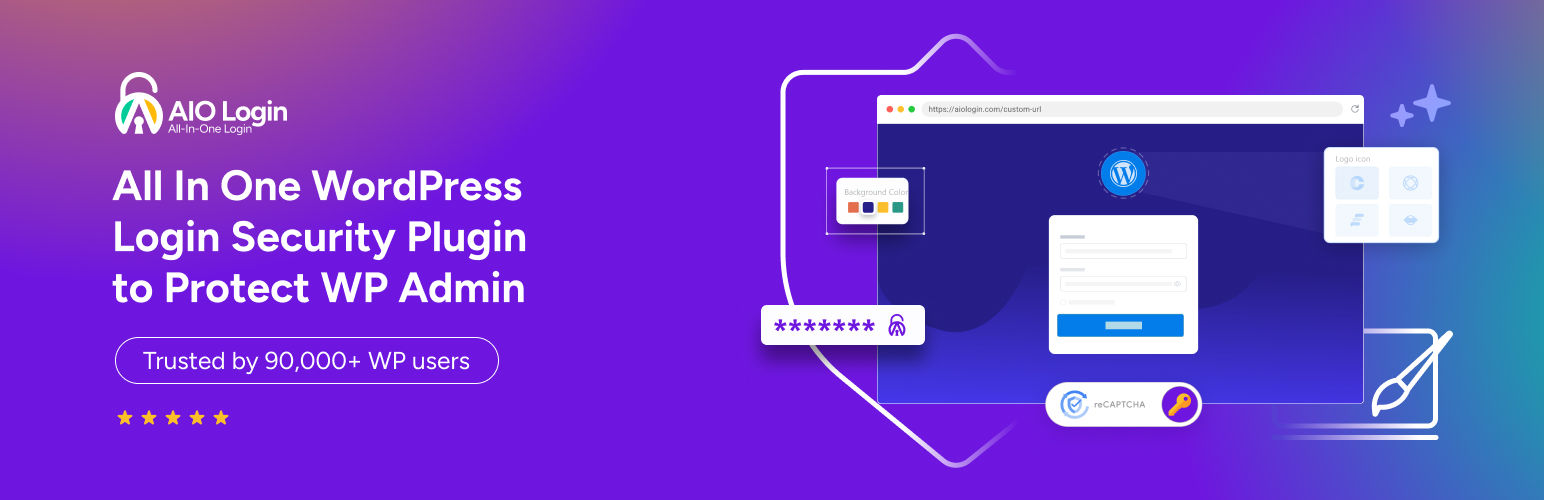
🧩 4. Install a Trusted WordPress Security Plugin
A good security plugin adds an extra protection layer.
Must-Have Features
✔ Firewall protection
✔ Malware scanning
✔ Brute-force attack prevention
✔ File integrity monitoring
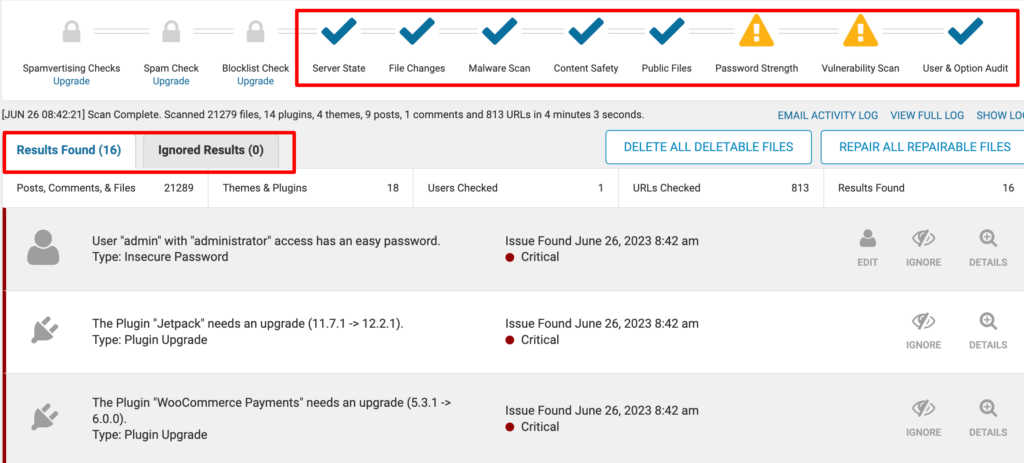
💡 One strong plugin is better than many weak ones.
🔒 5. Enable SSL & HTTPS Everywhere
SSL encrypts data between users and your site.
Checklist
✔ Install SSL certificate
✔ Force HTTPS on all pages
✔ Fix mixed content warnings

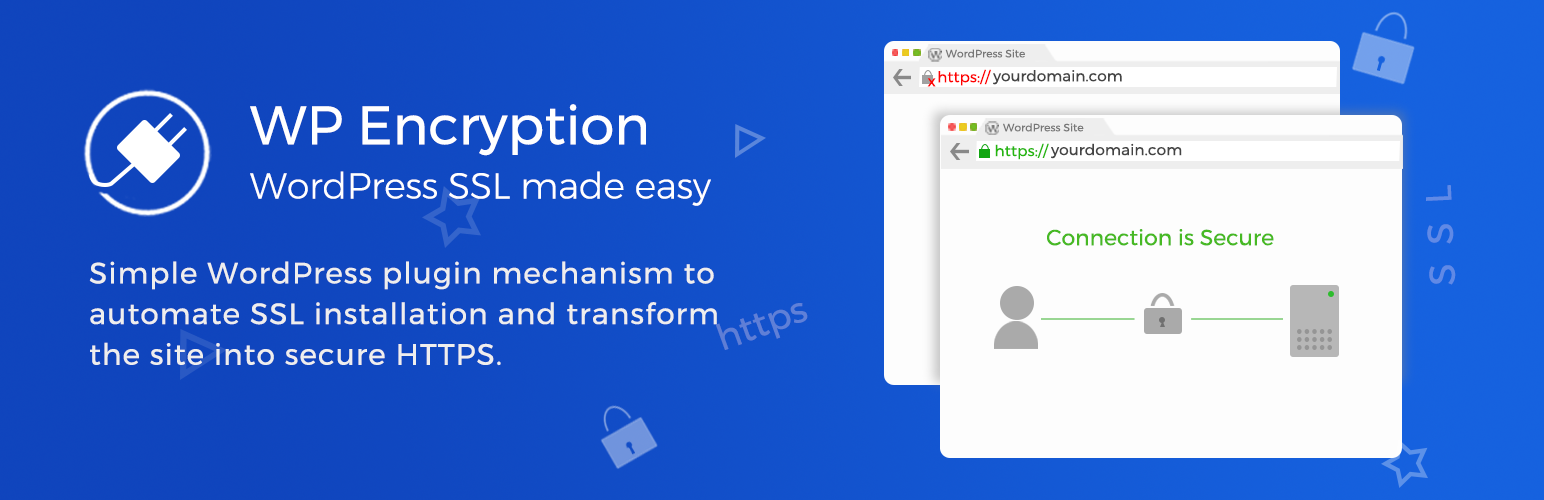
👉 Google also prefers HTTPS sites for ranking.
📂 6. Secure File Uploads & Media
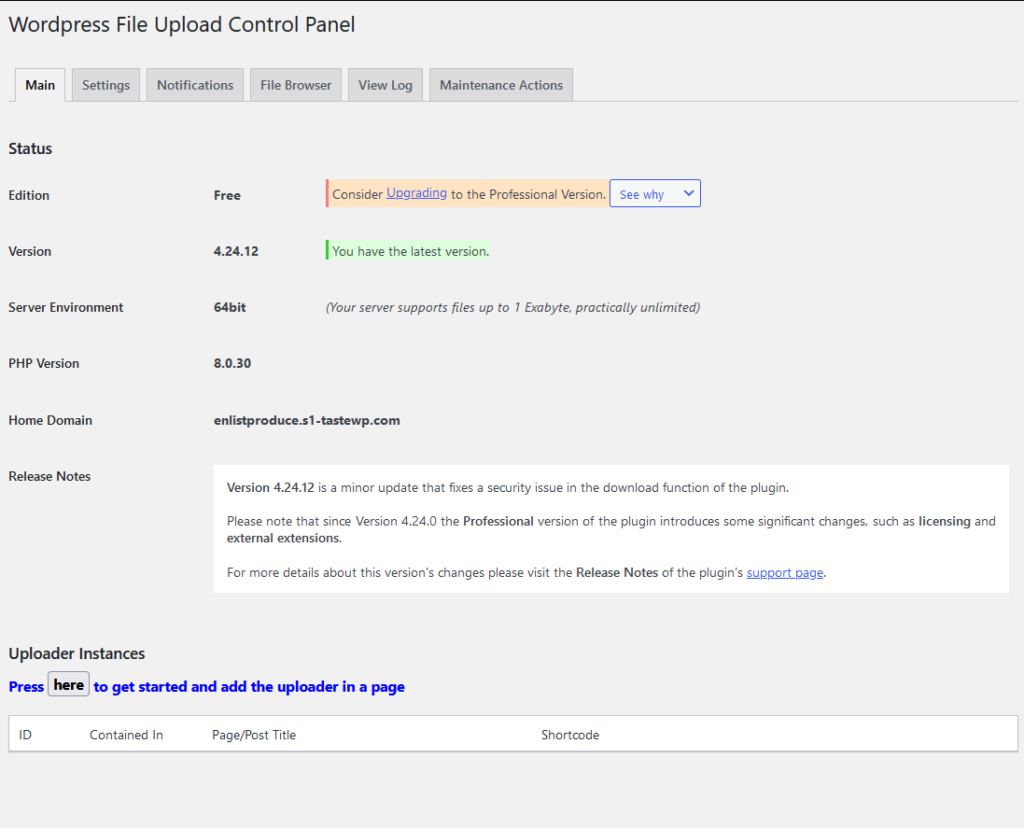
Uploads can be exploited if not restricted.
Risks
-
Malware file uploads
-
PHP execution from uploads
-
Server abuse

Checklist
✔ Restrict allowed file types
✔ Disable PHP execution in uploads
✔ Scan uploaded files
⚡ 7. Improve Performance (Yes, It’s Security Too)
Slow websites are easier to attack.
Checklist
✔ Enable caching
✔ Use CDN
✔ Optimize database
✔ Remove unused data
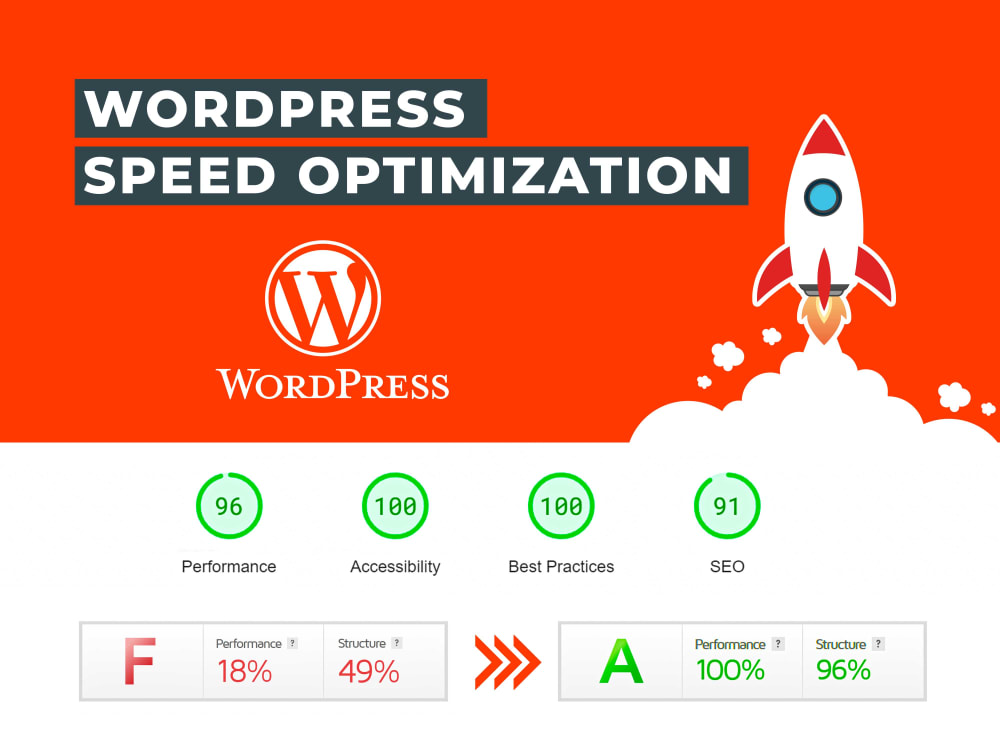
Better performance = smaller attack surface.
🔄 8. Schedule Automatic Backups (Non-Negotiable)
Backups are your last line of defense.
Backup Strategy
✔ Daily automatic backups
✔ Off-site storage (cloud)
✔ Test restore process
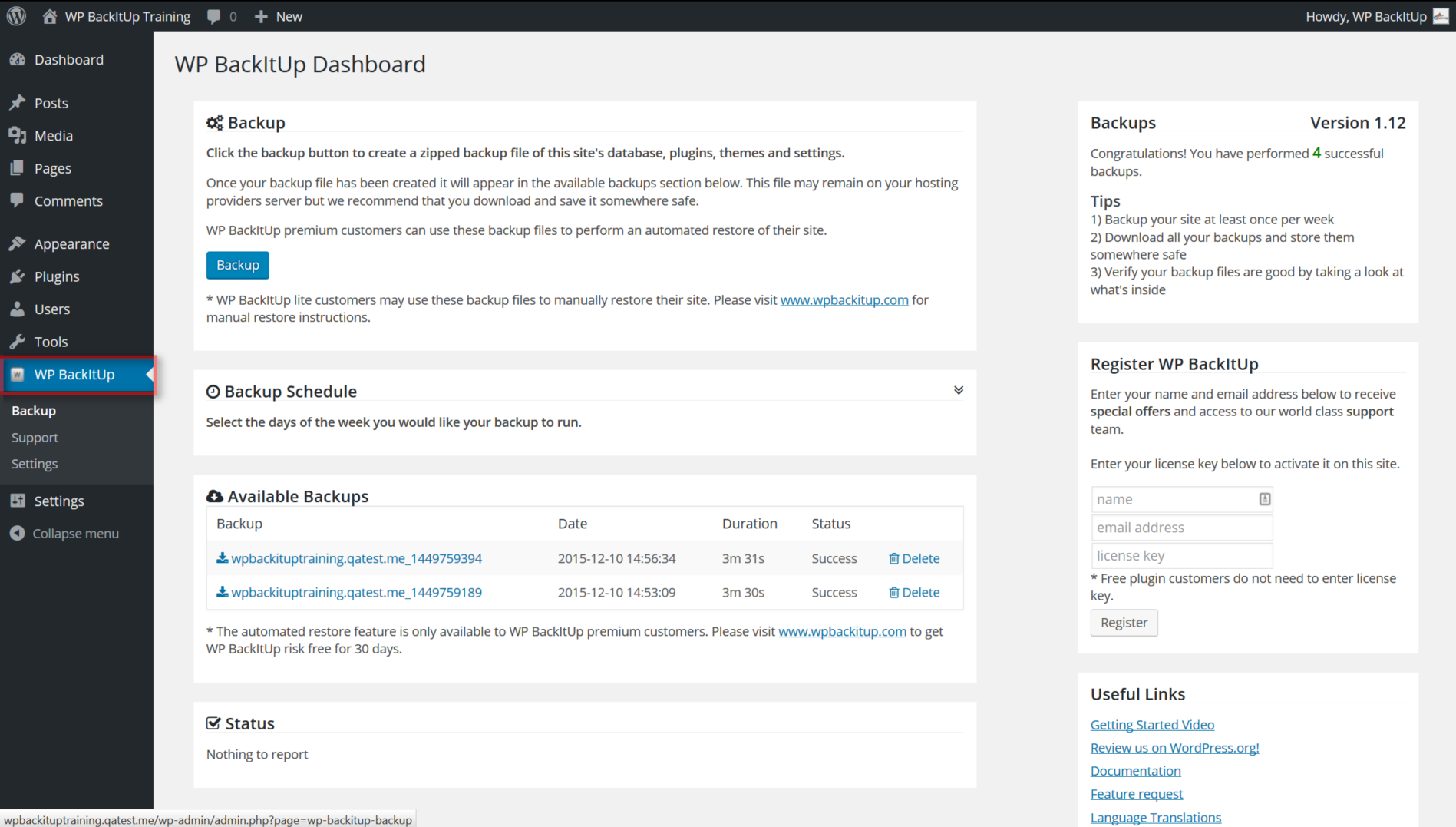
👉 No backup = no recovery.
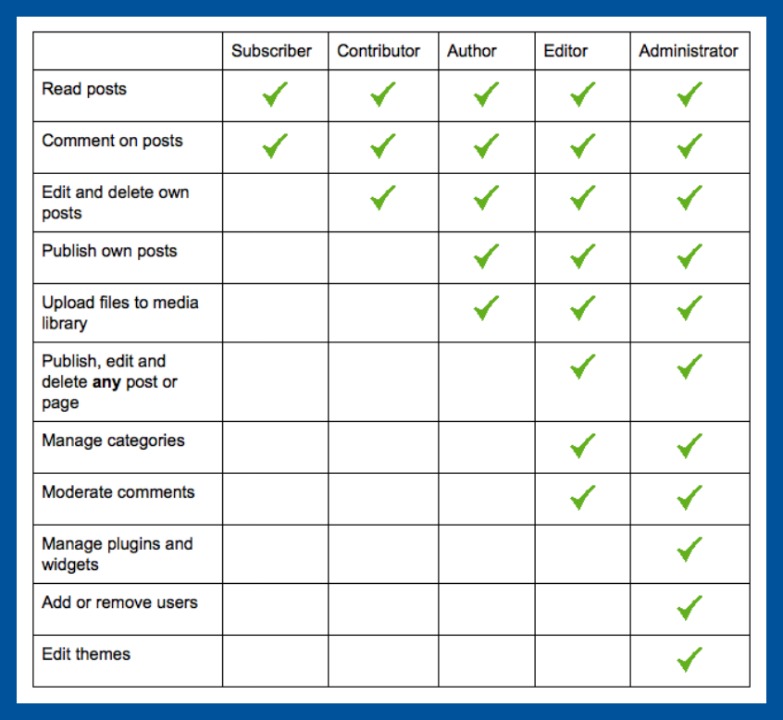
👤 9. Manage User Roles & Permissions
Too many admins = high risk.
Checklist
✔ Limit admin users
✔ Assign correct user roles
✔ Remove inactive users
✔ Review access regularly

📜 10. Add Legal & Trust Pages
Security also builds visitor trust.
Must-Have Pages
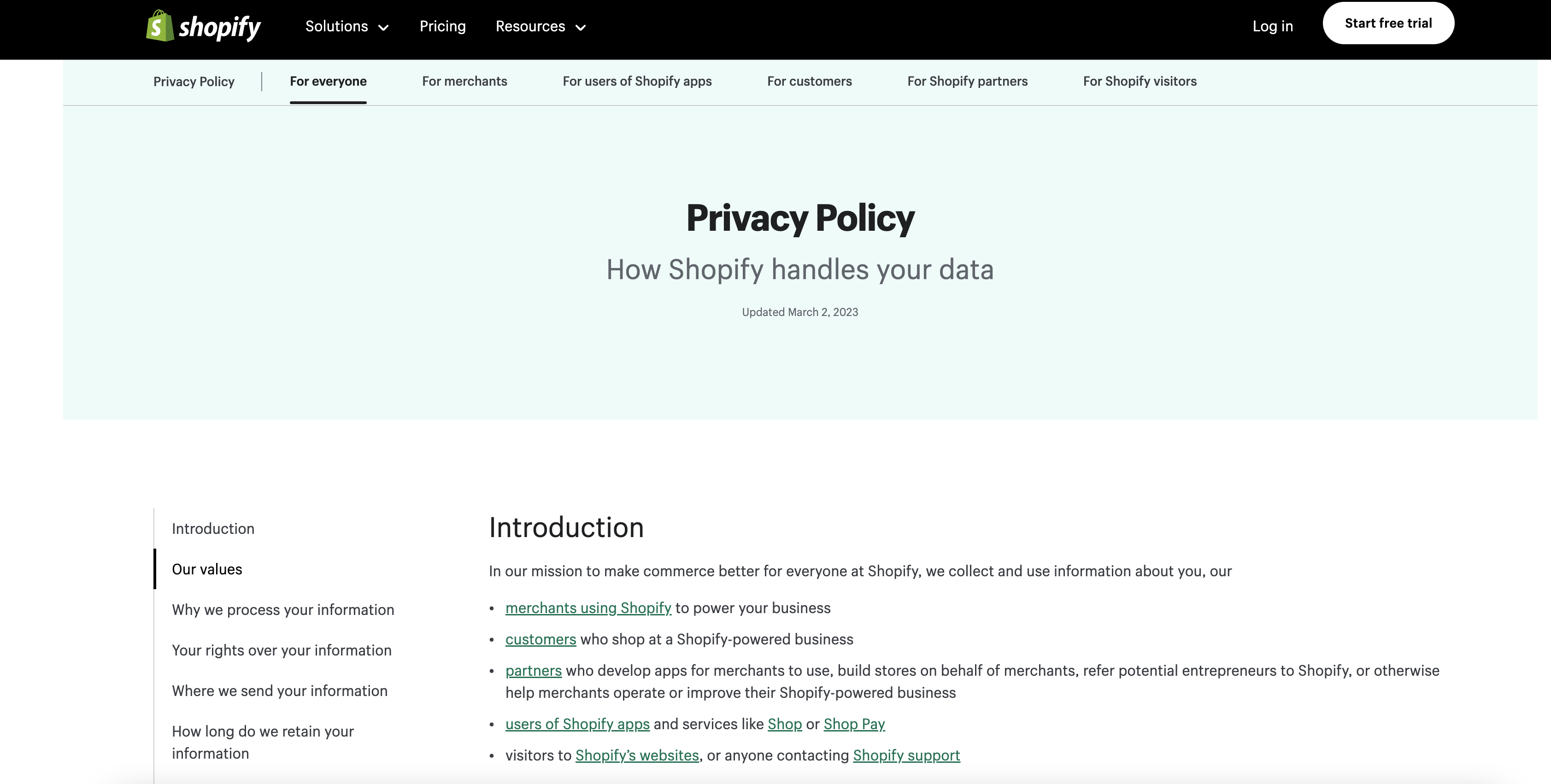
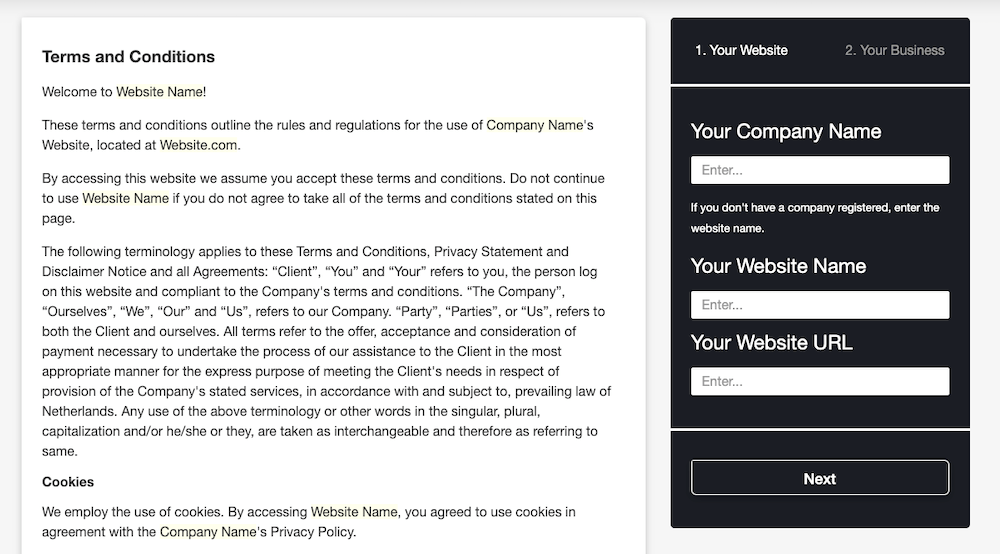
✔ Privacy Policy
✔ Terms & Conditions
✔ Cookie Policy
✔ Contact Page
🧠 Advanced Security for Business Websites
For growing sites, consider:
-
Activity logs
-
Real-time alerts
-
Security audits
-
Custom hardening rules
✅ Quick WordPress Security Checklist (Summary)
✔ Secure hosting
✔ Strong passwords & 2FA
✔ Regular updates
✔ Security plugin
✔ HTTPS enabled
✔ File upload protection
✔ Performance optimization
✔ Automated backups
✔ Proper user roles
📚 Also Read

Hire Me on Upwork – Dokan & WooCommerce Expert

 Chat on WhatsApp