
You can have great content and products…
But if your technical SEO is weak, your site will not rank.
Technical SEO ensures that search engines can:
✔ Crawl your website
✔ Index your pages
✔ Understand your content
✔ Rank you correctly
If your website is built on WordPress, then fixing technical SEO can significantly improve your rankings and traffic.
This guide covers complete technical SEO for WordPress websites, step by step.
🔴 Why Technical SEO Matters
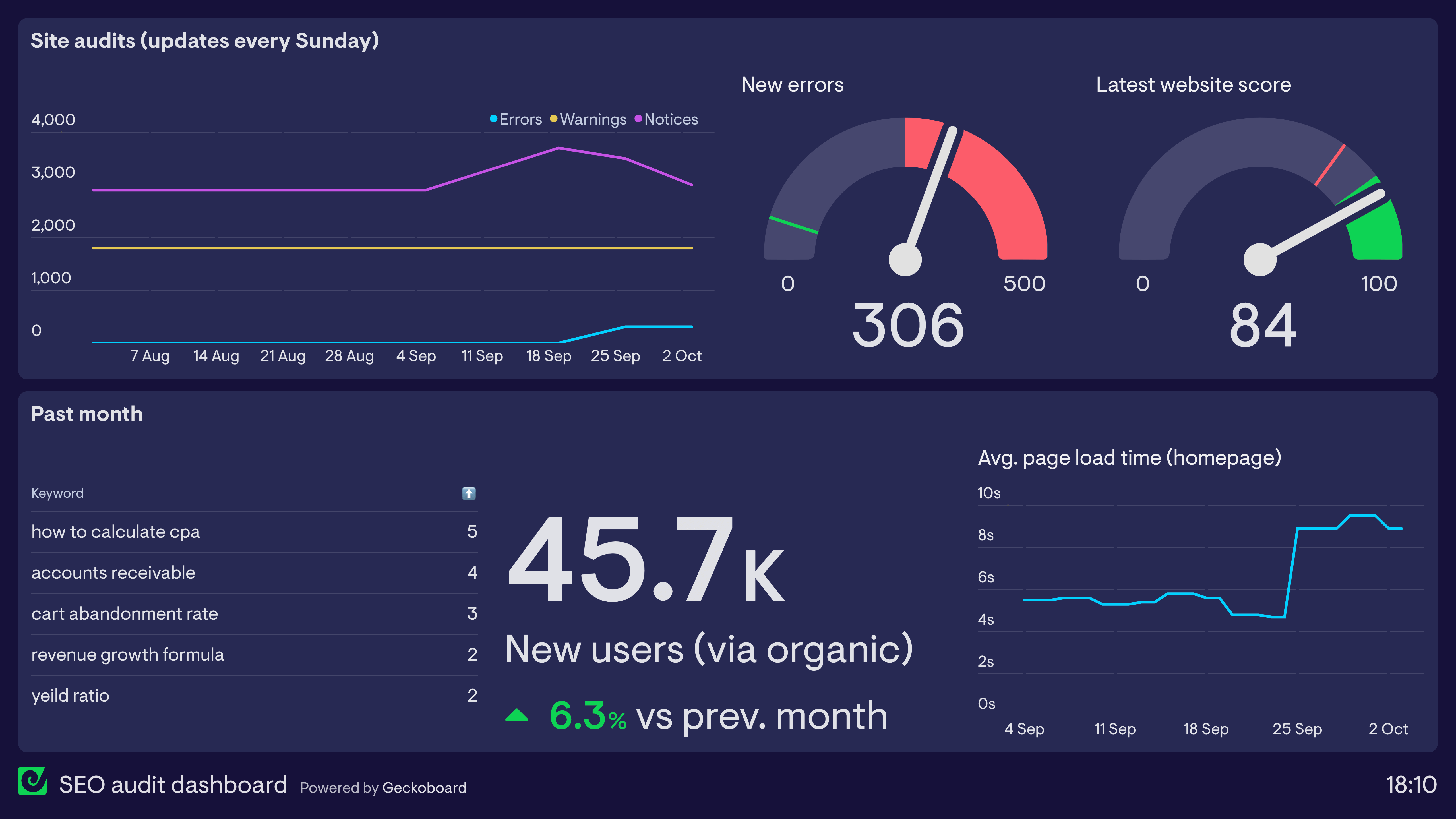

Without technical SEO:
❌ Pages don’t get indexed
❌ Rankings stay low
❌ Slow website hurts UX
❌ SEO efforts fail
With proper technical SEO:
✔ Better indexing
✔ Faster website
✔ Higher rankings
✔ Improved user experience
👉 Technical SEO = foundation of all SEO
🧠 How Technical SEO Works
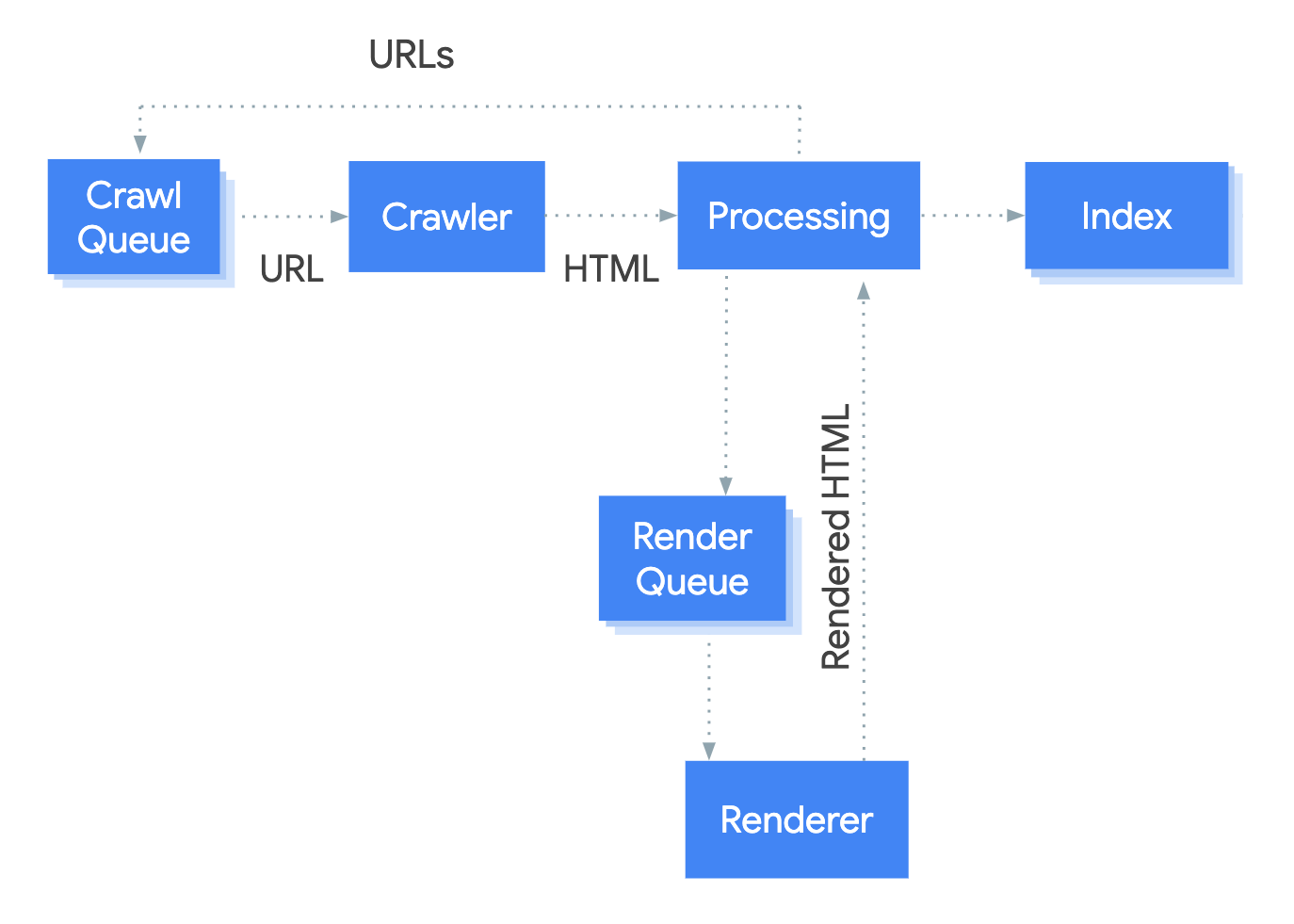
Search engines follow this process:
1️⃣ Crawl your website
2️⃣ Index pages
3️⃣ Evaluate content
4️⃣ Rank pages
If any step fails → your site won’t rank properly.
1️⃣ XML Sitemap Setup
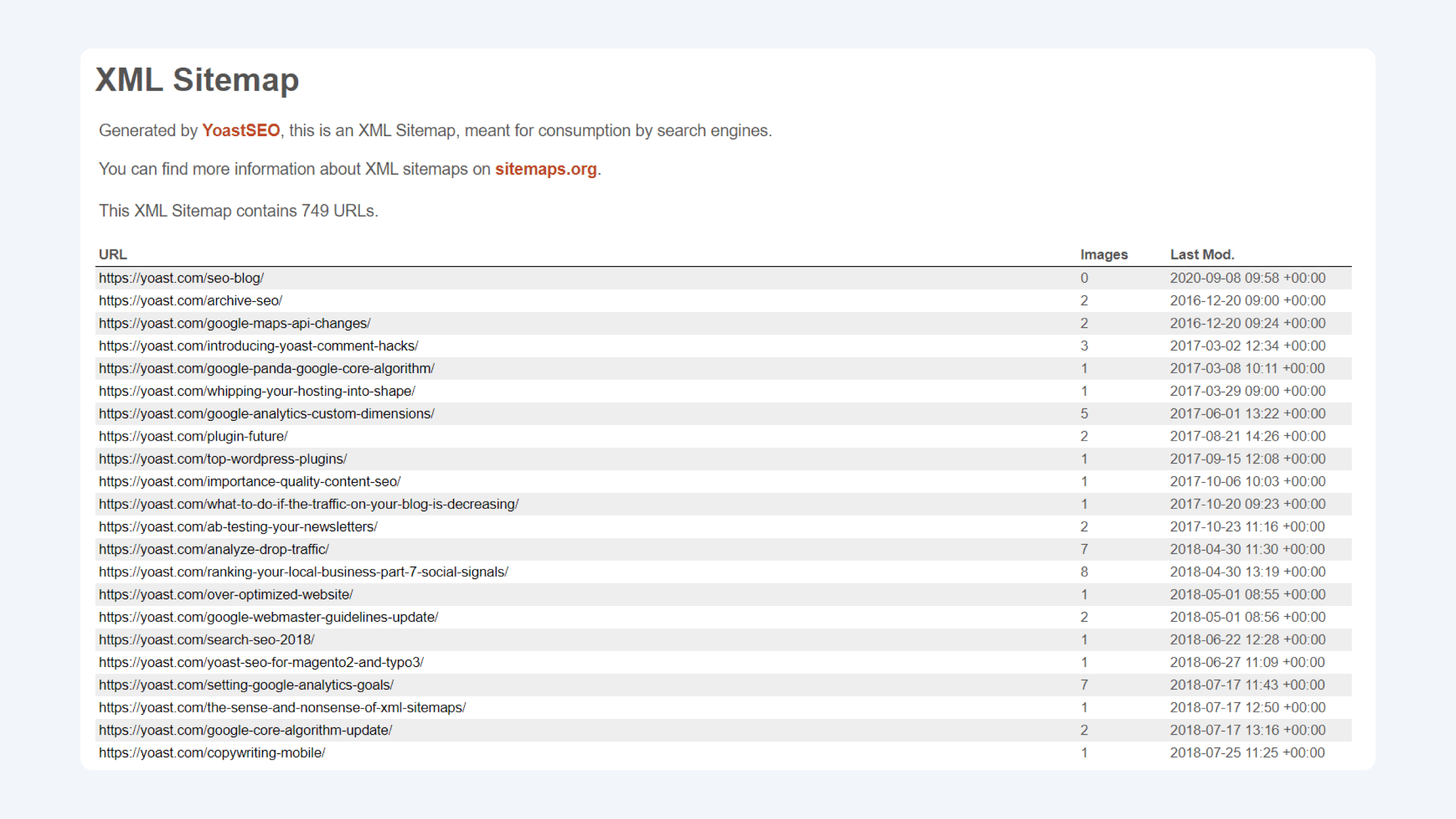
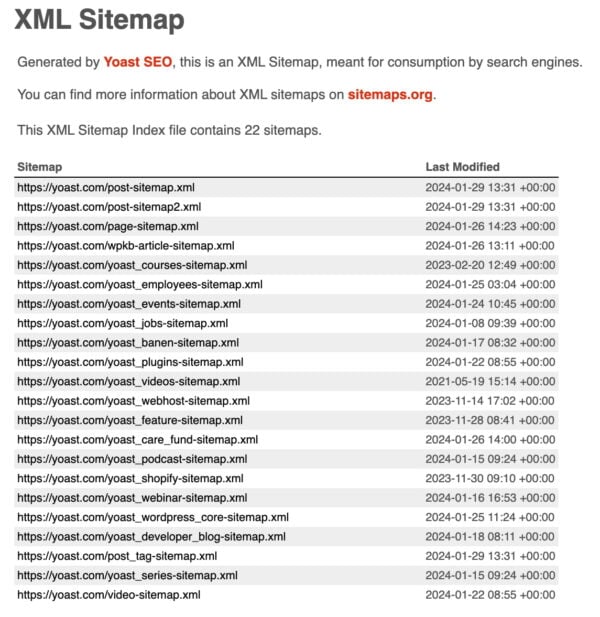

XML Sitemap helps search engines find your pages.
Setup:
✔ Use SEO plugin (Yoast / RankMath)
✔ Generate sitemap automatically
✔ Submit in Google Search Console
👉 Example:
2️⃣ Robots.txt Optimization

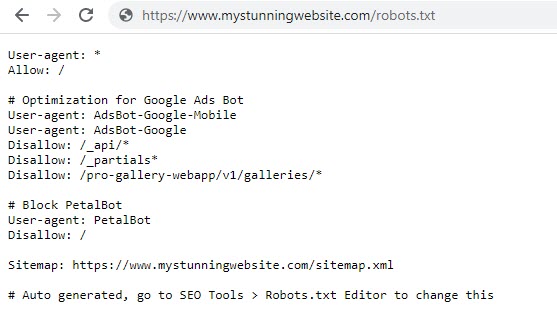
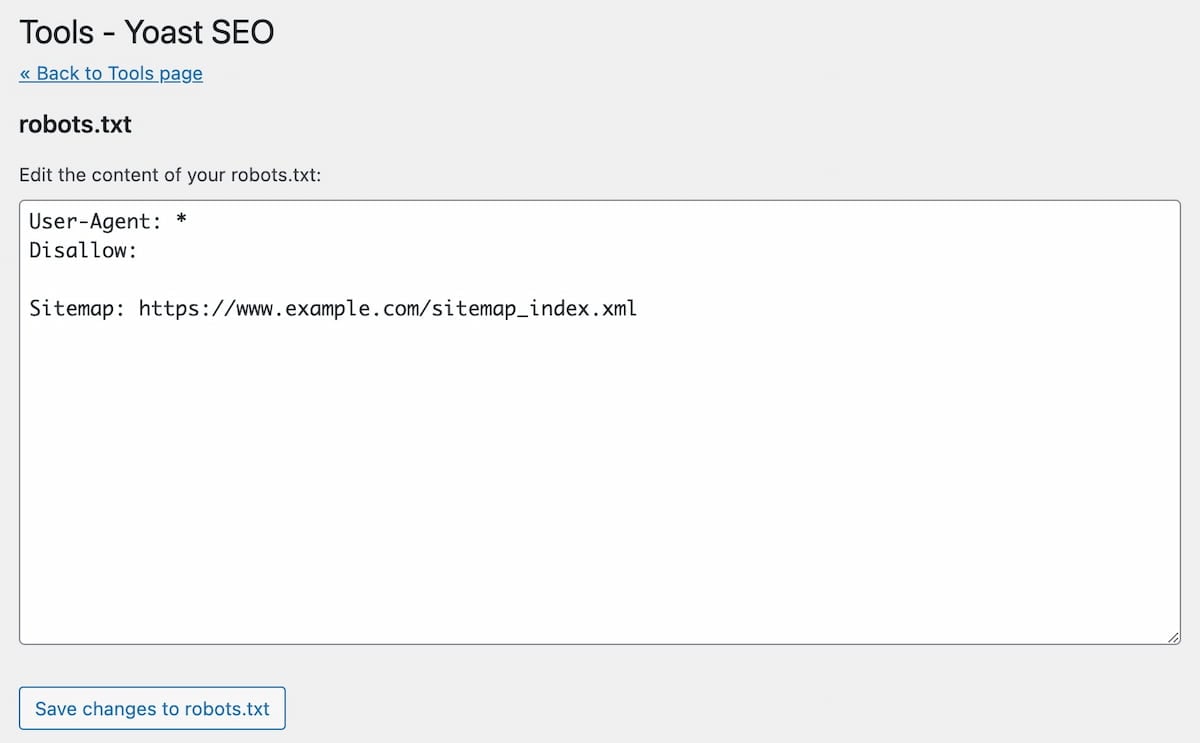
Controls what search engines can crawl.
Example:
Disallow: /wp-admin/
Allow: /wp-admin/admin-ajax.php
👉 Prevents indexing of unnecessary pages.
3️⃣ Fix Crawl Errors
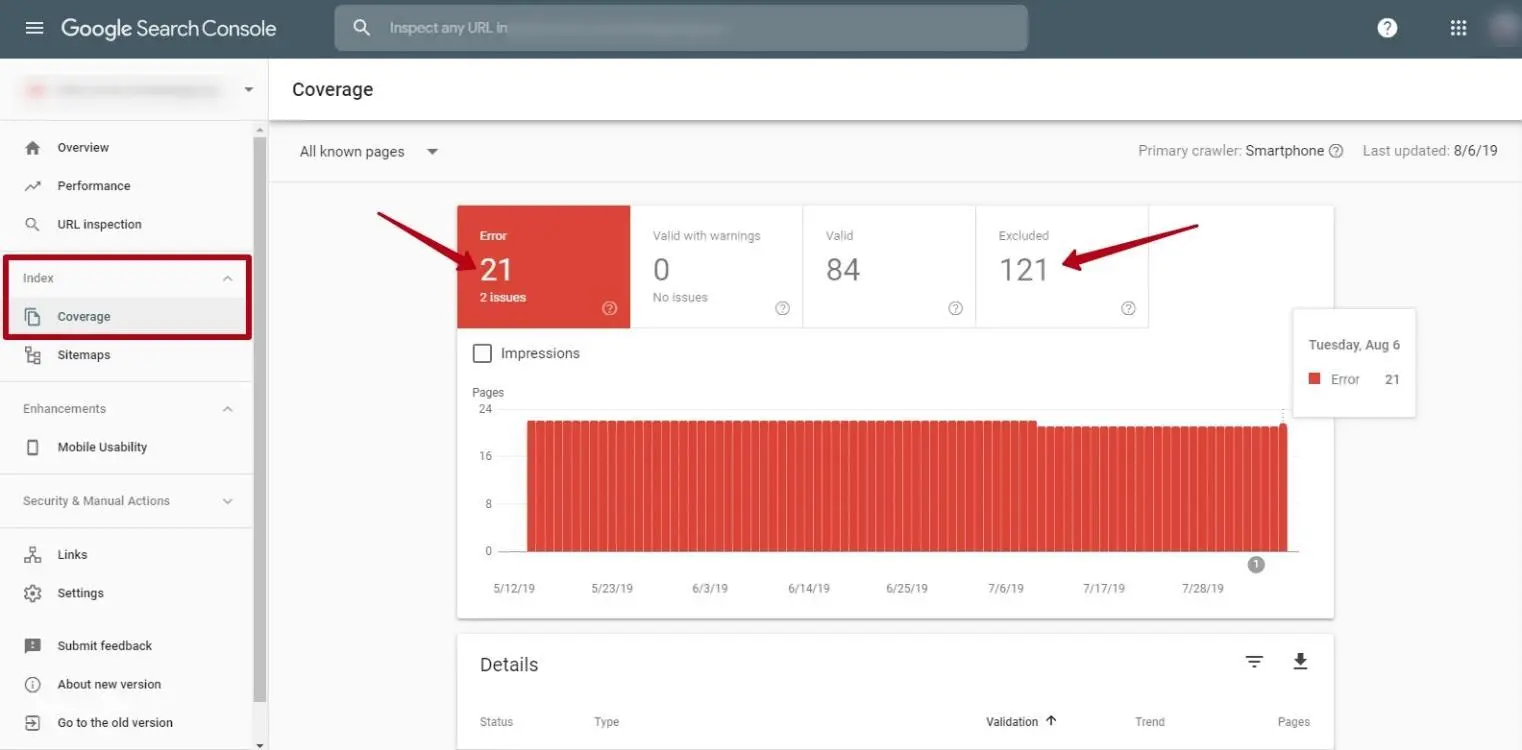
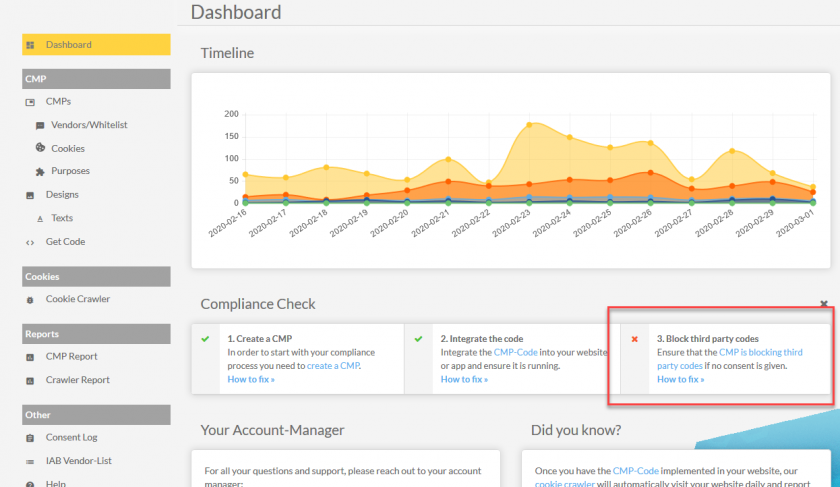
Common issues:
❌ 404 errors
❌ Broken links
❌ Redirect loops
Fix:
✔ Redirect old URLs
✔ Fix internal links
✔ Monitor Search Console
4️⃣ Website Speed Optimization (Core Web Vitals)


Google ranking factors:
✔ LCP (Loading speed)
✔ CLS (Layout shift)
✔ INP/FID (Interaction delay)
Improve speed:
✔ Use caching
✔ Optimize images
✔ Use CDN
✔ Minimize JS/CSS
🚀 Faster site = better rankings
5️⃣ Mobile Optimization
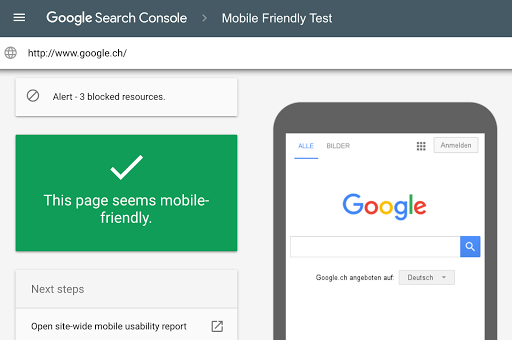


Google uses mobile-first indexing.
Ensure:
✔ Responsive design
✔ Fast mobile speed
✔ No layout issues
👉 Mobile experience directly impacts SEO.
6️⃣ HTTPS & Security

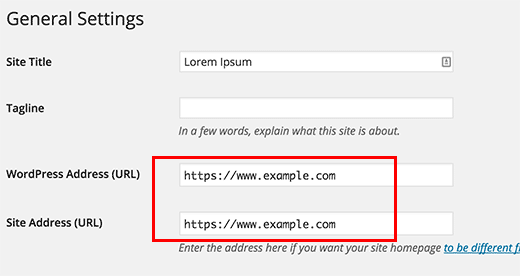
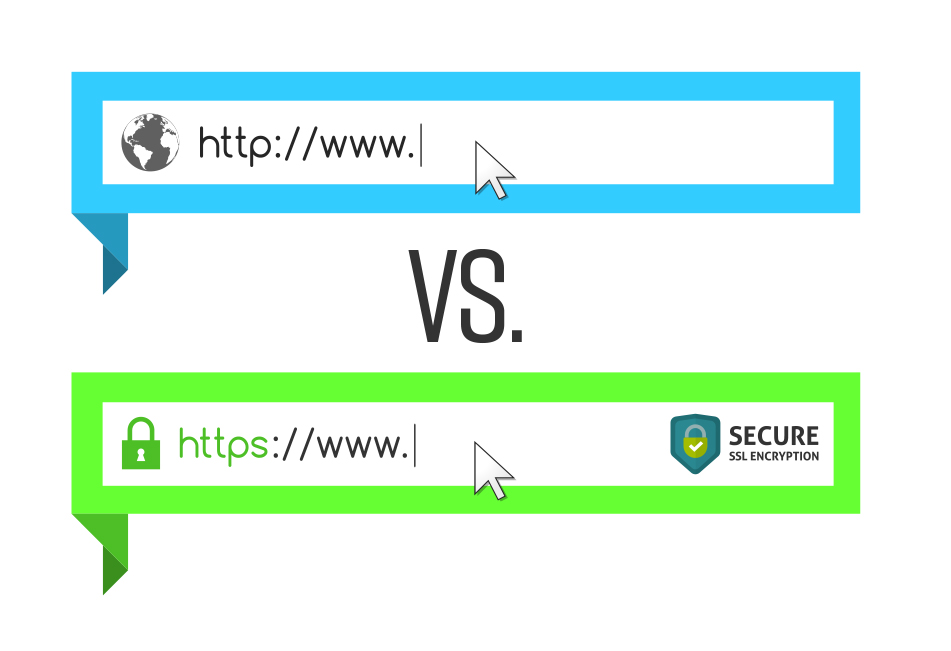
Always use:
✔ SSL certificate
✔ HTTPS URLs
👉 HTTP sites may lose rankings.
7️⃣ URL Structure Optimization
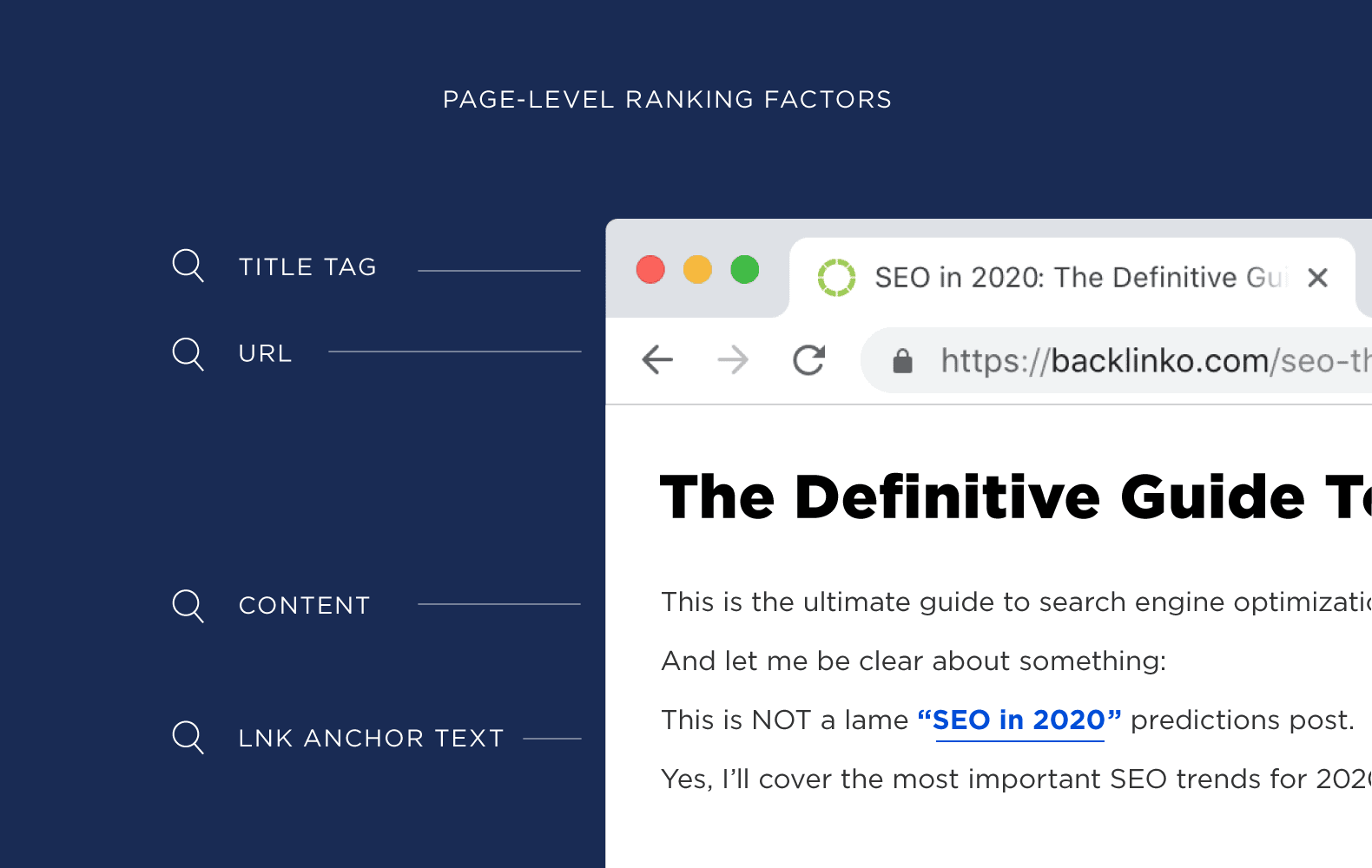


Use clean URLs:
✔ /blog/wordpress-seo-guide/
✔ /product/shoes/
Avoid:
❌ /index.php?p=123
👉 Clean URLs improve indexing.
8️⃣ Canonical Tags (Avoid Duplicate Content)
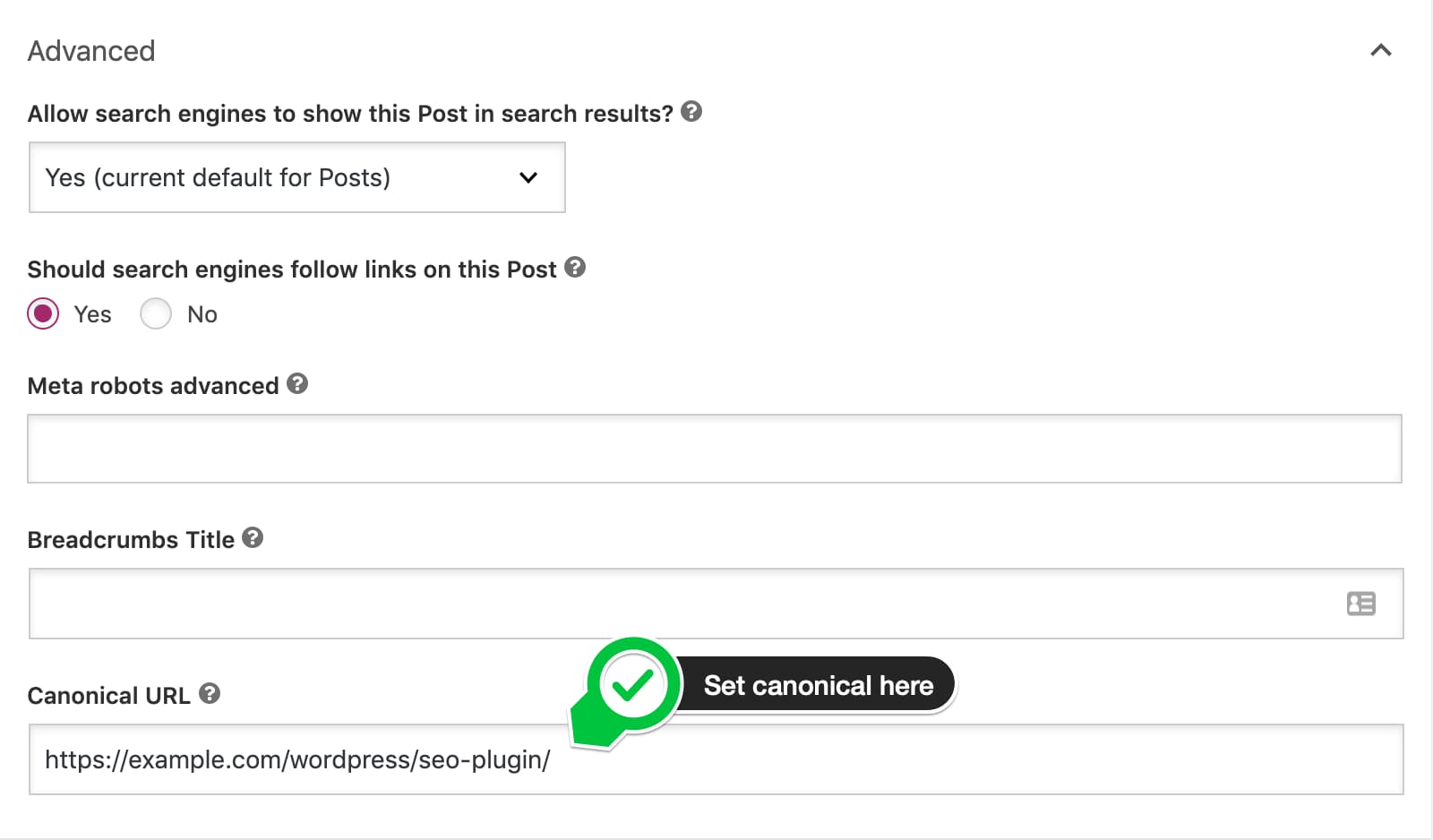
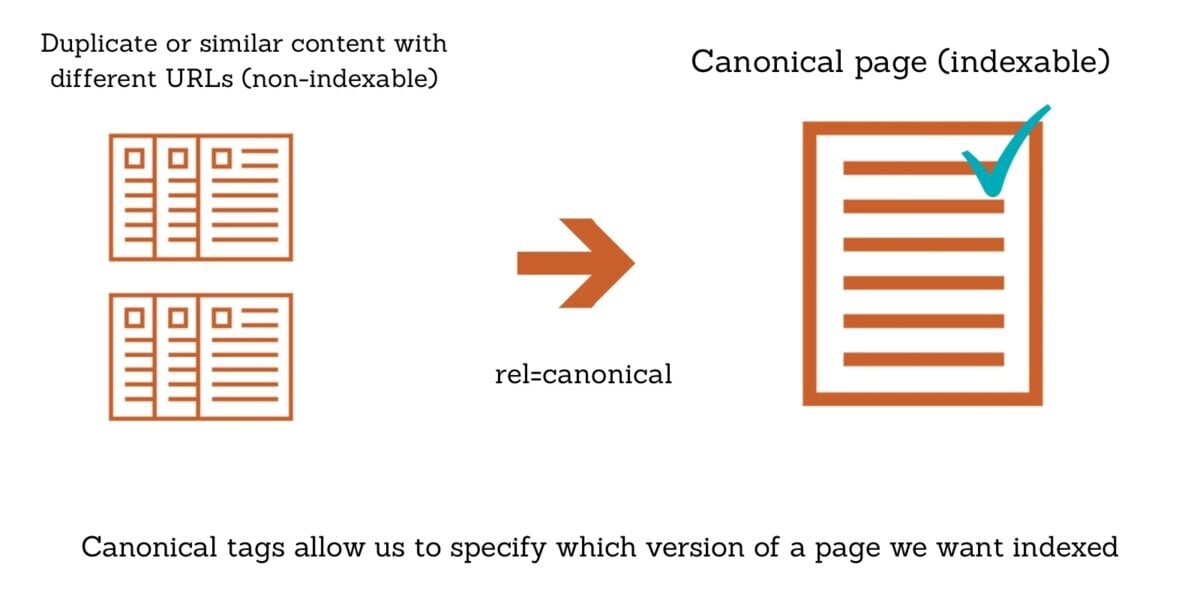

Prevents duplicate content issues.
Example:
👉 Helps Google identify original page.
9️⃣ Structured Data (Schema Markup)
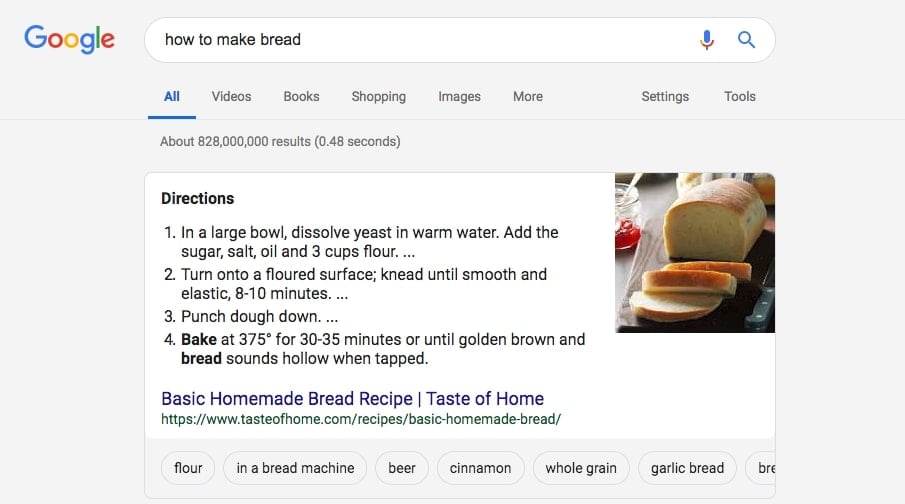
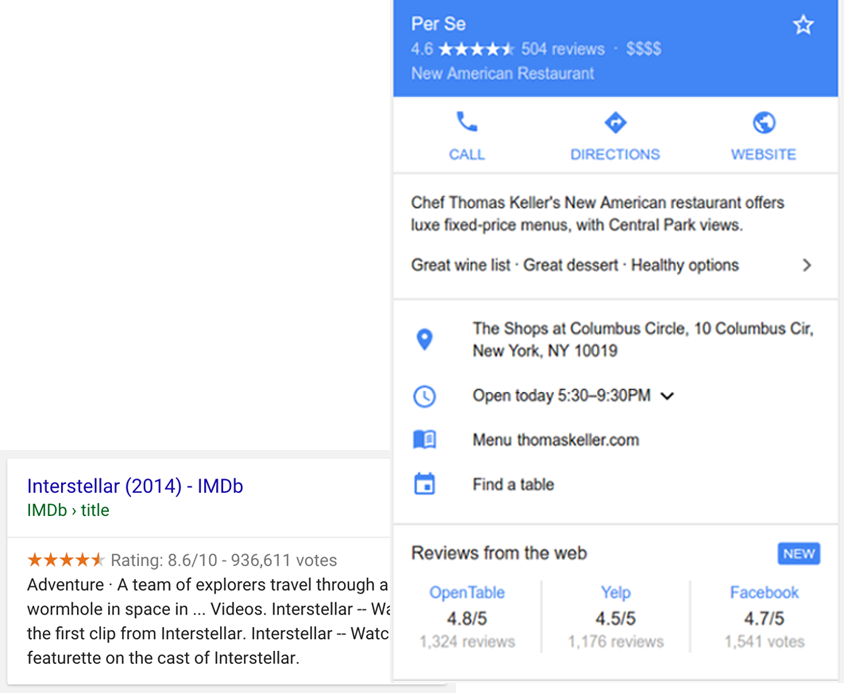

Adds extra info to search results:
✔ Reviews
✔ Ratings
✔ Prices
👉 Improves click-through rate (CTR)
🔟 Internal Linking Structure
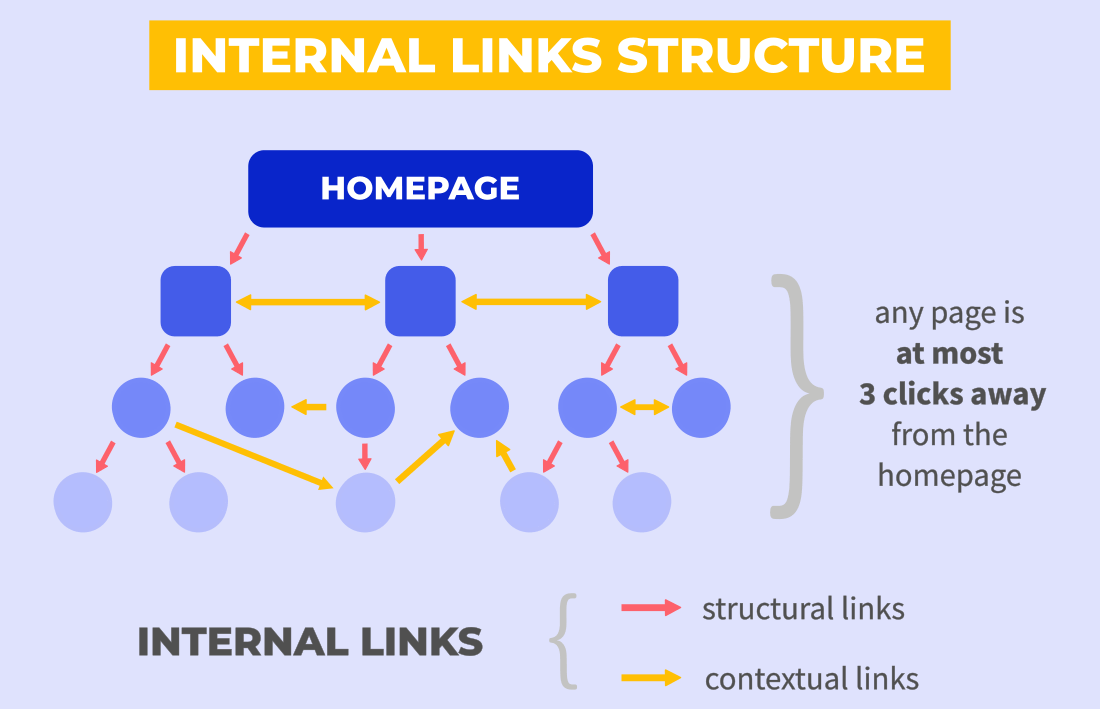
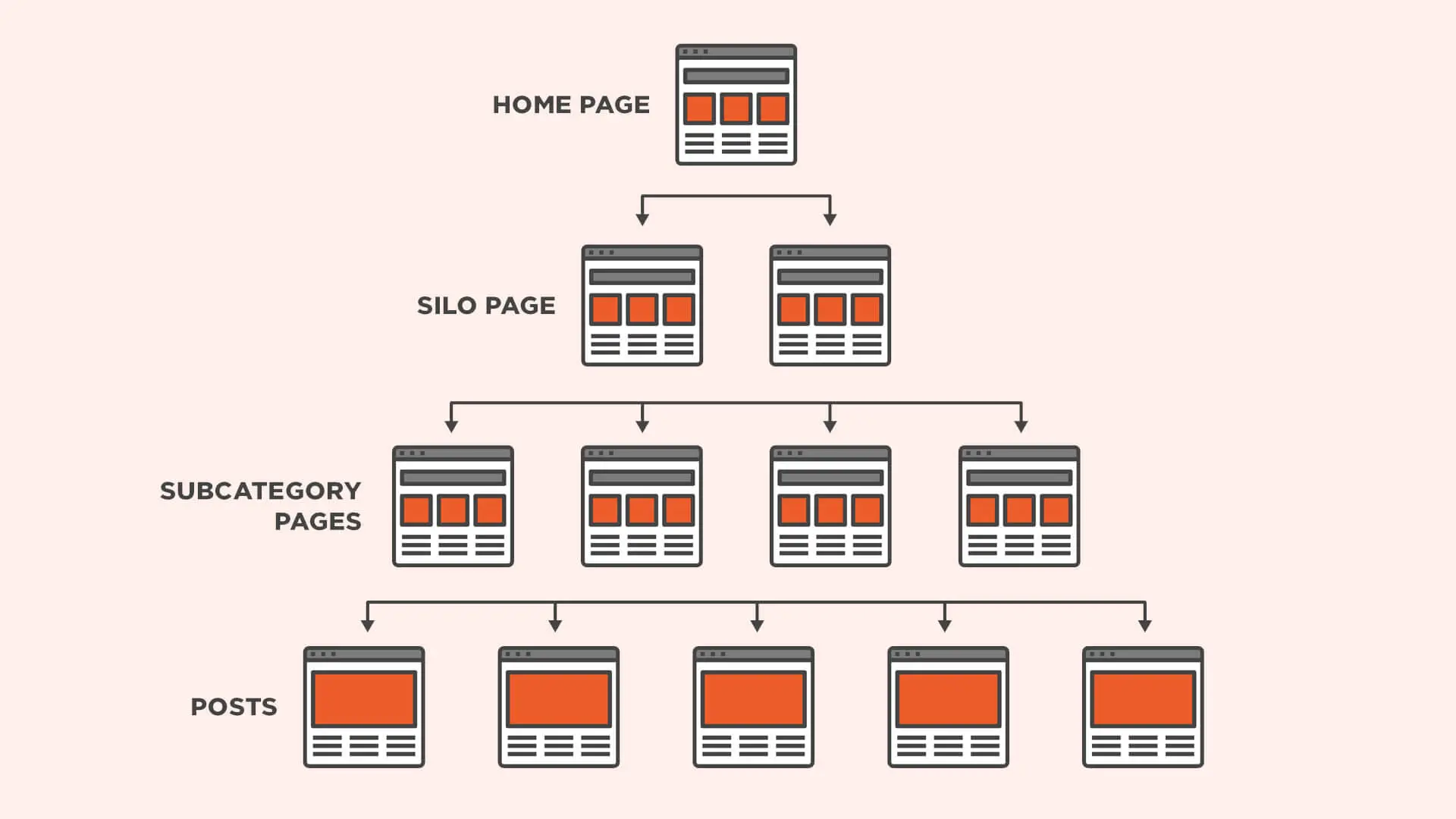
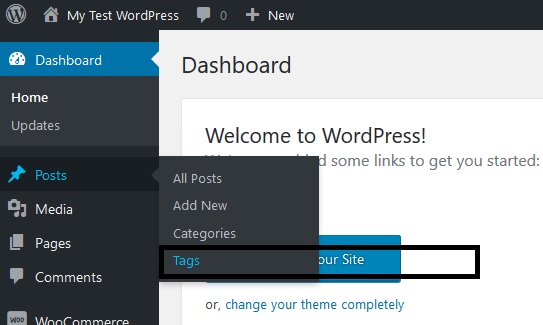
Link pages properly:
✔ Blog → Blog
✔ Blog → Product
✔ Category → Product
👉 Helps:
✔ Crawlability
✔ SEO ranking
✔ User navigation
1️⃣1️⃣ Fix Indexing Issues

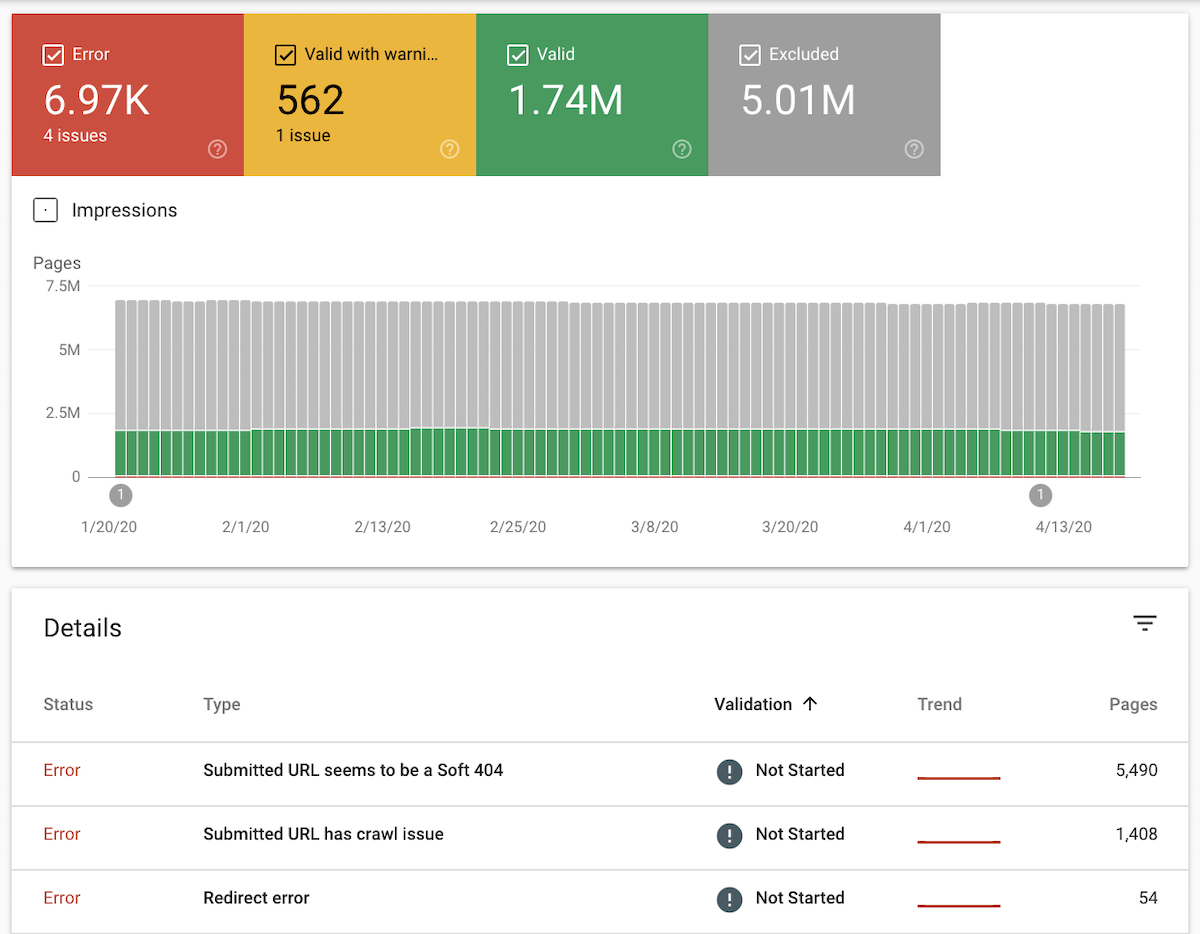

Check:
✔ Pages set to “noindex”
✔ WordPress visibility setting
✔ Blocked pages
👉 Ensure important pages are indexed.
1️⃣2️⃣ Optimize Core WordPress Setup
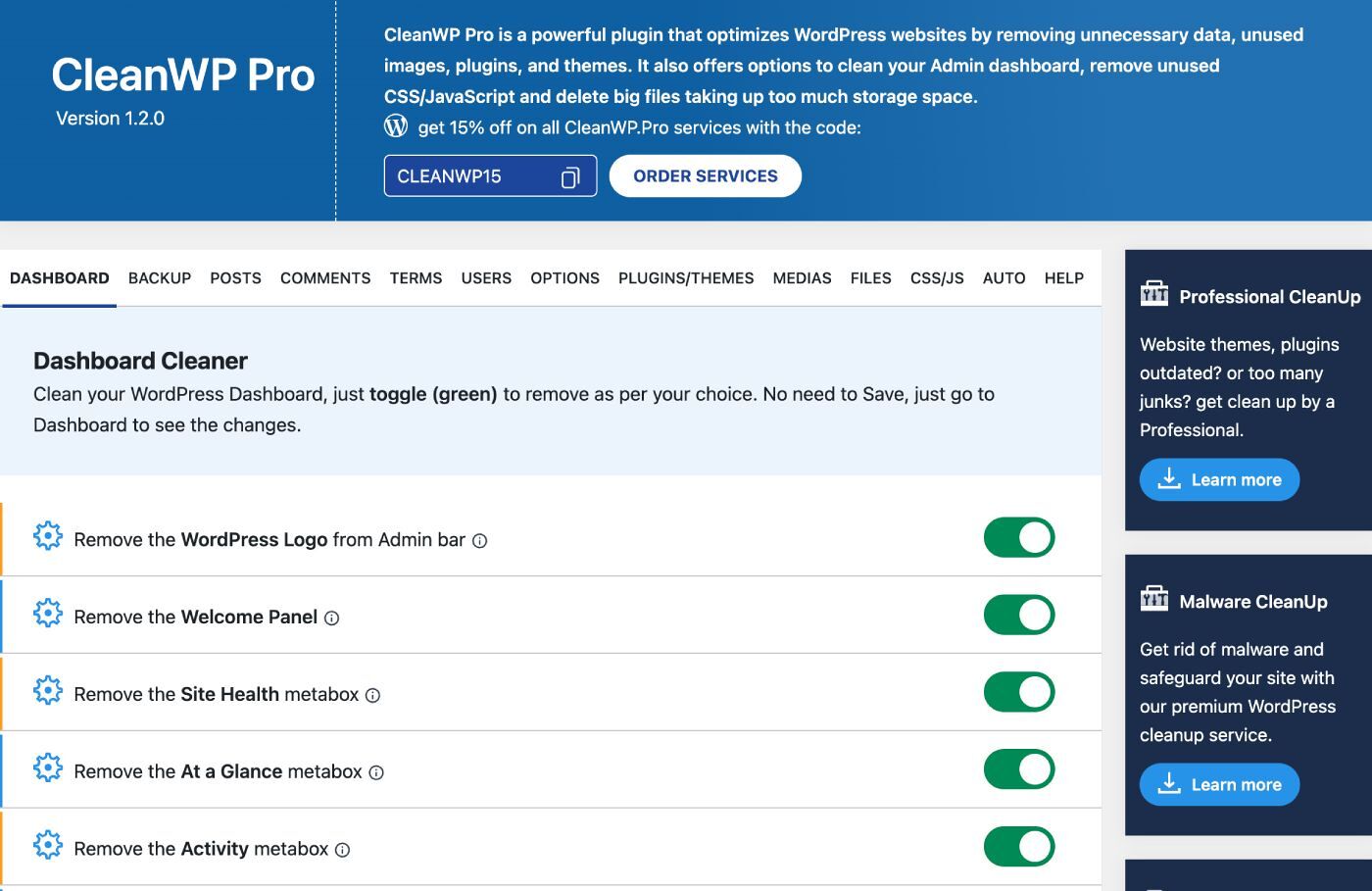

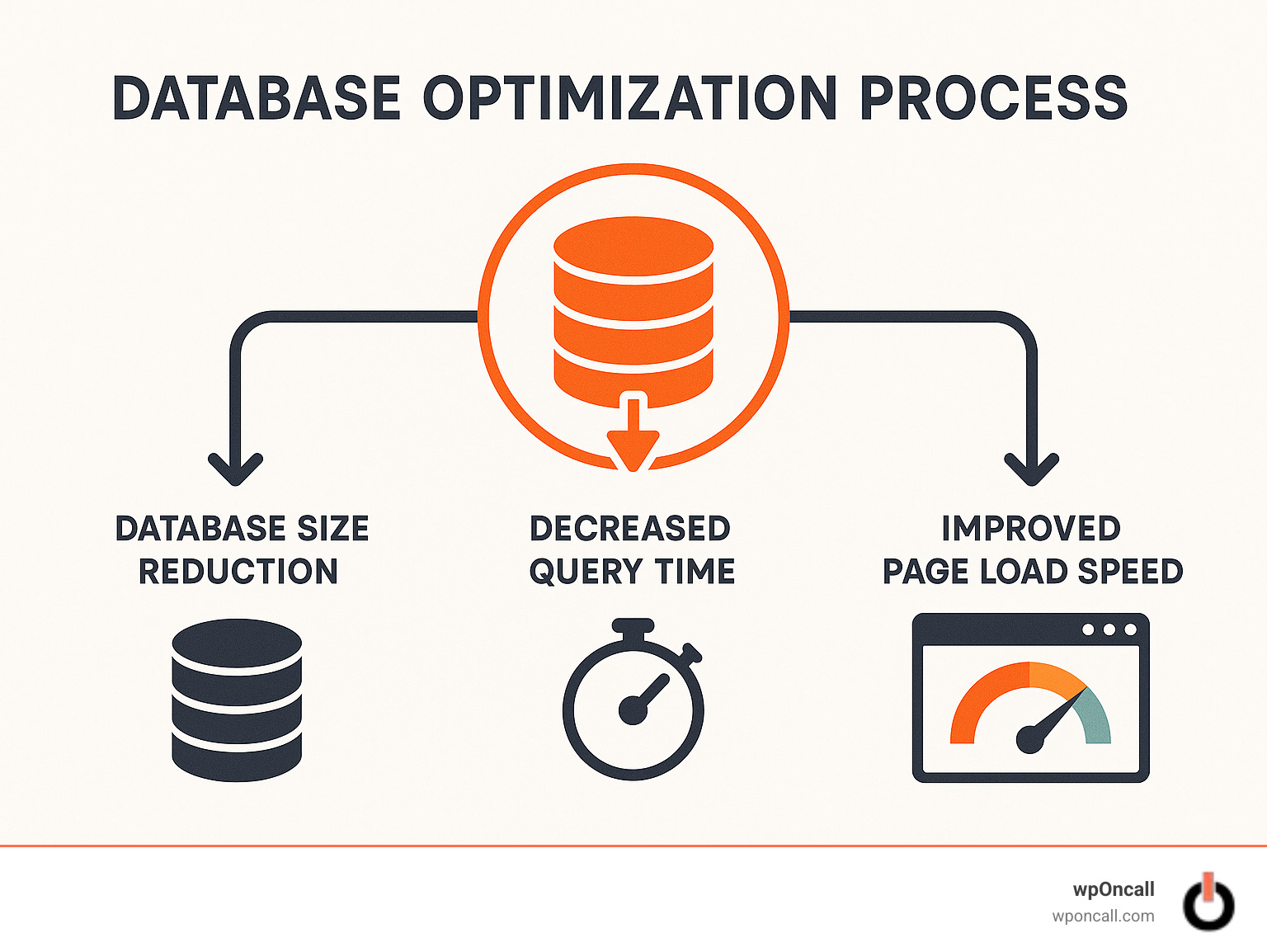
Best practices:
✔ Use lightweight theme
✔ Limit plugins
✔ Optimize database
✔ Regular updates
👉 Clean setup = better performance
🚨 Common Technical SEO Mistakes
❌ No sitemap
❌ Slow website
❌ Broken links
❌ Duplicate content
❌ Poor mobile experience
👉 These issues block rankings.
📈 Technical SEO Checklist
✔ XML sitemap submitted
✔ Robots.txt optimized
✔ No crawl errors
✔ Fast loading speed
✔ Mobile-friendly
✔ HTTPS enabled
✔ Clean URLs
✔ Proper indexing
👉 Follow this for strong SEO foundation.
📚 Also Read (Internal Links)

Hire Me on Upwork – Dokan & WooCommerce Expert

 Chat on WhatsApp