
WordPress is powerful, flexible, and beginner-friendly — but serious businesses quickly outgrow themes and plugins.
If your website is built on WordPress, this guide will walk you through real-world WordPress custom development use cases and explain when custom code becomes the best solution.

🚀 Why WordPress Custom Development Matters
Plugins help you move fast at the start.
But growing businesses need:
-
Custom workflows
-
Better performance
-
Unique design & features
-
Secure integrations
-
Scalability
👉 Custom development turns WordPress into a tailored platform, not a generic website.
🧩 1. Custom Website Features & Workflows
Not every business fits into a plugin’s limitations.

Real Use Cases
✔ Custom contact & lead forms
✔ Approval-based content systems
✔ Internal dashboards
✔ Role-based content access
Custom development ensures features work exactly how your business operates.
🧱 2. Custom Post Types & Data Structures
Default posts and pages are often not enough.


Examples
✔ Property listings
✔ Job boards
✔ Case studies
✔ Knowledge bases
Custom post types make WordPress behave like a custom CMS.
🎨 3. Fully Custom Design & UI/UX
Themes are limiting.

When Custom Design Is Needed
✔ Brand-focused websites
✔ High-conversion landing pages
✔ SaaS dashboards
✔ Mobile-first experiences
Custom themes improve branding, UX, and conversions.
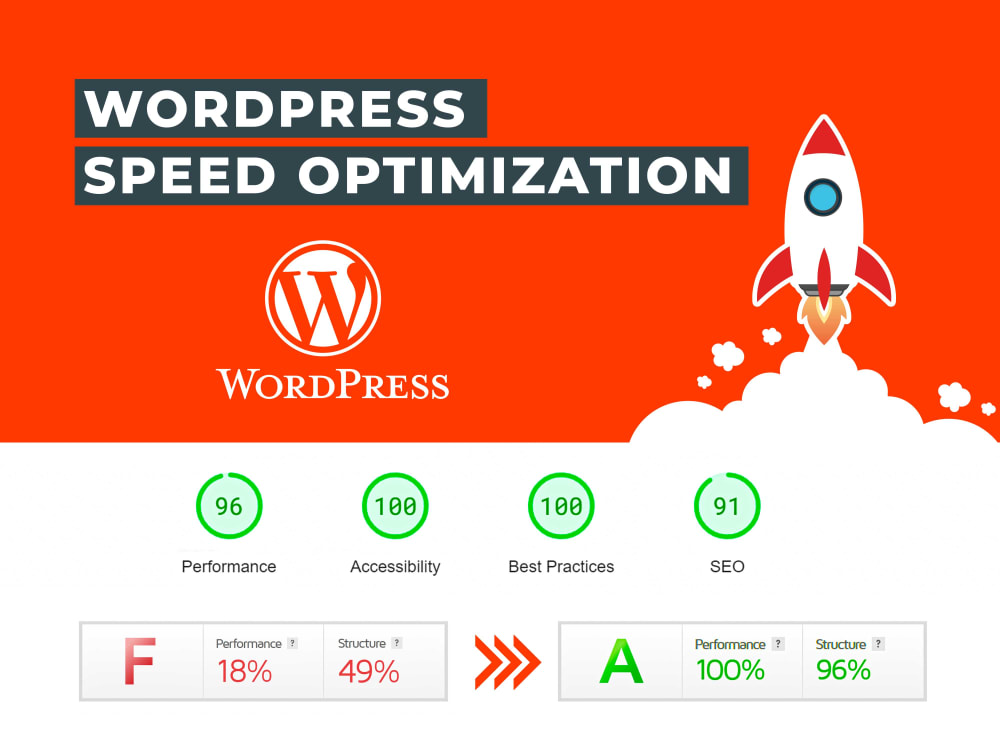
⚡ 4. Performance Optimization for Large Websites
Plugins alone cannot handle scale.
Custom Performance Work
✔ Optimized database queries
✔ Custom caching logic
✔ Reduced script loading
✔ Async background jobs
Critical for high-traffic and content-heavy sites.
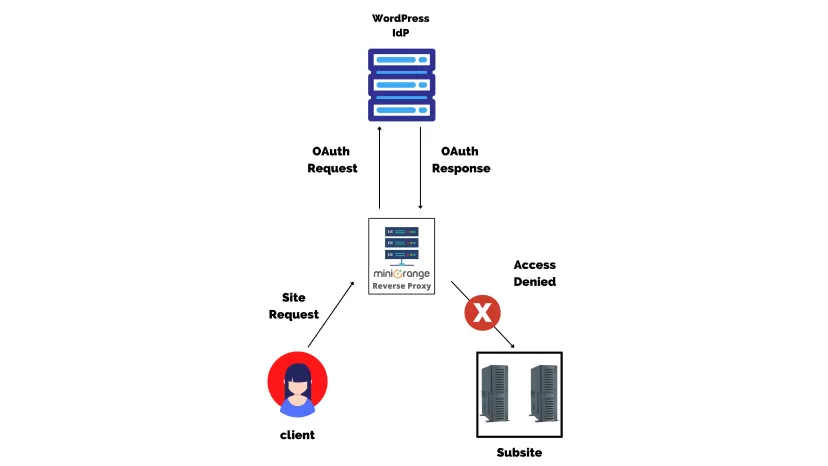
🔐 5. Security & Access Control
More features = more security risks.

Custom Security Use Cases
✔ Role-based permissions
✔ Admin access restrictions
✔ Activity logs
✔ Custom validation rules
Security should be built-in, not patched later.
🔌 6. Third-Party API & System Integrations
Modern websites don’t work alone.
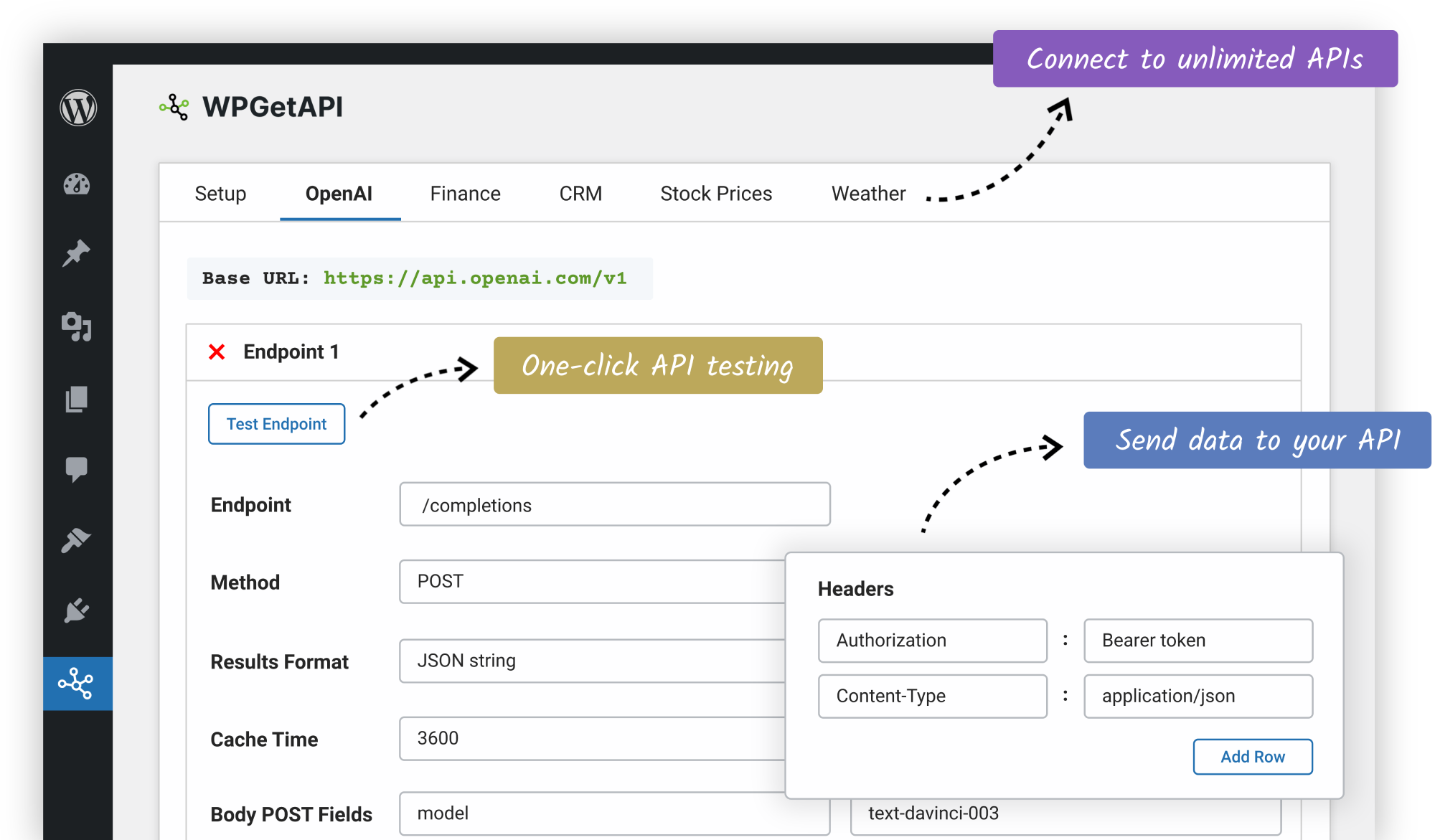
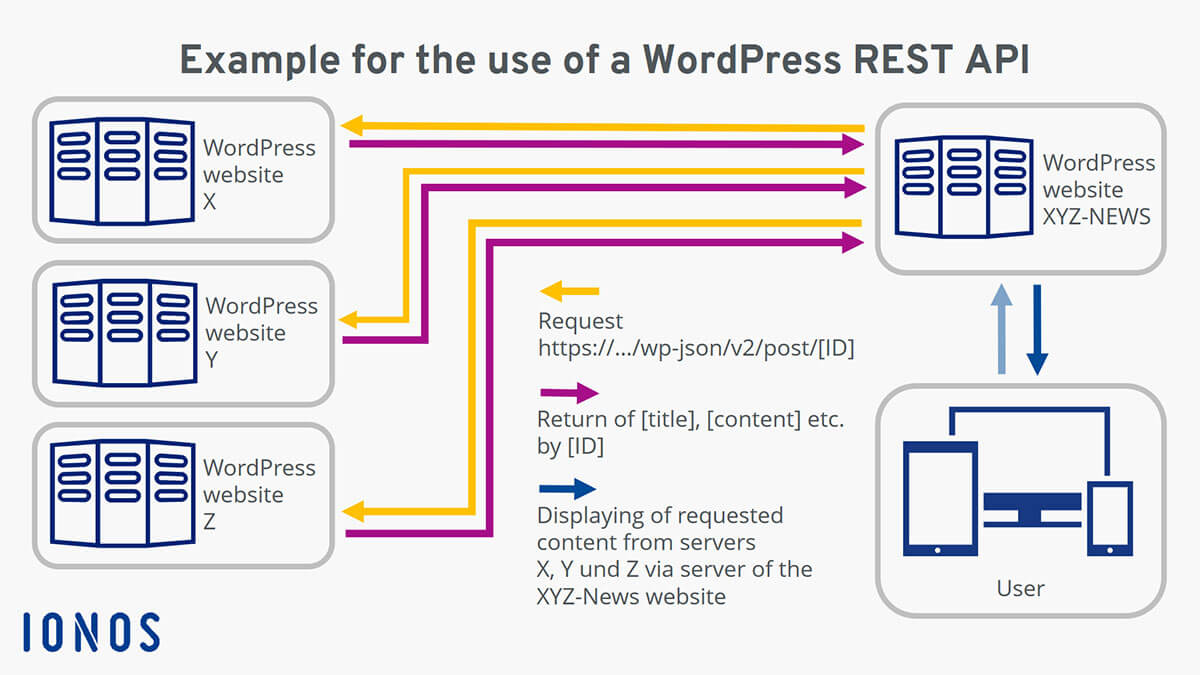
Integration Examples
✔ CRM systems
✔ Payment gateways
✔ Marketing tools
✔ Mobile apps
Custom APIs ensure reliable data flow without slowing the site.
📊 7. Custom Reports & Admin Dashboards
Default WordPress reports are limited.
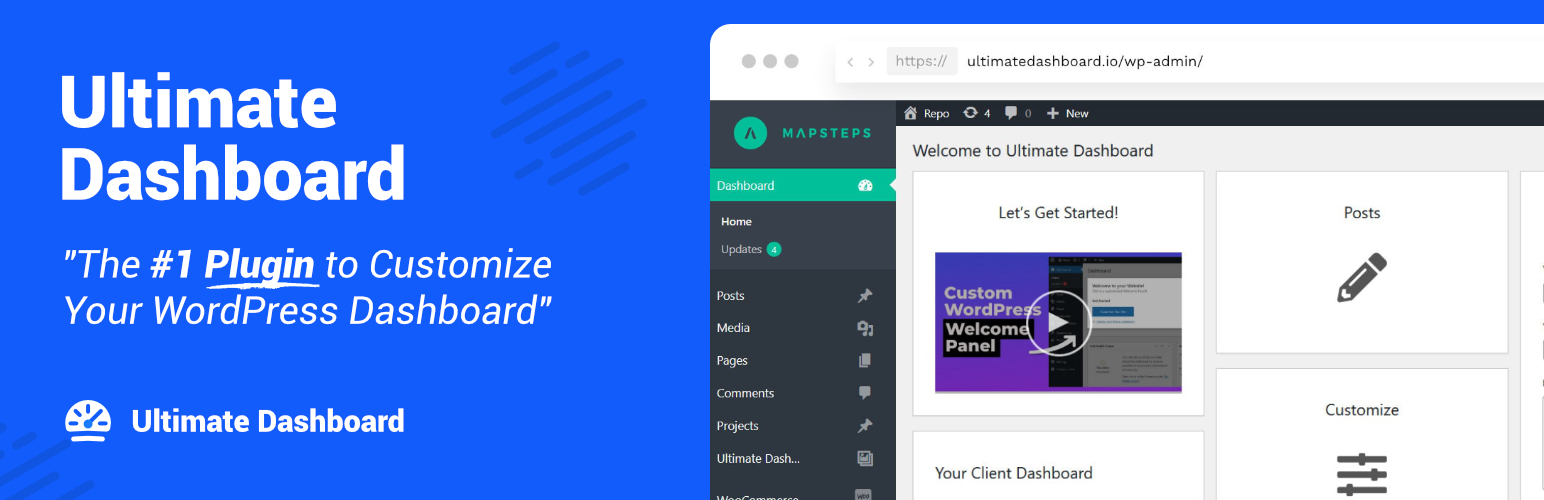
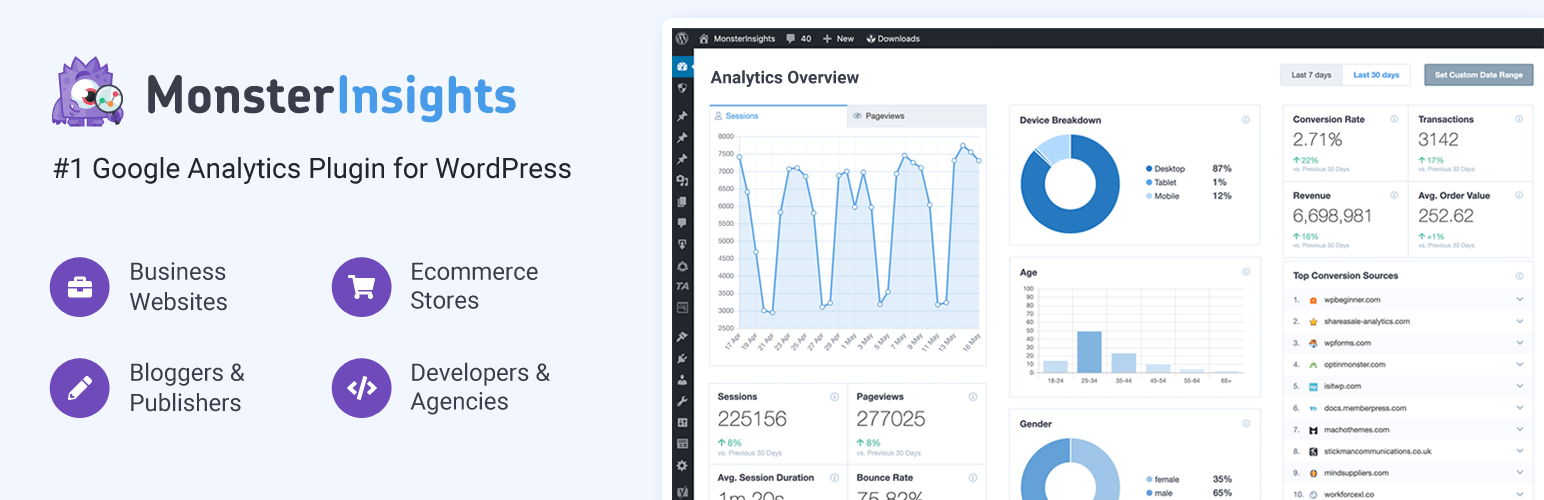
Custom Reporting
✔ User activity tracking
✔ Content performance
✔ Sales or lead reports
✔ System logs
Custom dashboards save time and improve decision-making.
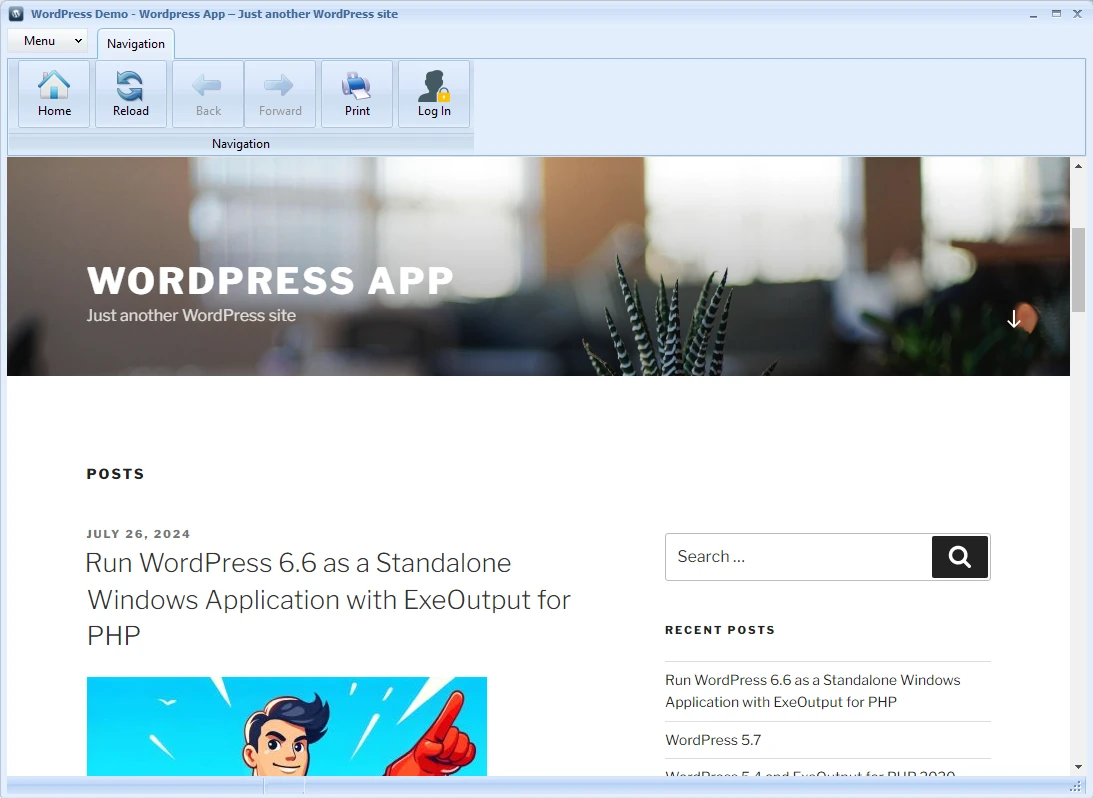
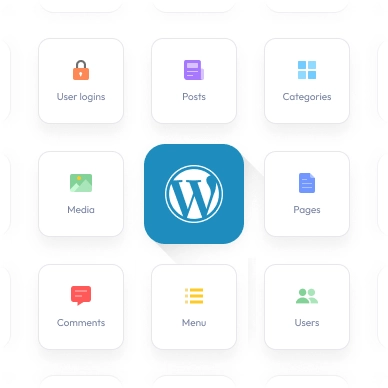
🧠 8. WordPress as a Web Application
WordPress is not just for blogs.
Real Examples
✔ SaaS platforms
✔ Learning management systems
✔ Membership portals
✔ Booking & service platforms
Custom development transforms WordPress into a full-fledged application.
❌ When Plugins Are a Bad Idea
Avoid plugins when:
❌ Performance is critical
❌ Business logic is complex
❌ Multiple plugins overlap
❌ Updates frequently break features
Custom code = cleaner, faster, safer.
✅ Business Benefits of WordPress Custom Development
✔ Exact feature control
✔ Faster website
✔ Better SEO & UX
✔ Fewer plugins
✔ Long-term scalability


📚 Related Reading

Hire Me on Upwork – Dokan & WooCommerce Expert

 Chat on WhatsApp
One Response