
WordPress works perfectly for small websites — but when traffic grows into thousands or even millions of visitors, many sites start to slow down, crash, or become unstable.
The truth is: WordPress can scale for high traffic, but only if it’s built and optimized correctly.
If your site runs on WordPress, this guide will show you how to scale WordPress safely for high traffic without breaking performance or SEO.


🚀 Why High Traffic Breaks WordPress Websites
High traffic exposes weaknesses like:
-
Weak hosting
-
No caching strategy
-
Heavy themes & plugins
-
Slow database queries
-
Poor media optimization
Scaling WordPress is not about installing more plugins — it’s about building a solid system.
🧱 1. Upgrade Hosting for High-Traffic WordPress Sites
Shared hosting cannot handle high traffic.
What You Need
✔ VPS or cloud hosting
✔ Dedicated CPU & RAM
✔ SSD / NVMe storage
✔ Server-level caching


💡 Rule: Hosting is the foundation. Weak hosting = slow site.
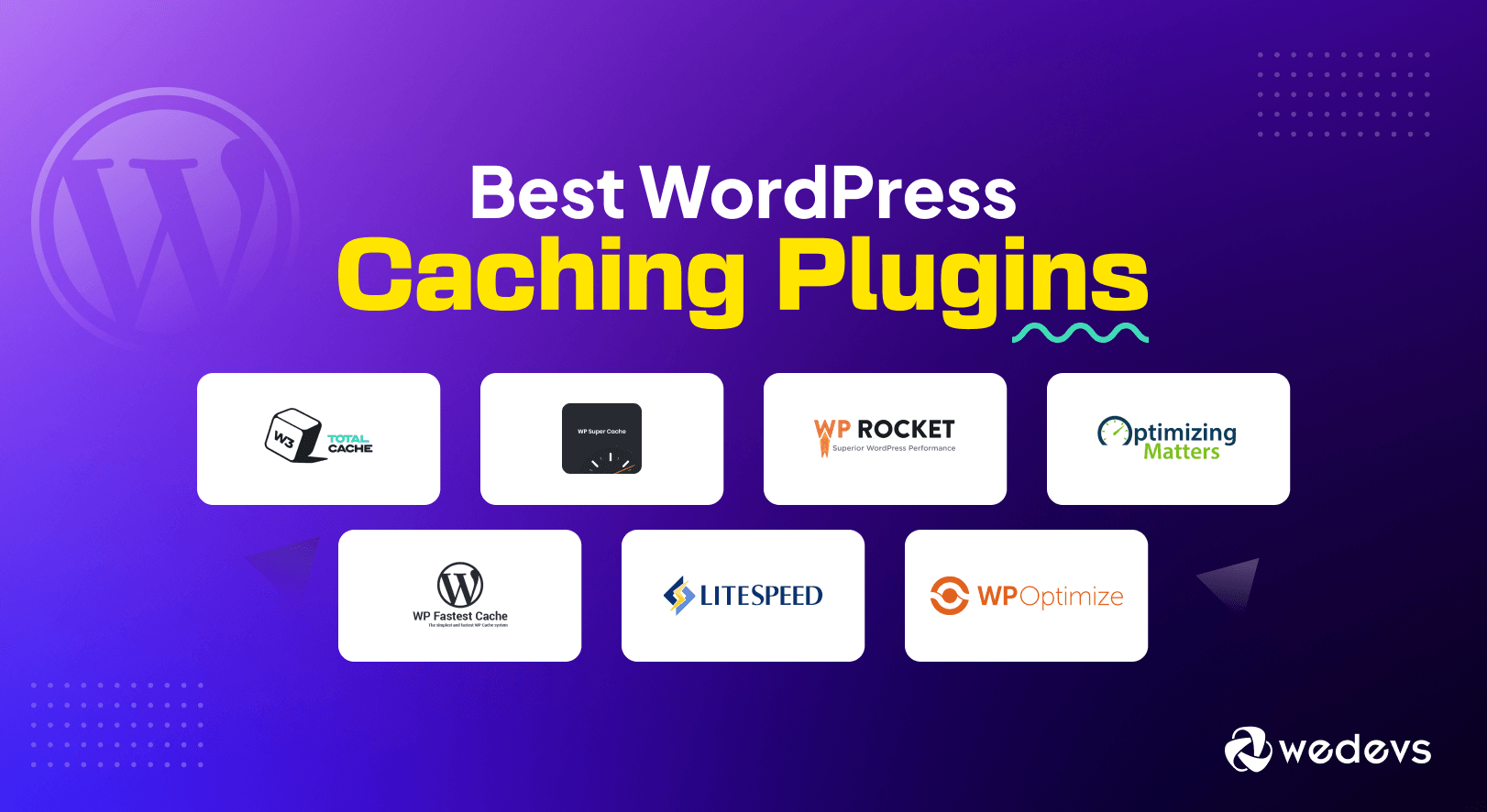
⚡ 2. Implement Advanced Caching & CDN
Caching reduces server load drastically.
Essential Caching Layers
✔ Page caching
✔ Object caching (Redis / Memcached)
✔ Browser caching
✔ CDN for global visitors

👉 Exclude admin, login, and dynamic pages from cache.
🗄️ 3. Optimize WordPress Database
WordPress relies heavily on the database.
Common Problems
-
Large
wp_postmetatables -
Unused revisions
-
Expired transients

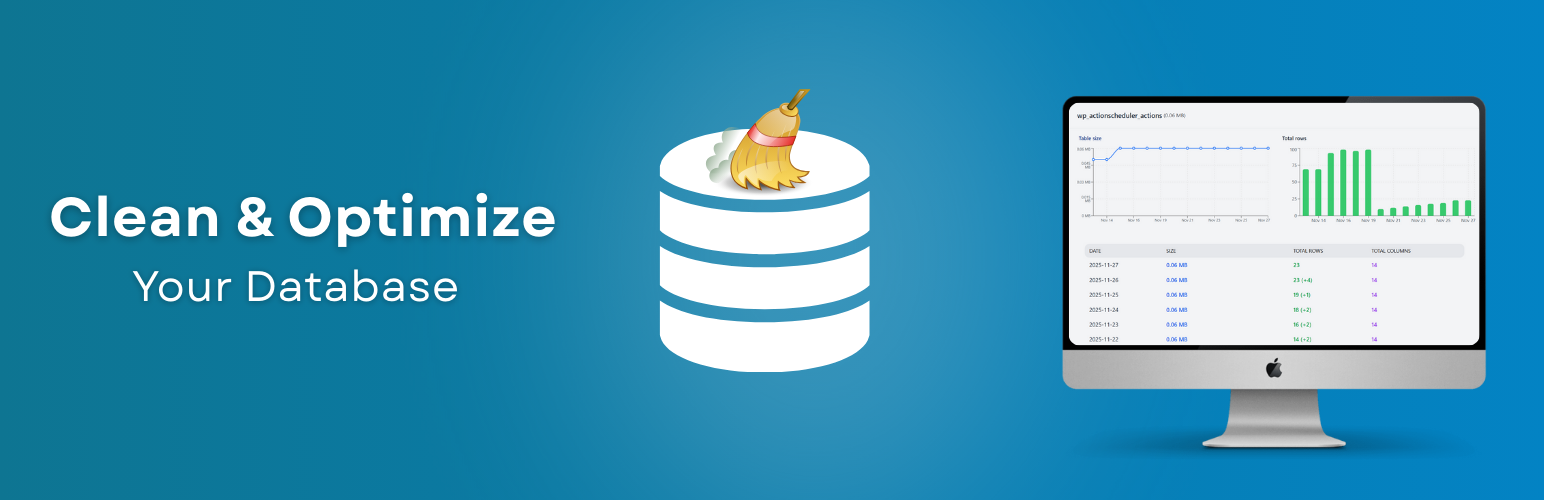
Fixes
✔ Clean old revisions
✔ Optimize tables
✔ Add indexes for large sites
🧩 4. Reduce Plugin & Theme Overload
Too many plugins slow everything down.
Common Mistakes
❌ Installing plugins for small features
❌ Heavy page builders everywhere
❌ Duplicate functionality

Smart Approach
✔ Keep only essential plugins
✔ Replace plugins with lightweight custom code
✔ Use a performance-optimized theme
🖼️ 5. Optimize Images & Media Files
Media is the #1 reason for slow pages.
Best Practices
✔ Compress images (WebP format)
✔ Lazy load images & videos
✔ Use responsive image sizes

🔐 6. Secure WordPress Under High Traffic
High traffic attracts attackers.
Security Must-Haves
✔ Web Application Firewall (WAF)
✔ Rate limiting
✔ Login protection
✔ Malware scanning
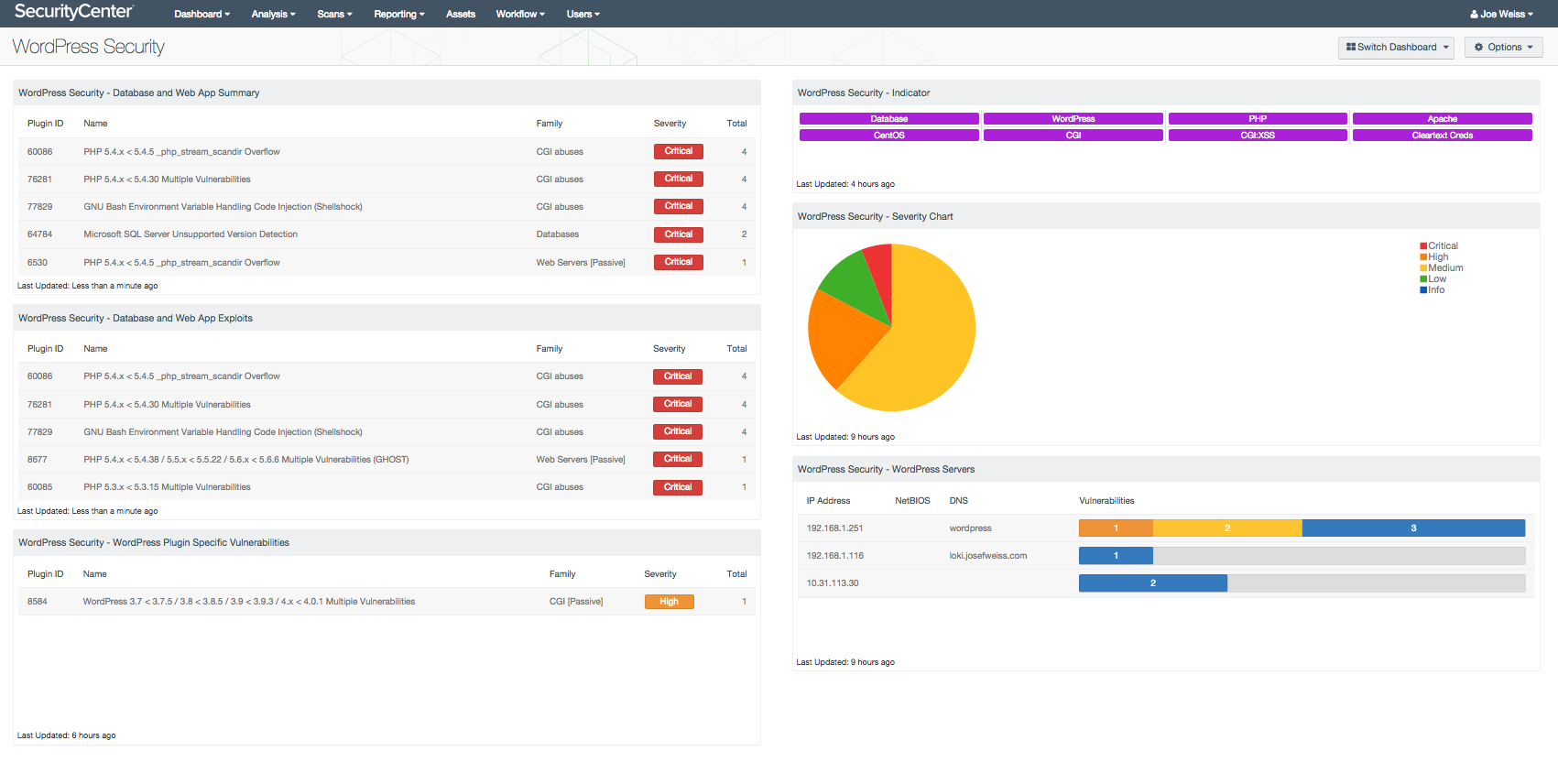

Security issues during peak traffic can crash your site instantly.
📊 7. Monitor Performance & Traffic in Real Time
You can’t scale what you don’t monitor.
Track These Metrics
✔ Server load
✔ Page load time
✔ Error logs
✔ Traffic spikes
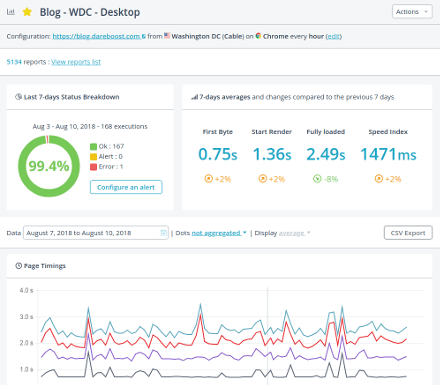
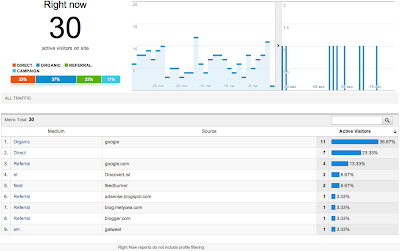
Early alerts help prevent downtime.
📈 8. Prepare for Traffic Spikes (Campaigns & Viral Content)
Traffic spikes are dangerous without planning.
Spike-Ready Checklist
✔ Temporarily scale server resources
✔ Pre-warm cache
✔ Disable non-essential plugins
✔ Test pages before launch


🧠 9. Use Custom Development for Serious Scale
At high traffic, default WordPress behavior isn’t enough.
When Custom Code Is Needed
✔ Optimized queries
✔ Custom caching logic
✔ Async background processing
✔ Custom APIs


Custom development ensures long-term scalability.
✅ WordPress High-Traffic Scaling Checklist
✔ Enterprise-grade hosting
✔ Advanced caching & CDN
✔ Database optimization
✔ Plugin reduction
✔ Media optimization
✔ Strong security
✔ Real-time monitoring
✔ Traffic spike preparation
📚 Recommended Reading

Hire Me on Upwork – Dokan & WooCommerce Expert

 Chat on WhatsApp