
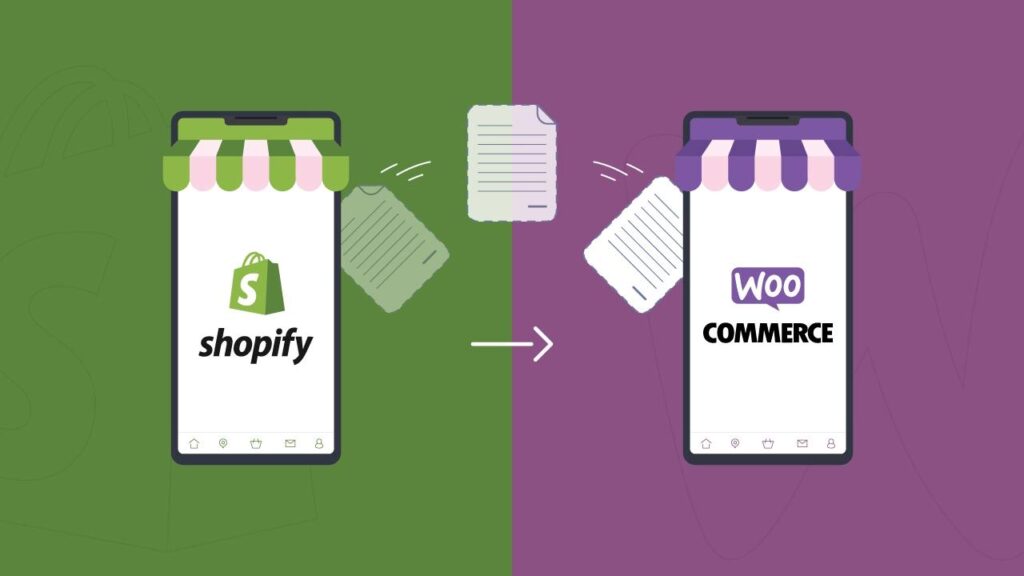


Moving your store from Shopify to WooCommerce can unlock full control, flexibility, and lower long-term costs — but only if done carefully.
In this guide, you’ll learn how to migrate from Shopify to WooCommerce step-by-step without losing data or SEO.
🔴 Why Migrate from Shopify to WooCommerce?
Many store owners switch because:
✔ Full ownership of data
✔ No monthly platform fees
✔ Unlimited customization
✔ Better scalability with WordPress
👉 WooCommerce = flexibility + control
🧠 Migration Challenges
Before starting, understand risks:
❌ Data loss
❌ SEO ranking drop
❌ Broken URLs
❌ Downtime
❌ Payment/shipping issues
👉 Proper planning is critical.
⚙️ Step 1: Plan Your Migration
Define:
✔ What data to migrate
✔ Timeline
✔ SEO strategy
✔ Testing process
👉 Don’t migrate blindly.
📦 Step 2: Backup Shopify Data
Export:
✔ Products
✔ Customers
✔ Orders
✔ Blog content
👉 Always keep a backup.
🏗️ Step 3: Set Up WooCommerce Store
Install:
✔ WordPress
✔ WooCommerce
Configure:
✔ Currency
✔ Taxes
✔ Shipping
✔ Payment gateways
👉 Prepare your new store.
🔄 Step 4: Migrate Data
You can migrate using:
Option 1: CSV Import
✔ Export Shopify CSV
✔ Import into WooCommerce
Option 2: Migration Tools
✔ Cart2Cart
✔ LitExtension
Option 3: Custom Migration
✔ API-based transfer
✔ Custom scripts
👉 Ensure accurate data mapping.
📦 What Data to Migrate?
✔ Products (titles, images, variations)
✔ Customers
✔ Orders
✔ Categories
✔ Reviews
👉 Don’t miss important data.
🔗 Step 5: URL Structure & SEO
This is the most critical step.
✔ Match URL structure if possible
✔ Create 301 redirects
✔ Update sitemap
✔ Submit to Google Search Console
👉 Protect your SEO rankings.
🧾 Step 6: Payment & Shipping Setup
Reconfigure:
✔ Payment gateways (Stripe, PayPal)
✔ Shipping zones
✔ Taxes
👉 Shopify settings won’t transfer automatically.
🎨 Step 7: Design & Theme Setup
✔ Choose WooCommerce theme
✔ Rebuild pages
✔ Optimize UX
👉 WooCommerce design is different from Shopify.
🧪 Step 8: Testing
Before going live:
✔ Test checkout
✔ Test payments
✔ Verify product data
✔ Check mobile responsiveness
👉 Fix all issues.
🚀 Step 9: Go Live
✔ Point domain to new site
✔ Monitor traffic
✔ Fix errors quickly
👉 Launch carefully.
📈 Step 🔟 Post-Migration Optimization
✔ Speed optimization
✔ SEO improvements
✔ Conversion optimization
👉 Improve performance after launch.
📊 Migration Checklist
✔ Backup data
✔ Setup WooCommerce
✔ Migrate products & customers
✔ Configure payments
✔ Setup redirects
✔ Test everything
👉 Follow this strictly.
🚨 Common Mistakes to Avoid
❌ No SEO redirects
❌ Incomplete data migration
❌ Poor testing
❌ Ignoring performance
❌ No backup
👉 These can cause major losses.
🧠 Pro Tips
✔ Use staging environment
✔ Migrate during low traffic
✔ Inform customers
✔ Monitor analytics
👉 Professional approach.
📚 Internal Links

Hire Me on Upwork – Dokan & WooCommerce Expert

 Chat on WhatsApp