


Migrating a website might sound risky — and honestly, it can be if you rush it. Done right, though, moving your site can improve speed, security, and scalability without losing data or SEO.
If you’re working with WordPress, this guide will walk you through a safe, step-by-step migration process.
🔴 What is WordPress Website Migration?
Website migration means moving your site from:
✔ One hosting to another
✔ One domain to another
✔ Localhost → live server
✔ Staging → production
👉 Goal: move without breaking anything
🧠 Why Migrate a WordPress Site?
Common reasons:
✔ Better hosting performance
✔ Lower cost
✔ Improved security
✔ Website redesign
✔ Platform upgrades
👉 Migration = upgrade opportunity
⚠️ Risks of Migration
If not done properly:
❌ Data loss
❌ Website downtime
❌ Broken links
❌ SEO ranking drop
❌ Plugin/theme conflicts
👉 That’s why planning is critical.
⚙️ Step 1: Plan Your Migration
Define:
✔ What you are migrating (files, DB, emails)
✔ Migration type (domain/hosting/full)
✔ Downtime window
✔ Backup strategy
👉 Clear plan = smooth migration.
📦 Step 2: Take Full Backup
Always backup:
✔ Website files
✔ Database
✔ Media uploads
✔ Themes & plugins
👉 This is your safety net.
🏗️ Step 3: Set Up New Environment
Prepare new server:
✔ Install WordPress
✔ Configure database
✔ Setup PHP & server settings
👉 Destination must be ready.
🔄 Step 4: Migrate Files & Database
You have 3 options:
🧑💻 Option 1: Manual Migration
✔ Download files (FTP)
✔ Export database (phpMyAdmin)
✔ Upload to new server
✔ Import database
👉 Full control but technical.
🔌 Option 2: Migration Plugins
Popular plugins:
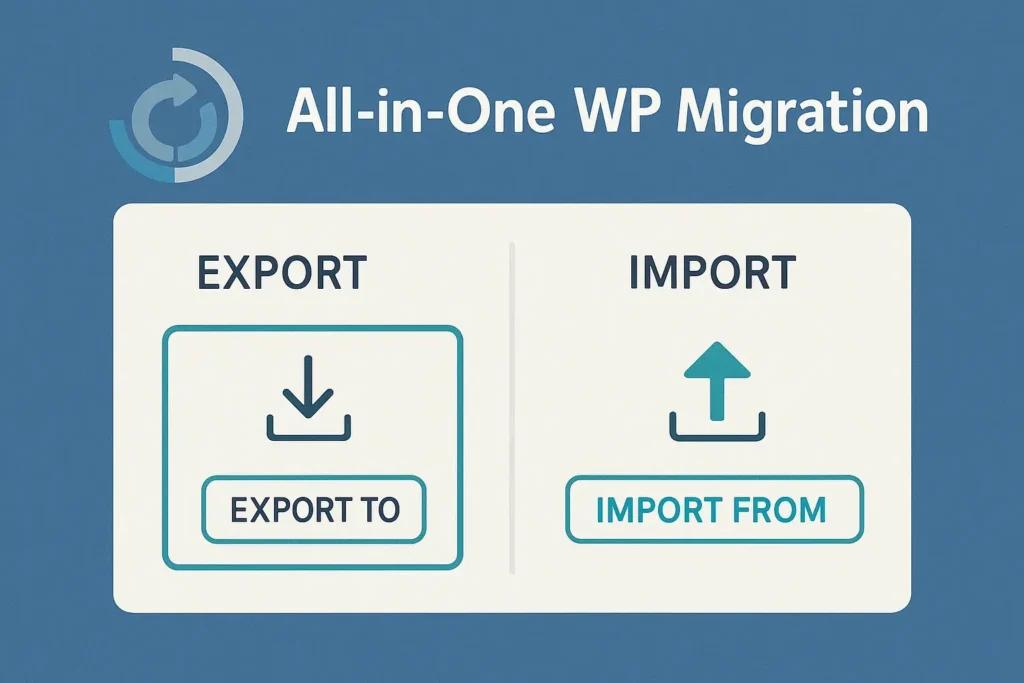
✔ All-in-One WP Migration
✔ Duplicator
✔ UpdraftPlus
👉 Easiest method.
⚙️ Option 3: Hosting Migration Tools
Many hosts provide:
✔ One-click migration
✔ Automated transfer
👉 Fast and beginner-friendly.
🔗 Step 5: Update URLs
After migration:
✔ Update site URL
✔ Fix internal links
✔ Replace old domain (if changed)
👉 Avoid broken links.
🌐 Step 6: Update DNS
✔ Point domain to new server
✔ Wait for propagation (up to 24 hours)
👉 Makes new site live.
🧪 Step 7: Test Website
Check:
✔ Pages loading
✔ Images
✔ Forms
✔ Plugins
✔ Mobile responsiveness
👉 Fix issues before final launch.
🔍 Step 8: SEO Preservation
✔ Setup 301 redirects
✔ Update sitemap
✔ Submit to Google Search Console
👉 Protect rankings.
⚡ Step 9: Performance Optimization
After migration:
✔ Enable caching
✔ Optimize database
✔ Use CDN
👉 Improve speed.
🚀 🔟 Go Live & Monitor
✔ Monitor traffic
✔ Check errors
✔ Fix broken links
👉 Keep an eye after launch.
📈 Migration Checklist
✔ Backup website
✔ Setup new server
✔ Migrate files & DB
✔ Update URLs
✔ Configure DNS
✔ Test site
👉 Follow this strictly.
🚨 Common Mistakes to Avoid
❌ No backup
❌ Skipping testing
❌ Ignoring SEO
❌ Wrong DNS setup
❌ Plugin conflicts
👉 These cause major issues.
🧠 Pro Tips
✔ Use staging environment
✔ Migrate during low traffic
✔ Disable caching during migration
✔ Keep old site temporarily
👉 Professional workflow.
📚 Internal Links

Hire Me on Upwork – Dokan & WooCommerce Expert

 Chat on WhatsApp