
If you’re planning to build a multi-vendor marketplace with WooCommerce, the first big decision is:
👉 Which multi-vendor plugin should you choose?
WooCommerce by itself is a great store platform — but to turn it into a full marketplace (like Amazon or Etsy), you’ll need a multi-vendor solution.
In this guide, we’ll compare the best multi-vendor plugins for WooCommerce in 2026, including Dokan, WCFM, WC Vendors, and others — so you can choose the right one for your business.

🔎 What Is a Multi-Vendor Plugin?
A multi-vendor plugin:
✔ Lets multiple sellers register and sell on your store
✔ Provides vendor dashboards
✔ Manages commissions
✔ Handles payouts & earnings
✔ Controls vendor permissions
Think of it as WooCommerce + marketplace engine.
🥇 1. Dokan – Best for Business-Focused Marketplaces
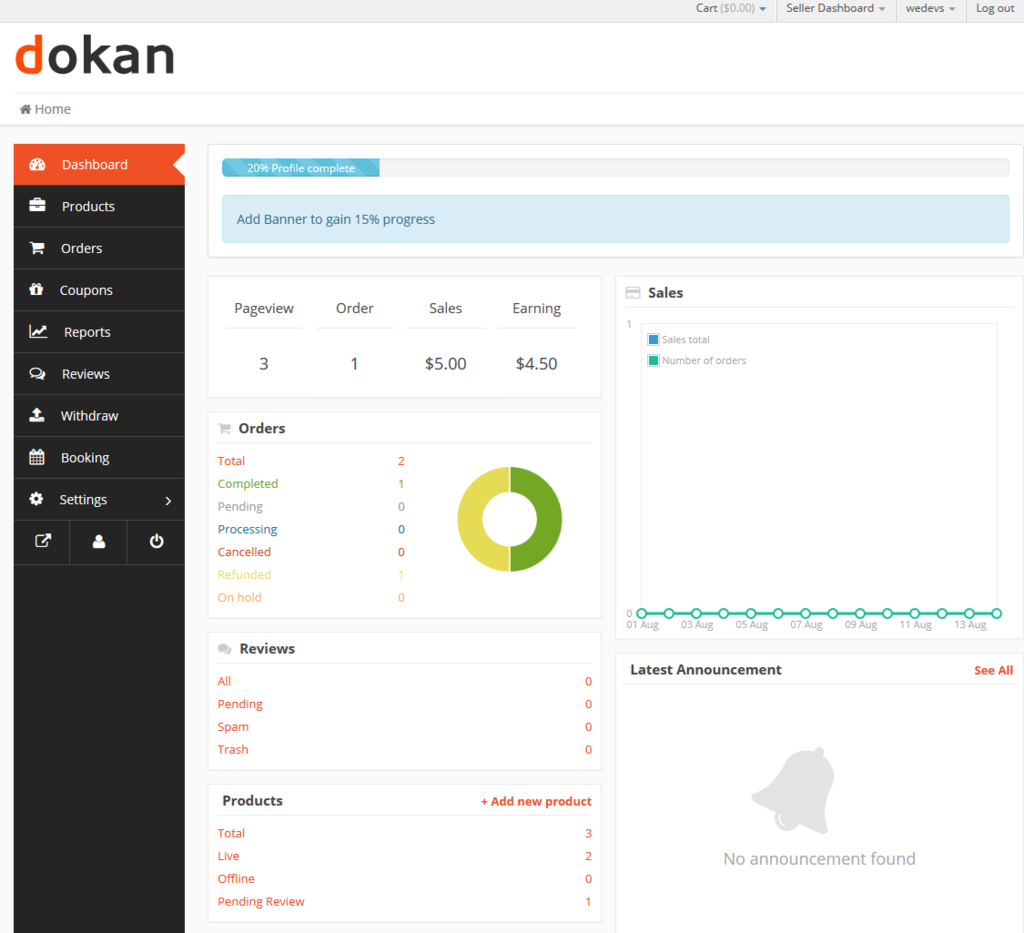
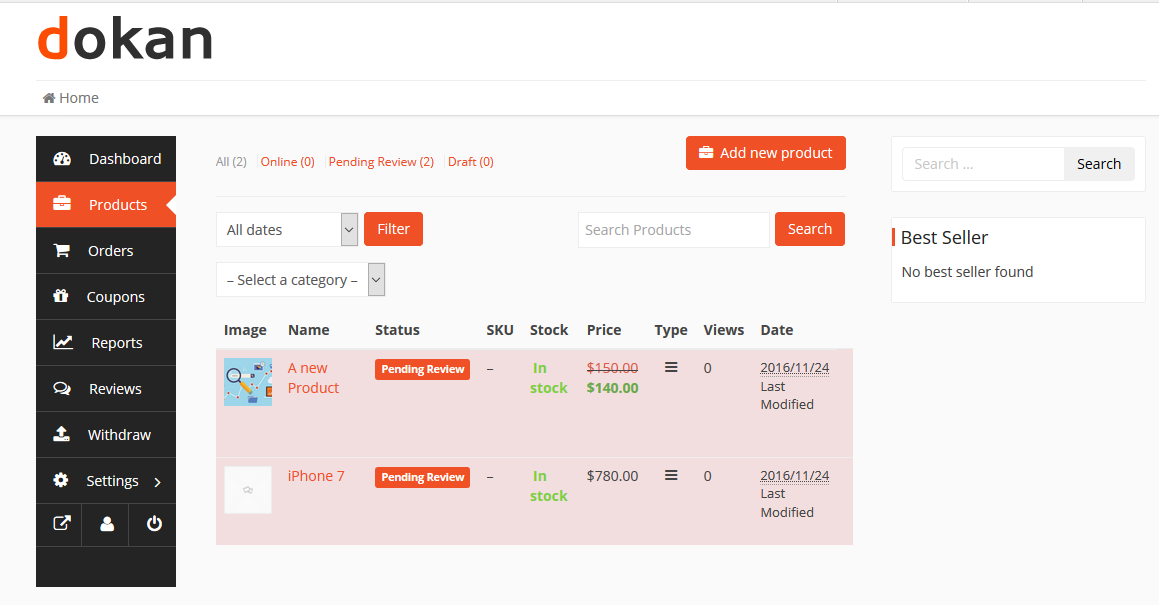
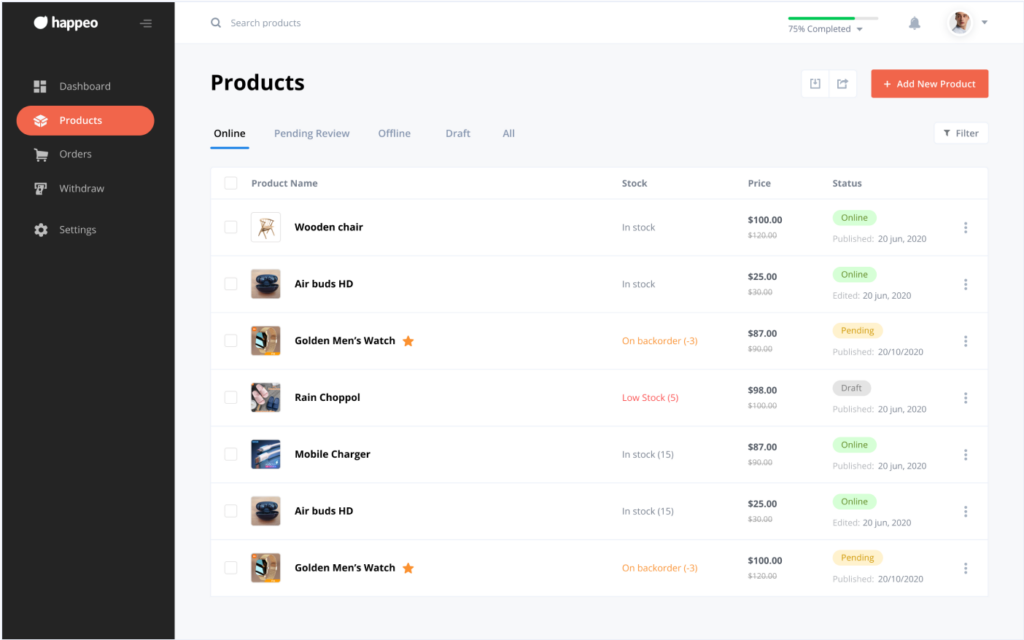
Dokan – Multivendor Marketplace Solution for WooCommerce is one of the most complete marketplace plugins for WooCommerce.
⭐ Why It’s Great
-
Clean, intuitive vendor dashboard
-
Flexible commission system
-
Vendor store pages
-
Easy onboarding
-
Built-in reporting
-
Lots of modules & add-ons
Best For
✔ Marketplaces focused on user experience
✔ Business growth & scalability
✔ Easy vendor onboarding
💡 Pro Tip: Dokan’s frontend tools make it much easier for non-technical vendors to manage their products and sales.
🥈 2. WCFM Marketplace – Most Feature-Rich Options
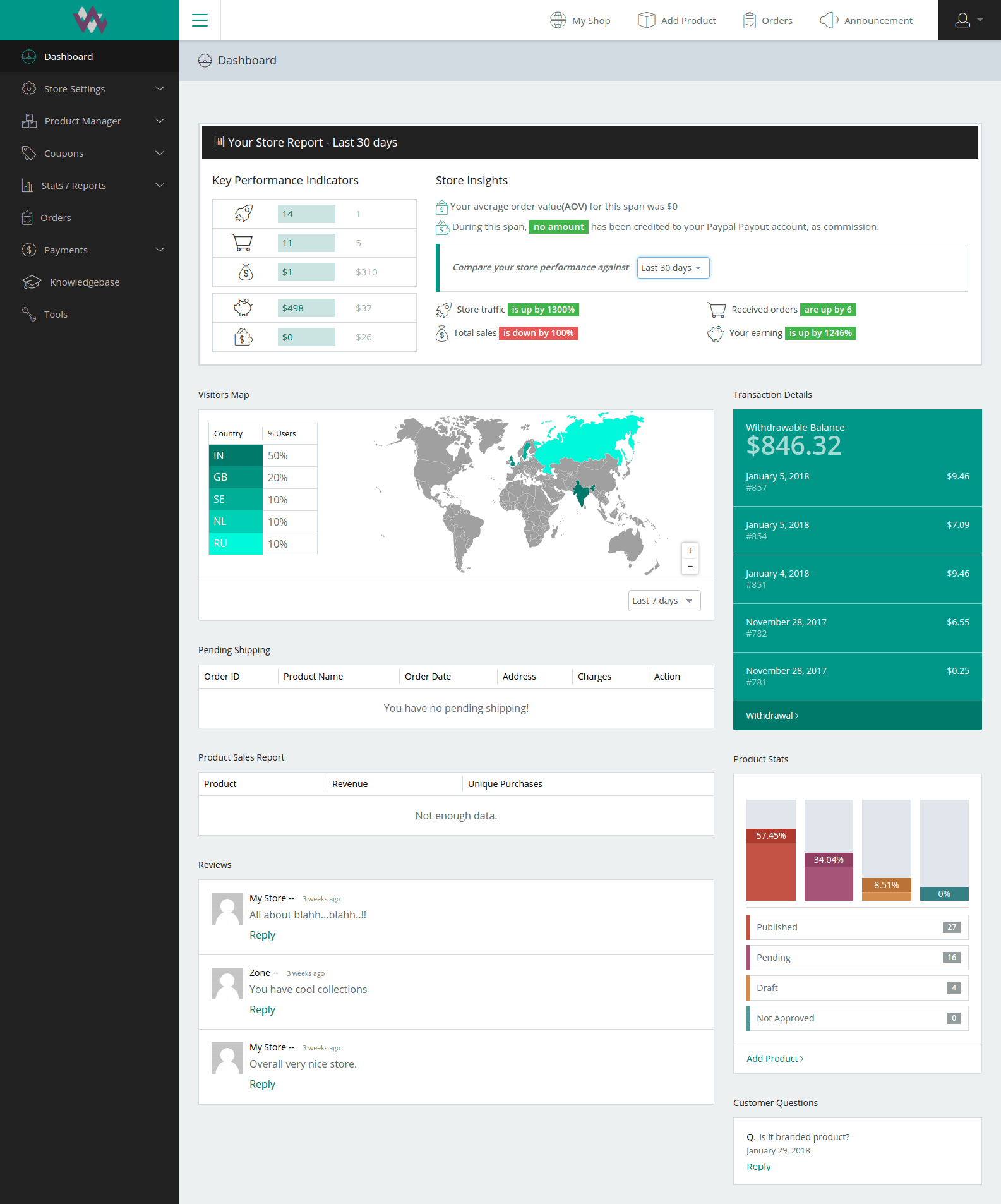
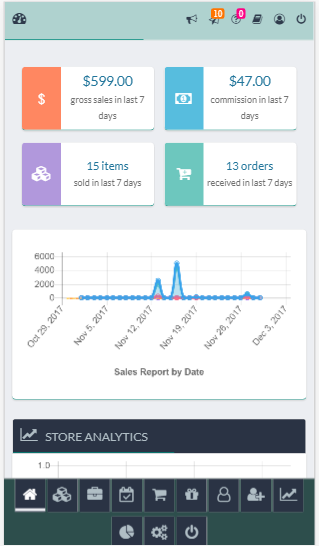
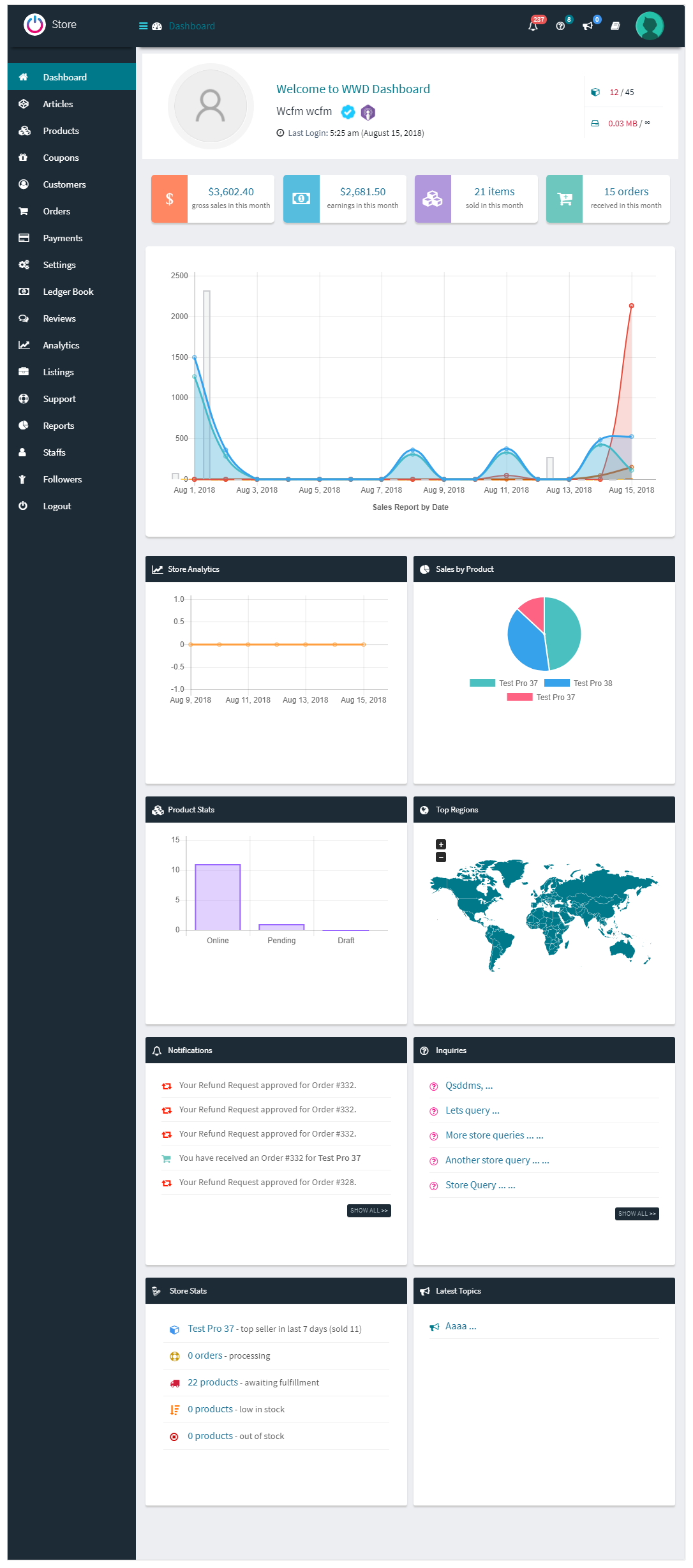
WCFM Marketplace – WooCommerce Multivendor Marketplace

⭐ Why It’s Great
-
Extremely deep feature set
-
Advanced shipping & payment options
-
Flexible vendor permissions
-
Supports many add-ons out of the box
Best For
✔ Advanced marketplaces
✔ Power users & custom logic
✔ Complex vendor workflows
💡 Note: WCFM can be overwhelming for beginners — but it’s powerful once configured.
🥉 3. WC Vendors – Simple & Reliable
WC Vendors Marketplace Plugin

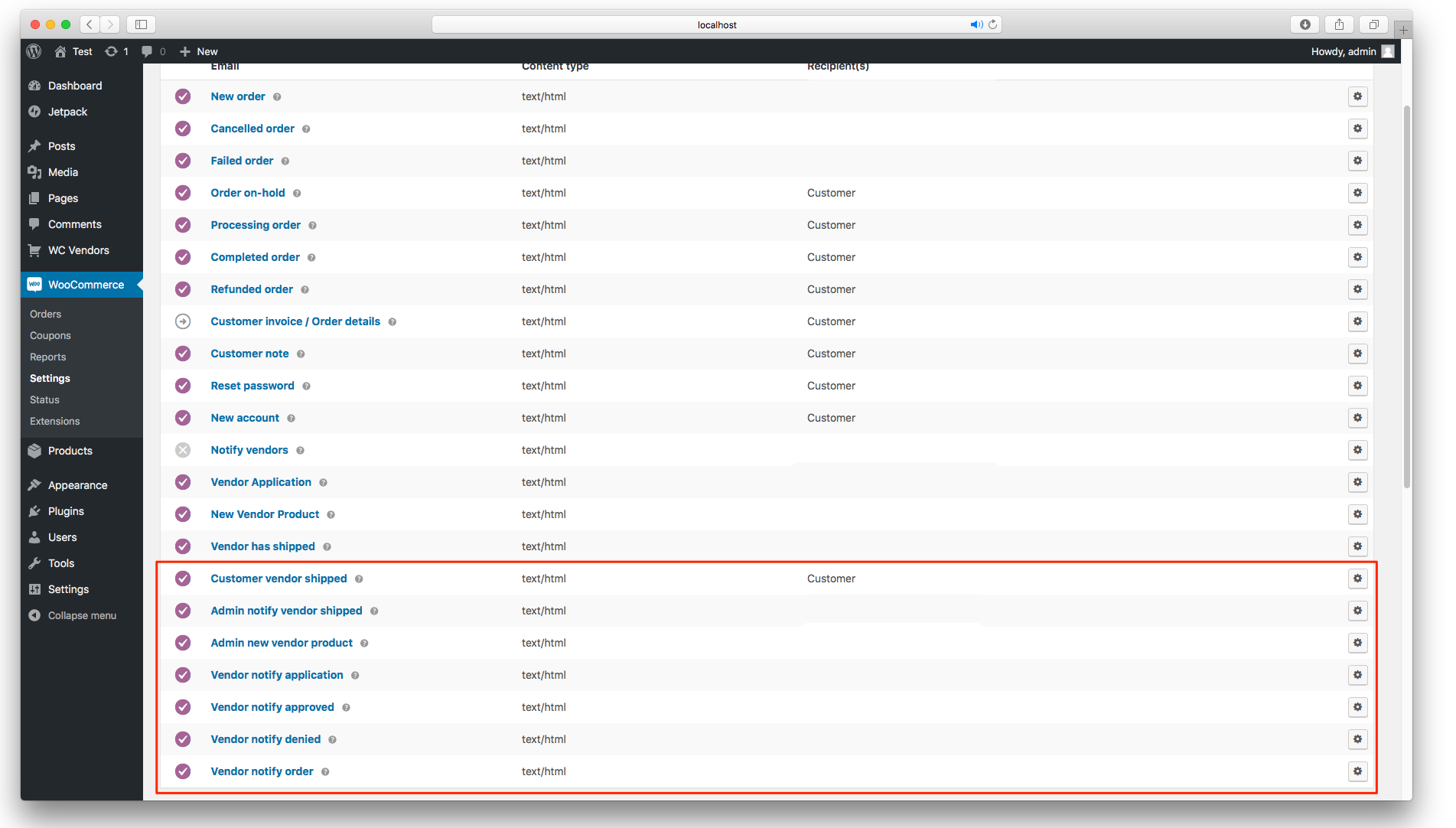

⭐ Why It’s Great
-
Clean vendor dashboard
-
Strong core features
-
Free & Pro versions
-
Lightweight setup
Best For
✔ Simpler marketplaces
✔ Tight budgets
✔ Stores that need basic marketplace features
💡 WC Vendors Pro adds powerful features like vendor refunds and advanced reporting.
🧠 4. YITH WooCommerce Multi Vendor – For Small to Mid Stores
YITH WooCommerce Multi Vendor/Marketplace
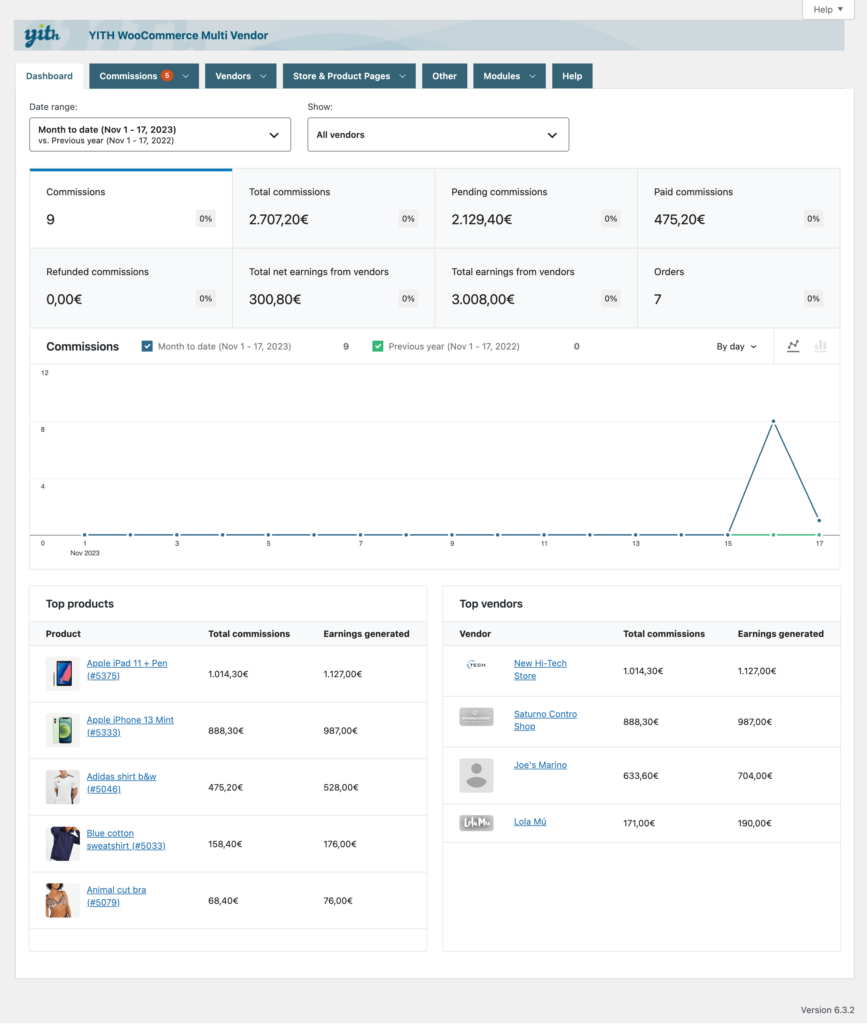
⭐ Why It’s Great
-
Integrates with YITH ecosystem
-
Simple vendor management
-
Good for small marketplaces
Best For
✔ Stores already using YITH plugins
✔ Marketplace experiments & small projects
💡 Pro Tip: YITH is stronger when combined with other YITH add-ons.
⭐ 5. WC Marketplace (WCMp) – Flexible & Open
WC Marketplace (WCMp)
⭐ Why It’s Great
-
Flexible moduler structure
-
Vendor commissions & reports
-
Lightweight core
Best For
✔ Developers & custom marketplaces
✔ Sites that want control without complexity
📊 How These Plugins Compare
| Feature | Dokan | WCFM | WC Vendors | YITH | WCMp |
|---|---|---|---|---|---|
| Ease of Use | ⭐⭐⭐⭐ | ⭐⭐⭐ | ⭐⭐⭐ | ⭐⭐ | ⭐⭐⭐ |
| Features | ⭐⭐⭐⭐ | ⭐⭐⭐⭐ | ⭐⭐⭐ | ⭐⭐ | ⭐⭐⭐ |
| Commission Flexibility | ⭐⭐⭐⭐ | ⭐⭐⭐⭐ | ⭐⭐⭐ | ⭐⭐ | ⭐⭐⭐ |
| Vendor Dashboard | ⭐⭐⭐⭐ | ⭐⭐⭐⭐ | ⭐⭐⭐ | ⭐⭐ | ⭐⭐⭐ |
| Scalability | ⭐⭐⭐⭐ | ⭐⭐⭐⭐ | ⭐⭐⭐ | ⭐⭐ | ⭐⭐⭐ |
🔑 Which One Should You Choose?
🟢 Choose Dokan If:
✔ You want the best mix of features & usability
✔ Vendors should manage everything from frontend
✔ You plan to scale & add custom features
🟡 Choose WCFM If:
✔ You need advanced shipping, payment, and vendor permission control
✔ You want deep feature sets
🟠 Choose WC Vendors If:
✔ You want a simpler marketplace
✔ You’re budget conscious
🔵 Choose YITH If:
✔ You already use YITH plugins
✔ Your marketplace is small
🔘 Choose WCMp If:
✔ You want flexible dev control
✔ You’re building a customized marketplace
📈 Marketplace Add-Ons to Consider
Most marketplace plugins also benefit from:
✔ Frontend product builders
✔ Vendor verification systems
✔ Custom reporting dashboards
✔ Vendor subscription systems
✔ Shipping & tax per vendor
These help tailor your marketplace to your business model.
📚 Related Reads

Hire Me on Upwork – Dokan & WooCommerce Expert

 Chat on WhatsApp