

Launching a multi-vendor marketplace is exciting — but many new marketplace owners fail not because Dokan is bad, but because of wrong decisions in the early stage.
If you’re building a marketplace using Dokan, this guide will help you avoid costly mistakes, save time, and build a scalable business.
🔎 Why Most Dokan Marketplaces Struggle Early
Dokan is powerful, but:
-
It’s not a plug-and-play business
-
It needs planning, optimization, and strategy
-
Marketplace logic is different from normal stores
Let’s look at the most common mistakes new Dokan marketplace owners make.
❌ 1. Treating Dokan Like a Normal WooCommerce Store
Many beginners assume Dokan works like a single-seller store.
Why This Is a Problem
-
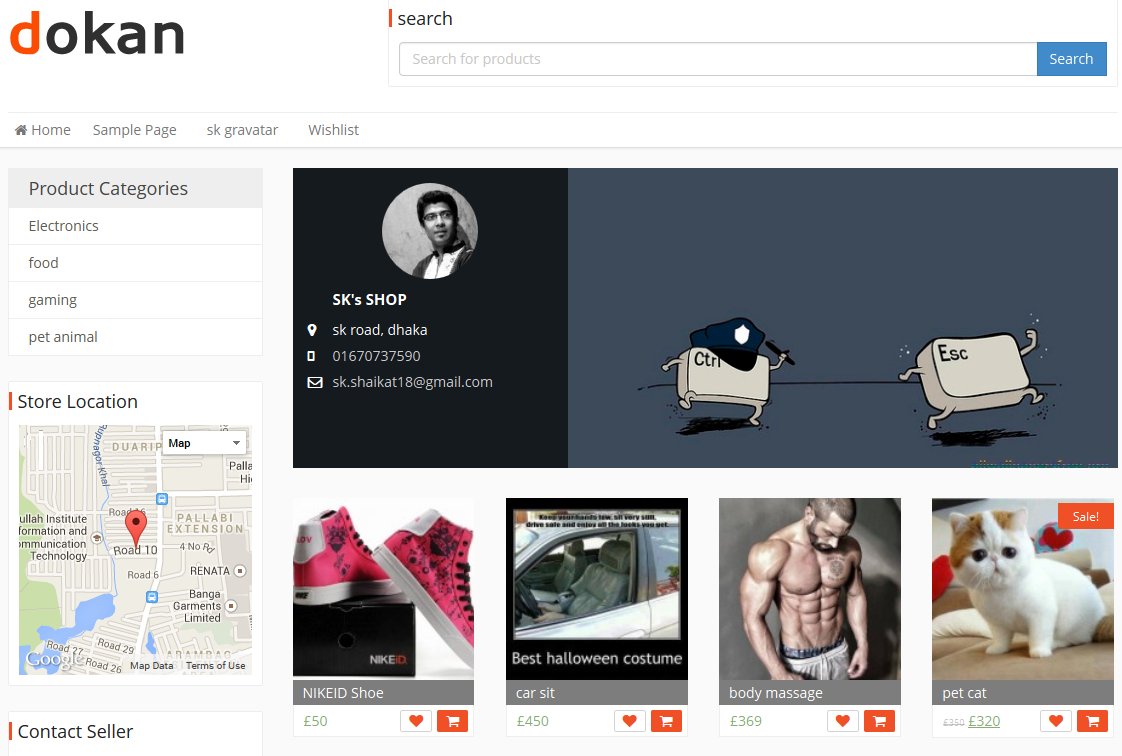
Vendors need autonomy
-
Vendor UX matters more than admin UX
-
Commission, payouts, and disputes must be planned
✅ What to Do Instead
Think like a platform owner, not a store owner:
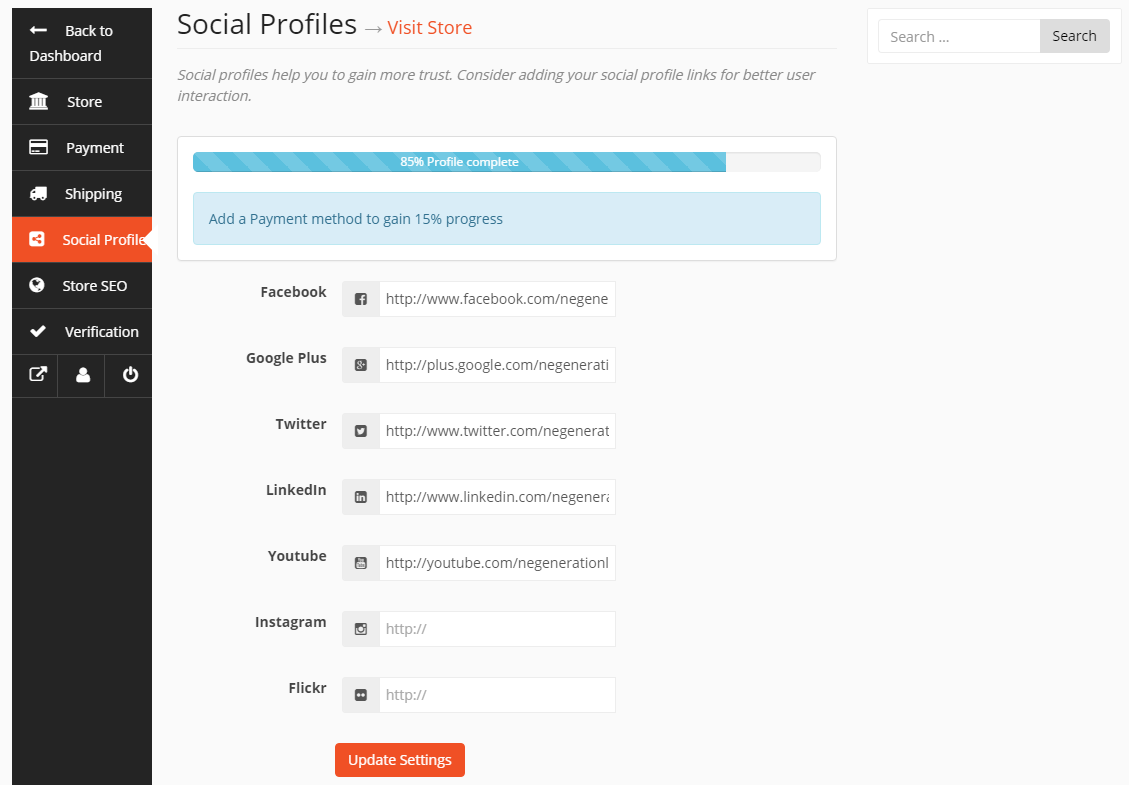
✔ Define vendor rules
✔ Define commission logic
✔ Define approval workflows
❌ 2. Choosing Cheap or Weak Hosting
Marketplaces are resource-heavy.
Common Hosting Mistakes
-
Shared hosting
-
No object caching
-
No database optimization

✅ Fix
✔ Use performance-focused hosting
✔ Enable object caching
✔ Optimize database early
❌ 3. Ignoring Vendor Experience (Big Mistake)
If vendors struggle, they leave.
Common Issues
-
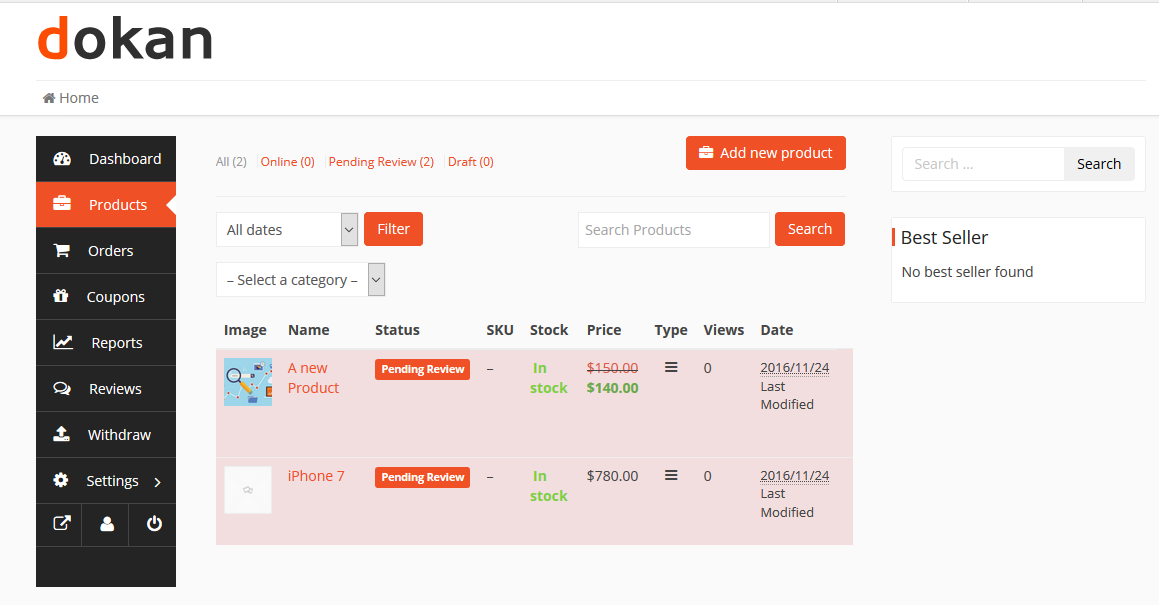
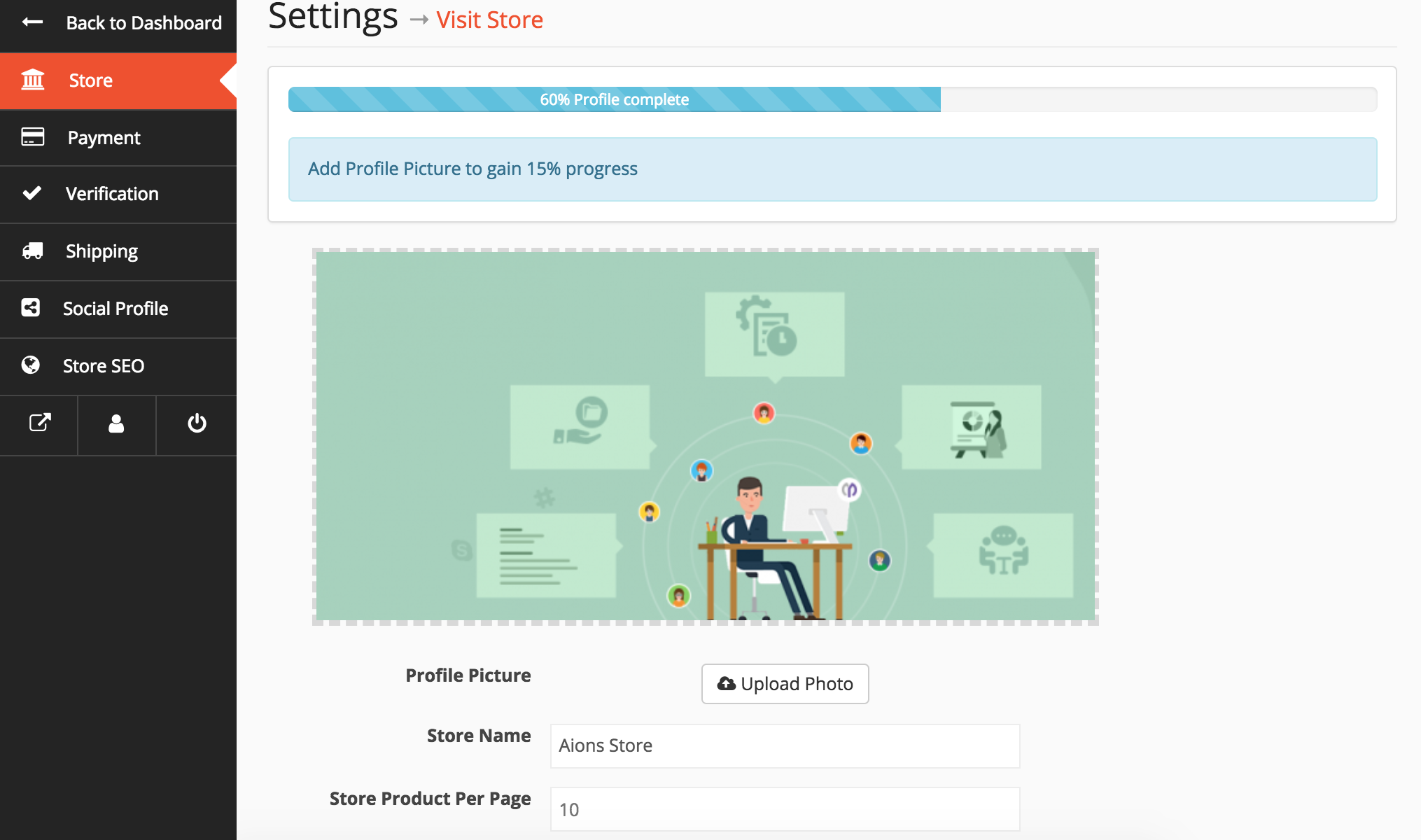
Confusing dashboard
-
Too many steps to add products
-
No proper guidance
✅ Fix
✔ Customize vendor dashboard
✔ Simplify product forms
✔ Provide vendor onboarding guides
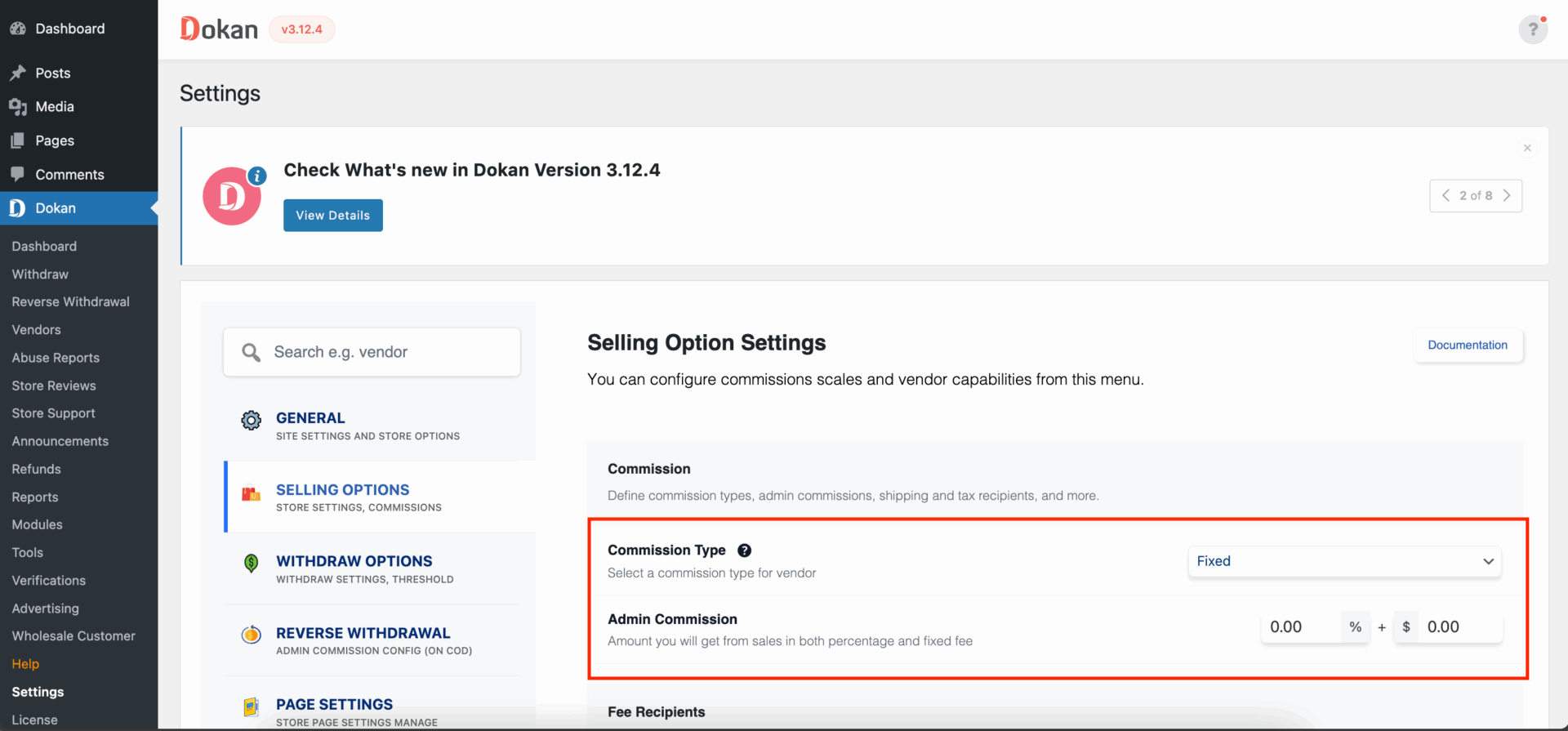
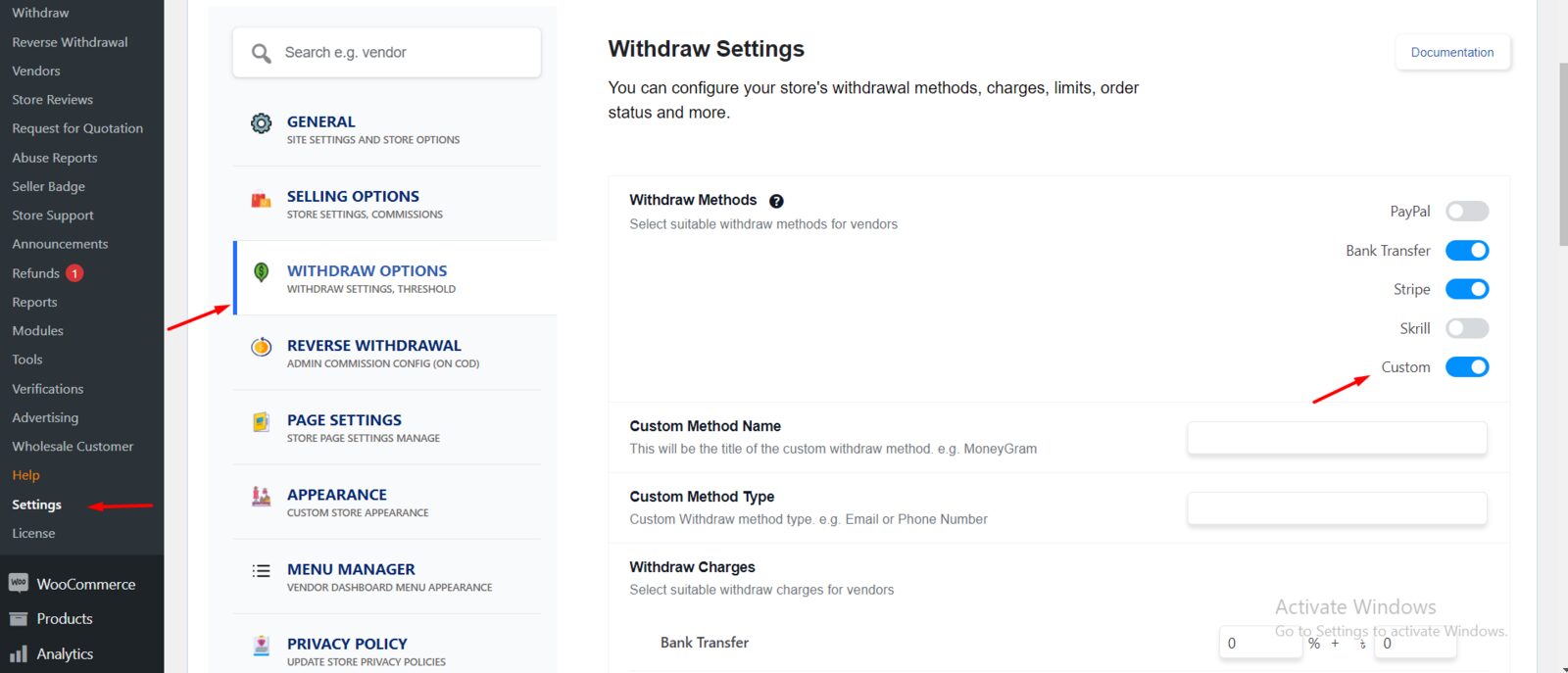
❌ 4. Poor Commission & Payout Planning
Many owners set commissions randomly.
Why This Fails
-
Vendors feel unfairly treated
-
Revenue becomes unstable
-
Conflicts increase
✅ Fix
✔ Plan commission structure early
✔ Use category-based or role-based commissions
✔ Be transparent with vendors
❌ 5. Adding Too Many Plugins Too Early
More plugins ≠ better marketplace.
Problems Caused
-
Plugin conflicts
-
Slow performance
-
Security risks


✅ Fix
✔ Install only essential plugins
✔ Avoid overlapping functionality
✔ Test everything on staging
❌ 6. Ignoring Performance Optimization
Dokan marketplaces grow fast — and so does load.
What Happens
-
Slow vendor dashboards
-
Slow product pages
-
Poor SEO rankings

✅ Fix
✔ Optimize images
✔ Use caching & CDN
✔ Clean database regularly
❌ 7. No Clear Vendor Rules & Policies
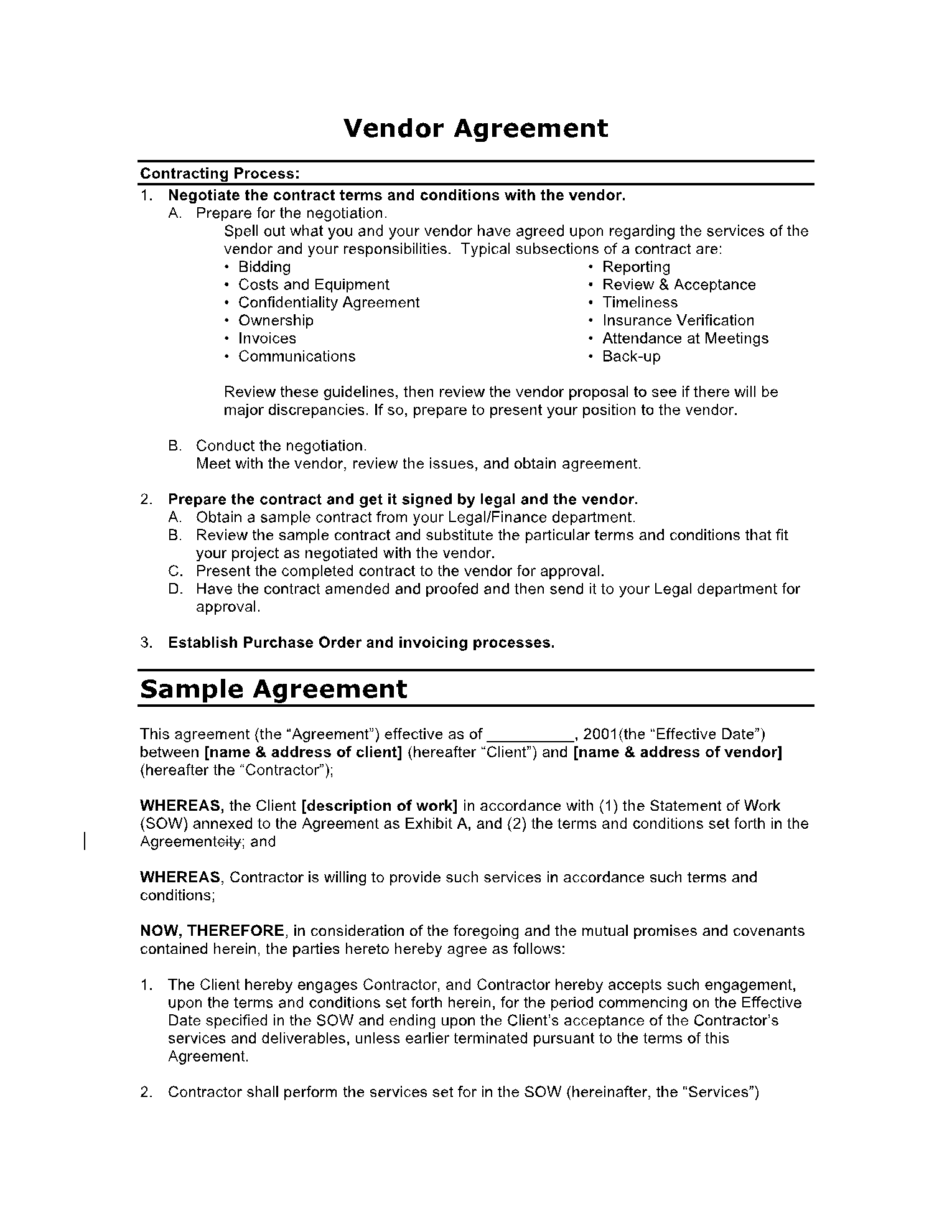
New marketplaces often skip legal & operational clarity.
Missing Items
-
Vendor agreement
-
Refund policy
-
Dispute handling
-
Withdrawal rules

✅ Fix
✔ Publish vendor terms clearly
✔ Define refund & payout rules
✔ Set expectations from day one
❌ 8. Poor SEO & Content Strategy
Many marketplace owners rely only on vendors for content.
Why This Is Risky
-
No organic traffic
-
Slow growth
-
Dependence on paid ads


✅ Fix
✔ Publish marketplace blogs
✔ Create category landing pages
✔ Optimize vendor store pages
❌ 9. Not Planning for Custom Development
Dokan is a foundation — not a finished product.
Reality Check
-
Advanced workflows need custom logic
-
Vendor restrictions often need coding
-
Scaling requires optimization

✅ Fix
✔ Plan custom features early
✔ Use Dokan hooks & filters
✔ Avoid core file edits
❌ 10. Expecting Instant Success
Marketplaces don’t grow overnight.
Common Unrealistic Expectations
-
Hundreds of vendors in weeks
-
Instant revenue
-
No support workload
✅ Fix
✔ Focus on first 10 quality vendors
✔ Improve platform based on feedback
✔ Grow step by step
🧠 Key Takeaways for New Dokan Marketplace Owners
✔ Dokan is powerful, but strategy matters
✔ Vendor experience = marketplace success
✔ Performance & SEO are critical
✔ Custom development is normal
✔ Long-term thinking wins
📚 Recommended Reading

Hire Me on Upwork – Dokan & WooCommerce Expert

 Chat on WhatsApp