
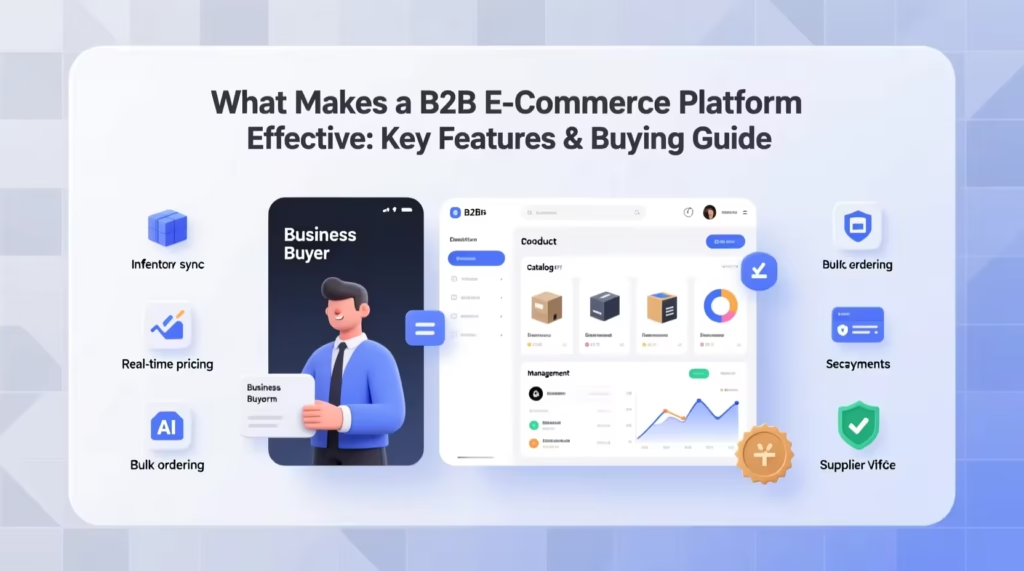



The B2B (Business-to-Business) eCommerce market is growing rapidly. Unlike traditional online stores, B2B marketplaces focus on bulk orders, wholesale pricing, and long-term business relationships.
If you want to build a scalable B2B platform, using WordPress, WooCommerce, and Dokan is one of the most powerful and flexible solutions.
In this guide, you’ll learn how to build a B2B marketplace using Dokan step-by-step.
🔴 What is a B2B Marketplace?
A B2B marketplace connects businesses with suppliers or wholesalers.
Examples include:
-
Manufacturers selling to retailers
-
Wholesalers selling bulk products
-
Service providers working with companies
Unlike B2C:
✔ Larger order quantities
✔ Negotiated pricing
✔ Custom payment terms
✔ Repeat customers
👉 B2B focuses on long-term business relationships.
🧠 Why Use Dokan for B2B Marketplace?
Dokan is designed for multi-vendor systems and can be customized for B2B use cases.
Benefits:
✔ Multi-vendor support
✔ Vendor dashboards
✔ Commission system
✔ Product management
✔ Scalable architecture
👉 With customization, Dokan becomes a powerful B2B engine.
⚙️ Step 1: Set Up the Core Platform
To build your marketplace, install:
-
WordPress
-
WooCommerce
-
Dokan Pro
Basic setup includes:
✔ Hosting & domain
✔ SSL certificate
✔ Payment gateways
✔ Shipping settings
👉 This creates your foundation.
🏪 Step 2: Enable Vendor System
Dokan allows vendors to create their own stores.
Configure:
✔ Vendor registration
✔ Store settings
✔ Commission structure
✔ Vendor permissions
👉 Vendors can manage their own products and orders.
💰 Step 3: Implement Wholesale Pricing
B2B marketplaces require special pricing models.
Key features to add:
✔ Bulk pricing (quantity-based discounts)
✔ Role-based pricing (B2B vs retail users)
✔ Minimum order quantity (MOQ)
✔ Tiered pricing
You can use custom development or plugins to enable:
-
Wholesale user roles
-
Dynamic pricing rules
👉 This is the core of B2B functionality.
📦 Step 4: Bulk Ordering System
B2B buyers need faster ordering.
Add features like:
✔ Bulk order forms
✔ CSV product upload
✔ Quick add-to-cart
✔ Large quantity support
👉 Improves buying experience for businesses.
📄 Step 5: Custom Payment Terms
Unlike B2C, B2B often includes flexible payments.
Examples:
✔ Net 15 / Net 30 payment terms
✔ Partial payments
✔ Manual invoices
✔ Bank transfer options
👉 Helps build trust with business clients.
📊 Step 6: Vendor & Buyer Dashboards
A strong dashboard improves usability.
For Vendors:
✔ Order management
✔ Sales reports
✔ Product control
For Buyers:
✔ Order history
✔ Bulk order tracking
✔ Invoice downloads
👉 Enhances overall experience.
🔐 Step 7: Business Verification System
B2B marketplaces require verified users.
Add:
✔ Business registration verification
✔ GST / tax validation
✔ Manual approval system
👉 Ensures only genuine businesses join.
📢 Step 8: Communication System
Communication is critical in B2B.
Enable:
✔ Vendor-buyer messaging
✔ Quote requests (RFQ system)
✔ Negotiation features
👉 Builds long-term relationships.
🚀 Step 9: Performance Optimization
B2B marketplaces handle large data and orders.
Optimize:
✔ Database performance
✔ Caching system
✔ CDN integration
✔ Query optimization
👉 Ensures scalability and speed.
📈 Step 10: Marketing & Growth Strategy
Grow your B2B marketplace with:
✔ SEO optimization
✔ Email marketing
✔ Vendor onboarding campaigns
✔ LinkedIn outreach
👉 Attract both vendors and buyers.
🚨 Common Mistakes to Avoid
❌ No wholesale pricing system
❌ Poor vendor onboarding
❌ Weak verification process
❌ No performance optimization
❌ Ignoring user experience
👉 These can break your marketplace.
📌 B2B Marketplace Checklist
✔ Vendor system setup
✔ Wholesale pricing
✔ Bulk ordering
✔ Payment terms
✔ Verification system
✔ Communication tools
✔ Performance optimization
👉 Follow this for a successful launch.

Hire Me on Upwork – Dokan & WooCommerce Expert

 Chat on WhatsApp