
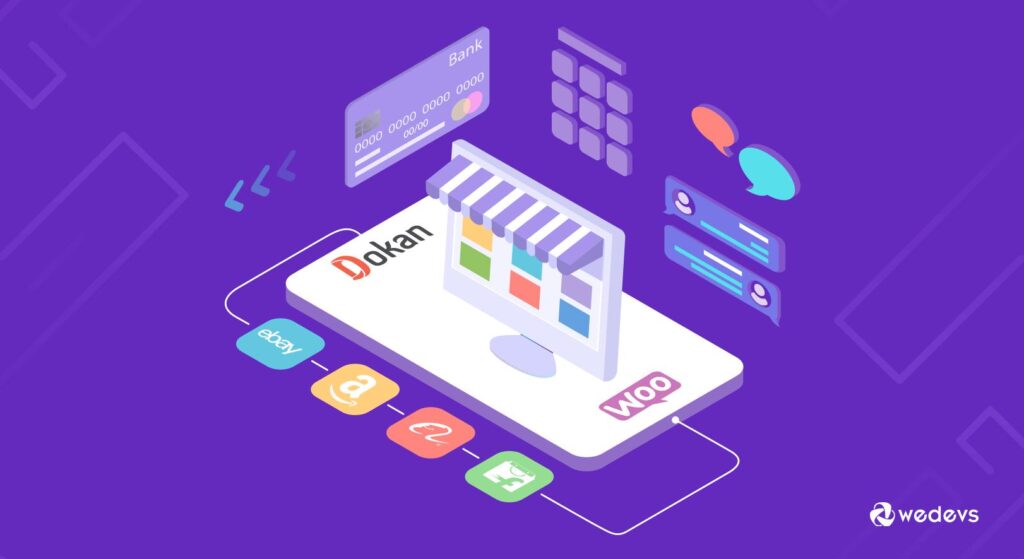


Migrating a marketplace is a high-stakes task. If done wrong, you risk losing data, SEO rankings, vendors, and customers.
But when done correctly, moving your marketplace to Dokan on WooCommerce and WordPress can unlock better scalability, flexibility, and control.
In this guide, you’ll learn how to migrate your marketplace to Dokan safely and efficiently.
🔴 When Should You Migrate to Dokan?
Consider migration if:
✔ Your current platform is slow
✔ Limited customization options
✔ High maintenance cost
✔ Scaling issues
✔ Need multi-vendor features
👉 Dokan offers flexibility and control.
🧠 Migration Challenges
Before migrating, understand risks:
❌ Data loss
❌ Downtime
❌ SEO impact
❌ Broken links
❌ Vendor confusion
👉 Planning is critical.
⚙️ Step 1: Plan Your Migration
Define:
✔ What data to migrate
✔ Timeline
✔ Backup strategy
✔ Testing plan
👉 Avoid surprises.
📦 Step 2: Take Full Backup
Backup everything:
✔ Database
✔ Files
✔ Media
✔ Orders
👉 Safety first.
🏗️ Step 3: Set Up New Environment
Install:
✔ WordPress
✔ WooCommerce
✔ Dokan
Configure:
✔ Basic settings
✔ Payment gateways
✔ Shipping
👉 Prepare destination platform.
🔄 Step 4: Data Migration
Migrate:
✔ Products
✔ Vendors
✔ Customers
✔ Orders
✔ Reviews
Methods:
✔ CSV import/export
✔ Migration plugins
✔ Custom scripts
👉 Ensure data accuracy.
🏪 Step 5: Vendor Migration
✔ Import vendor accounts
✔ Assign products to vendors
✔ Verify vendor data
👉 Critical for marketplace.
🛒 Step 6: Order & Customer Migration
✔ Transfer orders
✔ Maintain order history
✔ Migrate customer accounts
👉 Keep continuity.
🔗 Step 7: URL & SEO Preservation
✔ Maintain URL structure
✔ Setup 301 redirects
✔ Update sitemap
👉 Prevent SEO loss.
🧪 Step 8: Testing
Test everything:
✔ Product pages
✔ Checkout
✔ Vendor dashboard
✔ Payments
👉 Fix issues before launch.
🚀 Step 9: Go Live
✔ Switch domain
✔ Monitor performance
✔ Check errors
👉 Launch carefully.
📊 Step 🔟 Post-Migration Optimization
✔ Speed optimization
✔ Database cleanup
✔ UX improvements
👉 Improve performance.
📈 Migration Checklist
✔ Backup data
✔ Setup Dokan
✔ Migrate products
✔ Migrate vendors
✔ Preserve SEO
✔ Test thoroughly
👉 Follow step-by-step.
🚨 Common Mistakes to Avoid
❌ No backup
❌ Poor planning
❌ Ignoring SEO
❌ Incomplete data migration
❌ No testing
👉 These can cause major issues.
🧠 Pro Tips
✔ Use staging environment
✔ Migrate in phases
✔ Communicate with vendors
✔ Monitor after launch
👉 Professional approach.
📚 Internal Links

Hire Me on Upwork – Dokan & WooCommerce Expert

 Chat on WhatsApp