
Running a multi-vendor marketplace means handling vendors, customers, payments, and sensitive data.
If security is weak, one attack can damage trust, revenue, and your brand.
If you’re using Dokan on top of WooCommerce and WordPress, this guide will help you secure your Dokan marketplace properly.
🔎 Why Security Is Critical for Dokan Marketplaces
Unlike a normal store, a Dokan marketplace has:
-
Multiple vendor accounts
-
Vendor dashboards
-
Payout & withdrawal systems
-
File uploads (product images, digital files)
This increases the attack surface.
🛡️ 1. Use Strong Hosting & Server-Level Security
Security starts at the server.
Best Practices
✔ Choose WooCommerce-optimized hosting
✔ Enable server firewall
✔ Use latest PHP version
✔ Disable XML-RPC if not needed
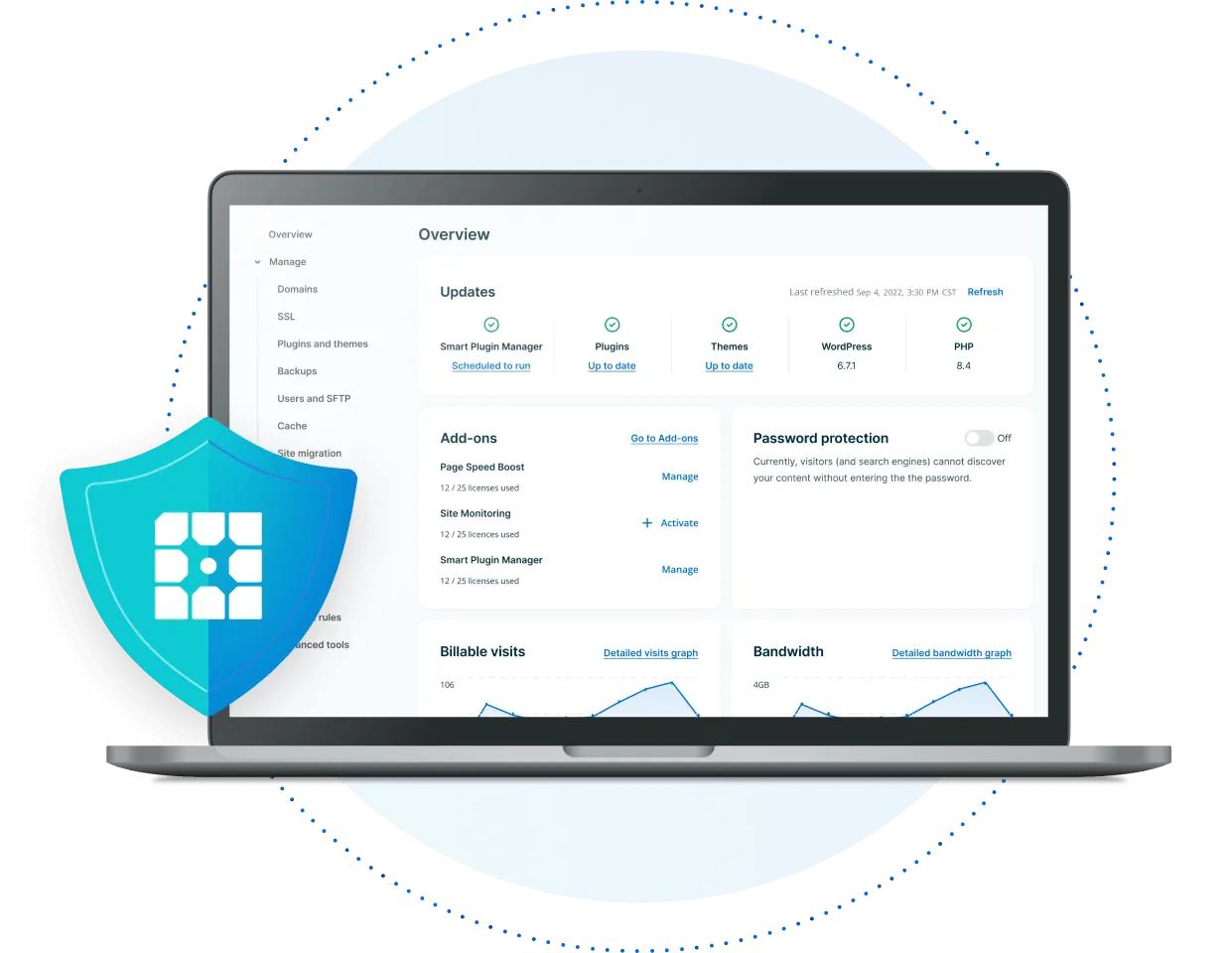
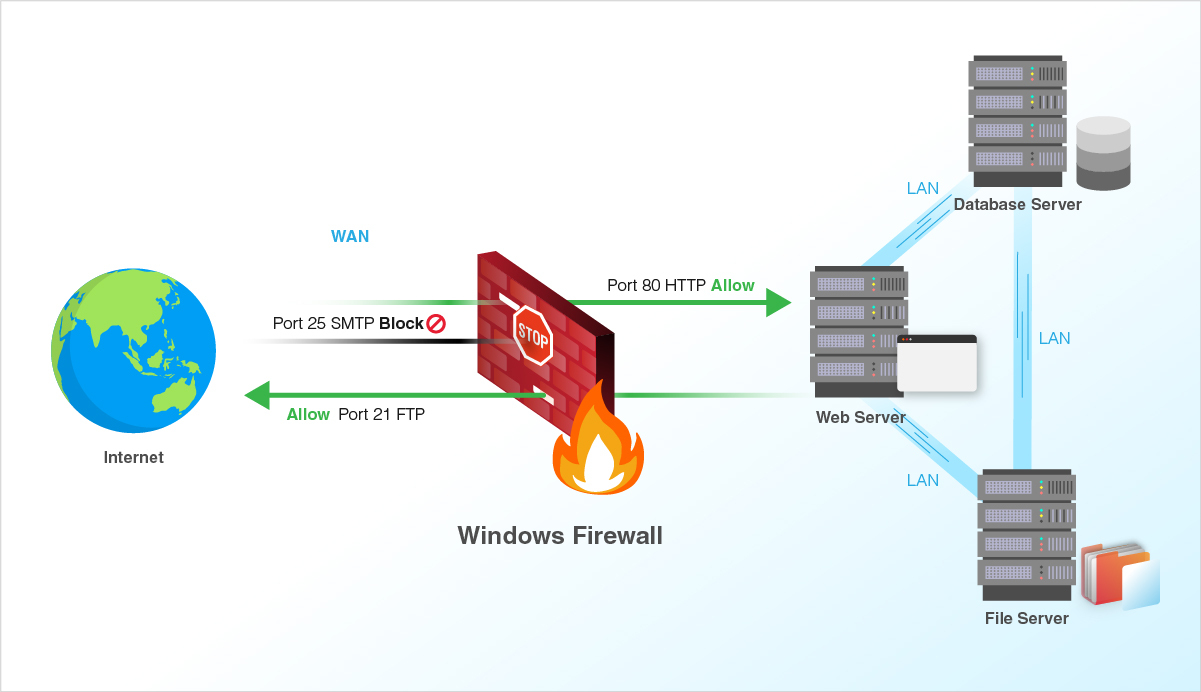
👉 Cheap hosting = higher risk.
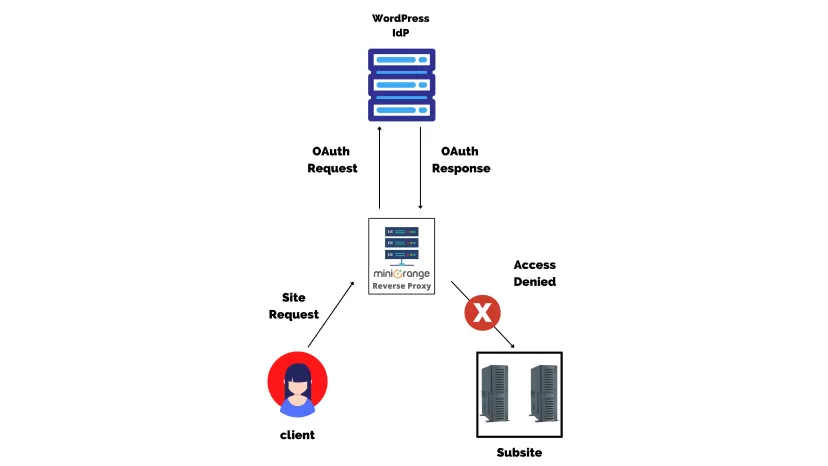
🔐 2. Secure Vendor & Admin Login
Login pages are the most targeted entry points.
Must-Do Steps
✔ Enable 2FA for admins
✔ Limit login attempts
✔ Change default admin username
✔ Use strong passwords for vendors
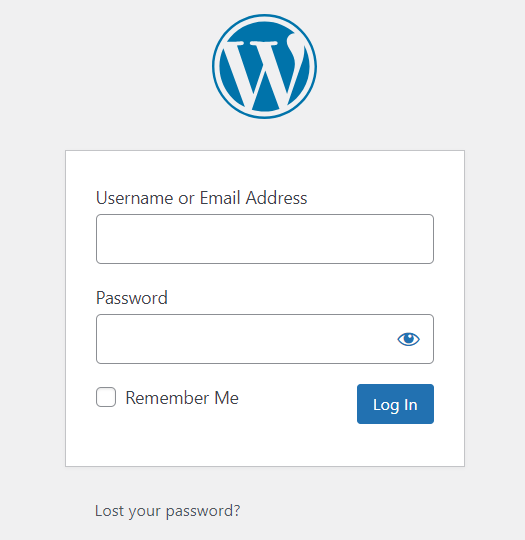
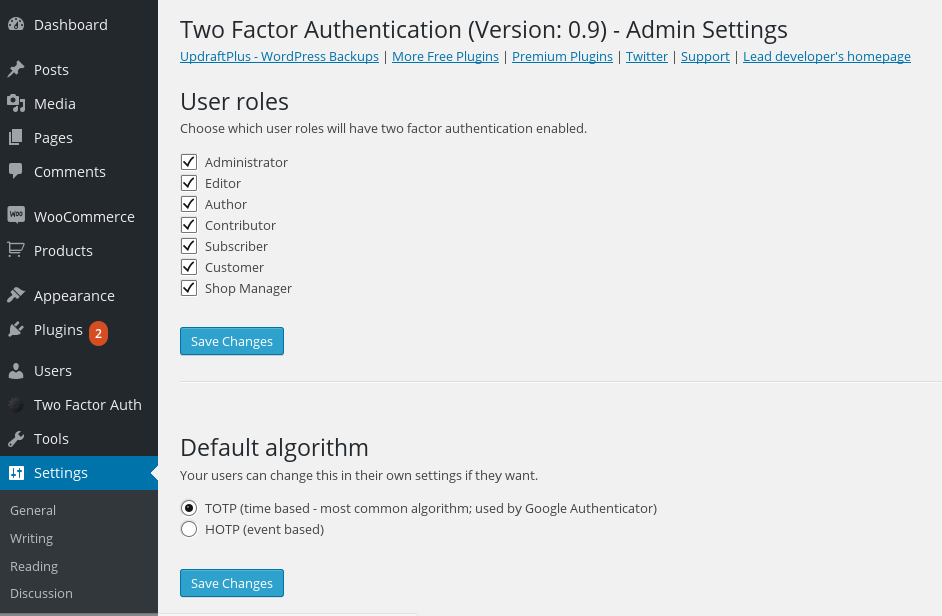
💡 Tip: Vendors should never have admin access.
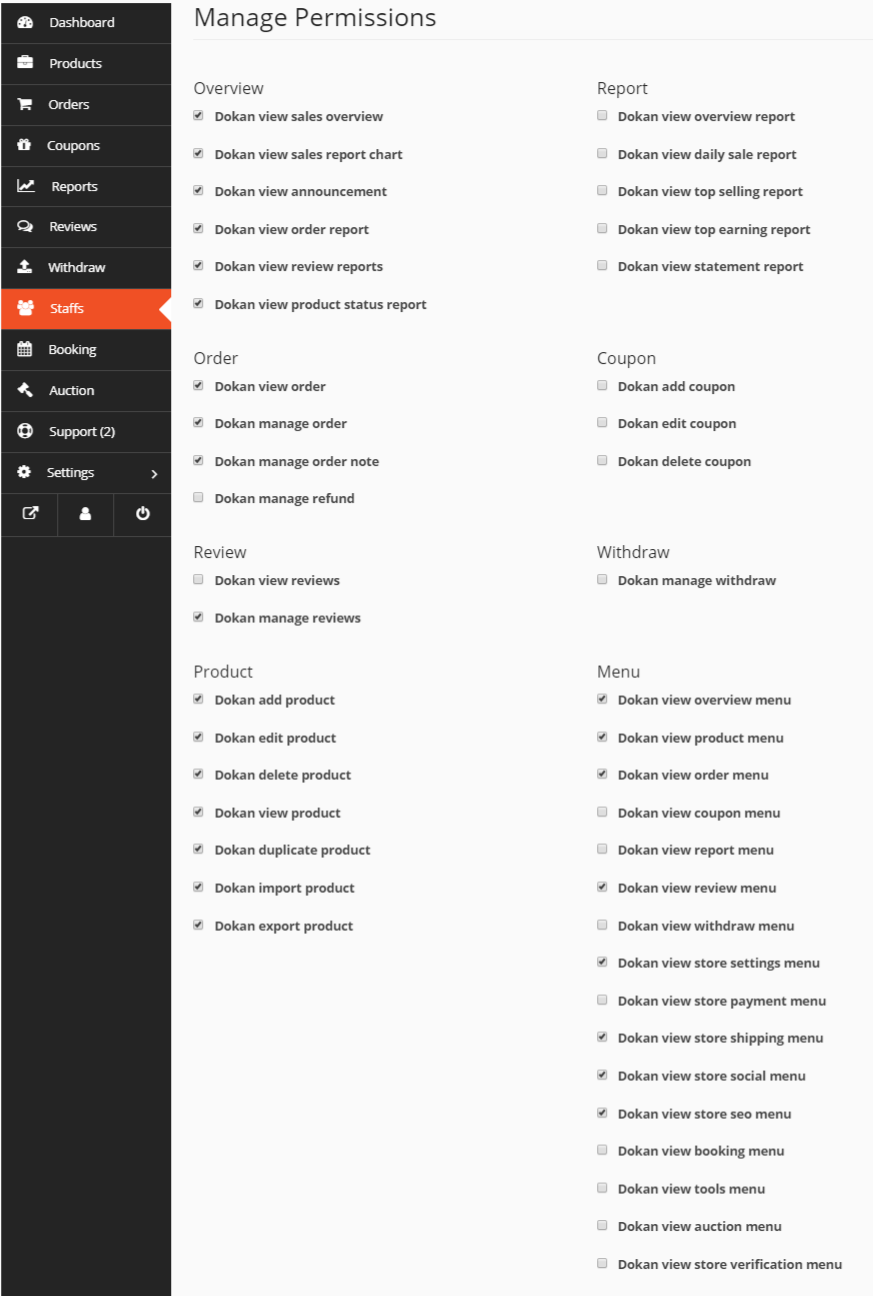
🧩 3. Limit Vendor Permissions Carefully
New marketplace owners often give too much access.
Common Mistakes
-
Vendors accessing admin panel
-
Vendors editing global settings
-
Vendors uploading unsafe files
Best Practice
✔ Use Dokan’s role system
✔ Restrict uploads & capabilities
✔ Customize permissions if needed
🔄 4. Keep WordPress, Dokan & Plugins Updated
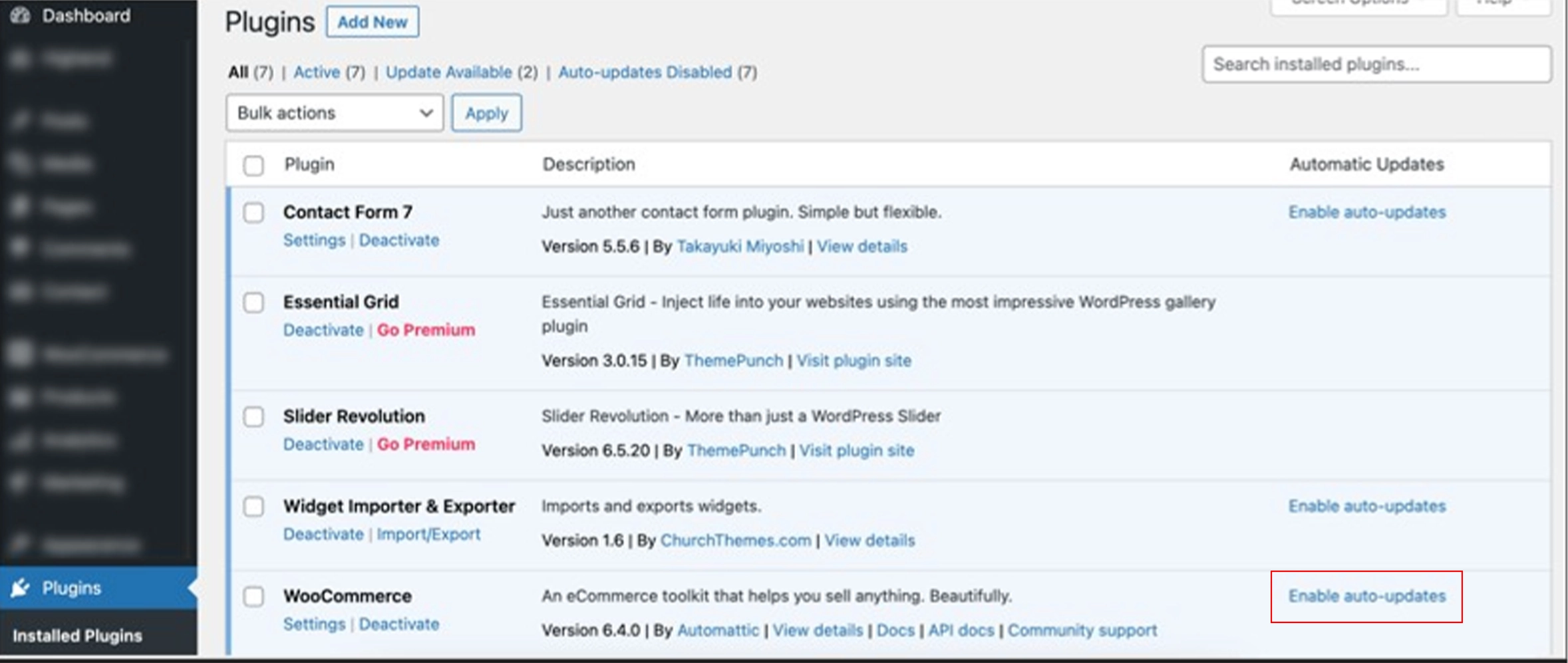
Outdated plugins are a major security risk.
Best Practices
✔ Update WordPress core regularly
✔ Keep Dokan & WooCommerce updated
✔ Remove unused plugins & themes

👉 Always test updates on staging first.
🧱 5. Use a Trusted Security Plugin
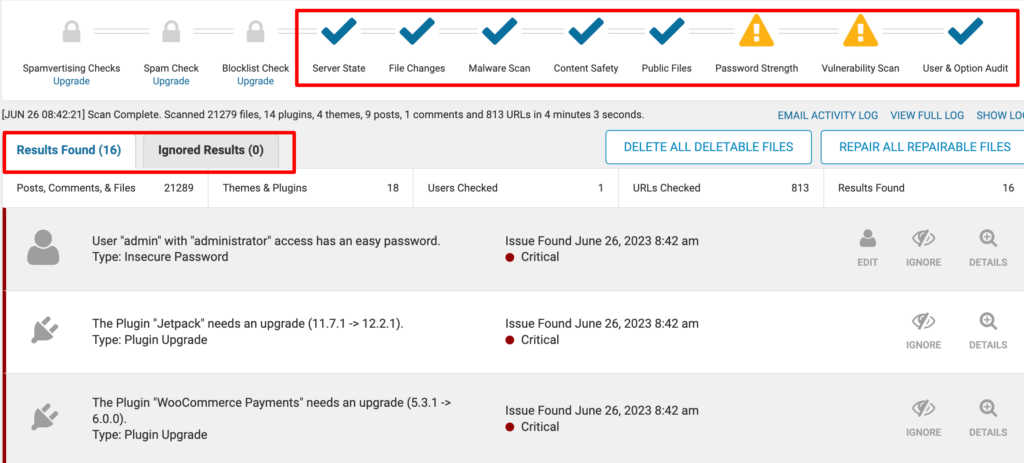
Security plugins add an extra protection layer.
Recommended Features
✔ Firewall
✔ Malware scanning
✔ Login protection
✔ File change monitoring
💡 One good security plugin is better than many.
💳 6. Secure Payments & Withdrawals
Marketplaces deal with money — attackers know this.
Payment Security Tips
✔ Use trusted payment gateways only
✔ Enforce HTTPS everywhere
✔ Validate withdrawal requests
✔ Log all payout activities
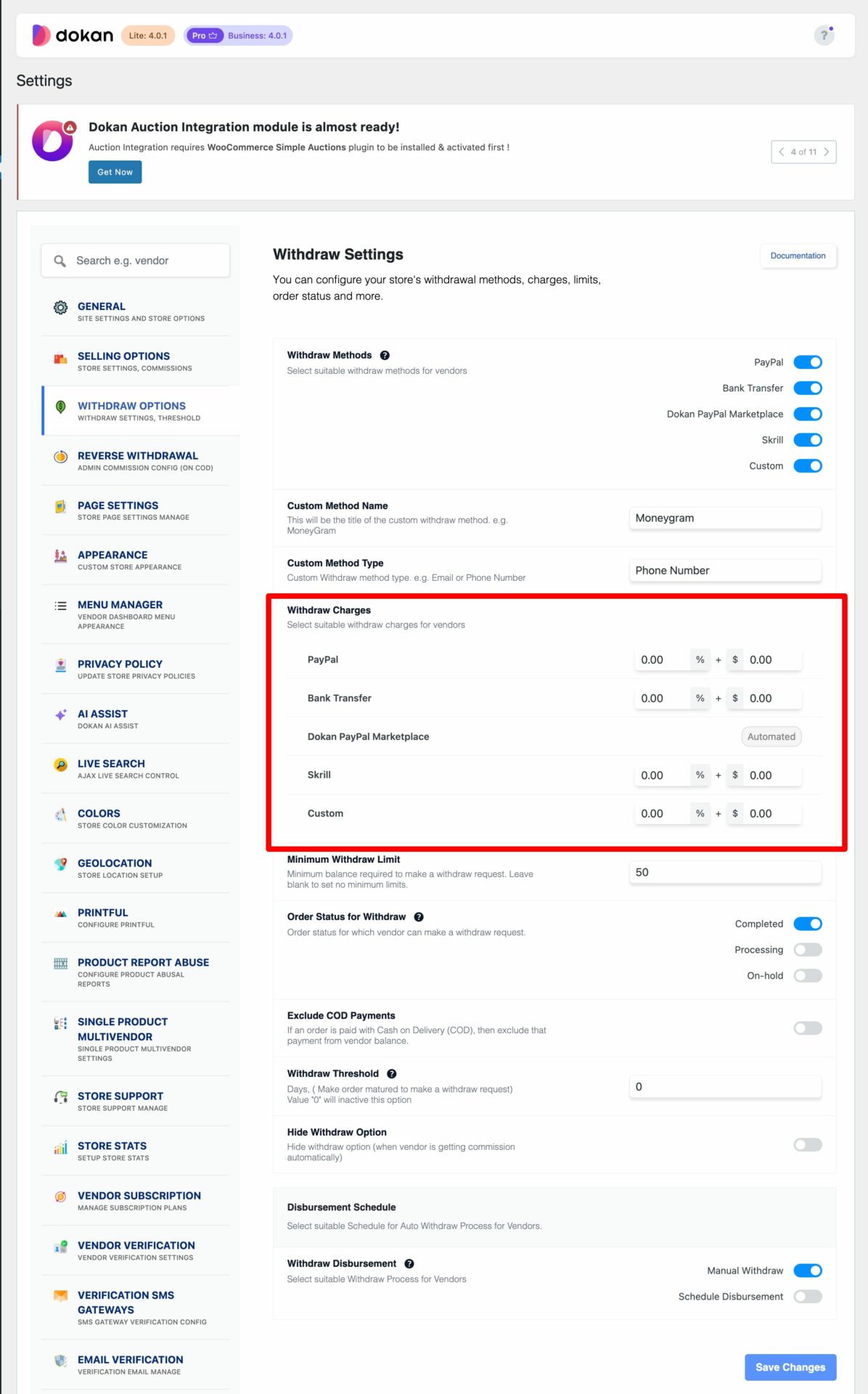
👉 Never customize payment logic without proper validation.
📂 7. Protect File Uploads & Digital Products
Vendors upload files — this can be dangerous.
Risks
-
Malware uploads
-
PHP file execution
-
Large file abuse
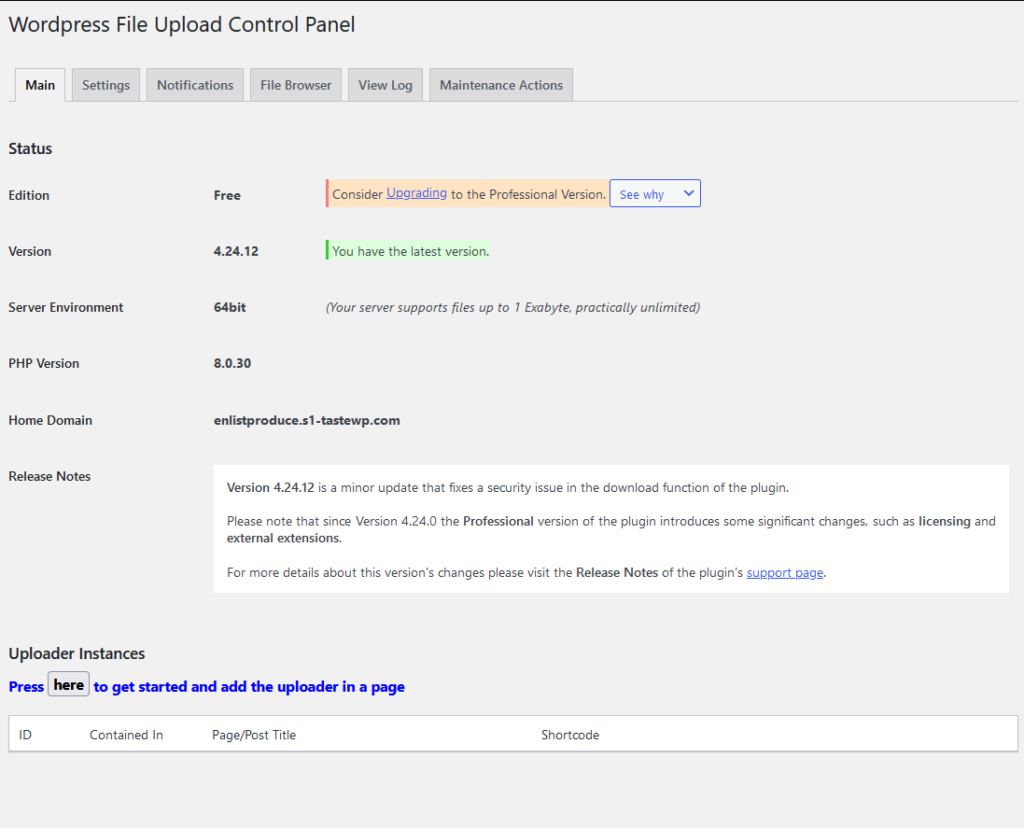
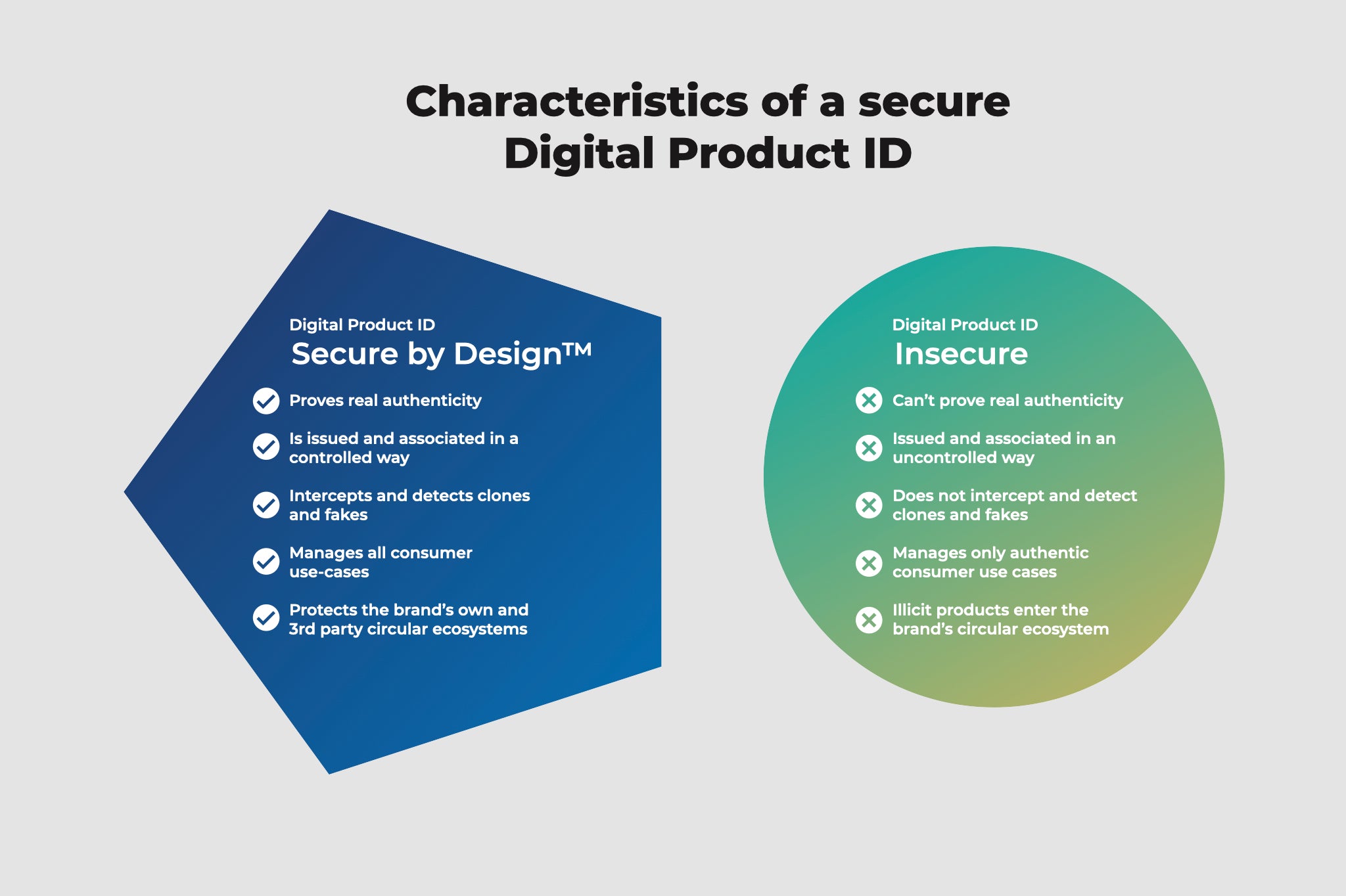
Best Practices
✔ Restrict file types
✔ Disable PHP execution in uploads
✔ Scan uploads automatically
⚡ 8. Performance & Security Go Together
Slow sites are easier to attack.
Why
-
Time-outs expose vulnerabilities
-
Poor caching increases load
Fix
✔ Use caching & CDN
✔ Optimize database
✔ Clean unused data
🔄 9. Schedule Regular Backups (Non-Negotiable)
Backups are your last line of defense.
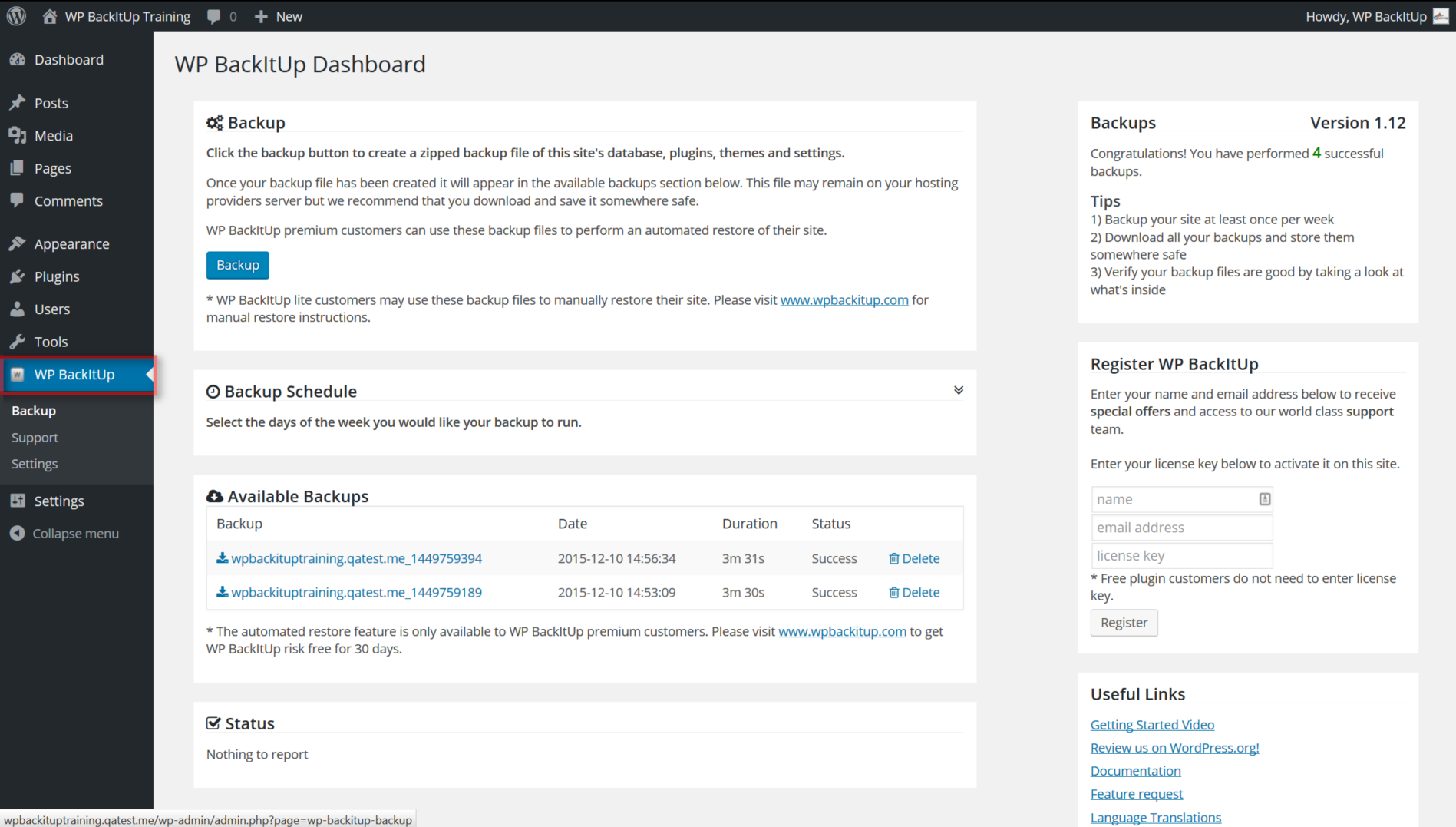
Backup Strategy
✔ Daily automated backups
✔ Off-site storage
✔ Test restore process
👉 No backup = no recovery.
📜 10. Define Clear Marketplace Rules & Policies
Security isn’t just technical — it’s also procedural.
Must-Have Pages
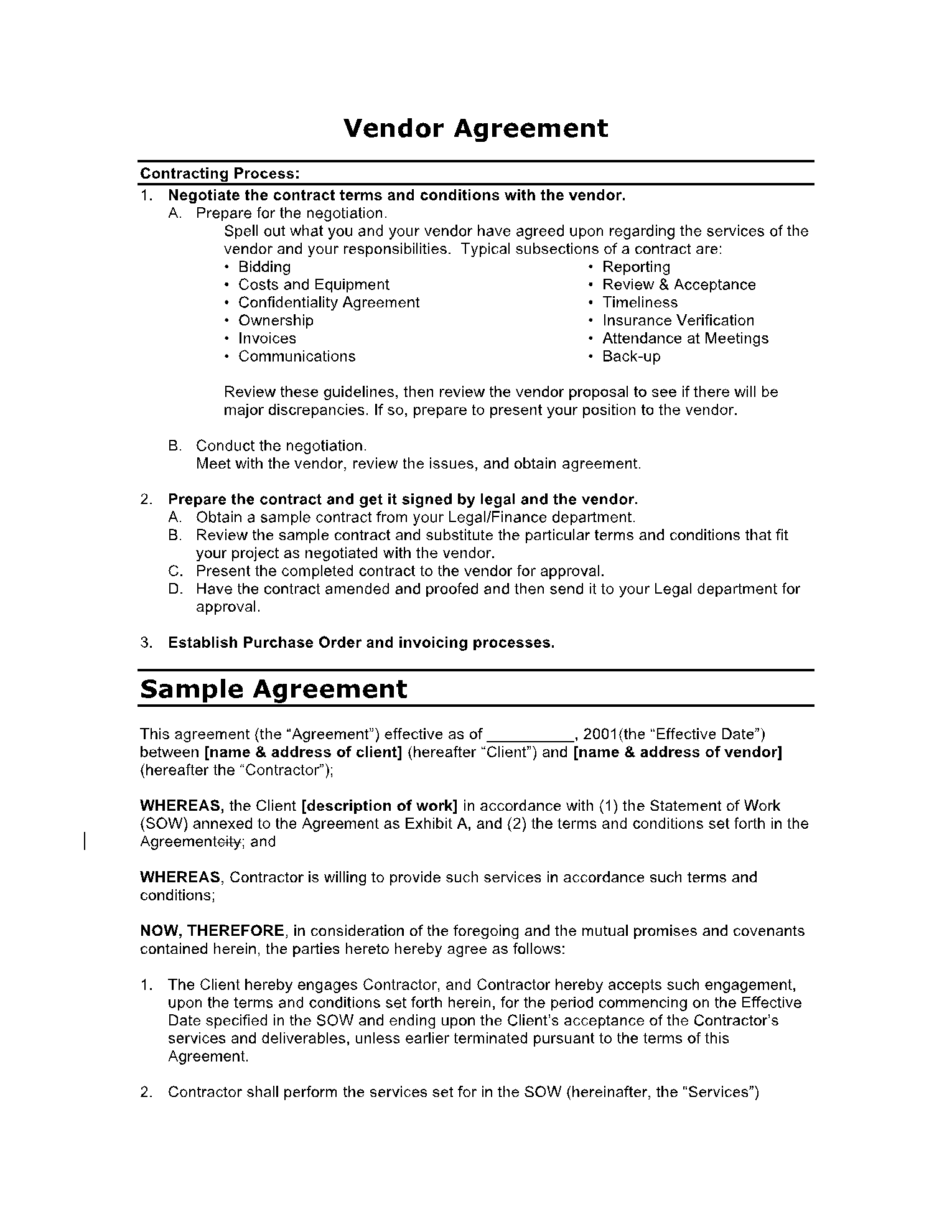
✔ Vendor agreement
✔ Refund & dispute policy
✔ Withdrawal rules
✔ Content guidelines

Clear rules prevent abuse and disputes.
🧠 Advanced Security for Growing Marketplaces
As your marketplace grows, consider:
-
Activity logging
-
Vendor behavior monitoring
-
Custom approval workflows
-
Security audits
-
Custom Dokan hardening

📚 Recommended Reading

Hire Me on Upwork – Dokan & WooCommerce Expert

 Chat on WhatsApp