
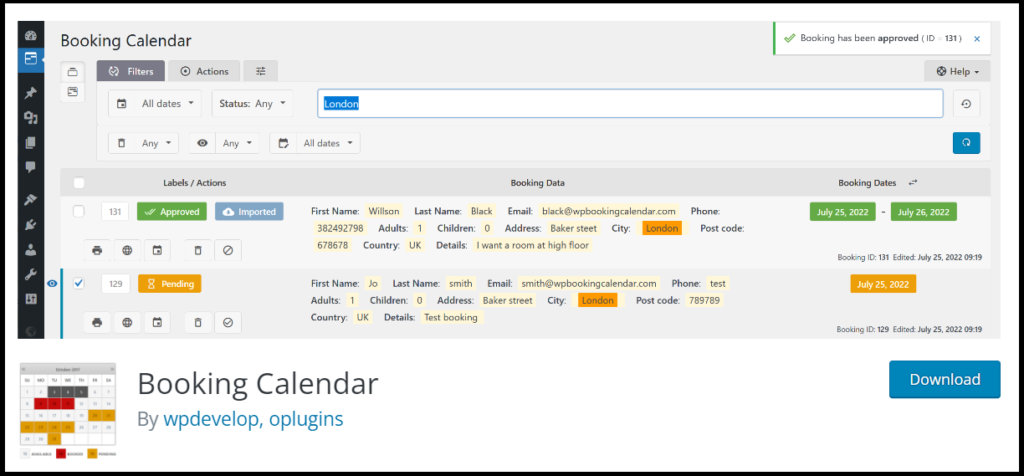
Rental marketplaces are growing fast.
From:
-
Property rentals
-
Car rentals
-
Equipment rentals
-
Camera rentals
-
Event items
-
Fashion rentals
Customers today prefer renting over buying.
With Dokan + WooCommerce, you can build a multi-vendor rental marketplace where multiple vendors list rental products and customers book them online.
This guide explains how to build a rental marketplace using Dokan, step by step.
🔴 What Is a Rental Marketplace?
A rental marketplace allows:
✔ Multiple vendors to list rentable products
✔ Customers to select rental dates
✔ Dynamic pricing based on duration
✔ Availability management
✔ Booking confirmation
Unlike a normal eCommerce store, rental systems require:
-
Date selection
-
Inventory blocking
-
Deposit handling
-
Duration-based pricing
👉 Rental logic is more complex than regular selling.
🧠 How Rental Marketplace Works
Basic workflow:
1️⃣ Vendor lists rental product
2️⃣ Customer selects rental dates
3️⃣ System checks availability
4️⃣ Price calculated based on duration
5️⃣ Payment processed
6️⃣ Booking confirmed
7️⃣ Dates blocked automatically
If availability logic fails, double booking can occur — so setup must be precise.
🧱 What You Need to Build a Rental Marketplace
To build a Dokan rental marketplace, you need:
✔ WordPress installed
✔ WooCommerce installed
✔ Dokan Pro
✔ WooCommerce Bookings (or rental plugin)
✔ Payment gateway supporting deposits (optional)
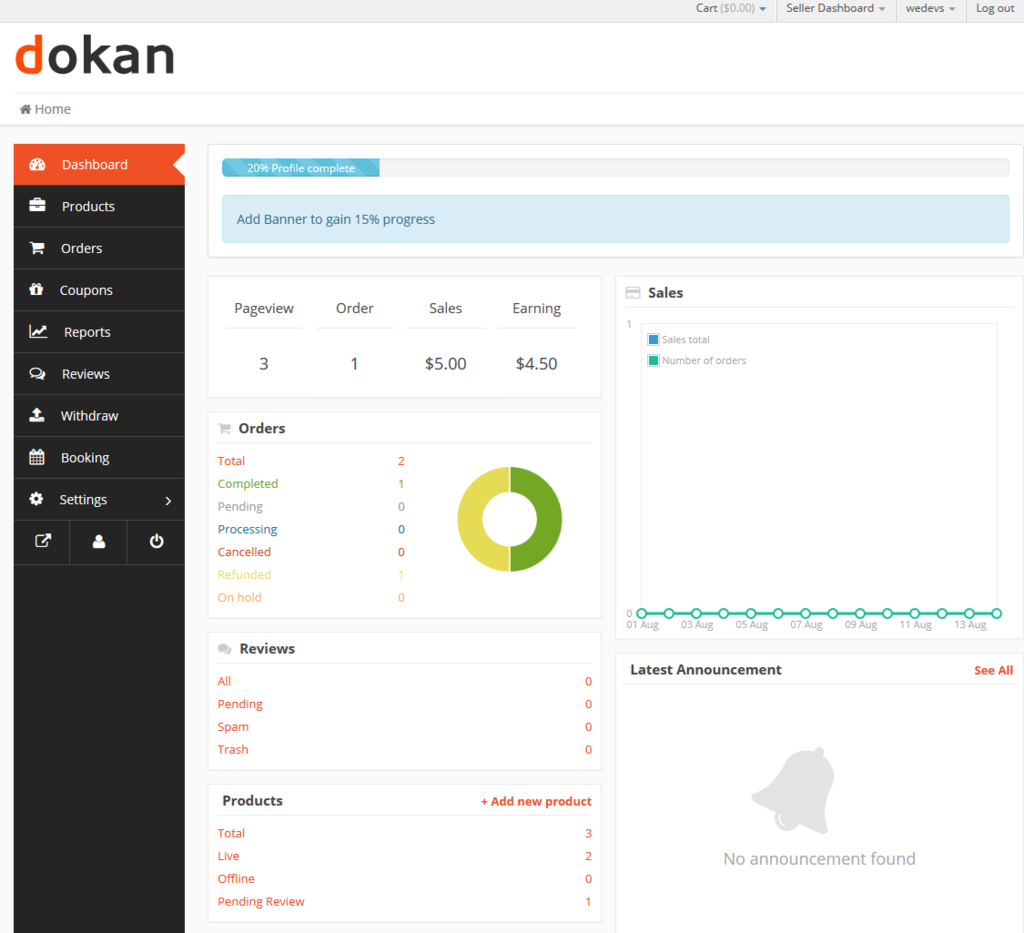
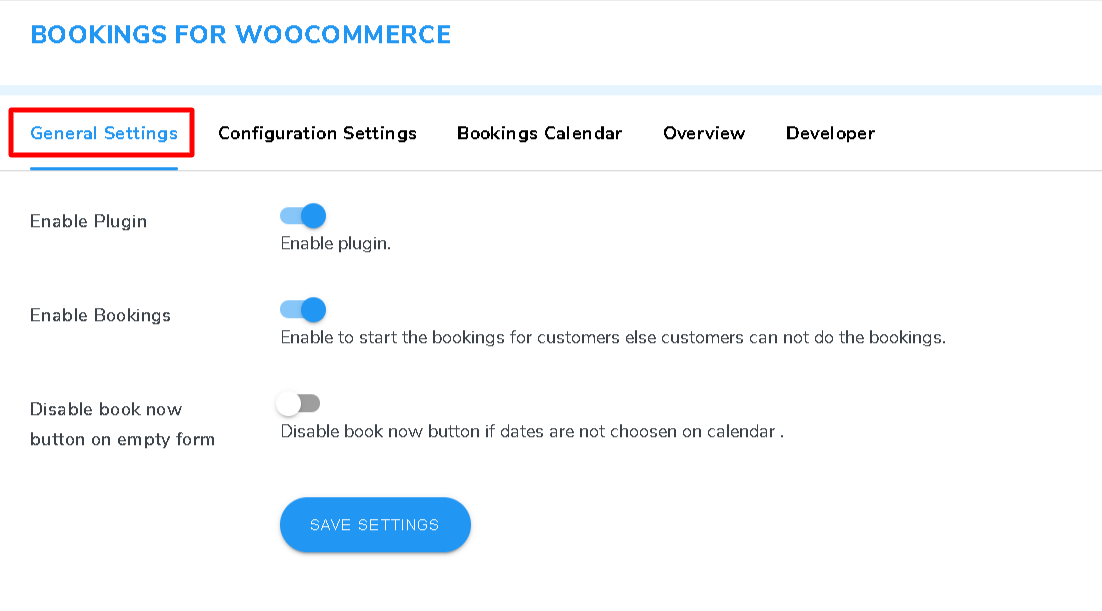
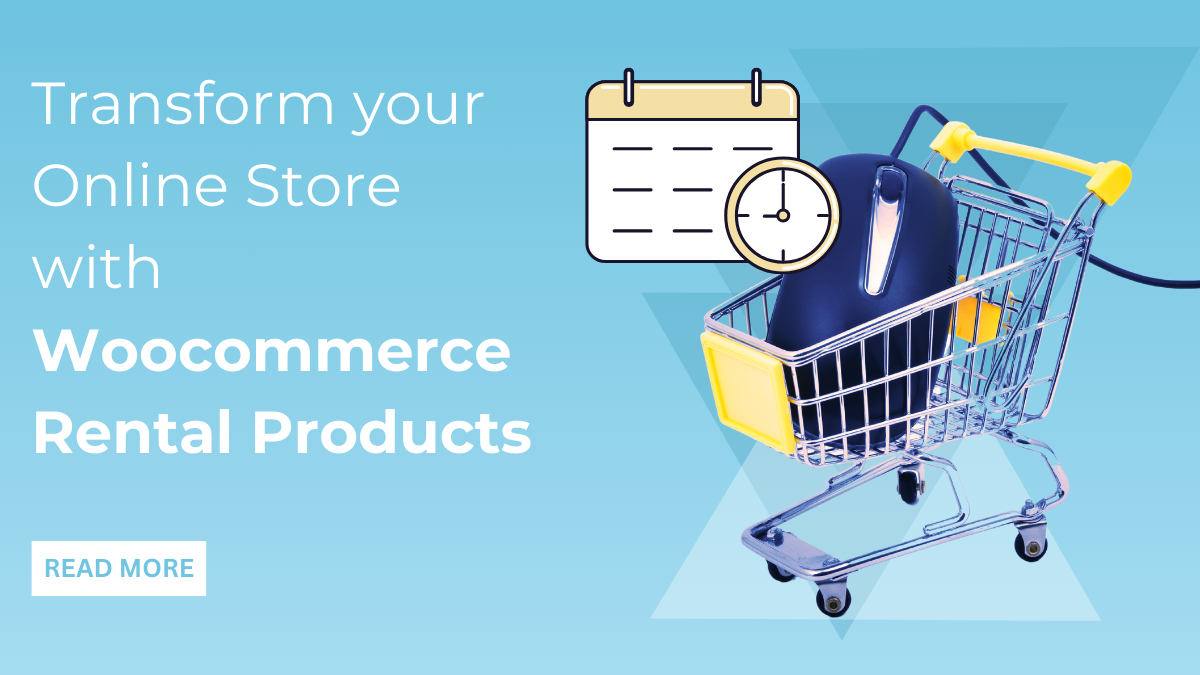
Booking functionality is essential for rental systems.
1️⃣ Choosing the Right Rental Model
Rental marketplaces can work in different ways.
🔹 Daily Rental
Example:
-
Car rental per day
-
Camera rental per day
Customer selects:
Start date → End date
Price = Daily rate × number of days
🔹 Hourly Rental
Example:
-
Studio booking
-
Equipment rental
Requires time-slot configuration.
🔹 Fixed Duration Rental
Example:
-
3-day package
-
Weekend rental
Fixed pricing model.
🔹 Deposit-Based Rental
-
Security deposit collected
-
Refunded after return
Best for high-value items.
2️⃣ Configuring Rental Products for Vendors
Vendor should be able to:
✔ Set rental price
✔ Define availability
✔ Block specific dates
✔ Set minimum & maximum duration
✔ Add deposit amount
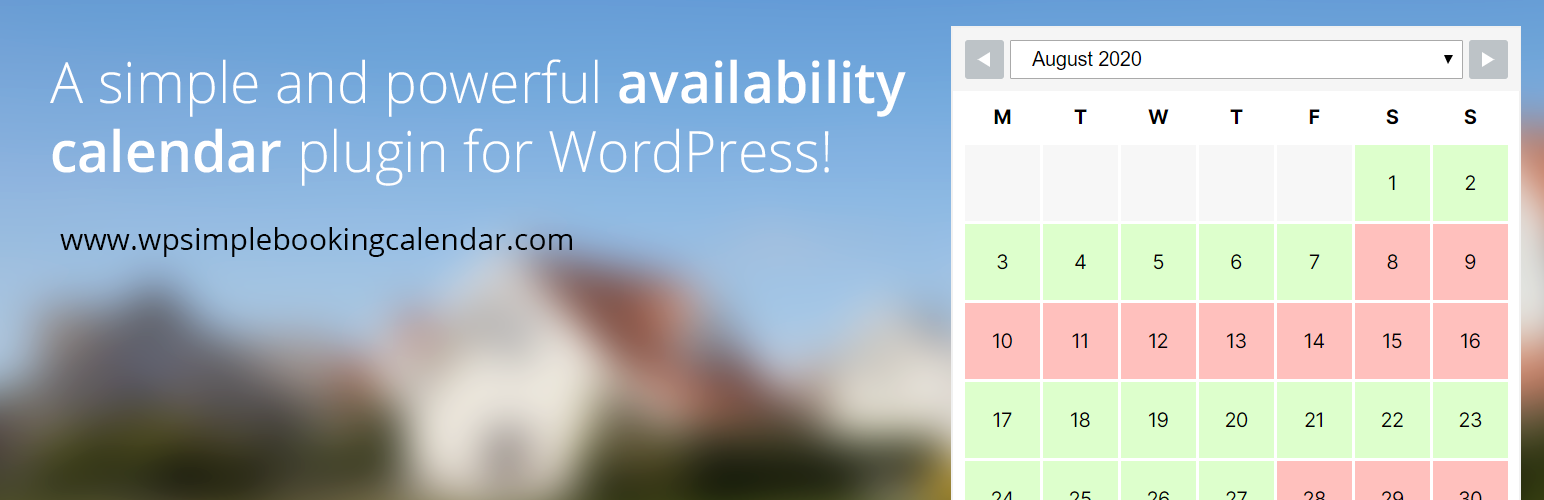
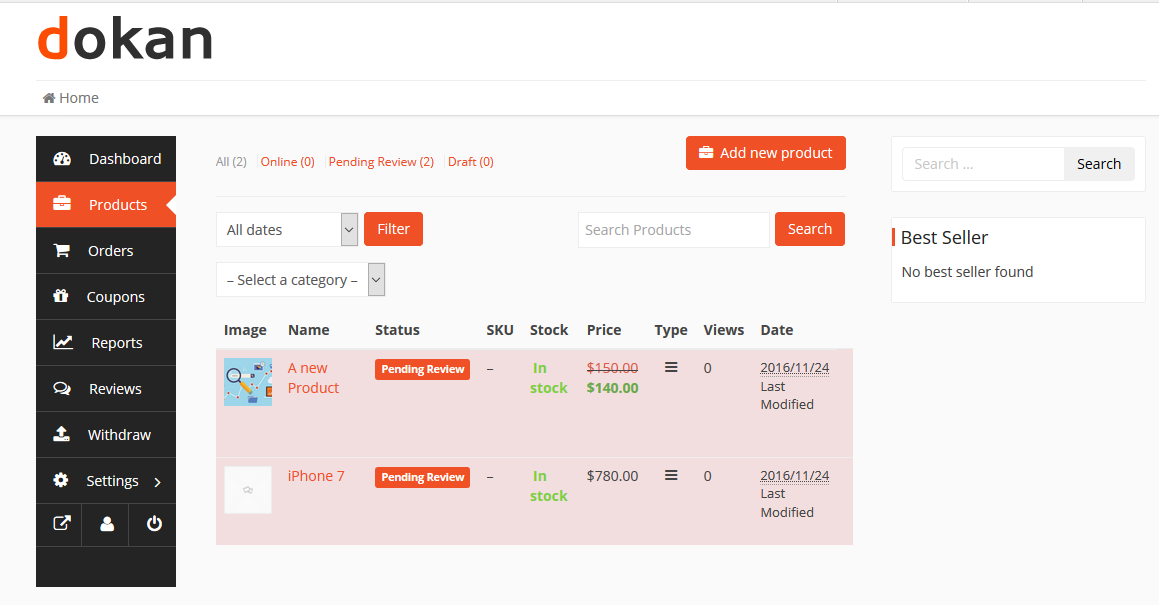
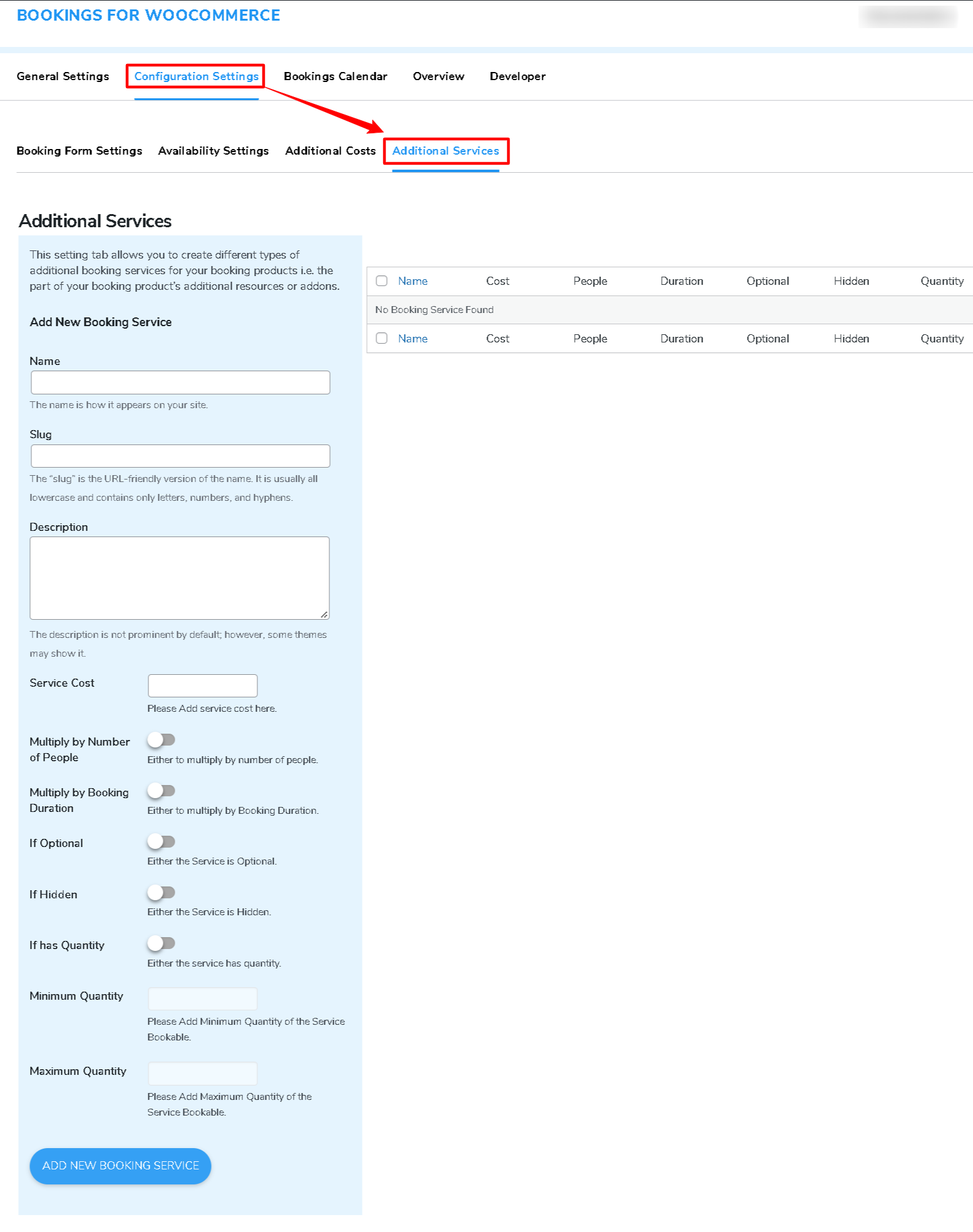
Test vendor product submission carefully.
3️⃣ Managing Availability & Preventing Double Booking
Availability is critical.
Configure:
✔ Automatic date blocking after booking
✔ Buffer time between bookings
✔ Inventory quantity (if multiple units available)
Example:
If vendor has 5 cameras:
System should allow 5 bookings per date.
👉 Proper availability setup prevents conflicts.
4️⃣ Commission Structure for Rental Marketplace
Rental marketplaces can use:
✔ Percentage commission
✔ Fixed commission per booking
✔ Subscription + lower commission
✔ Category-based commission
Rental items often have higher value — commission must be strategic.
Example:
-
10% commission for equipment
-
5% commission for property rentals
5️⃣ Handling Payments & Deposits
You may configure:
✔ Full payment upfront
✔ Partial payment (deposit now, rest later)
✔ Security deposit separate from rental fee
Test:
✔ Booking payment
✔ Cancellation refund
✔ Deposit refund process
6️⃣ Cancellation & Refund Policy
Rental businesses require clear rules.
Define:
✔ Cancellation window
✔ Partial refund rules
✔ Late return penalty
✔ Damage policy
Transparency reduces disputes.
7️⃣ Vendor Dashboard Customization
Vendors should easily:
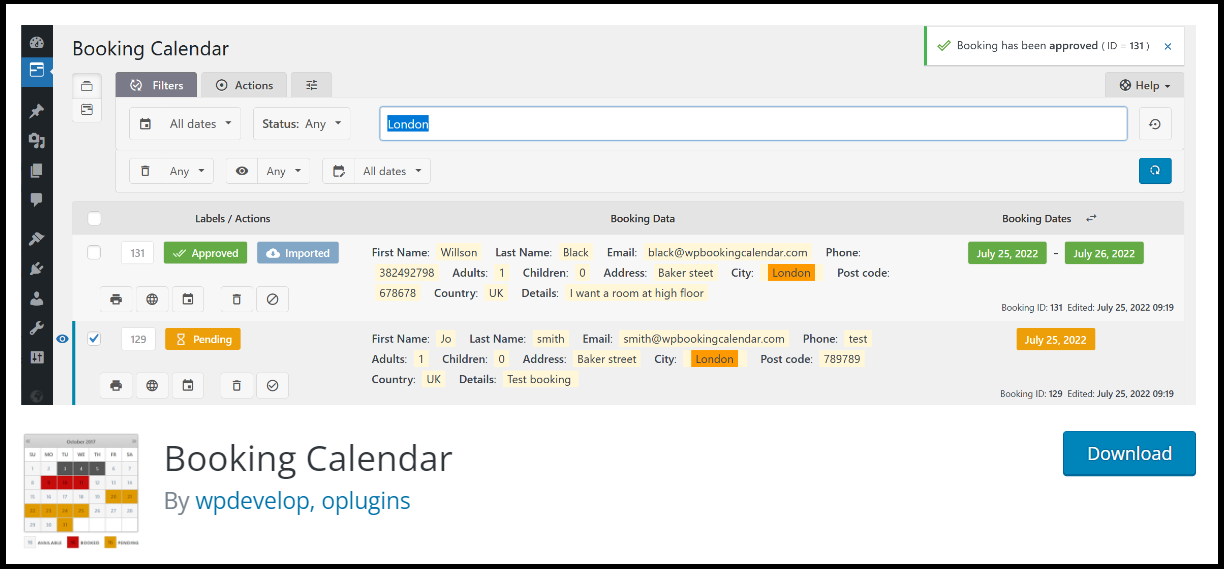
✔ View upcoming bookings
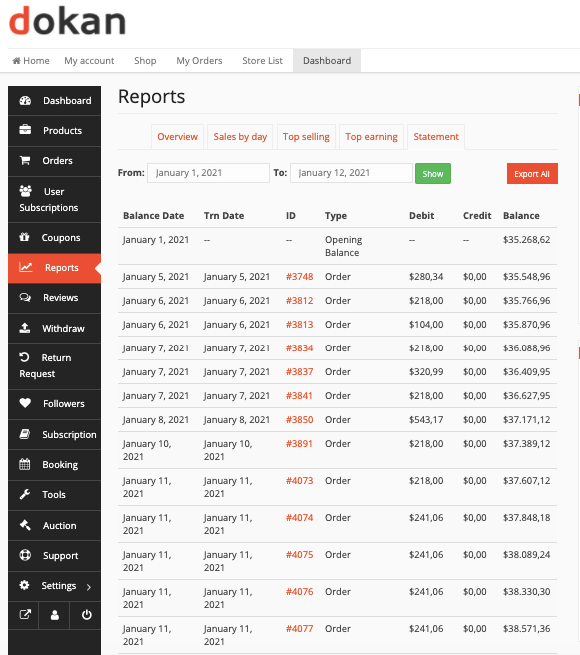
✔ Track earnings
✔ Manage availability calendar
✔ Approve / cancel requests (if manual)
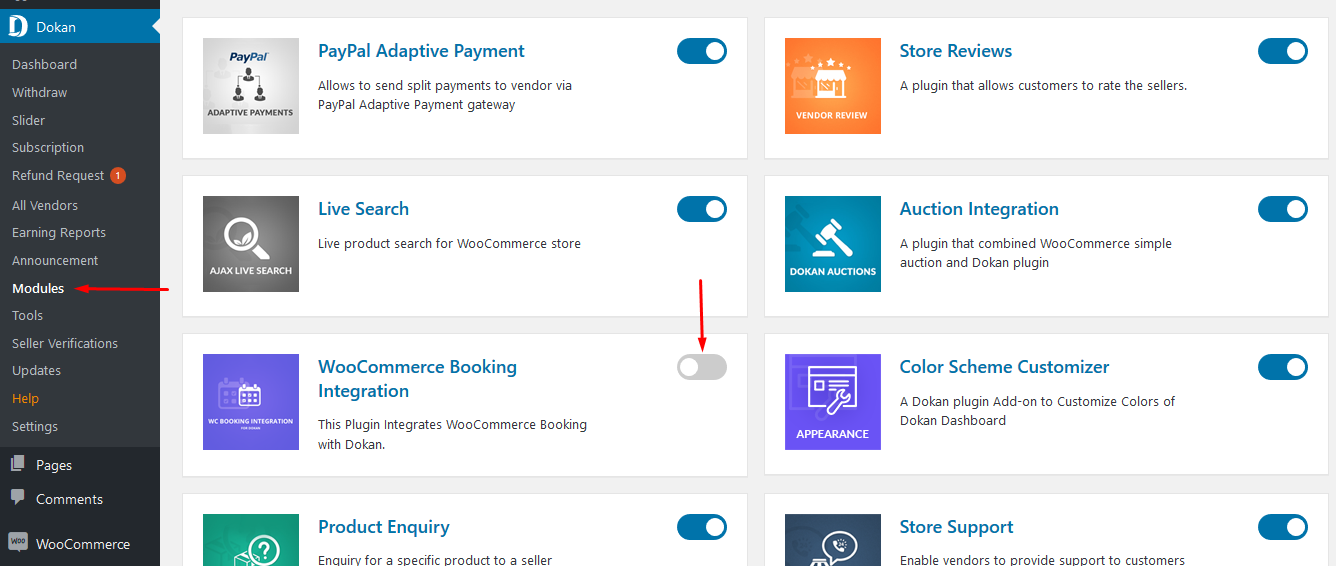
Vendor usability directly impacts marketplace growth.
8️⃣ Building Trust in Rental Marketplace
Rental customers care about:
✔ Clear pricing
✔ Availability accuracy
✔ Secure payment
✔ Transparent policies
✔ Verified vendors
Add:
✔ Vendor verification system
✔ Customer reviews
✔ Booking confirmation emails
Trust drives repeat bookings.
9️⃣ Advanced Features for Scaling
As your marketplace grows, consider:
✔ Multi-location rentals
✔ Geo-based search
✔ Dynamic pricing
✔ Seasonal pricing
✔ Insurance add-ons
✔ Automated reminders
Advanced features improve professionalism.
🔟 Common Rental Marketplace Mistakes
❌ No buffer time between bookings
❌ Weak cancellation policy
❌ Poor vendor calendar management
❌ Not testing deposit refunds
❌ Complicated booking process
Rental platforms must prioritize clarity.
📈 Why Rental Marketplace Is Profitable
Rental platforms generate:
✔ High average order value
✔ Repeat customers
✔ Long-term vendor relationships
✔ Commission + subscription income
Rental is one of the strongest marketplace models in 2026.
📚 Also Read (Internal Links)

Hire Me on Upwork – Dokan & WooCommerce Expert

 Chat on WhatsApp