

Choosing the right multi-vendor plugin is a business decision, not just a technical one.
Two of the most popular options in the WordPress ecosystem are Dokan and WCFM Marketplace.
Both are powerful — but they serve different types of businesses.
In this guide, we’ll compare Dokan vs WCFM from a business perspective so you can choose the right platform for growth, scalability, and long-term success.
🔴 Why This Comparison Matters
Many marketplace owners:
-
Choose a plugin quickly
-
Build vendors & products
-
Then struggle with scaling, usability, or performance
Choosing the right plugin early helps you:
✔ Save development cost
✔ Reduce rework
✔ Scale smoothly

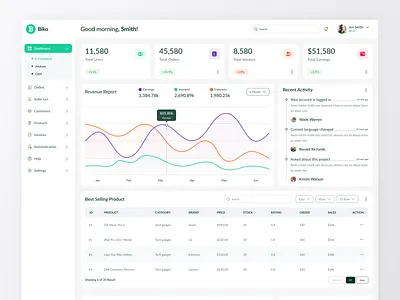
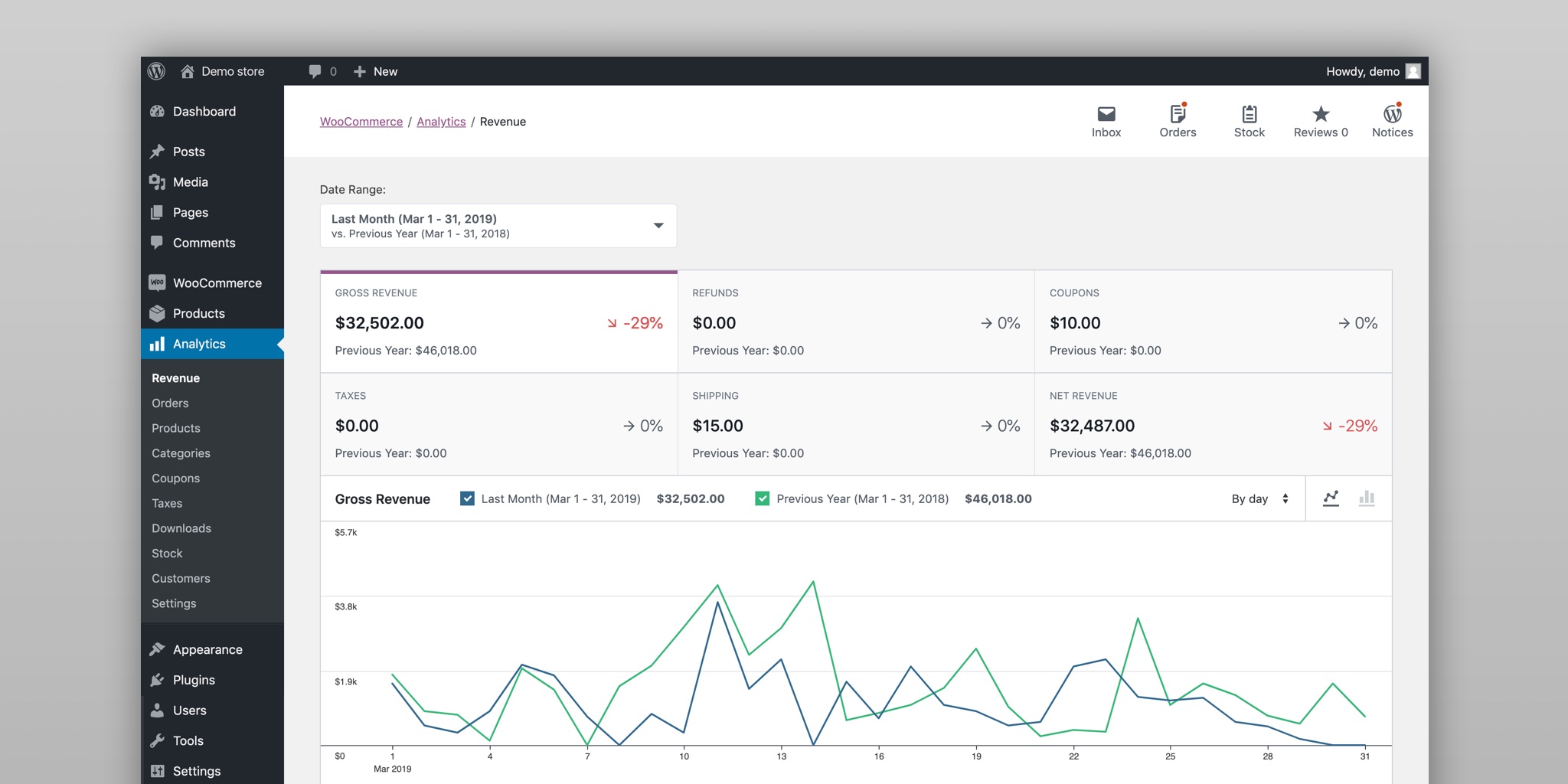
🧠 Quick Overview: Dokan vs WCFM
| Feature | Dokan | WCFM |
|---|---|---|
| Ease of Use | ⭐⭐⭐⭐⭐ | ⭐⭐⭐ |
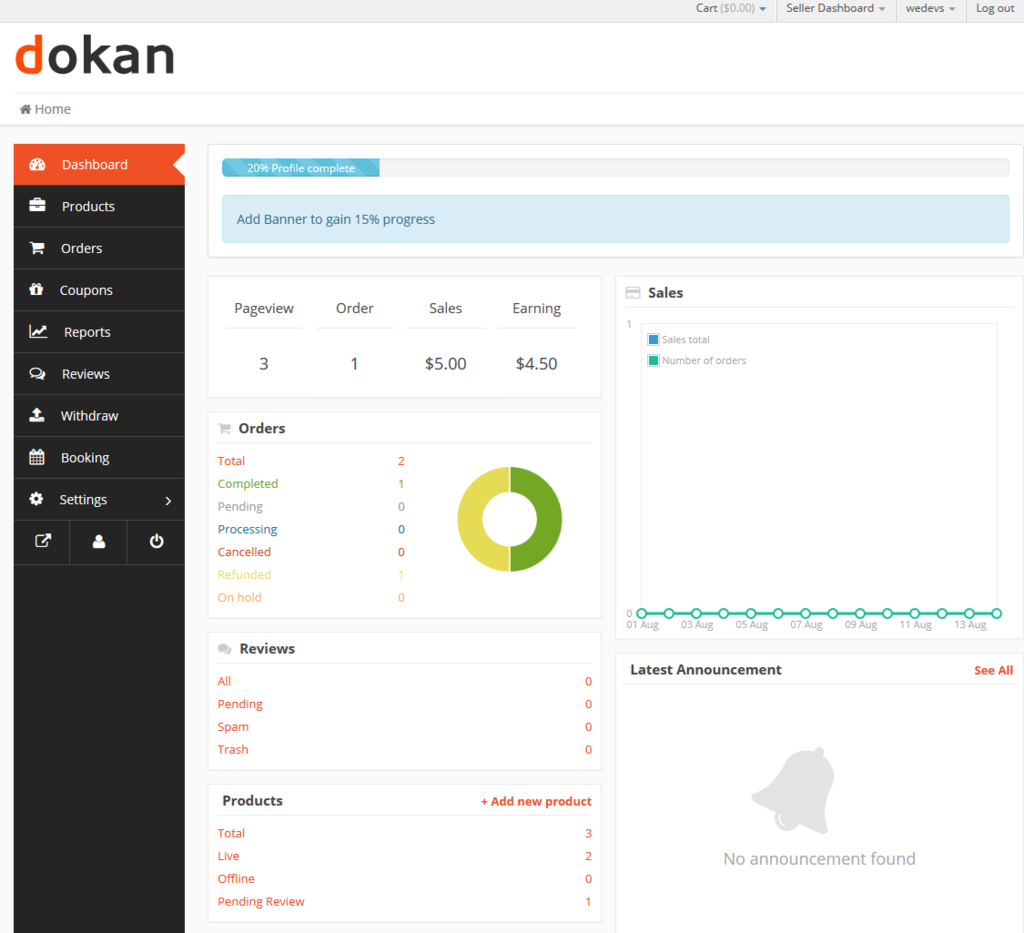
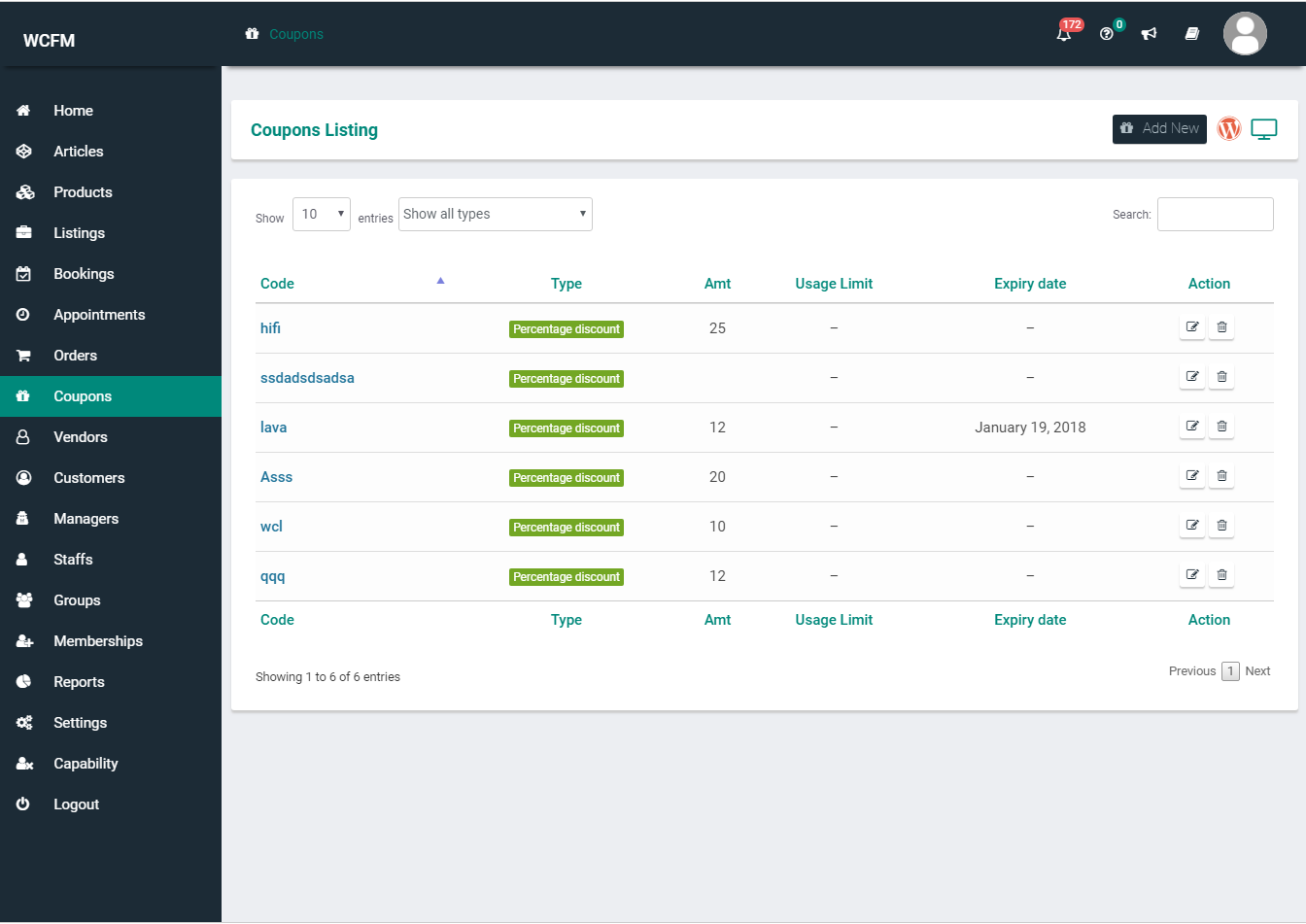
| Vendor Dashboard | Clean & simple | Feature-heavy |
| Custom Development Friendly | ⭐⭐⭐⭐⭐ | ⭐⭐⭐ |
| Performance | Better (leaner) | Can get heavy |
| Best For | Business-focused marketplaces | Power-user marketplaces |
1️⃣ Ease of Use (Very Important for Vendors)
Dokan
-
Clean, modern vendor dashboard
-
Easy for non-technical vendors
-
Minimal learning curve
✔ Great for onboarding new vendors quickly
WCFM
-
Very feature-rich dashboard
-
Can feel overwhelming
-
More settings & options
✔ Better for advanced vendors
Winner: 🏆 Dokan (for most businesses)
2️⃣ Vendor Dashboard Experience
Dokan
-
Focused on essentials
-
Clean UI
-
Easy customization
WCFM
-
Extremely detailed
-
Many built-in tools
-
Less intuitive UI
Business Insight:
If vendors struggle, your support cost increases.
3️⃣ Performance & Speed
Dokan
-
Leaner architecture
-
Better performance at scale
-
Easier to optimize
WCFM
-
Loads many features by default
-
Can slow down large marketplaces
-
Needs careful optimization
Winner: 🏆 Dokan (especially for growth)

4️⃣ Custom Development & Scalability
Dokan
-
Clean codebase
-
Developer-friendly hooks
-
API-ready
✔ Ideal for custom workflows, mobile apps, integrations
WCFM
-
Highly configurable
-
More complex to customize
-
Can become hard to maintain
Winner: 🏆 Dokan (for custom business logic)
5️⃣ Features Out of the Box
Dokan
-
Core marketplace features
-
Clean and focused
-
Less bloat
WCFM
-
Tons of built-in features
-
Many modules enabled
-
Very powerful but heavy
Insight:
More features ≠ better business.
6️⃣ Pricing & Cost of Ownership
Dokan
-
Free + Pro model
-
Clear upgrade path
-
Predictable costs
WCFM
-
Free core + paid extensions
-
Costs add up quickly
-
More complex pricing
Winner: 🏆 Dokan (clearer for businesses)
7️⃣ Best Use Cases (Honest Recommendation)
✅ Choose Dokan If:
-
You’re building a business-focused marketplace
-
Vendors are non-technical
-
You plan to scale
-
You need custom development
-
Performance & UX matter
✅ Choose WCFM If:
-
Vendors are power users
-
You need many features immediately
-
You don’t plan heavy customization
⚠️ Common Mistake Businesses Make
❌ Choosing WCFM because “it has more features”
❌ Choosing Dokan without planning custom logic
👉 The right choice depends on your business model, not feature count.
🛠️ Custom Development Makes the Real Difference
No matter which plugin you choose:
-
Custom workflows
-
Performance optimization
-
Vendor UX improvements
-
API integrations
are what separate successful marketplaces from failed ones.
📚 Also Read

Hire Me on Upwork – Dokan & WooCommerce Expert

 Chat on WhatsApp