

Running a successful WooCommerce business website is not just about products — it’s about performance, security, conversions, automation, and scalability.
The right plugins can:
-
Increase sales
-
Improve speed
-
Secure customer data
-
Automate operations
-
Scale your store smoothly
If your website is built using WooCommerce, this guide covers the best WooCommerce plugins for serious business websites, not hobby stores.
🔴 Why Choosing the Right WooCommerce Plugins Matters
Many store owners install too many plugins, which causes:
-
Slow website speed
-
Plugin conflicts
-
Security vulnerabilities
-
Checkout failures
A business website should use fewer, high-quality plugins that solve real problems.
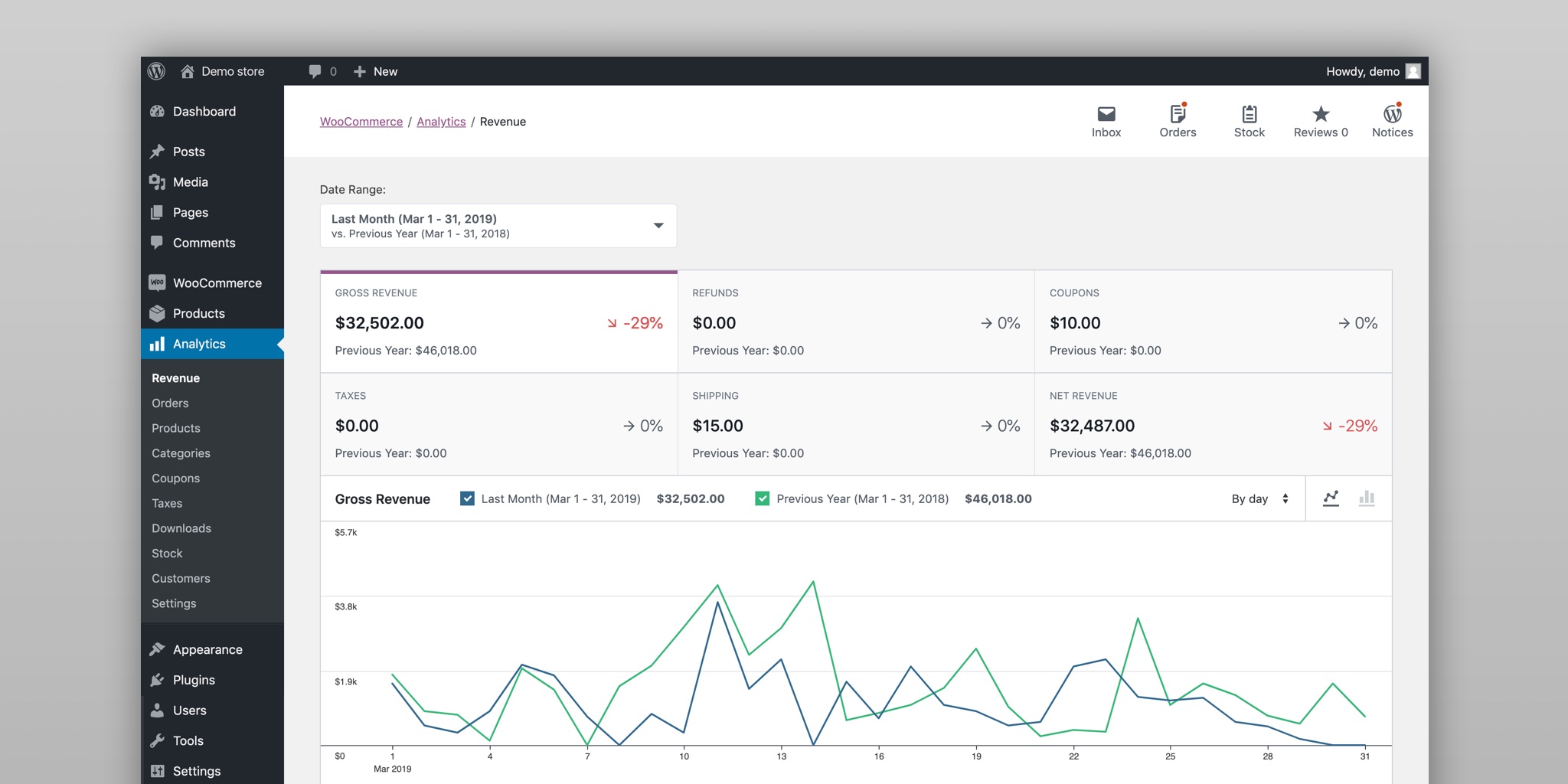

🧠 Plugin Categories Every Business WooCommerce Site Needs
A professional WooCommerce store needs plugins in these areas:
1️⃣ Performance & Speed
2️⃣ Security
3️⃣ Payments
4️⃣ Shipping & Logistics
5️⃣ Marketing & Conversions
6️⃣ SEO & Analytics
7️⃣ Automation & Scalability
We’ll cover the best plugins in each category.
⚡ Performance & Speed Plugins (MUST-HAVE)
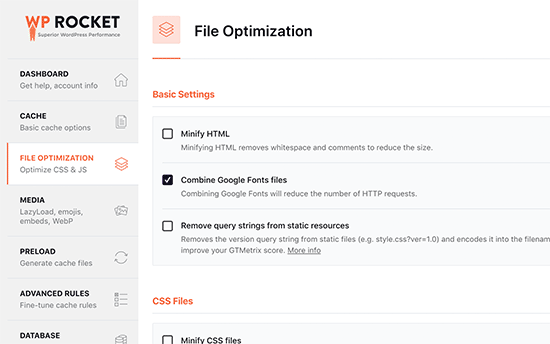
1️⃣ WP Rocket (Caching & Speed Optimization)
Why businesses use it
-
Page caching
-
CSS & JS optimization
-
Core Web Vitals improvement
Best for
-
Faster page load
-
Better Google rankings

2️⃣ Imagify / ShortPixel (Image Optimization)
Why businesses use it
-
Compresses product images
-
Improves page speed
-
Automatic optimization
Best for
-
Stores with many product images


🔐 Security Plugins (NON-NEGOTIABLE)
3️⃣ Wordfence Security
Why businesses use it
-
Firewall protection
-
Malware scanning
-
Login security
Best for
-
Protecting customer & payment data


4️⃣ UpdraftPlus (Backup & Restore)
Why businesses use it
-
Automatic backups
-
Easy restore
-
Offsite storage
Best for
-
Disaster recovery

💳 Payment Plugins (CORE BUSINESS REQUIREMENT)
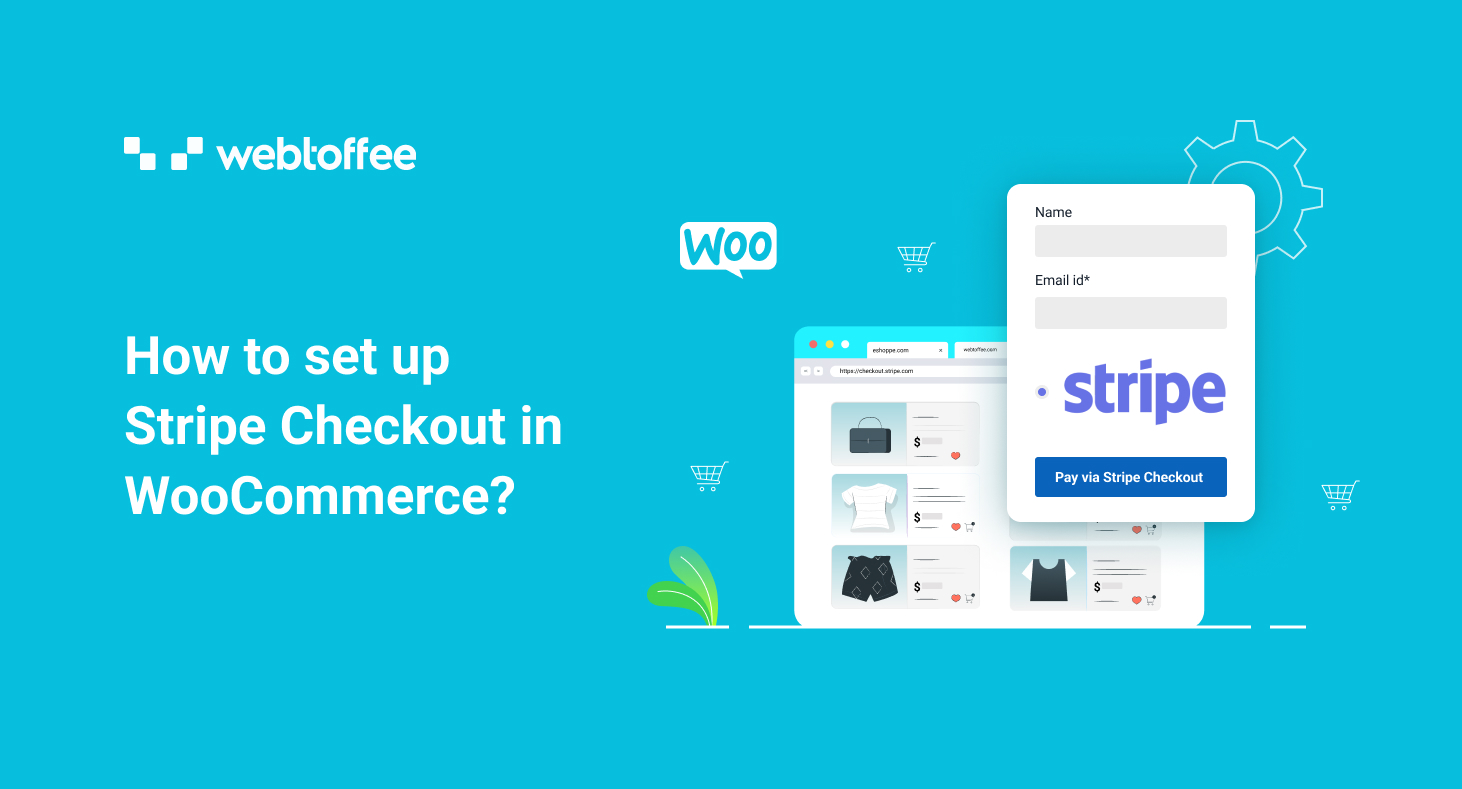
5️⃣ Stripe for WooCommerce
Why businesses use it
-
Secure card payments
-
Supports subscriptions
-
Global payments
Best for
-
International businesses

6️⃣ PayPal Payments
Why businesses use it
-
Trusted globally
-
Buyer protection
-
Easy refunds
Best for
-
Increasing checkout trust


🚚 Shipping & Logistics Plugins
7️⃣ WooCommerce Shipping & Tax
Why businesses use it
-
Automated shipping rates
-
Tax calculations
Best for
-
Simplified shipping management


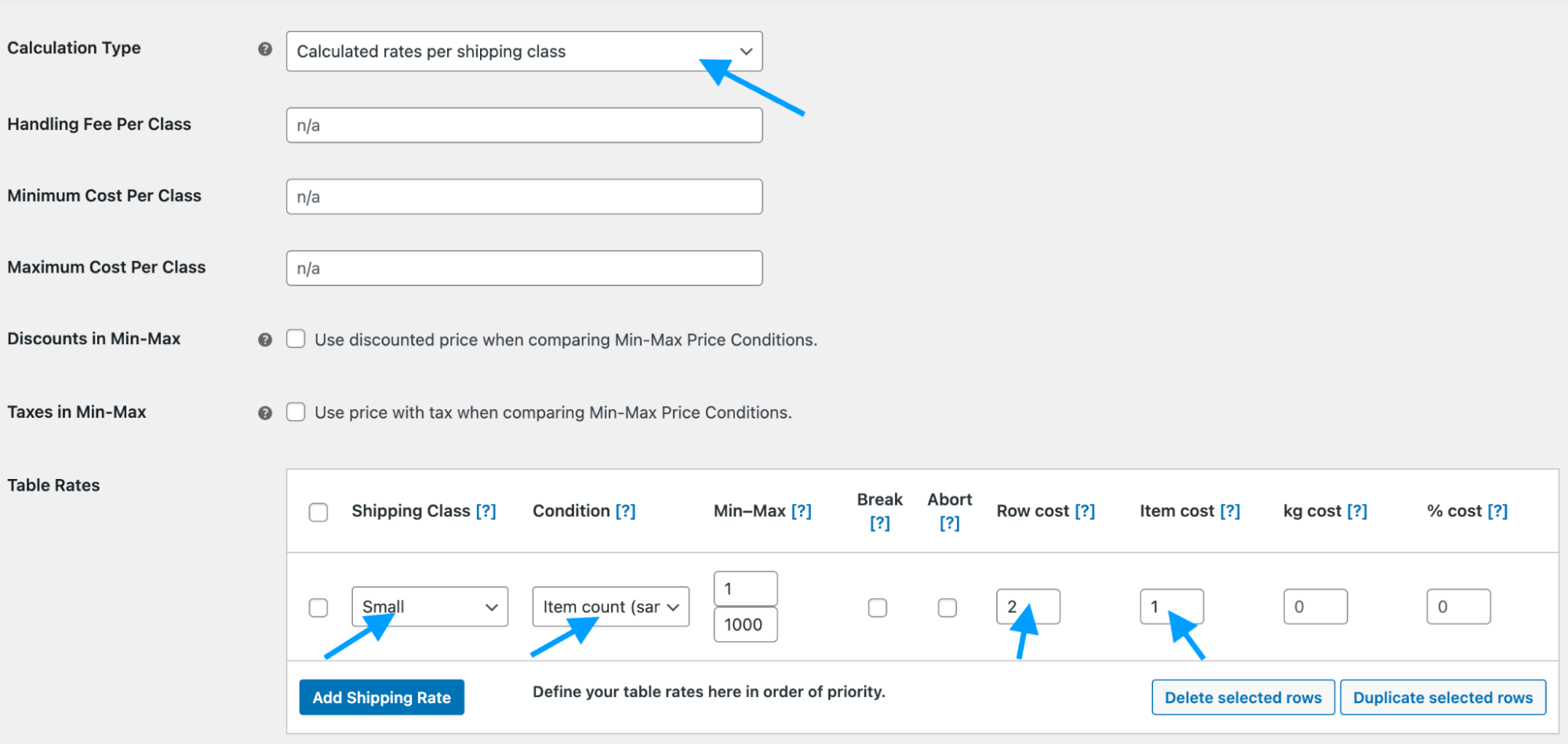
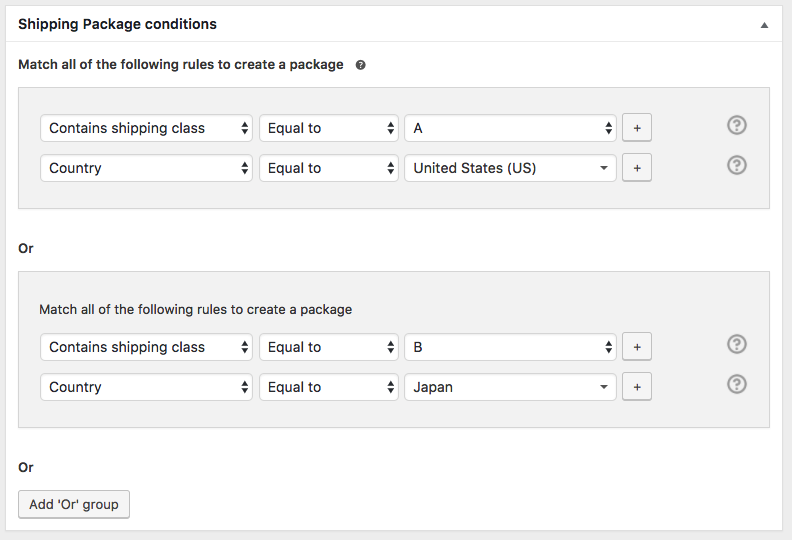
8️⃣ Advanced Shipping Plugins (Table Rates)
Why businesses use it
-
Complex shipping rules
-
Zone-based pricing
Best for
-
Large catalogs & marketplaces
📈 Marketing & Conversion Plugins
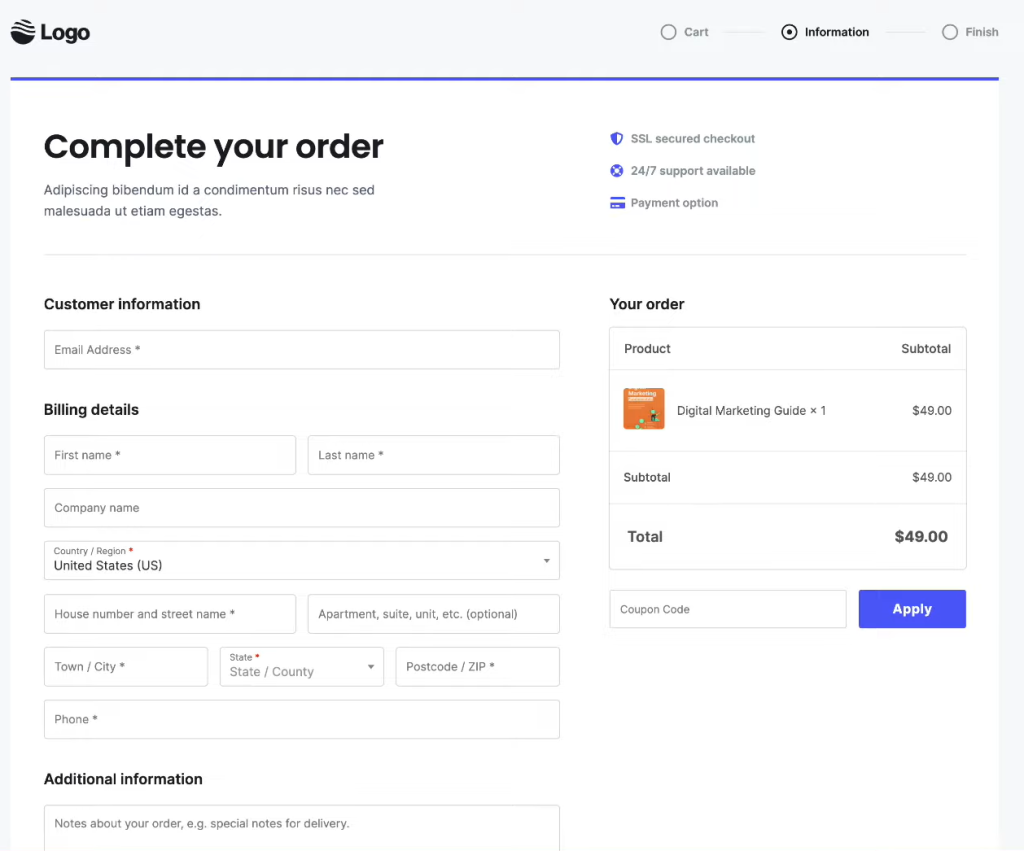
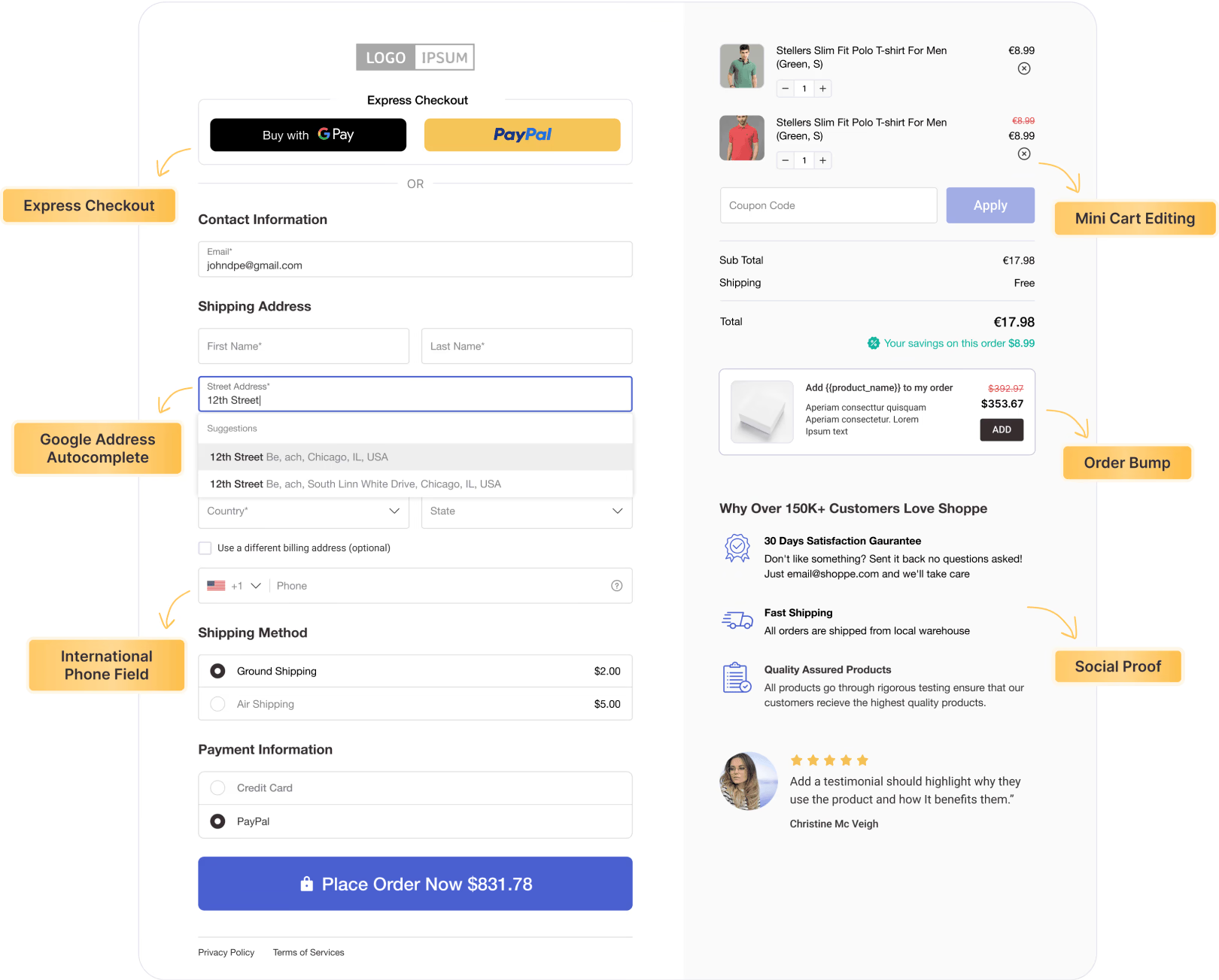
9️⃣ CartFlows (High-Converting Checkout)
Why businesses use it
-
Optimized checkout
-
Upsells & order bumps
Best for
-
Increasing average order value
🔟 Mailchimp / FluentCRM (Email Marketing)
Why businesses use it
-
Automated emails
-
Customer segmentation
-
Abandoned cart emails
Best for
-
Retention & repeat sales


🔍 SEO & Analytics Plugins
1️⃣1️⃣ Yoast SEO / Rank Math
Why businesses use it
-
Product SEO optimization
-
Schema support
-
Better search visibility
Best for
-
Ranking product & category pages


1️⃣2️⃣ Google Site Kit
Why businesses use it
-
Analytics & Search Console
-
Performance tracking
Best for
-
Data-driven decisions


🔁 Automation & Scalability Plugins
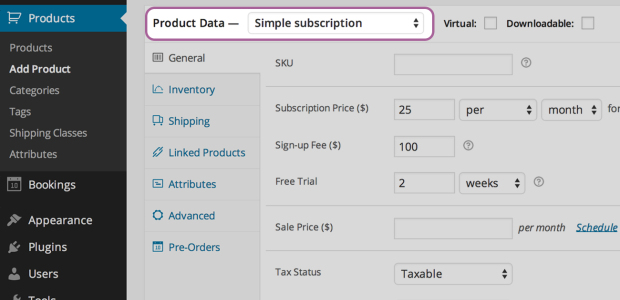
1️⃣3️⃣ WooCommerce Subscriptions
Why businesses use it
-
Recurring payments
-
Membership models
Best for
-
SaaS & service-based stores

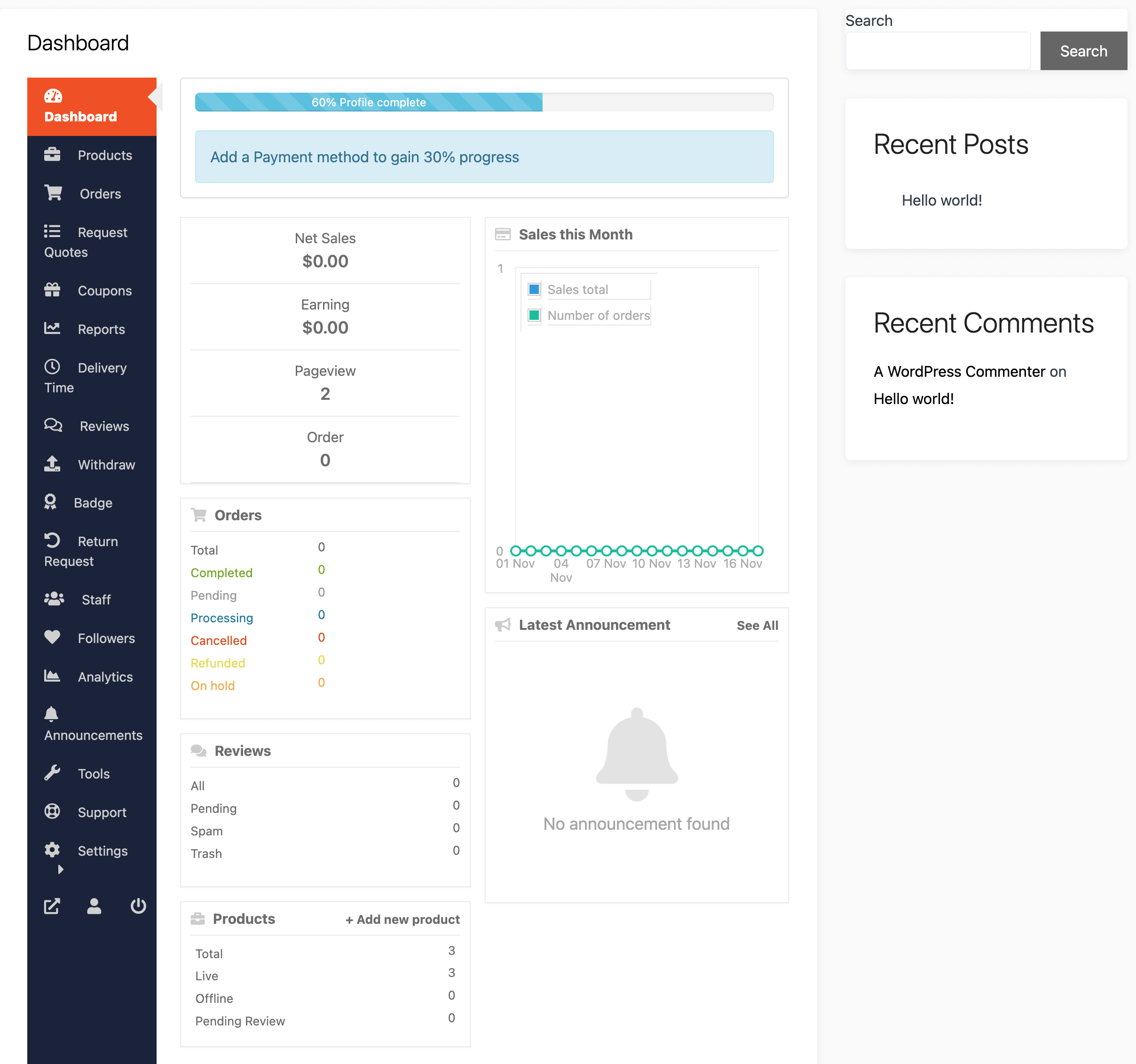
1️⃣4️⃣ Dokan (Multi-Vendor Marketplaces)
Why businesses use it
-
Vendor dashboards
-
Commission systems
-
Marketplace scalability
Best for
-
Multi-vendor business models

⚠️ Plugins Business Websites Should Avoid
❌ Too many page builders
❌ Duplicate functionality plugins
❌ Abandoned or pirated plugins
❌ Heavy pop-up plugins
👉 More plugins ≠ better website
✅ How Many Plugins Should a Business Site Use?
Ideal range:
✔ 15–25 high-quality plugins
❌ 40+ plugins = performance risk
Focus on quality, not quantity.
📚 Also Read

Hire Me on Upwork – Dokan & WooCommerce Expert

 Chat on WhatsApp