
A slow WooCommerce website directly affects sales, SEO rankings, and customer trust.
Even a 1-second delay can significantly reduce conversions.
If your store is running on WooCommerce and pages load slowly, this guide will help you identify the exact reasons and fix them properly.
🔴 Common Signs of a Slow WooCommerce Website
Before optimization, check if you notice these symptoms:
-
Product pages take 5+ seconds to load
-
Cart and checkout are slow
-
Admin dashboard feels heavy
-
Mobile speed is poor
-
Low Google PageSpeed / Core Web Vitals scores
-
High bounce rate


🧠 Why WooCommerce Websites Become Slow
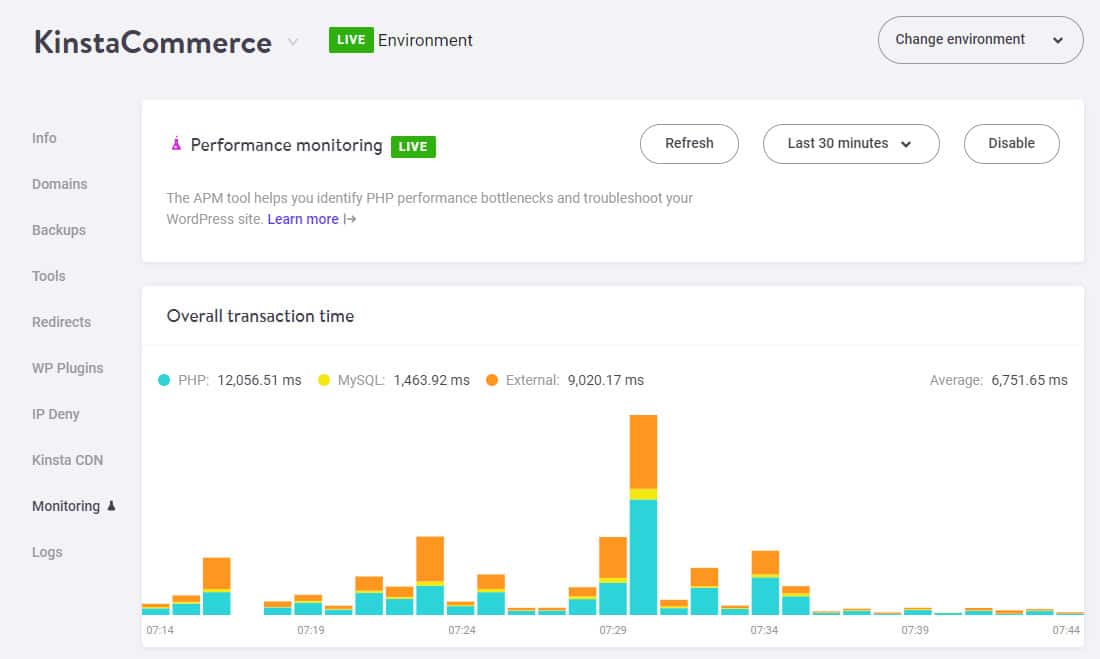
WooCommerce is powerful, but it adds database queries, scripts, and dynamic content on top of WordPress.
Your site speed depends on four major layers:
1️⃣ Hosting & server
2️⃣ WordPress core
3️⃣ WooCommerce settings
4️⃣ Theme, plugins & content
If one layer is weak → your store becomes slow.

1️⃣ Poor Hosting (Biggest Performance Killer)
❌ Problem
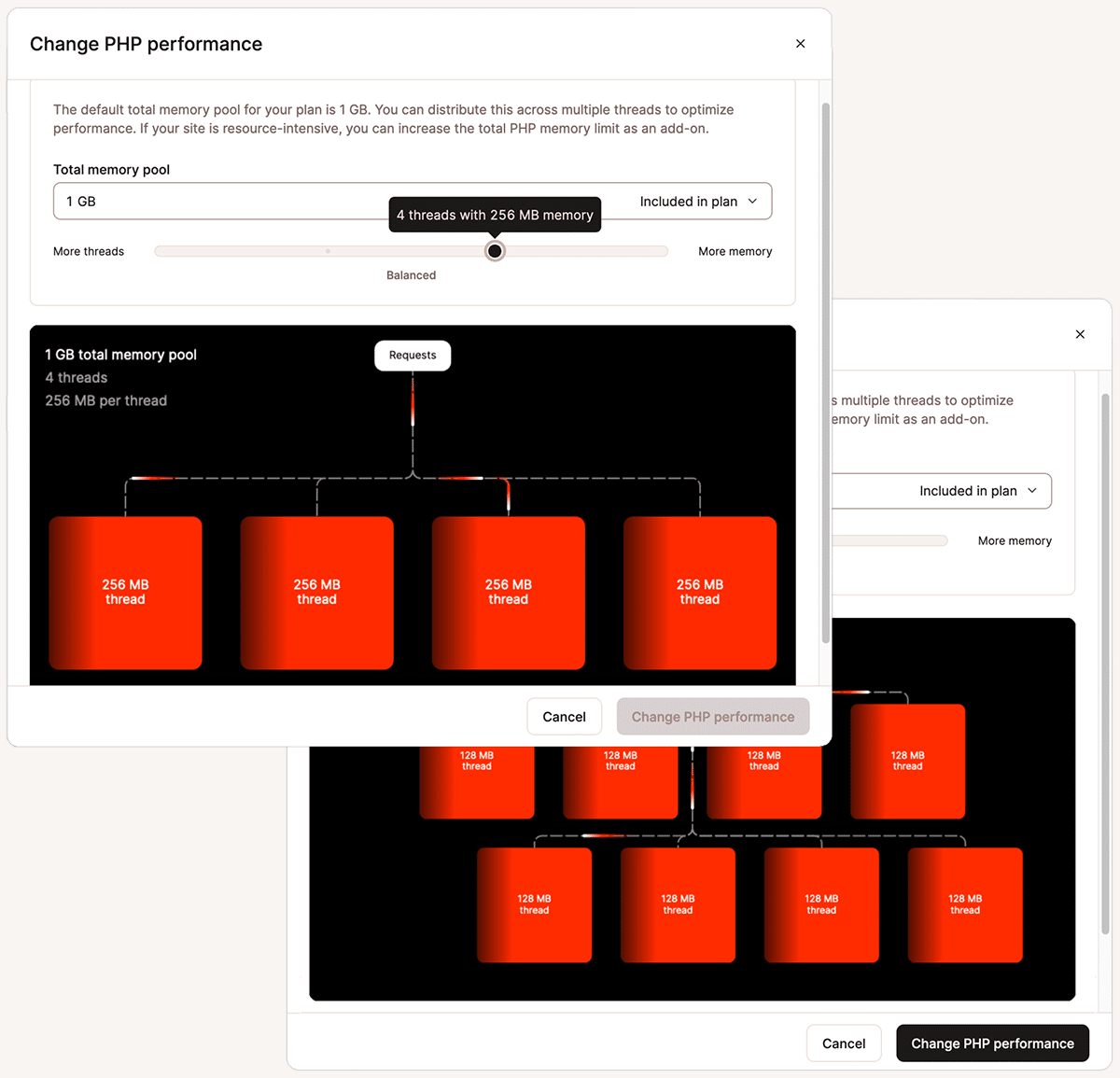
Shared or low-quality hosting cannot handle WooCommerce traffic.
✅ Fix
Use:
-
VPS or Cloud hosting
-
SSD / NVMe storage
-
Dedicated PHP memory
👉 WooCommerce stores should never run on cheap shared hosting.

2️⃣ Outdated PHP Version
❌ Problem
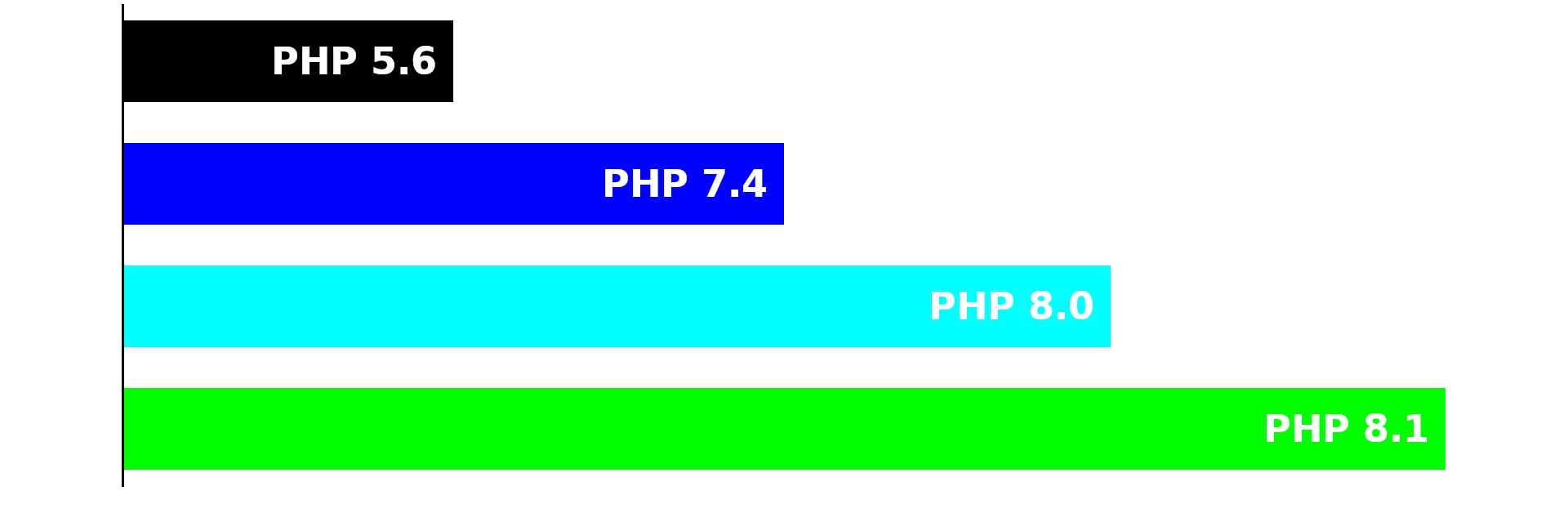
Older PHP versions slow down execution.
✅ Fix
-
Upgrade to PHP 8.1 or 8.2
-
Test on staging first
-
Update incompatible plugins

3️⃣ Heavy or Poorly Coded Theme
❌ Problem
Bloated themes load unnecessary scripts on every page.
✅ Fix
-
Use a lightweight WooCommerce-ready theme
-
Avoid heavy multipurpose themes
-
Test with Storefront for comparison


4️⃣ Too Many Plugins (Very Common)
❌ Problem
Each plugin adds scripts, queries, and hooks.
✅ Fix
-
Remove unused plugins
-
Avoid duplicate functionality
-
Replace multiple plugins with optimized solutions
5️⃣ No Proper Caching Setup
❌ Problem
Pages load dynamically on every request.
✅ Fix
-
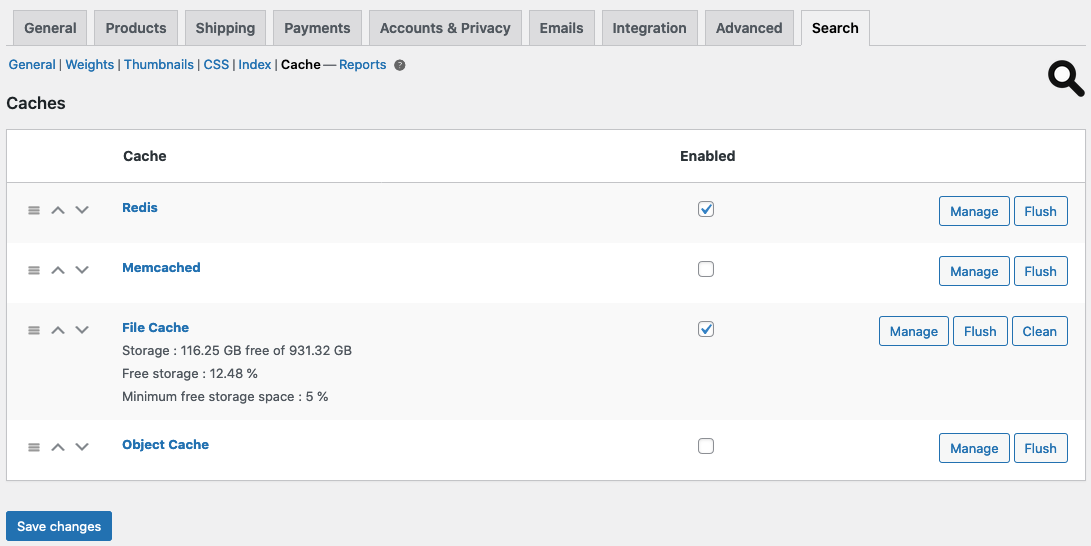
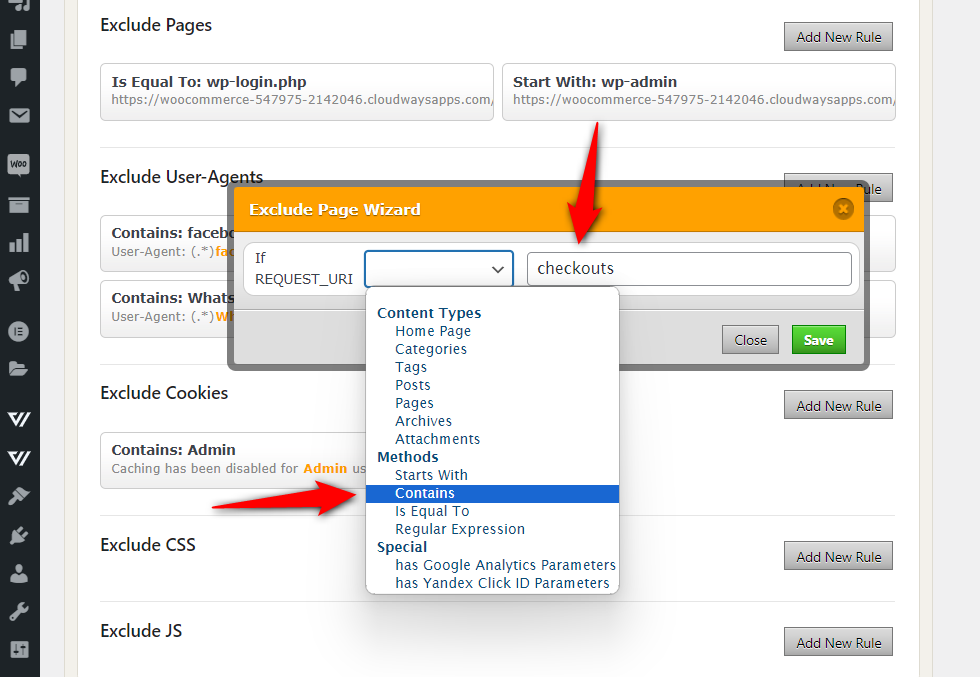
Enable full-page caching
-
Exclude dynamic pages:
-
Cart
-
Checkout
-
My Account
-
6️⃣ Large & Unoptimized Product Images
❌ Problem
High-resolution images slow page load.
✅ Fix
-
Compress images automatically
-
Enforce image size limits
-
Serve images in next-gen formats
7️⃣ Database Bloat (Orders, Revisions, Transients)
❌ Problem
WooCommerce generates a lot of database data.
✅ Fix
-
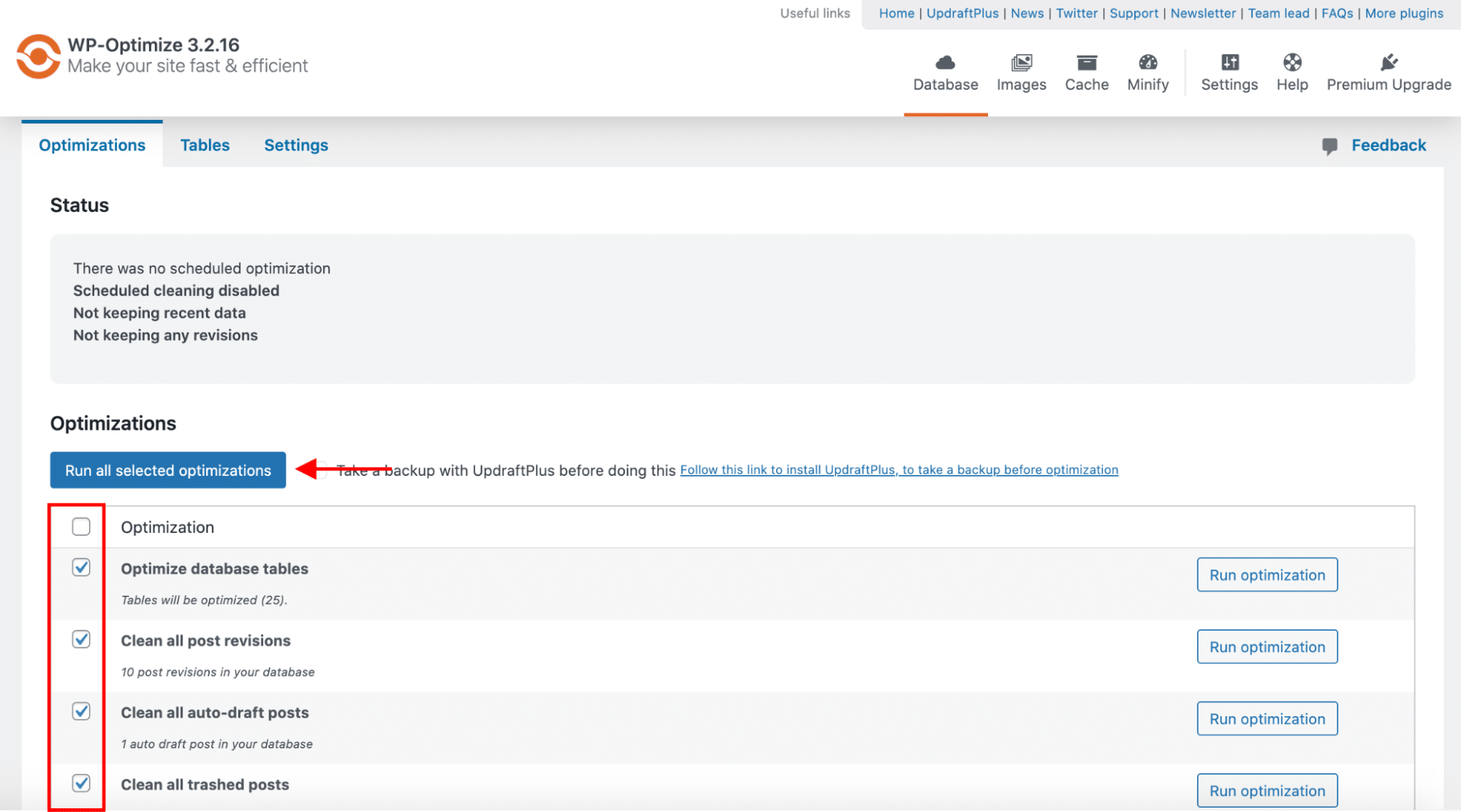
Clean post revisions
-
Remove expired transients
-
Optimize database tables

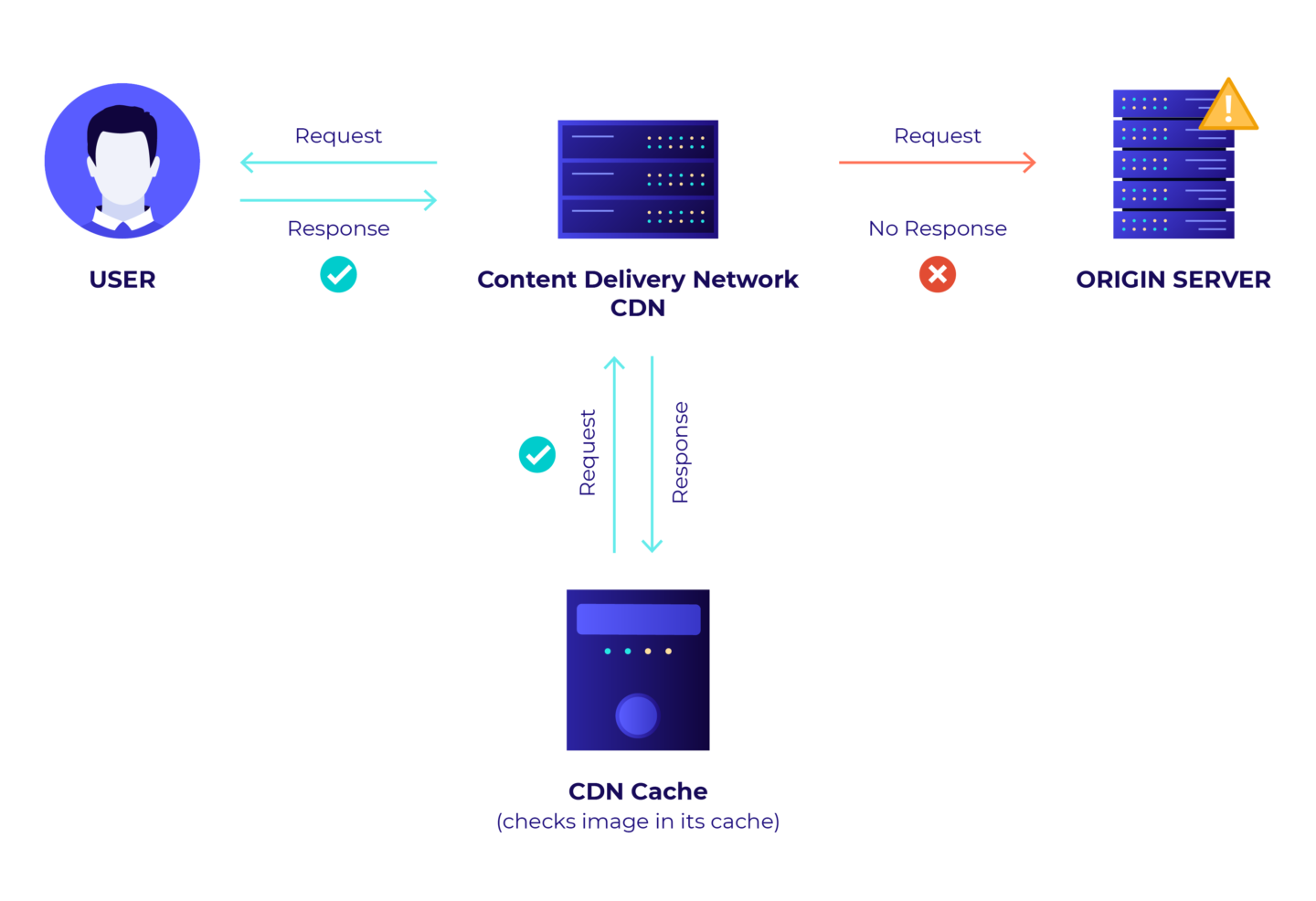
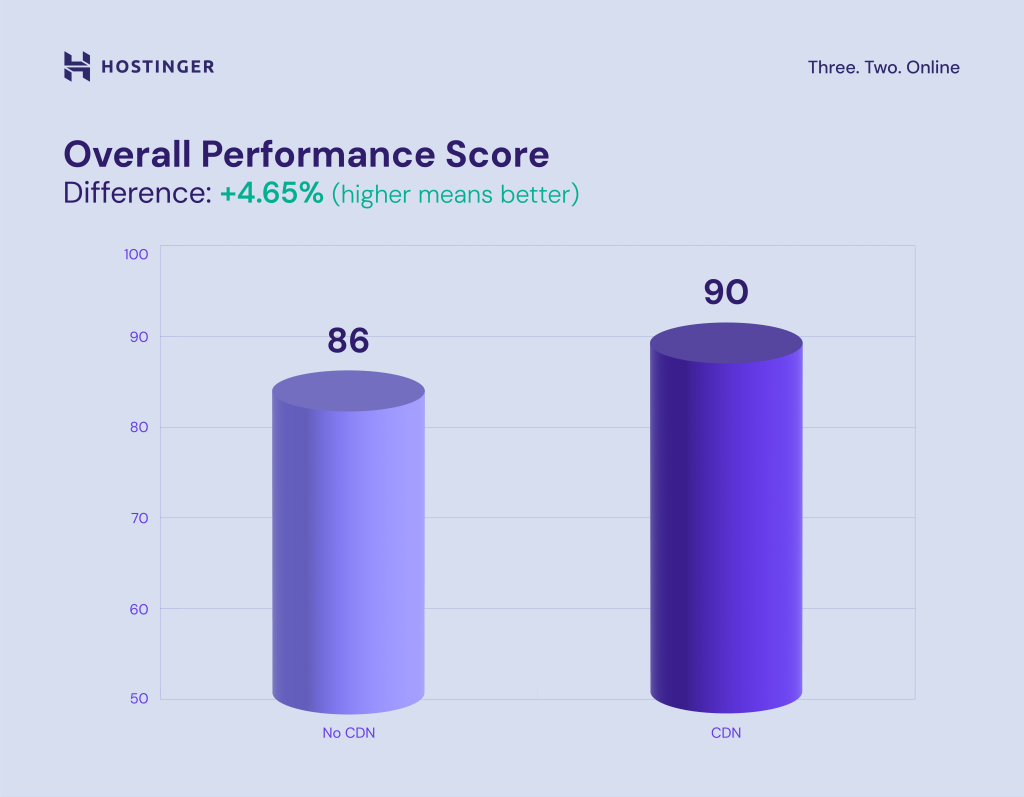
8️⃣ No CDN for Global Visitors
❌ Problem
International users experience slow loading.
✅ Fix
-
Use a CDN
-
Cache static assets globally
-
Enable HTTP/2 or HTTP/3
9️⃣ JavaScript & CSS Not Optimized
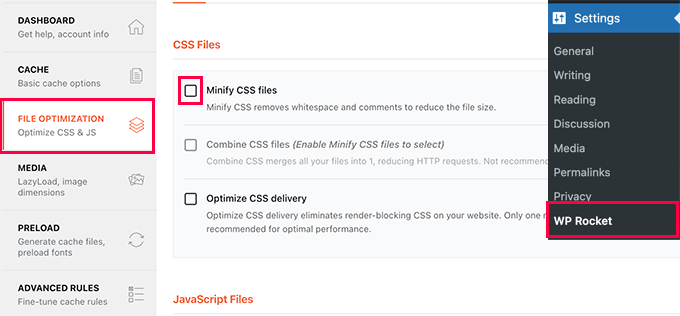
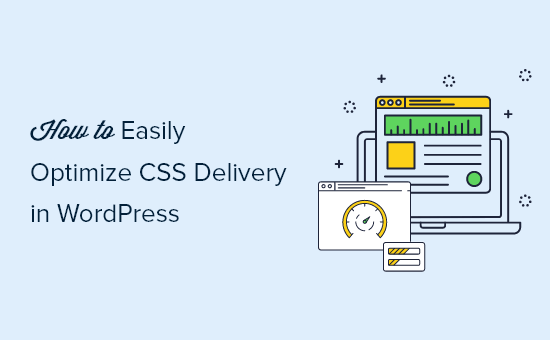
❌ Problem
Excessive JS and CSS blocks rendering.
✅ Fix
-
Minify JS & CSS
-
Defer non-critical scripts
-
Remove unused assets on non-shop pages
🔟 Poor Mobile Performance
❌ Problem
Mobile users experience slow browsing and checkout.
✅ Fix
-
Optimize mobile layouts
-
Reduce JS execution
-
Test on real mobile devices
🚨 When You Need Advanced WooCommerce Optimization
You need custom performance optimization if:
-
Large product catalog (1,000+)
-
High daily traffic
-
Custom checkout logic
-
Subscriptions or marketplace setup
This requires query optimization, object caching, and code-level tuning.
📚 Also Read
- Common WooCommerce Checkout Issues and How to Fix Them
- Dokan Slow Website – Speed Optimization Guide

Hire Me on Upwork – Dokan & WooCommerce Expert

 Chat on WhatsApp
One Response