

A slow WooCommerce store doesn’t just frustrate users — it kills conversions, hurts SEO, and increases ad costs.
Because WooCommerce runs on WordPress, performance optimization is critical for growth.
If your store is built using WooCommerce on WordPress, this checklist will help you speed up your store, improve stability, and prepare for scale.
🔴 Why WooCommerce Performance Optimization Matters
A slow WooCommerce website leads to:
-
Cart abandonment
-
Lower Google rankings
-
Poor mobile experience
-
Lost revenue
Optimizing performance helps you:
✔ Increase sales
✔ Improve user experience
✔ Reduce server costs
✔ Scale smoothly


🧠 How WooCommerce Performance Works
WooCommerce performance depends on three core layers:
1️⃣ Hosting & Server
2️⃣ WordPress Core
3️⃣ WooCommerce + Plugins
If one layer is slow, the entire store becomes slow.
✅ WooCommerce Performance Optimization Checklist
Use this checklist step by step.
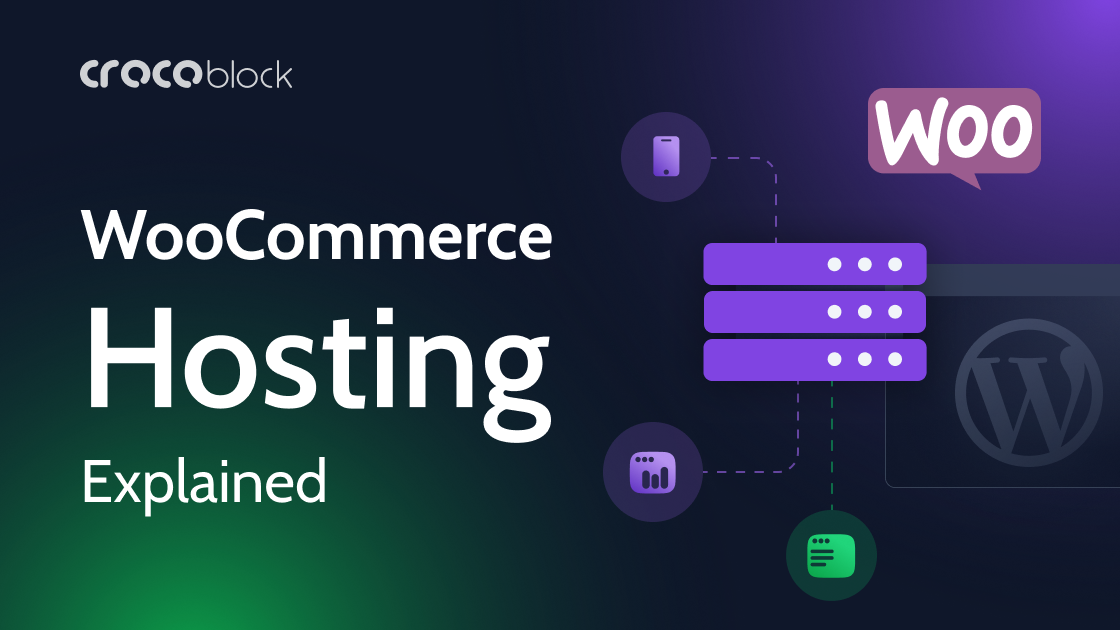
1️⃣ Choose the Right Hosting (FOUNDATION)
✔ Use WooCommerce-optimized hosting
✔ Enable server-level caching
✔ Use latest stable PHP version
✔ Allocate enough RAM & CPU
👉 Cheap hosting = slow checkout.

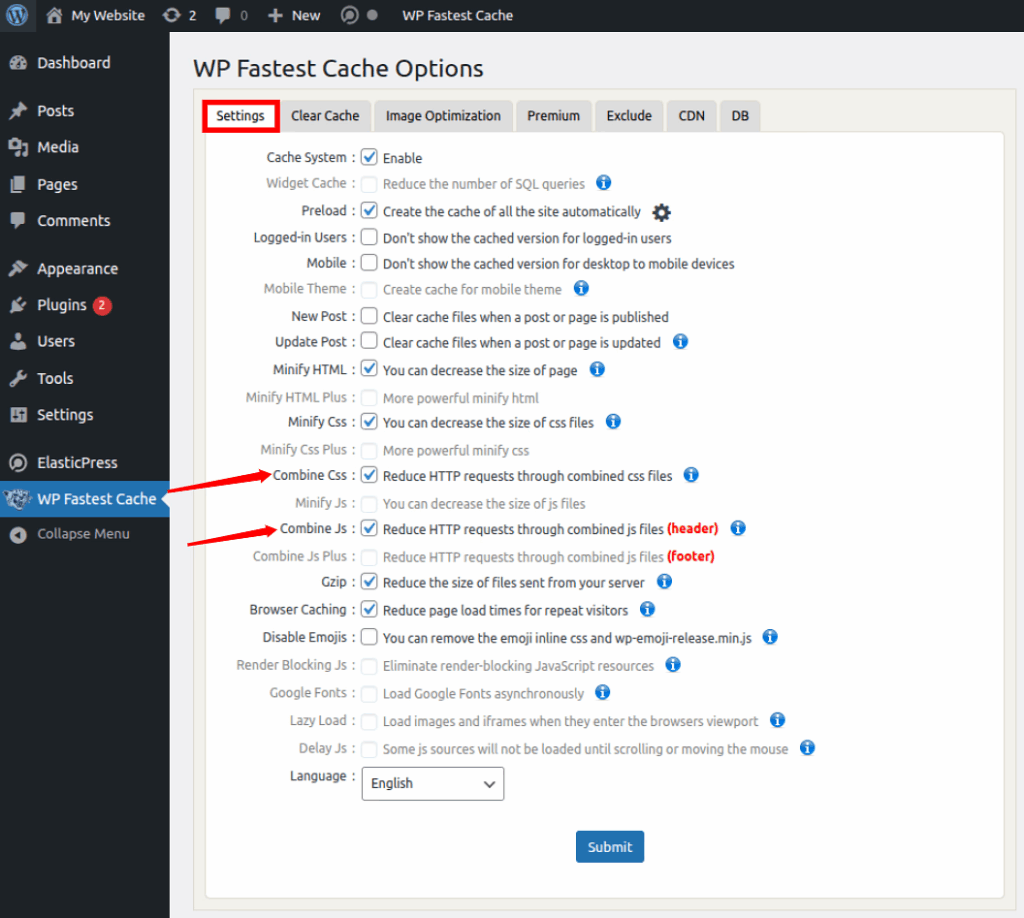
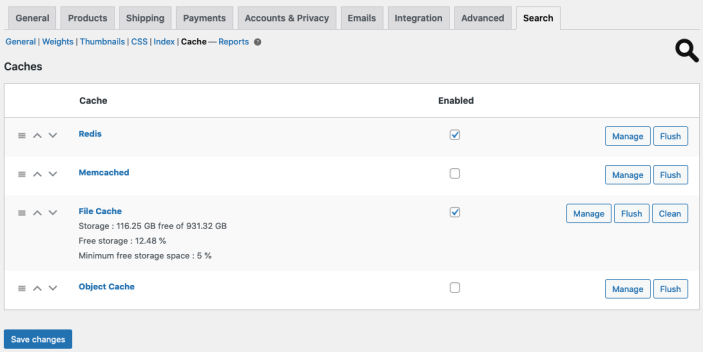
2️⃣ Enable Proper Caching (Carefully)
✔ Enable page caching for:
-
Homepage
-
Shop pages
-
Product pages
❌ Exclude:
-
Cart
-
Checkout
-
My Account
Wrong caching breaks WooCommerce functionality.
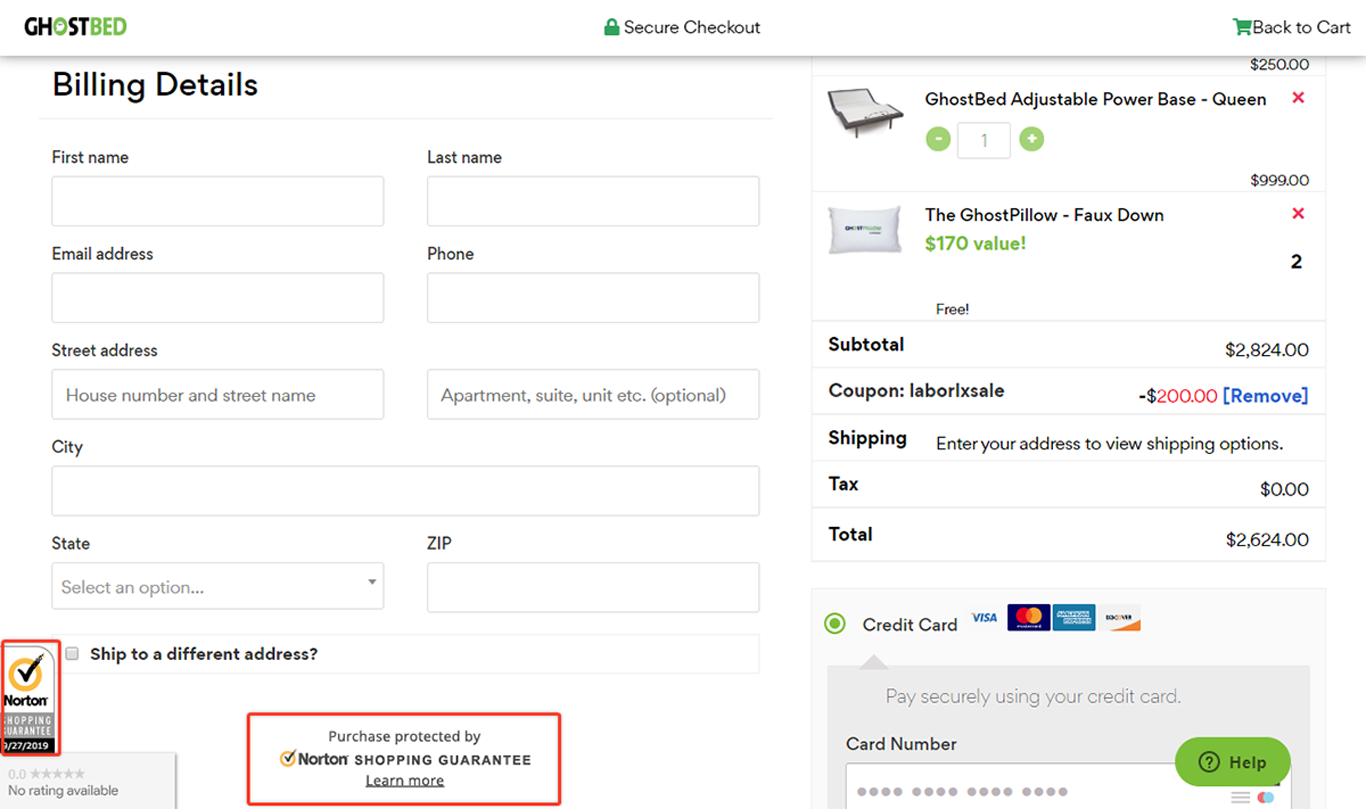
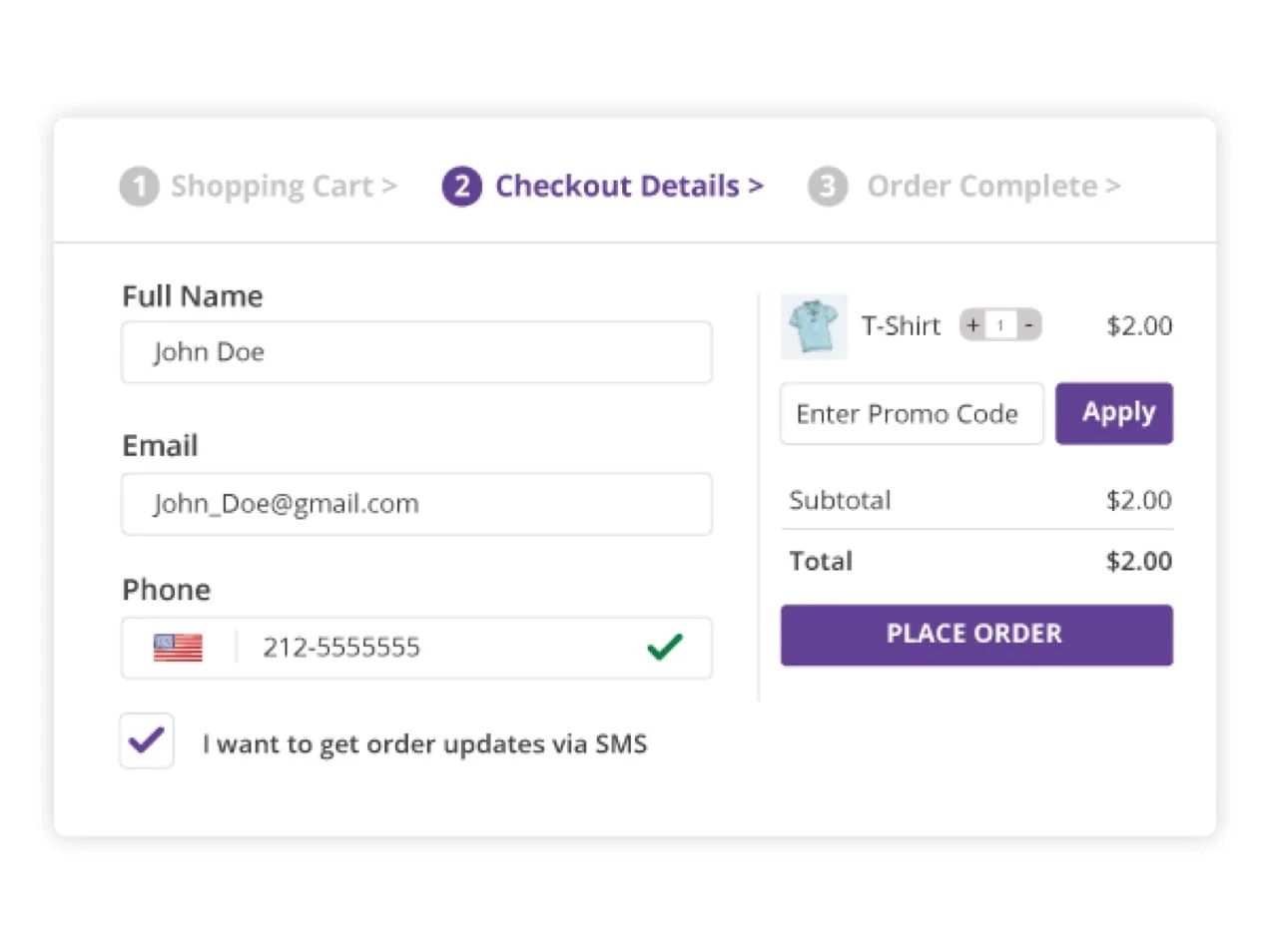
3️⃣ Optimize WooCommerce Checkout
Checkout speed directly affects revenue.
✔ Reduce checkout fields
✔ Disable unnecessary checkout scripts
✔ Optimize payment gateway loading
✔ Test checkout speed regularly
4️⃣ Reduce Plugin Load (VERY IMPORTANT)
Too many plugins slow down WooCommerce.
✔ Remove unused plugins
✔ Avoid overlapping functionality
✔ Replace heavy plugins with lightweight ones
✔ Never use nulled plugins
👉 Ideal range: 15–25 quality plugins
5️⃣ Optimize Images & Media
Large product images slow your store.
✔ Compress images
✔ Use modern formats
✔ Lazy-load images
✔ Avoid uploading raw images


6️⃣ Optimize WooCommerce Database
WooCommerce stores generate huge databases.
✔ Clean expired transients
✔ Remove old orders/logs
✔ Optimize database tables
✔ Limit post revisions
7️⃣ Disable Unused WooCommerce Features
WooCommerce loads features you may not need.
✔ Disable unused payment gateways
✔ Disable unused shipping methods
✔ Remove unused product types
Less code = better performance.
8️⃣ Use CDN for Faster Global Load Times
For global traffic:
✔ Use a CDN
✔ Cache images & static assets
✔ Reduce server load
This improves speed for all regions.


9️⃣ Optimize Theme & Page Builder Usage
✔ Use lightweight WooCommerce-compatible theme
✔ Avoid heavy page builders everywhere
✔ Minimize animations & effects
Theme choice plays a huge role in speed.
🔟 Monitor Performance Regularly
Performance is ongoing work.
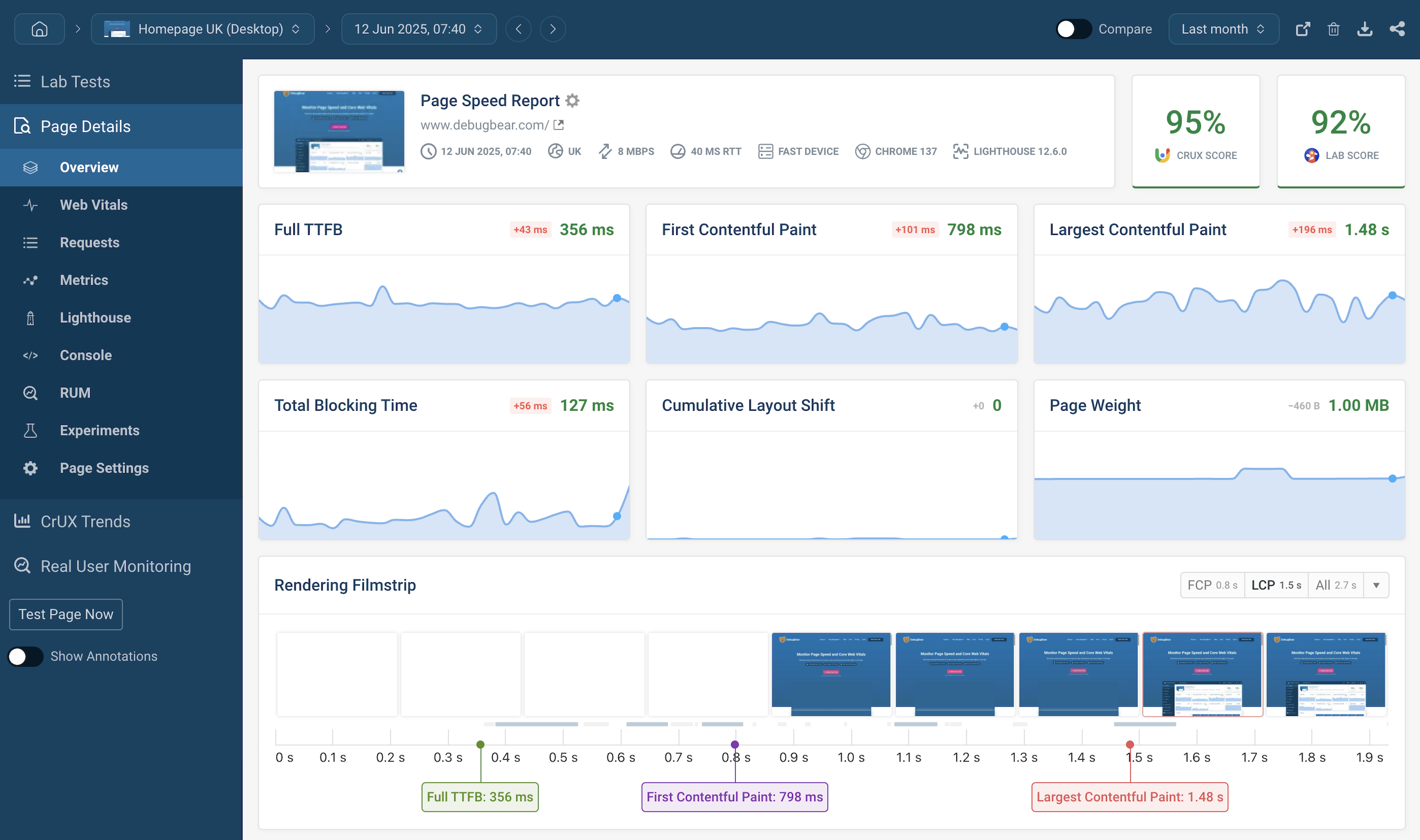
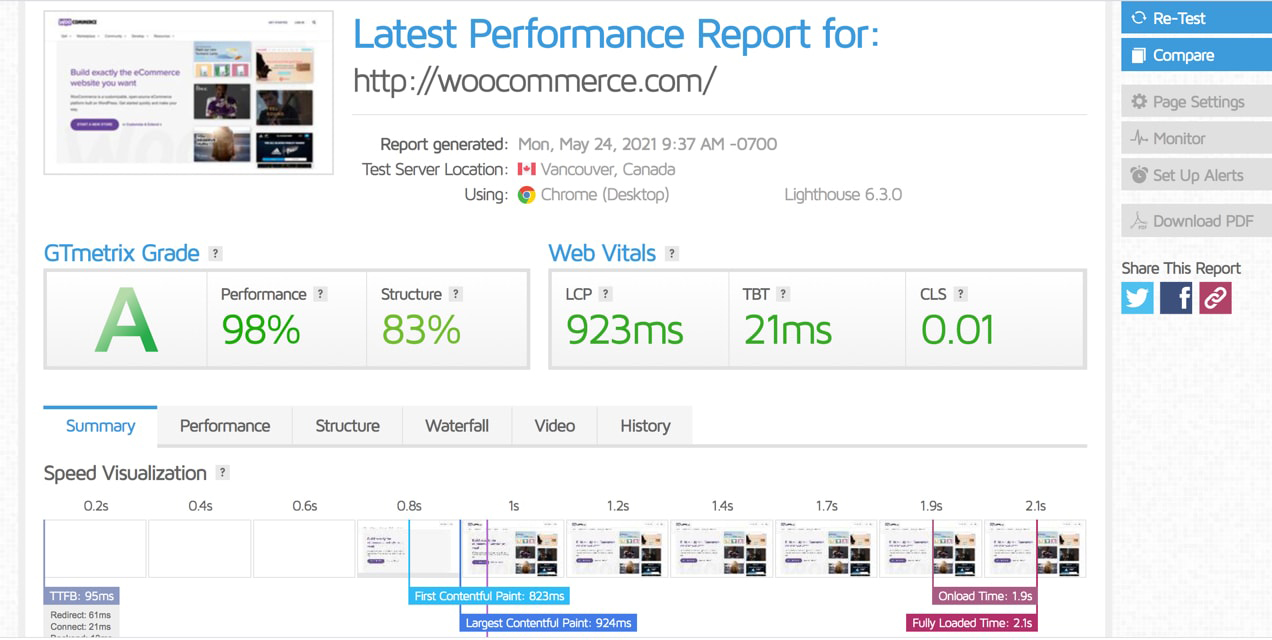
✔ Monitor page speed
✔ Track checkout load time
✔ Watch server resources
✔ Fix issues early
⚠️ Common WooCommerce Performance Mistakes
❌ Shared cheap hosting
❌ Too many plugins
❌ Heavy themes
❌ No caching strategy
❌ No database cleanup
Avoiding these mistakes gives instant performance improvement.
🛠️ When You Need Advanced WooCommerce Optimization
You should consider advanced optimization if:
-
Store slows during traffic spikes
-
Checkout is delayed
-
Large product catalog exists
-
You run ads or campaigns
Advanced optimization includes:
✔ Query optimization
✔ Custom caching logic
✔ Checkout performance tuning
✔ Server-level optimization
📚 Also Read

Hire Me on Upwork – Dokan & WooCommerce Expert

 Chat on WhatsApp