
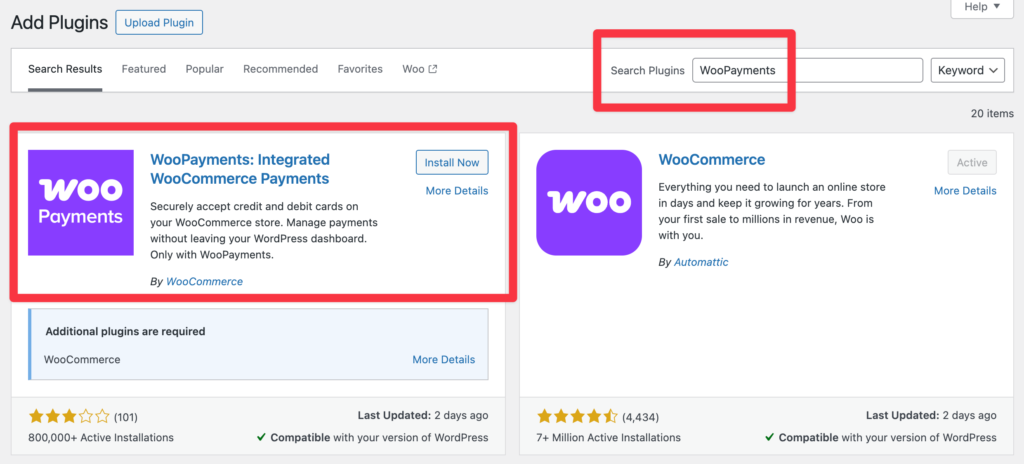
Many people think WooCommerce is only for selling physical products — but that’s not true.
WooCommerce is a powerful platform for service-based businesses, including consultants, agencies, freelancers, and booking-based services.
If your website runs on WooCommerce, this guide explains how WooCommerce works for services, what setup you need, and when custom development is required.
🔴 What Is a Service-Based Business?
A service-based business sells time, skills, or expertise, not physical goods.
Common Examples:
-
Consultants & coaches
-
Digital agencies
-
Freelancers
-
Tutors & trainers
-
Repair & maintenance services
-
Online appointments
These businesses need:
-
Flexible pricing
-
Booking or request flows
-
Clear service details
-
Secure payments



🧠 Can WooCommerce Handle Services?
Yes. WooCommerce is built on WordPress, which means it’s extremely flexible.
With the right setup, WooCommerce can handle:
-
Fixed-price services
-
Hourly services
-
Subscription-based services
-
Booking-based services
-
Custom service packages
WooCommerce treats services as products, but the logic can be customized.
🧩 How Services Work in WooCommerce (Simple Explanation)
In WooCommerce:
-
A service = product
-
Pricing = service fee
-
Checkout = service booking/payment
-
Order = service request
This allows you to:
✔ Accept payments online
✔ Manage service orders
✔ Track customer details
✔ Automate emails
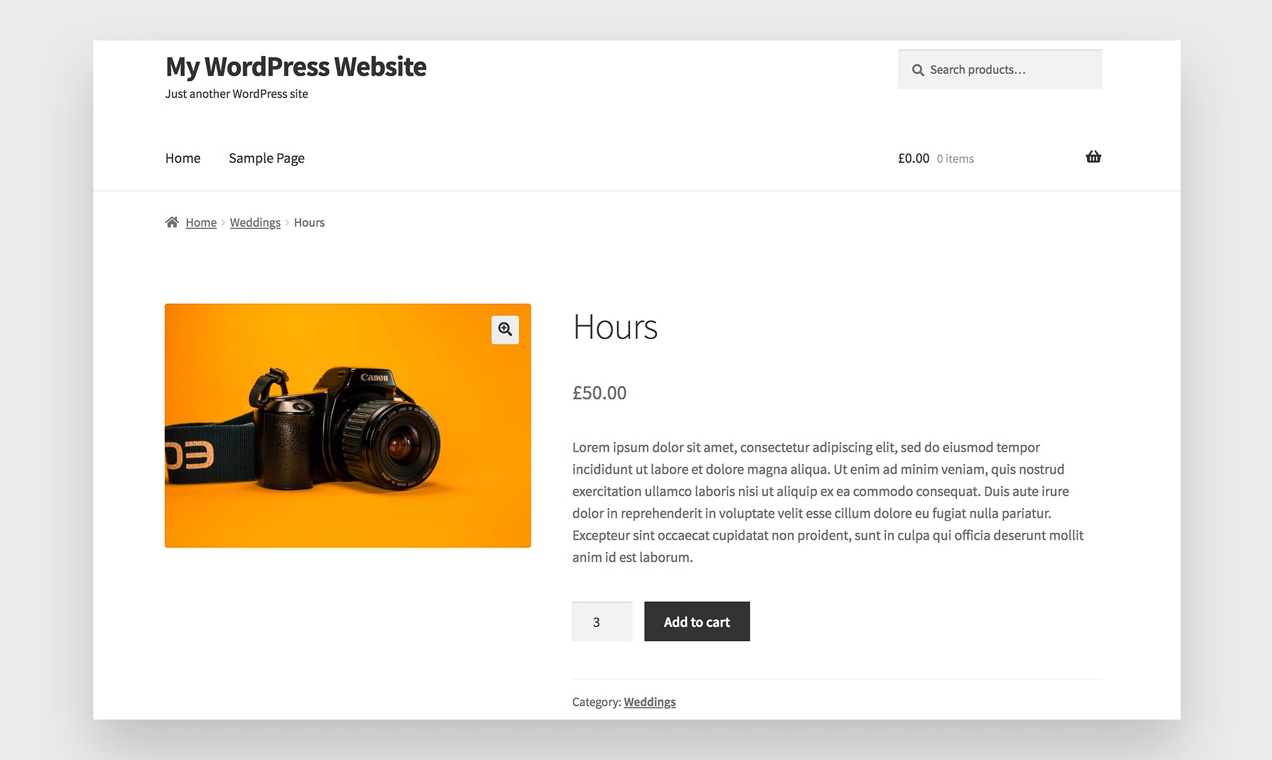
1️⃣ Creating Services in WooCommerce
Most service-based businesses use:
🔹 Simple Products
Best for:
-
Fixed-price services
-
One-time services
Example:
Website Audit – ₹2,999
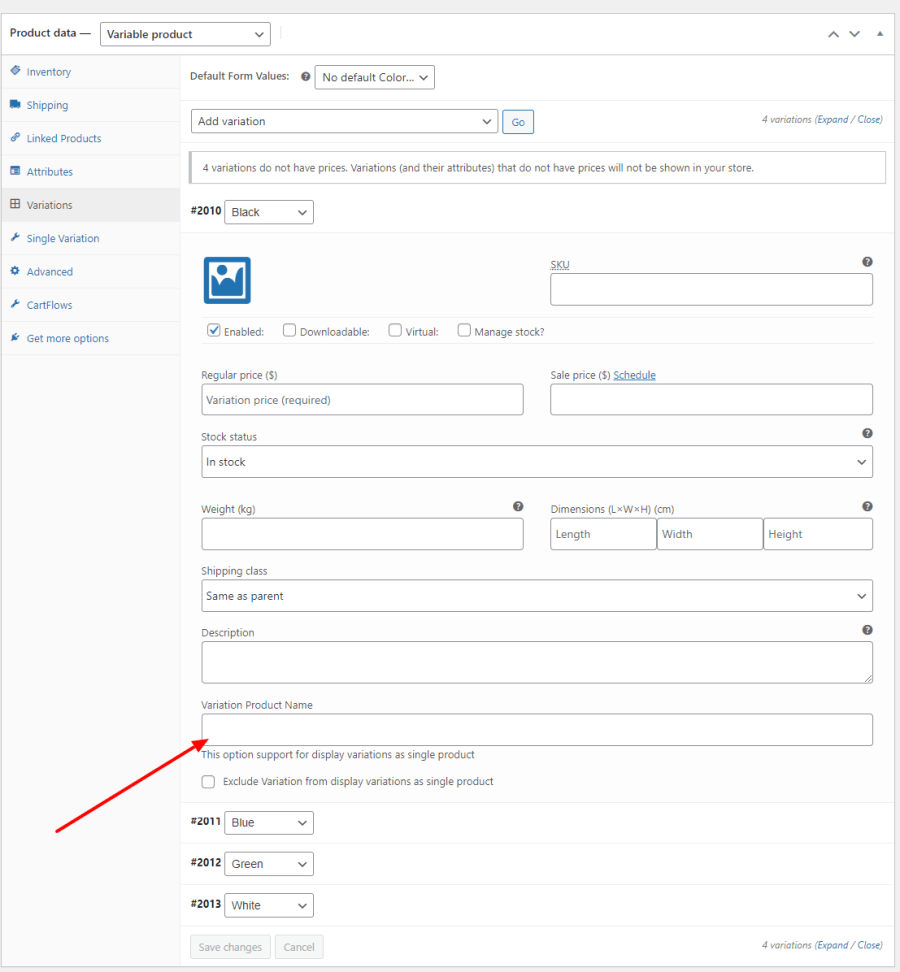
🔹 Variable Products
Best for:
-
Service tiers
-
Multiple packages
Example:
-
Basic Consultation – ₹999
-
Premium Consultation – ₹2,499
2️⃣ Adding Service Details with Custom Fields
Services require more details than products.
Common Service Fields:
-
Service duration
-
Delivery timeline
-
Online / offline mode
-
Required documents
-
Service location
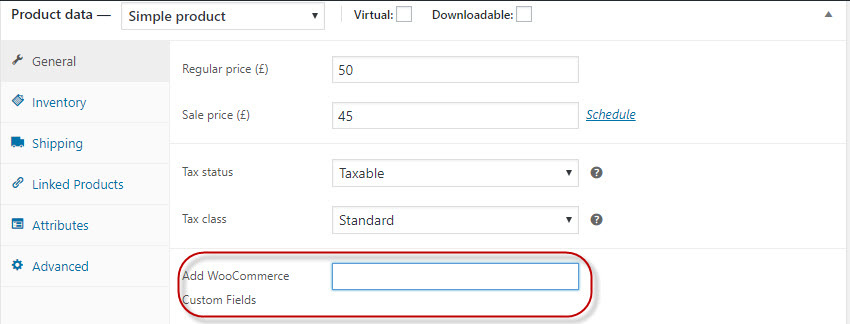
These fields can be added using:
-
Custom fields
-
Custom tabs
-
Short descriptions
3️⃣ Booking & Scheduling for Services
Many services require appointments or time slots.
Common Booking Models:
-
Fixed time slots
-
Request-based booking
-
Consultation scheduling
WooCommerce supports this via:
-
Booking logic
-
Calendar-based selection
-
Approval workflows
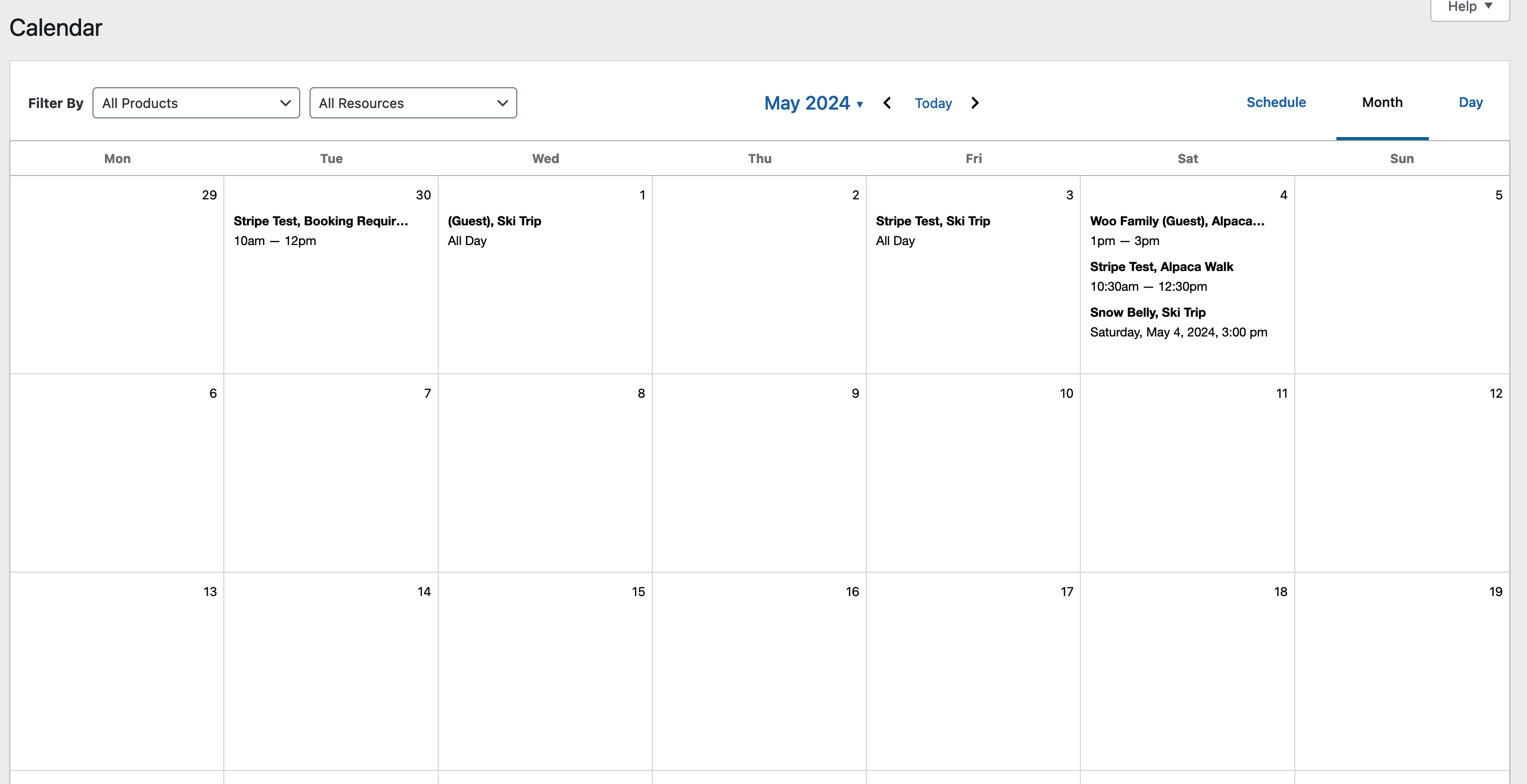
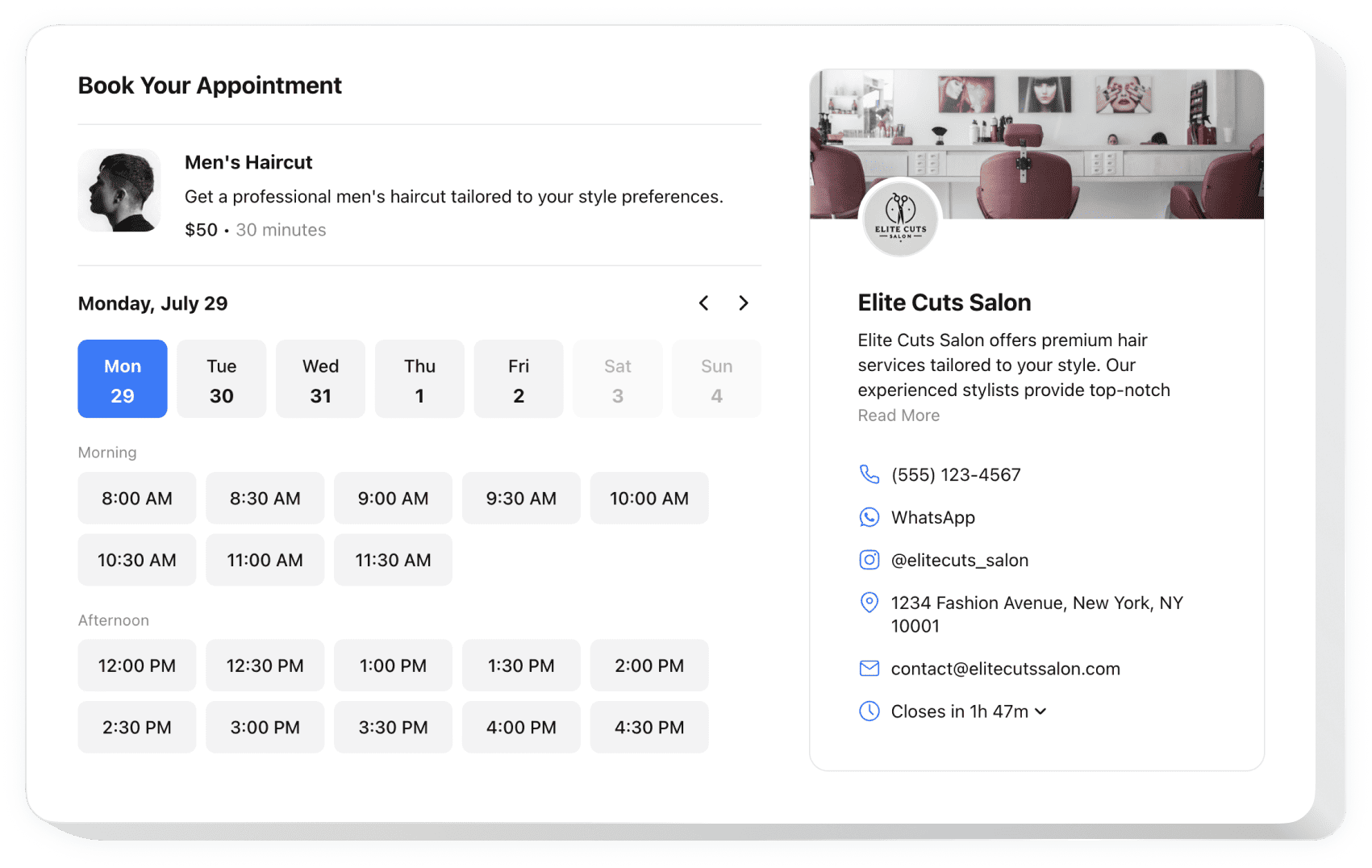
👉 Advanced booking often needs custom configuration or development.
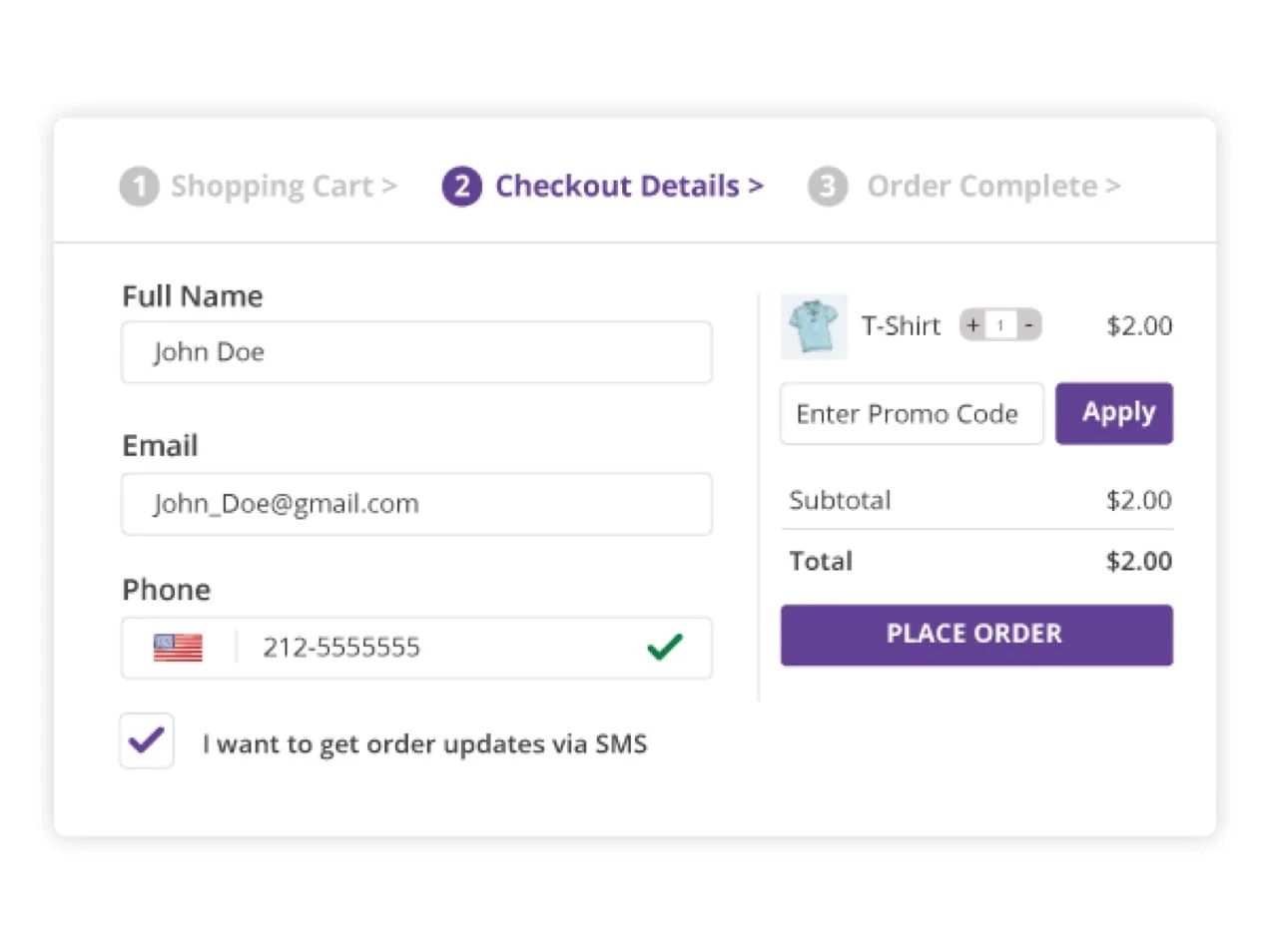
4️⃣ Payments & Deposits for Services
Service businesses often need:
-
Full upfront payment
-
Partial payment (deposit)
-
Pay-after-approval
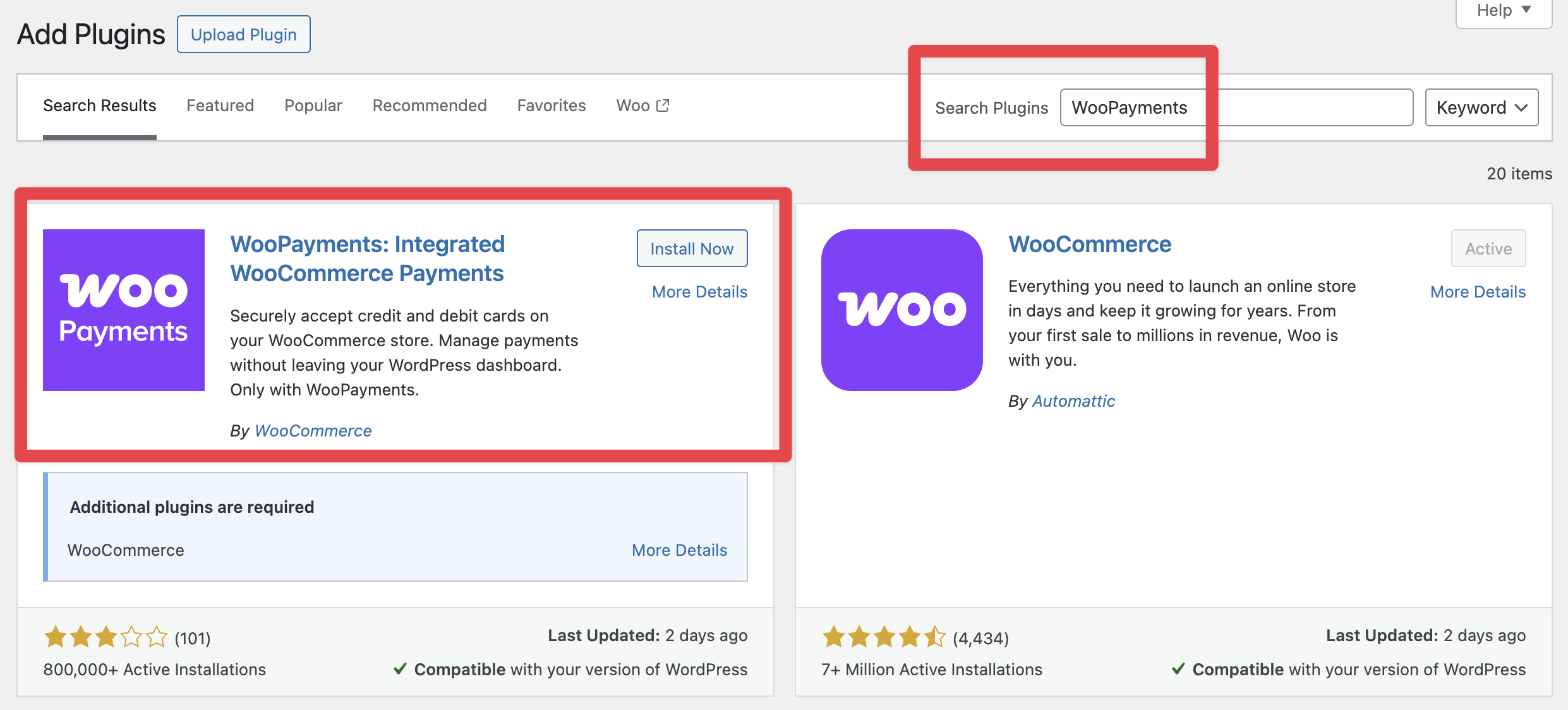
WooCommerce supports:
-
Online payments
-
Multiple gateways
-
Secure checkout
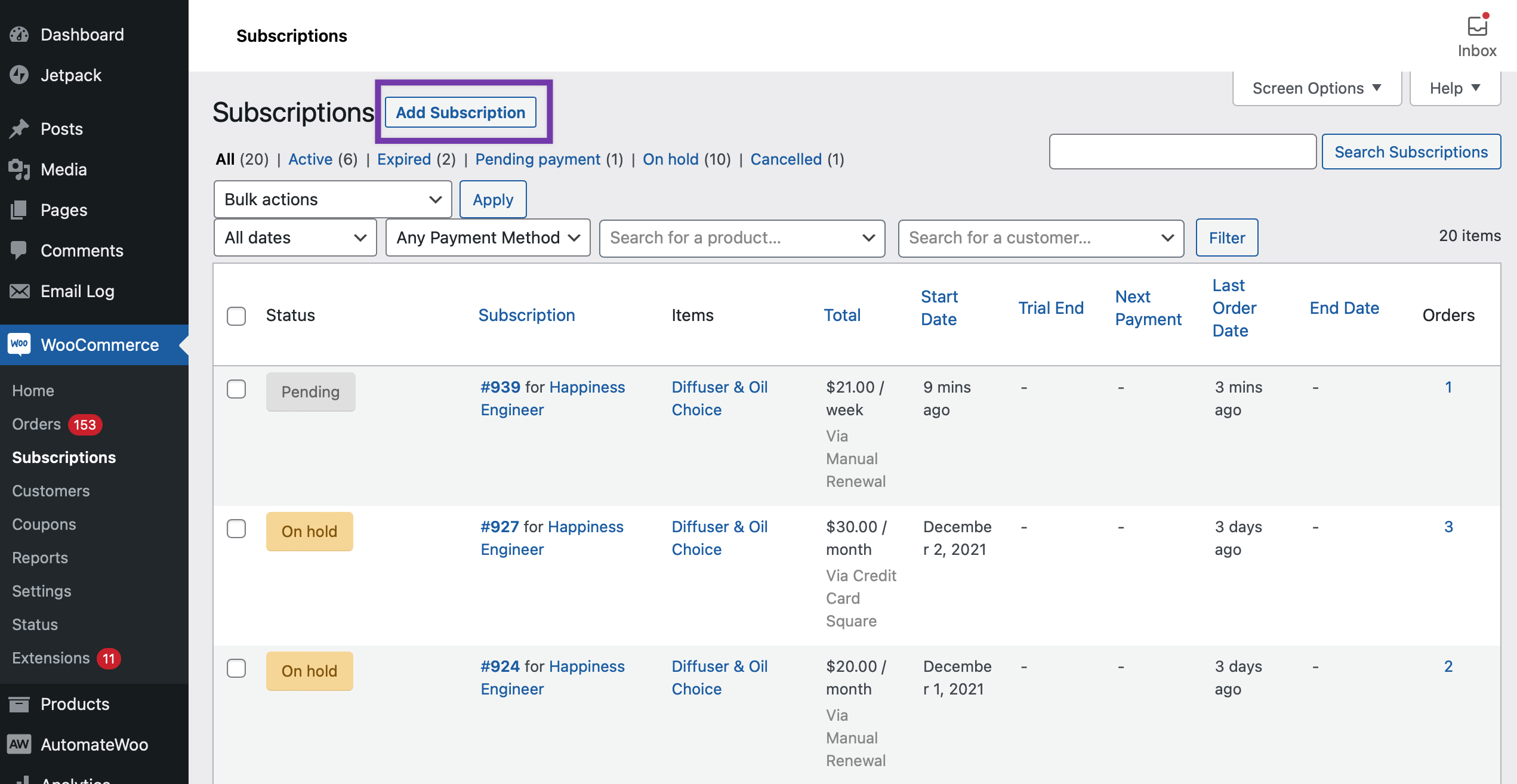
5️⃣ Subscriptions for Ongoing Services
If you offer:
-
Monthly maintenance
-
Retainers
-
Support plans
WooCommerce supports recurring payments.
Examples:
-
Website maintenance – ₹3,000/month
-
Monthly consulting – ₹10,000/month
This is ideal for predictable revenue.
6️⃣ Email Notifications & Order Management
WooCommerce automatically handles:
-
Order confirmation emails
-
Admin notifications
-
Customer communication
You can customize emails to:
-
Include service instructions
-
Request additional details
-
Share next steps
This improves professionalism and trust.
⚠️ Limitations of Default WooCommerce for Services
Out-of-the-box WooCommerce does not fully support:
-
Complex booking workflows
-
Multi-step service requests
-
Custom approval processes
-
Service-specific dashboards
That’s where custom WooCommerce development becomes important.
🛠️ When You Need Custom WooCommerce Development
You should consider custom development if:
-
Your service flow is unique
-
You need advanced booking logic
-
You want a tailored customer experience
-
You plan to scale operations
Custom development ensures:
✔ Clean & scalable setup
✔ Better UX
✔ Business-specific features
📚 Also Read

Hire Me on Upwork – Dokan & WooCommerce Expert

 Chat on WhatsApp
One Response