
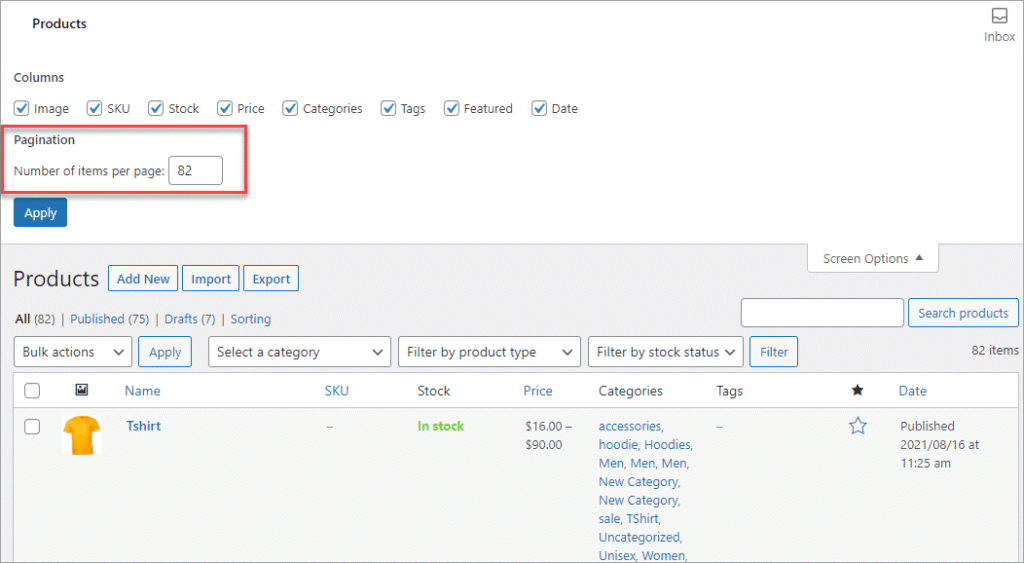
If you run a WooCommerce store where:
-
Multiple staff manage products
-
Vendors submit products
-
Guest sellers contribute listings
-
Or product quality must be controlled
Then you need a clear product approval workflow.
Without it:
❌ Low-quality products get published
❌ Wrong pricing goes live
❌ SEO issues increase
❌ Brand reputation suffers
This guide explains how to create and manage a WooCommerce product approval workflow step by step.
🔴 Why Product Approval Matters in WooCommerce
In WooCommerce, products directly affect:
-
Revenue
-
SEO rankings
-
Customer trust
-
Conversion rate
If product listings are inaccurate or poorly optimized, your store performance declines.
👉 A structured approval workflow ensures consistency, quality, and scalability.
🧠 How WooCommerce Product Publishing Works (Default)
By default in WooCommerce:
1️⃣ Admin creates product
2️⃣ Clicks “Publish”
3️⃣ Product goes live instantly
There is no built-in approval layer for product moderation.
This works for single-admin stores — but not for:
-
Team-based stores
-
Vendor marketplaces
-
Dropshipping setups
-
Large catalogs
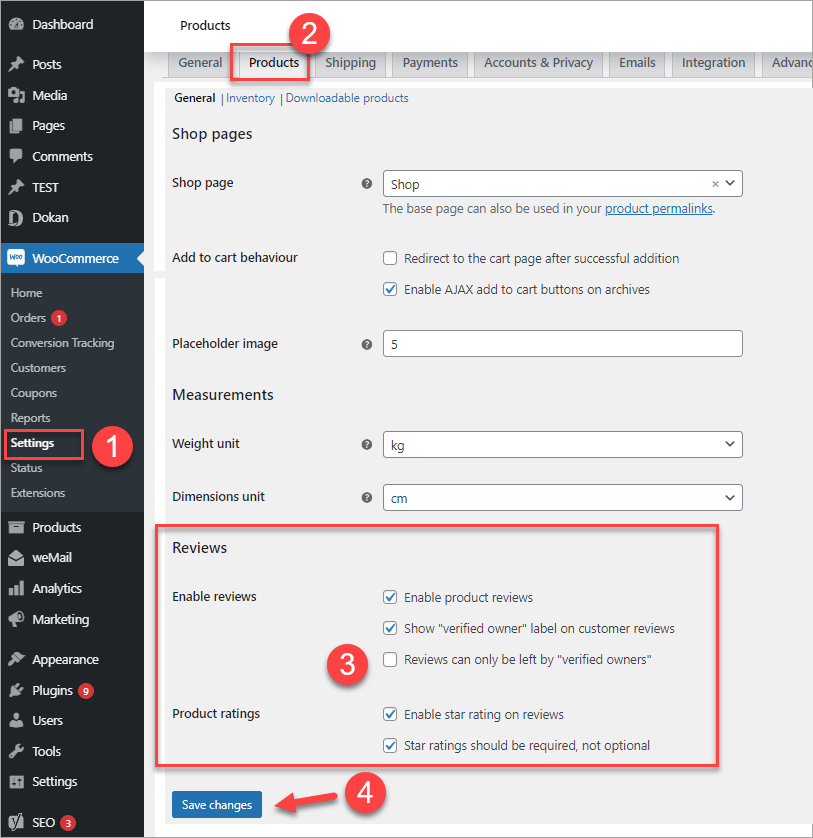
1️⃣ Understanding Product Status in WooCommerce
WooCommerce uses WordPress post statuses.
🔹 Common Product Statuses:
-
Draft
-
Pending Review
-
Published
-
Private
-
Trash
📌 The key status for approval workflow is Pending Review.

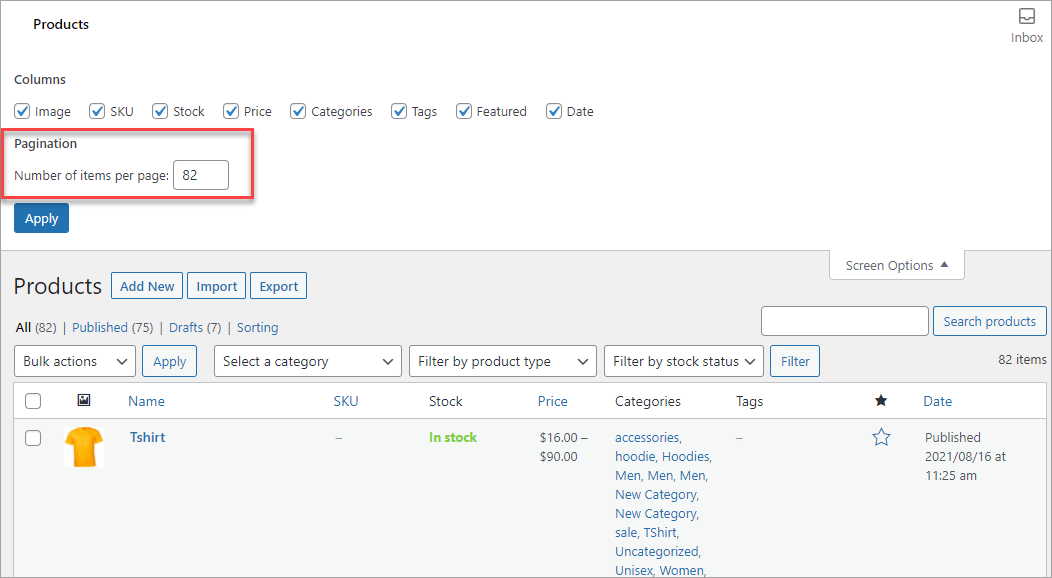
2️⃣ Basic Product Approval Workflow (Manual Control)
Here’s a simple and effective workflow:
🛠 Step-by-Step:
-
Staff or vendor submits product
-
Product saved as Pending Review
-
Admin reviews product
-
Admin edits if necessary
-
Product is published
✔ Clean
✔ Controlled
✔ Low risk
3️⃣ Assigning Proper User Roles for Product Control
To control product publishing, user roles are critical.
Recommended Role Structure:
-
Administrator → Full access
-
Shop Manager → Manage products & orders
-
Contributor / Custom Role → Submit products only
📌 Avoid giving publishing rights to everyone.
👉 Follow the “minimum permission” principle.
4️⃣ Product Review Checklist (Best Practice)
Before approving any product, review:
✔ Product title accuracy
✔ Description quality
✔ Images (clear, optimized)
✔ Pricing correctness
✔ SKU & stock
✔ Category selection
✔ SEO optimization
👉 A structured checklist prevents costly mistakes.
5️⃣ Advanced Workflow for Multi-Vendor Stores
If your WooCommerce store works like a marketplace:
-
Vendors submit products
-
Admin reviews listings
-
Approval required before publishing
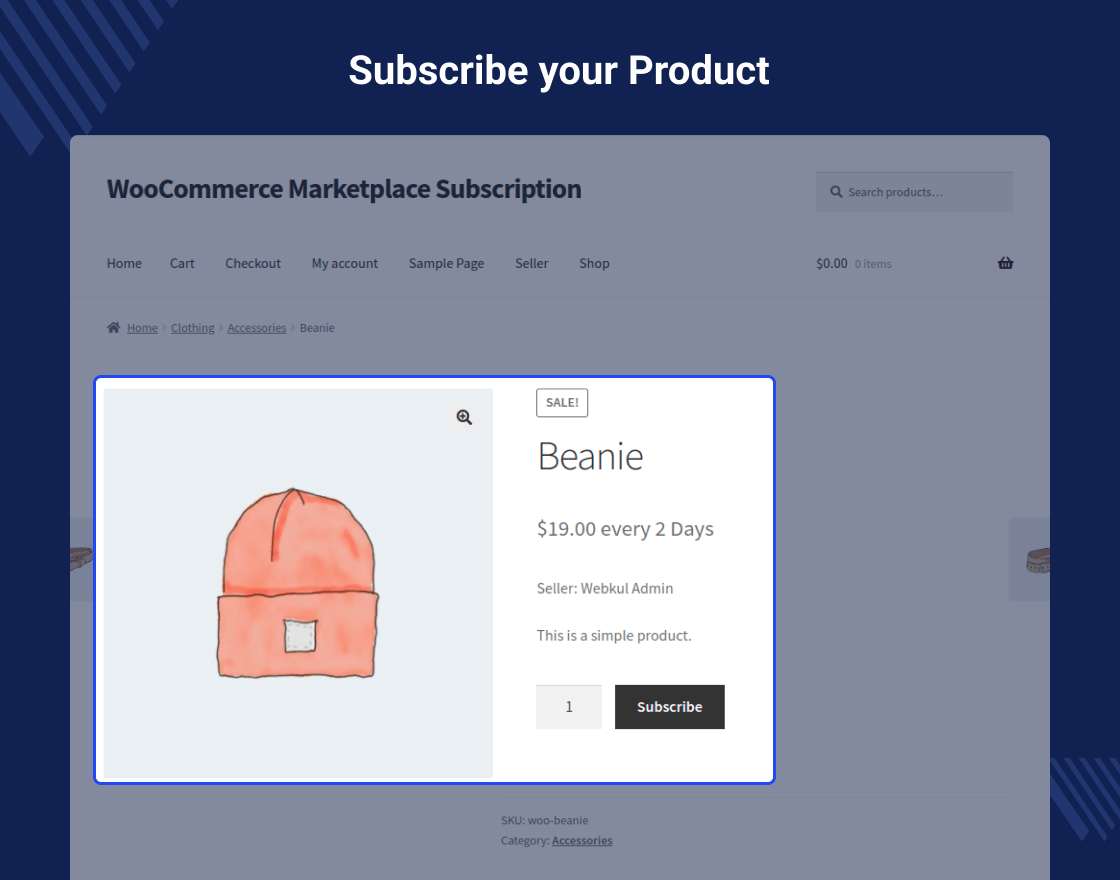


Recommended Multi-Vendor Workflow:
1️⃣ Vendor submits product
2️⃣ Product auto-set to Pending
3️⃣ Admin reviews content
4️⃣ Approves or rejects with feedback
✔ Protects brand consistency
✔ Reduces duplicate listings
✔ Prevents spam products
6️⃣ Automating Product Approval (Optional)
Some stores prefer automation for scaling.
Example Automation:
-
Auto-approve trusted vendors
-
Auto-reject missing mandatory fields
-
Email notifications for review
-
Category-based approval rules
👉 Automation reduces admin workload but must be monitored carefully.
7️⃣ Handling Rejected Products Properly
Rejecting products without explanation causes confusion.
Best Practice:
-
Provide clear rejection reason
-
Suggest improvements
-
Allow resubmission
Example:
“Product image resolution too low. Please upload 1000x1000px image.”
✔ Encourages better listings
✔ Builds trust with team/vendors
8️⃣ Preventing Common Product Approval Issues
🚨 Frequent Problems:
❌ Wrong pricing
❌ Missing images
❌ Duplicate products
❌ Incorrect stock settings
❌ SEO ignored
✅ Prevention Tips:
✔ Use required product fields
✔ Create internal product guidelines
✔ Train product managers
✔ Audit live products monthly
9️⃣ Product Approval & SEO
Publishing poor-quality products hurts:
-
Google rankings
-
Site credibility
-
Conversion rates
Approval should ensure:
✔ Unique descriptions
✔ Optimized titles
✔ Clean URLs
✔ Proper meta data
👉 SEO starts at product creation.
🔟 Scaling Product Approval Workflow
As your store grows:
-
Product volume increases
-
Team size expands
-
Complexity rises
Best Practices for Scaling:
✔ Assign product reviewers
✔ Document approval SOP
✔ Use staging for bulk uploads
✔ Track approval metrics
👉 Structure prevents chaos.
🚨 Common WooCommerce Product Approval Mistakes
❌ No review process
❌ Everyone can publish
❌ No product guidelines
❌ Ignoring SEO
❌ No documentation
These mistakes silently damage your store.
📚 Also Read (Internal Links)

Hire Me on Upwork – Dokan & WooCommerce Expert

 Chat on WhatsApp