
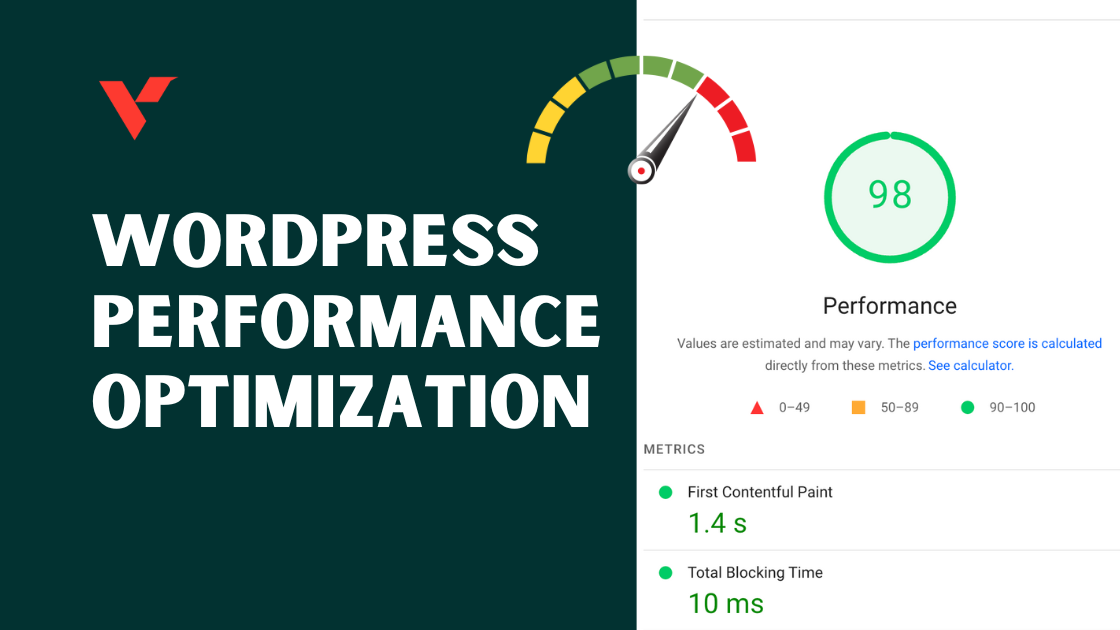
A slow WordPress website hurts SEO, user experience, and conversions.
Google prioritizes fast websites, and users expect pages to load in seconds.
If your site is built with WordPress, this checklist will help you optimize speed, improve Core Web Vitals, and prepare your website for growth.
🔴 Why WordPress Performance Optimization Matters
A slow WordPress website leads to:
-
Higher bounce rate
-
Lower Google rankings
-
Poor mobile experience
-
Fewer leads & sales
Optimizing performance helps you:
✔ Rank better on Google
✔ Improve user experience
✔ Increase conversions
✔ Reduce server load

🧠 How WordPress Performance Works
WordPress performance depends on four main layers:
1️⃣ Hosting & server
2️⃣ WordPress core
3️⃣ Theme & plugins
4️⃣ Content (images, scripts, media)
If one layer is slow, the whole site becomes slow.
✅ WordPress Performance Optimization Checklist
Follow this checklist step by step.
1️⃣ Choose High-Quality Hosting (FOUNDATION)
✔ Use WordPress-optimized hosting
✔ Enable server-side caching
✔ Use latest stable PHP version
✔ Ensure enough RAM & CPU
👉 Cheap hosting = slow website.
2️⃣ Enable Proper Caching
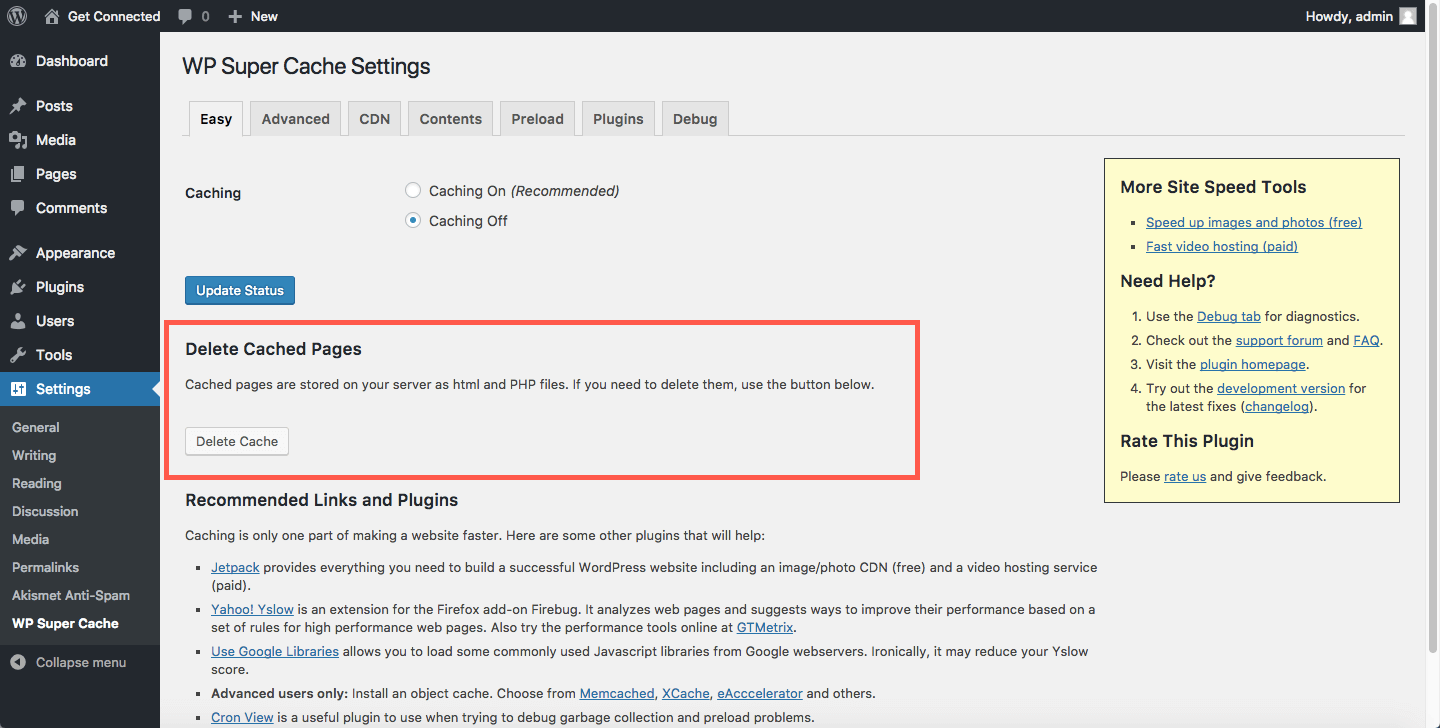
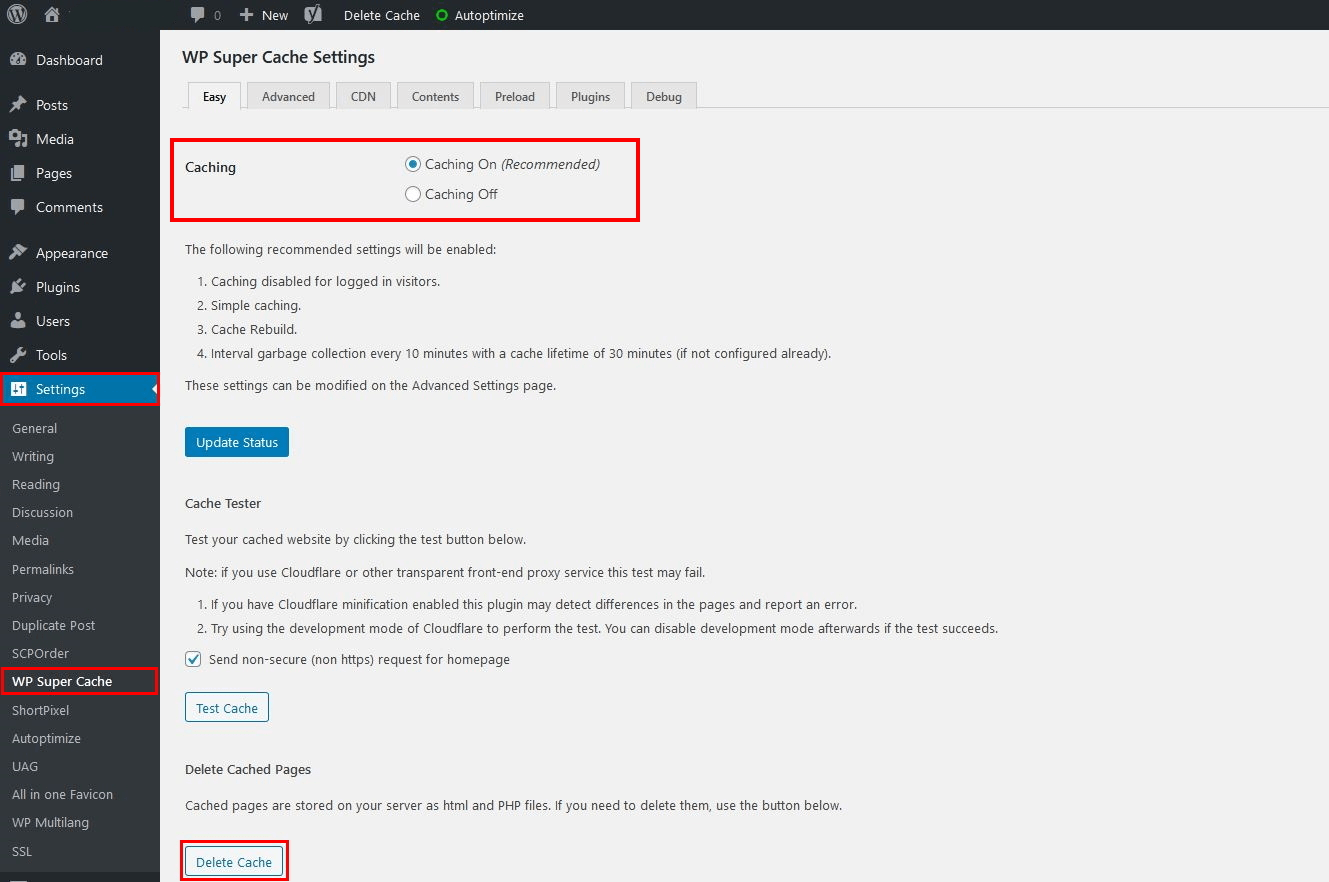
✔ Enable page caching
✔ Enable browser caching
✔ Use object caching if available
❌ Avoid caching admin pages or dynamic forms.
3️⃣ Optimize Images (BIGGEST SPEED GAIN)
Images are the #1 cause of slow sites.
✔ Compress images
✔ Use modern formats
✔ Lazy-load images
✔ Avoid uploading raw images


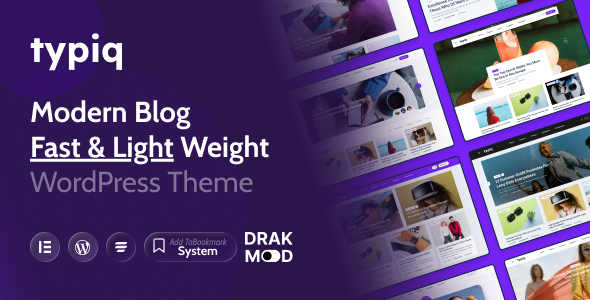
4️⃣ Use a Lightweight Theme
Your theme directly affects speed.
✔ Choose a fast, lightweight theme
✔ Avoid bloated multipurpose themes
✔ Minimize animations
Theme choice alone can improve speed by 30–40%.

5️⃣ Reduce Plugin Load (VERY IMPORTANT)
Too many plugins = slow website.
✔ Remove unused plugins
✔ Avoid duplicate functionality
✔ Replace heavy plugins
✔ Never use nulled plugins
👉 Ideal range: 15–25 quality plugins
6️⃣ Optimize WordPress Database
Over time, databases become bloated.
✔ Clean post revisions
✔ Remove spam comments
✔ Delete expired transients
✔ Optimize database tables

7️⃣ Minify & Defer CSS / JavaScript
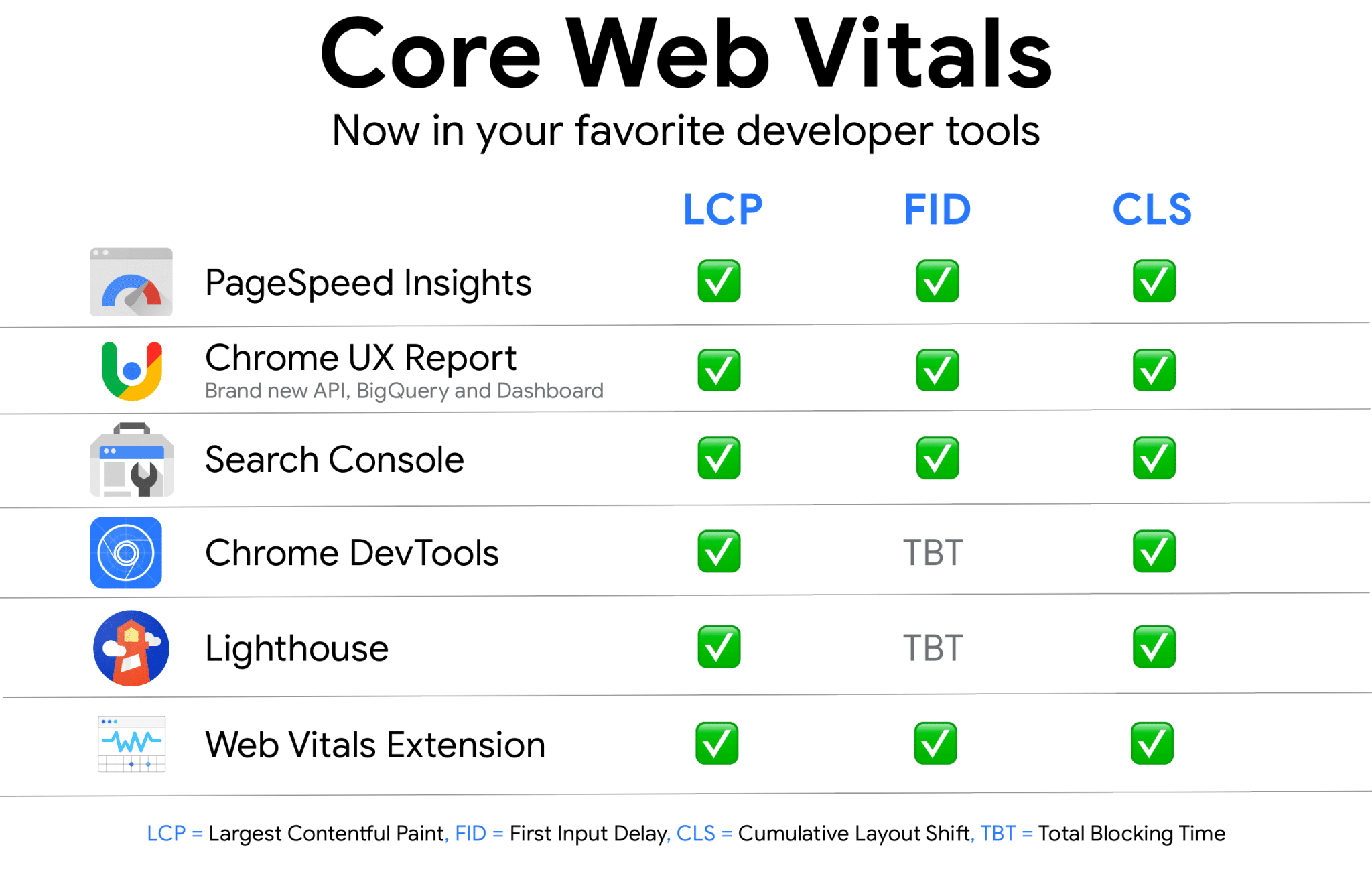
✔ Minify CSS & JS
✔ Defer non-critical scripts
✔ Remove unused CSS
This improves Core Web Vitals (LCP & CLS).

8️⃣ Use CDN for Global Performance
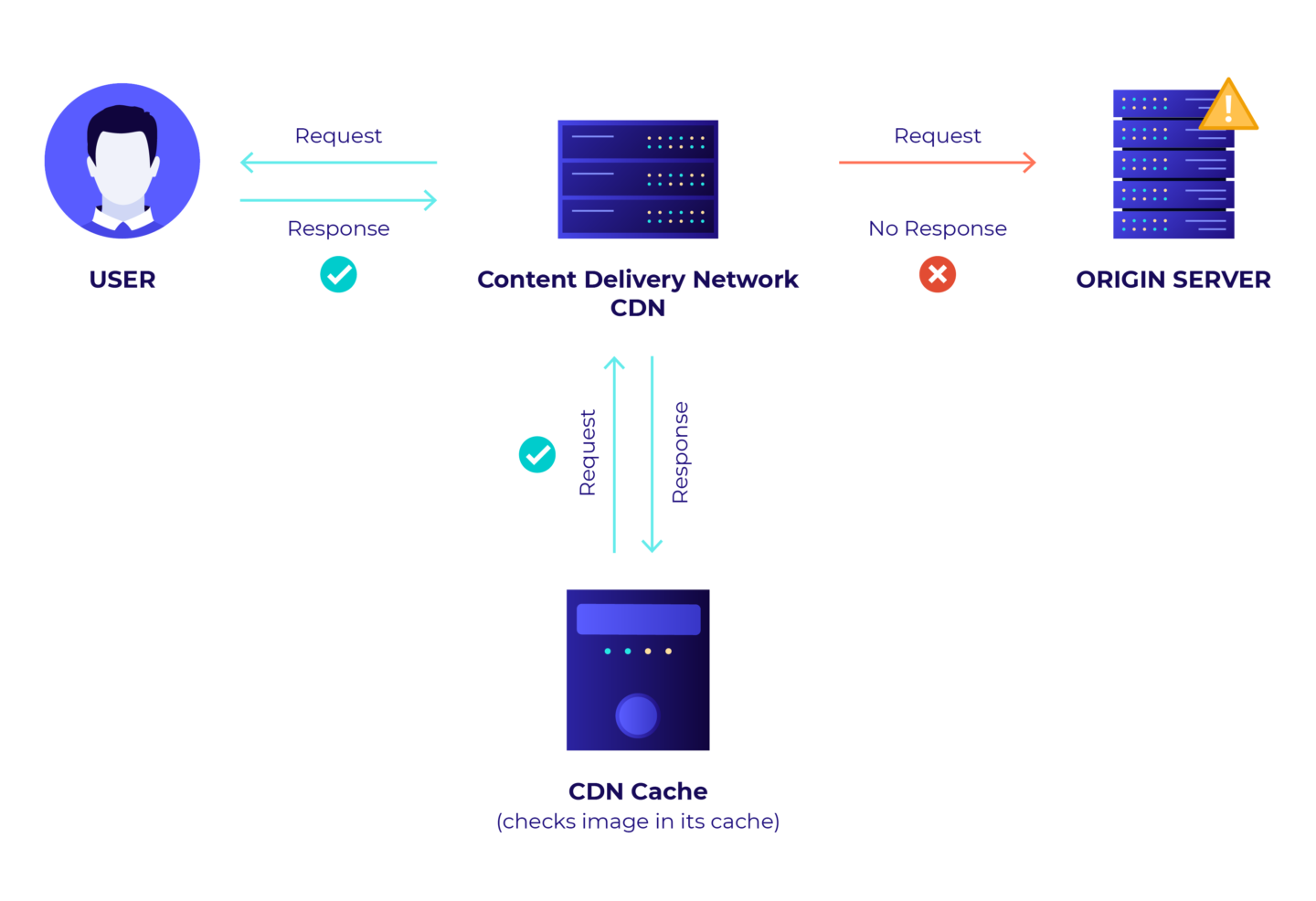
If your audience is global:
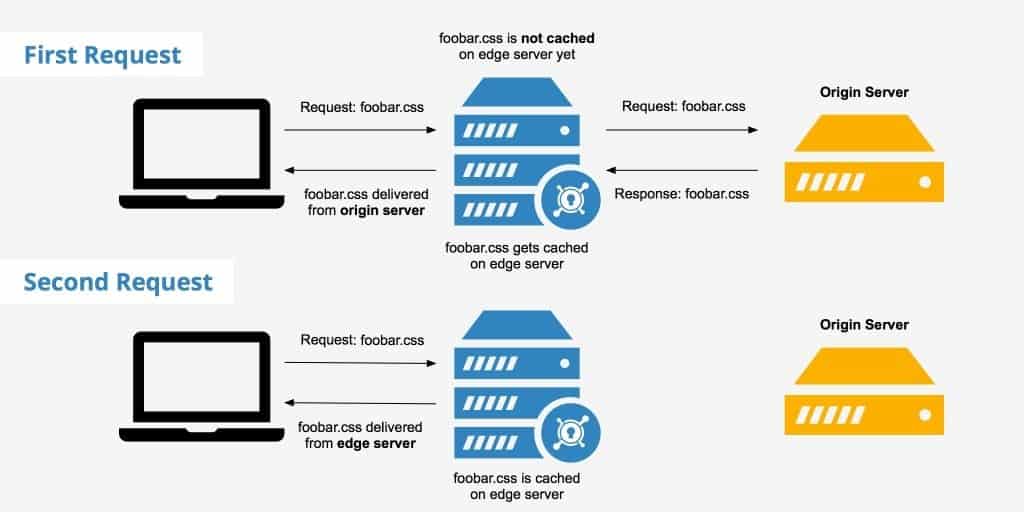
✔ Use a CDN
✔ Cache static assets
✔ Reduce server response time
9️⃣ Optimize Mobile Performance
Most traffic is mobile-first.
✔ Use responsive design
✔ Reduce heavy scripts
✔ Test mobile load speed

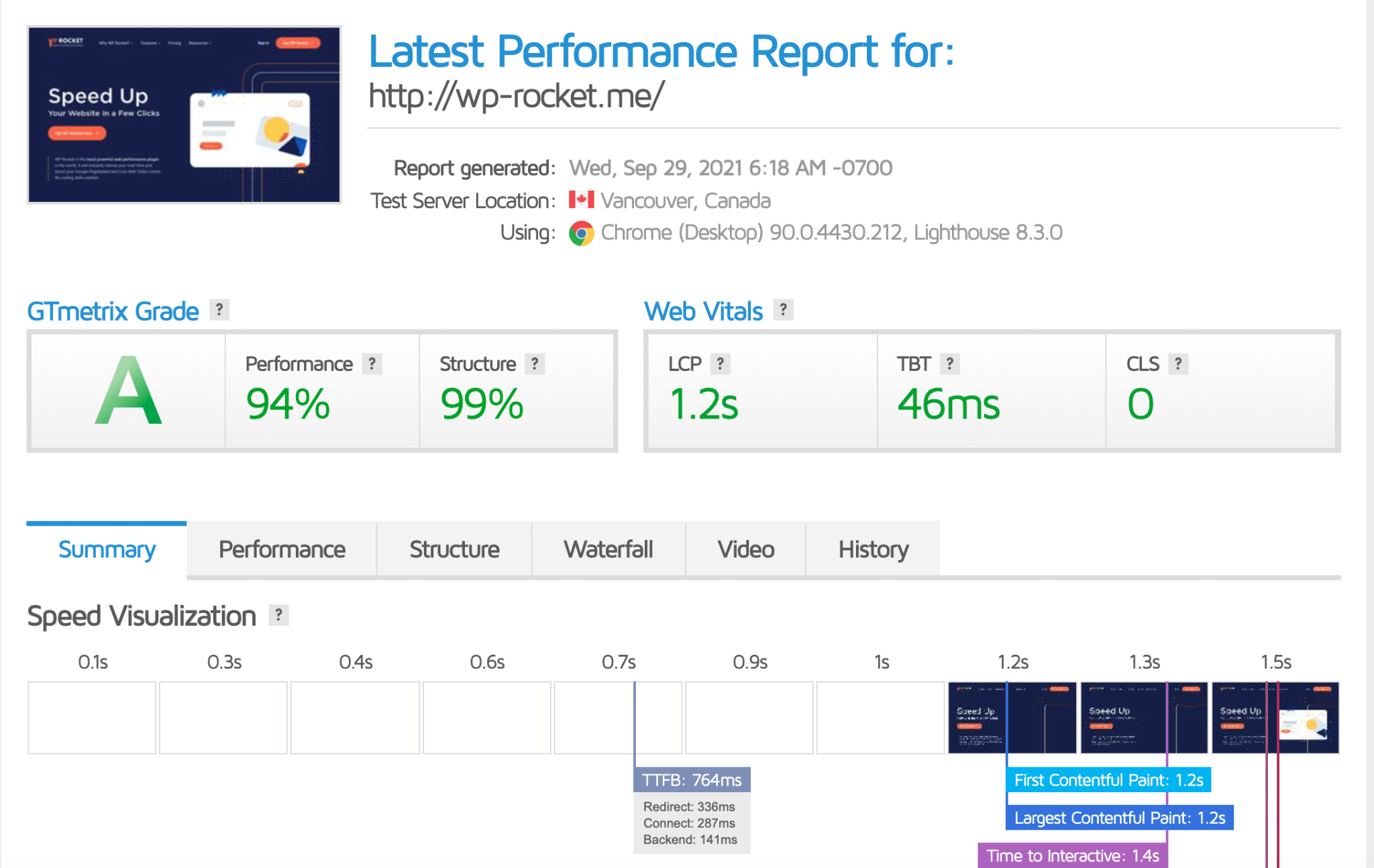
🔟 Monitor Performance Regularly
Performance is not a one-time task.
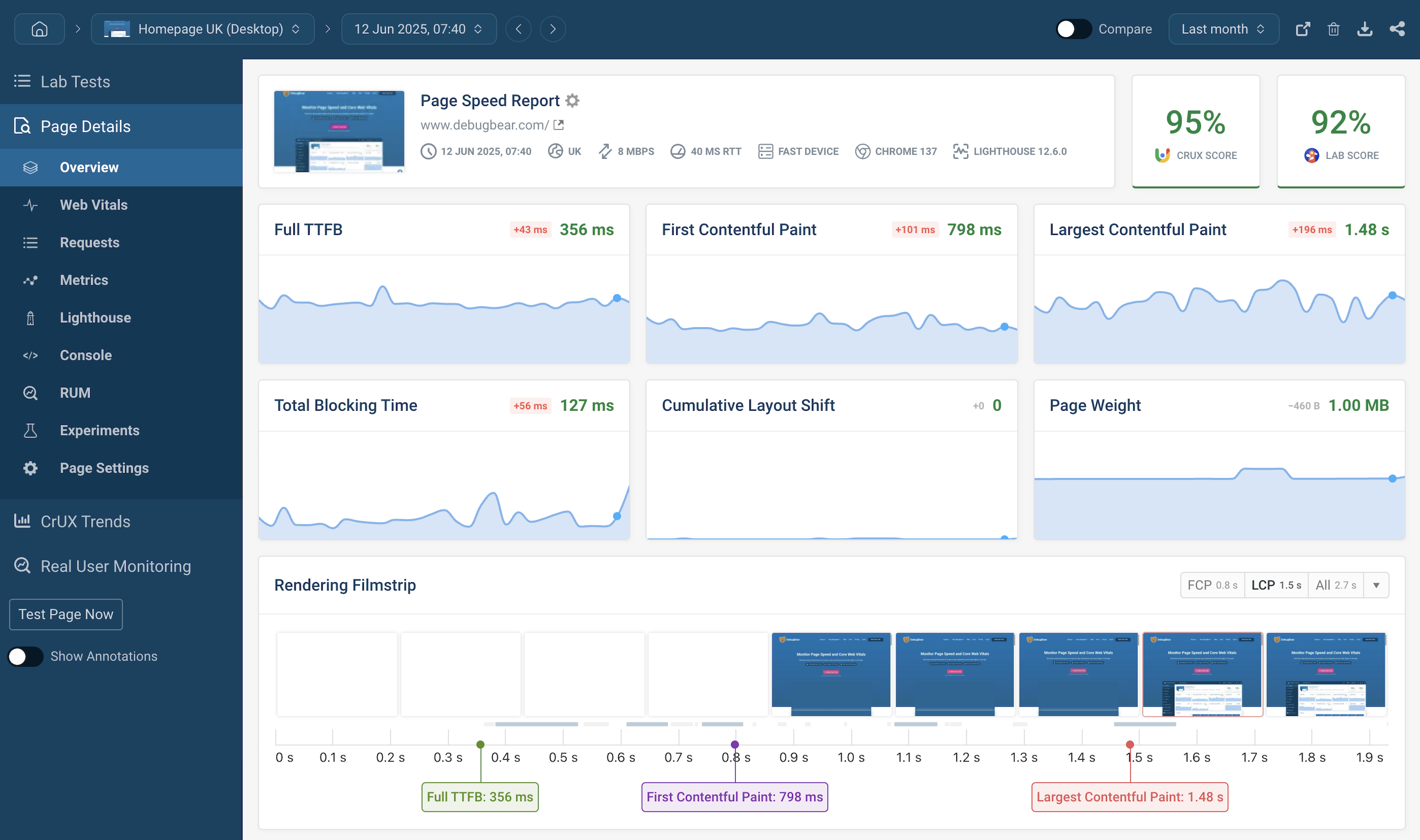
✔ Monitor page speed
✔ Track Core Web Vitals
✔ Watch server resource usage
✔ Fix issues early
⚠️ Common WordPress Performance Mistakes
❌ Cheap shared hosting
❌ Too many plugins
❌ Heavy page builders everywhere
❌ Large unoptimized images
❌ No caching strategy
Avoiding these mistakes gives instant improvements.
🛠️ When You Need Advanced WordPress Optimization
You should consider advanced optimization if:
-
Website is slow despite plugins
-
Core Web Vitals fail
-
Traffic has increased
-
Business depends on leads
Advanced optimization includes:
✔ Server-level tuning
✔ Custom caching logic
✔ Script optimization
✔ Performance-focused architecture
📚 Also Read

Hire Me on Upwork – Dokan & WooCommerce Expert

 Chat on WhatsApp