
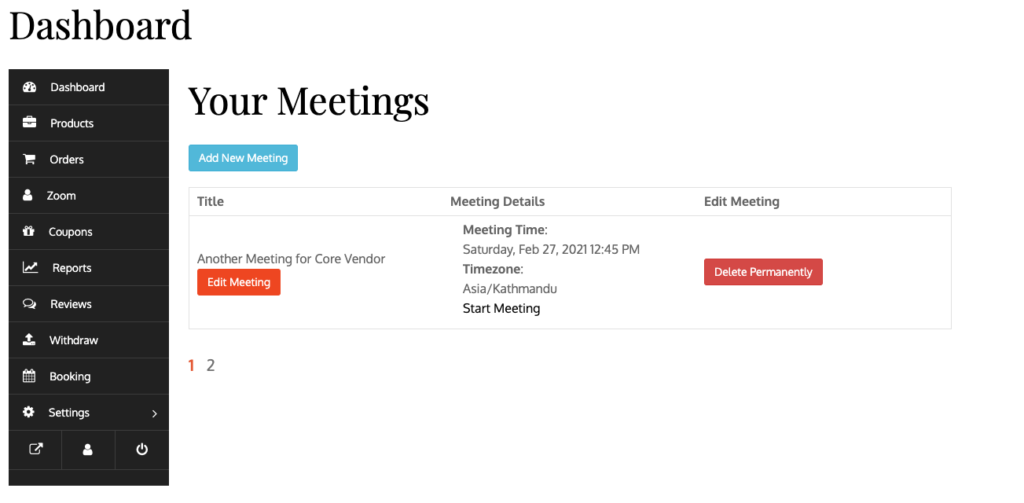
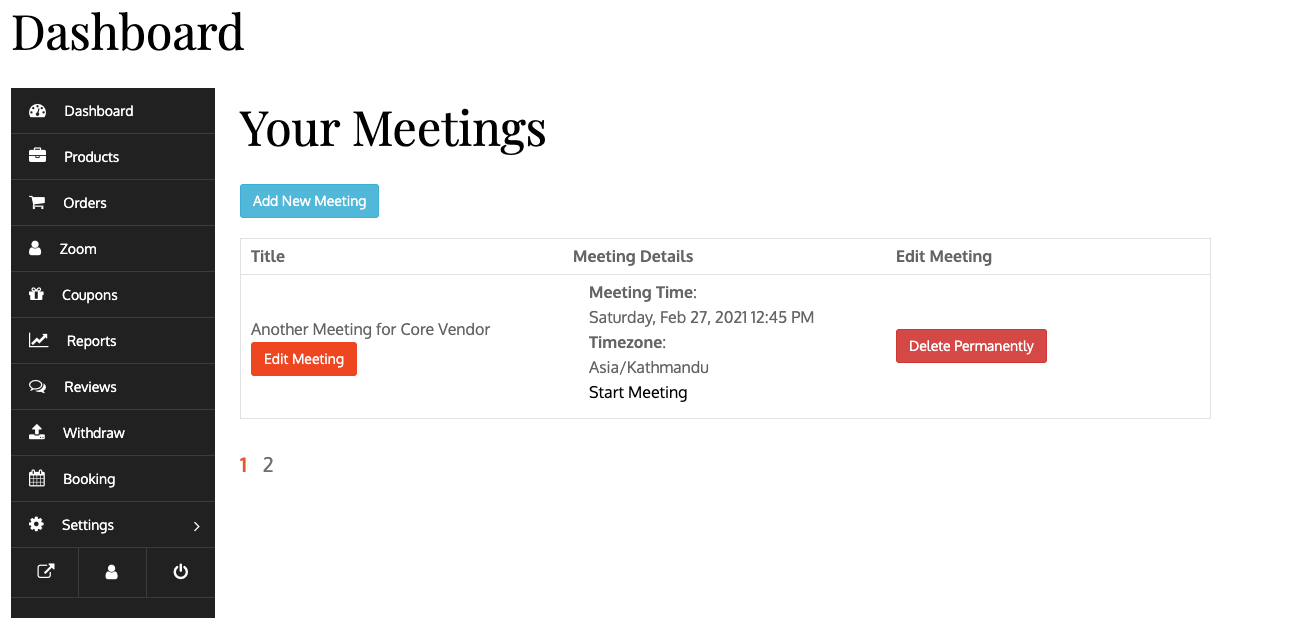


The demand for online services, consultations, and virtual meetings has grown rapidly. Whether you’re offering coaching, consulting, tutoring, or freelance services, integrating video meetings directly into your booking system can significantly improve user experience.
If you’re building a service marketplace using WordPress, WooCommerce, and Dokan, you can integrate Zoom to enable seamless service booking with live meetings.
In this guide, you’ll learn how to integrate Dokan with Zoom for service-based bookings.
🔴 What is Dokan + Zoom Integration?
Dokan + Zoom integration allows vendors to:
✔ Sell services (consultation, coaching, etc.)
✔ Let users book time slots
✔ Automatically generate Zoom meeting links
✔ Conduct sessions online
👉 It creates a complete service marketplace with live interaction.
🧠 Why Use Zoom for Service Booking?
Zoom is one of the most reliable platforms for online meetings.
Benefits:
✔ High-quality video calls
✔ Easy meeting link sharing
✔ Calendar integration
✔ Recording options
✔ Global accessibility
👉 Perfect for professional service delivery.
⚙️ Required Setup
To build this system, you’ll need:
-
WordPress
-
WooCommerce
-
Dokan Pro
-
WooCommerce Booking plugin
-
Zoom API / Zoom integration plugin
👉 These tools form your booking + meeting ecosystem.
🏪 Step 1: Enable Service-Based Products in Dokan
Dokan allows vendors to create products, but for services you need:
✔ Virtual products
✔ Bookable products
✔ Time-slot-based services
Examples:
-
1-hour consultation
-
30-minute coaching call
-
Paid webinar
👉 Vendors can sell time instead of physical products.
📅 Step 2: Configure Booking System
Using WooCommerce Bookings:
✔ Set available time slots
✔ Define service duration
✔ Set pricing per slot
✔ Limit bookings per day
👉 This ensures proper scheduling.
🎥 Step 3: Integrate Zoom API
To connect Zoom with your booking system:
✔ Create Zoom developer account
✔ Generate API keys / OAuth credentials
✔ Connect with WordPress via plugin or custom code
Once connected:
✔ Automatically create Zoom meeting on booking
✔ Generate unique meeting links
✔ Send links to customer & vendor
👉 This automates the entire meeting process.
📩 Step 4: Automate Notifications
After booking confirmation:
✔ Send email with Zoom link
✔ Send reminders before meeting
✔ Notify vendor of upcoming sessions
👉 Reduces missed appointments.
💰 Step 5: Payment Integration
Use WooCommerce to handle payments:
✔ Pay before booking confirmation
✔ Support multiple payment gateways
✔ Secure transactions
👉 Ensures vendors get paid before sessions.
📊 Step 6: Vendor Dashboard Features
Vendors should be able to:
✔ View bookings
✔ Access Zoom links
✔ Manage availability
✔ Track earnings
👉 Improves vendor experience.
👤 Step 7: Customer Experience
Customers should be able to:
✔ Book service easily
✔ Select preferred time slot
✔ Receive Zoom link instantly
✔ Join meeting with one click
👉 Smooth UX = more bookings.
🔐 Step 8: Security & Access Control
Ensure:
✔ Only booked users can access meeting links
✔ Secure API integration
✔ No unauthorized access
👉 Protects your platform.
🚀 Step 9: Performance Optimization
Booking + API systems can be heavy.
Optimize:
✔ Database queries
✔ Caching
✔ Cron jobs for scheduling
✔ API response handling
👉 Keeps system fast and reliable.
📈 Step 10: Use Cases
Dokan + Zoom integration is perfect for:
✔ Online coaching platforms
✔ Consulting marketplaces
✔ Tutor booking systems
✔ Fitness training sessions
✔ Business advisory services
👉 Ideal for service-based marketplaces.
🚨 Common Mistakes to Avoid
❌ No proper booking system
❌ Manual meeting creation
❌ Poor notification system
❌ No time-slot management
❌ Weak user experience
👉 These reduce bookings and trust.
📌 Integration Checklist
✔ Booking system setup
✔ Zoom API integration
✔ Auto meeting creation
✔ Email notifications
✔ Vendor dashboard setup
✔ Payment integration
👉 Follow this for success.

Hire Me on Upwork – Dokan & WooCommerce Expert

 Chat on WhatsApp