

Selling in bulk is one of the best ways to increase revenue and build long-term customer relationships. If you’re running an online store using WooCommerce on WordPress, setting up a wholesale system can help you attract B2B customers and boost sales.
In this guide, you’ll learn how to set up WooCommerce wholesale pricing, user roles, and bulk ordering step-by-step.
🔴 What is WooCommerce Wholesale?
Wholesale in WooCommerce means selling products at discounted prices for bulk buyers or specific customer groups.
Unlike regular customers, wholesale buyers:
✔ Purchase in large quantities
✔ Expect lower prices
✔ Prefer fast ordering systems
✔ Often require special payment terms
👉 Wholesale = higher volume, lower margin, more consistent sales
🧠 Why Add Wholesale to Your WooCommerce Store?
Adding wholesale functionality helps you:
✔ Increase average order value
✔ Attract business customers
✔ Improve inventory movement
✔ Build long-term buyer relationships
👉 It transforms your store from B2C to B2B-ready platform.
⚙️ Step 1: Create Wholesale User Roles
To separate wholesale customers from regular buyers, you need custom user roles.
Options:
-
Create roles manually (Developer approach)
-
Use plugins like Wholesale Suite
Typical roles:
✔ Retail Customer
✔ Wholesale Customer
✔ Distributor
👉 This allows you to show different pricing and rules.
💰 Step 2: Set Wholesale Pricing
Wholesale pricing is the core of your setup.
Types of pricing:
✔ Percentage Discount
Example: 20% off for wholesale users
✔ Fixed Price
Example: Product price ₹100 → Wholesale ₹70
✔ Tiered Pricing
Example:
-
10+ units → 10% discount
-
50+ units → 20% discount
-
100+ units → 30% discount
👉 Tiered pricing encourages larger orders.
📦 Step 3: Set Minimum Order Quantity (MOQ)
Wholesale buyers usually must purchase a minimum quantity.
Examples:
✔ Minimum 10 units per product
✔ Minimum ₹5000 order value
You can implement this using custom logic or plugins.
👉 Prevents small orders and keeps wholesale profitable.
🛒 Step 4: Enable Bulk Ordering
B2B customers want fast and easy ordering.
Add features like:
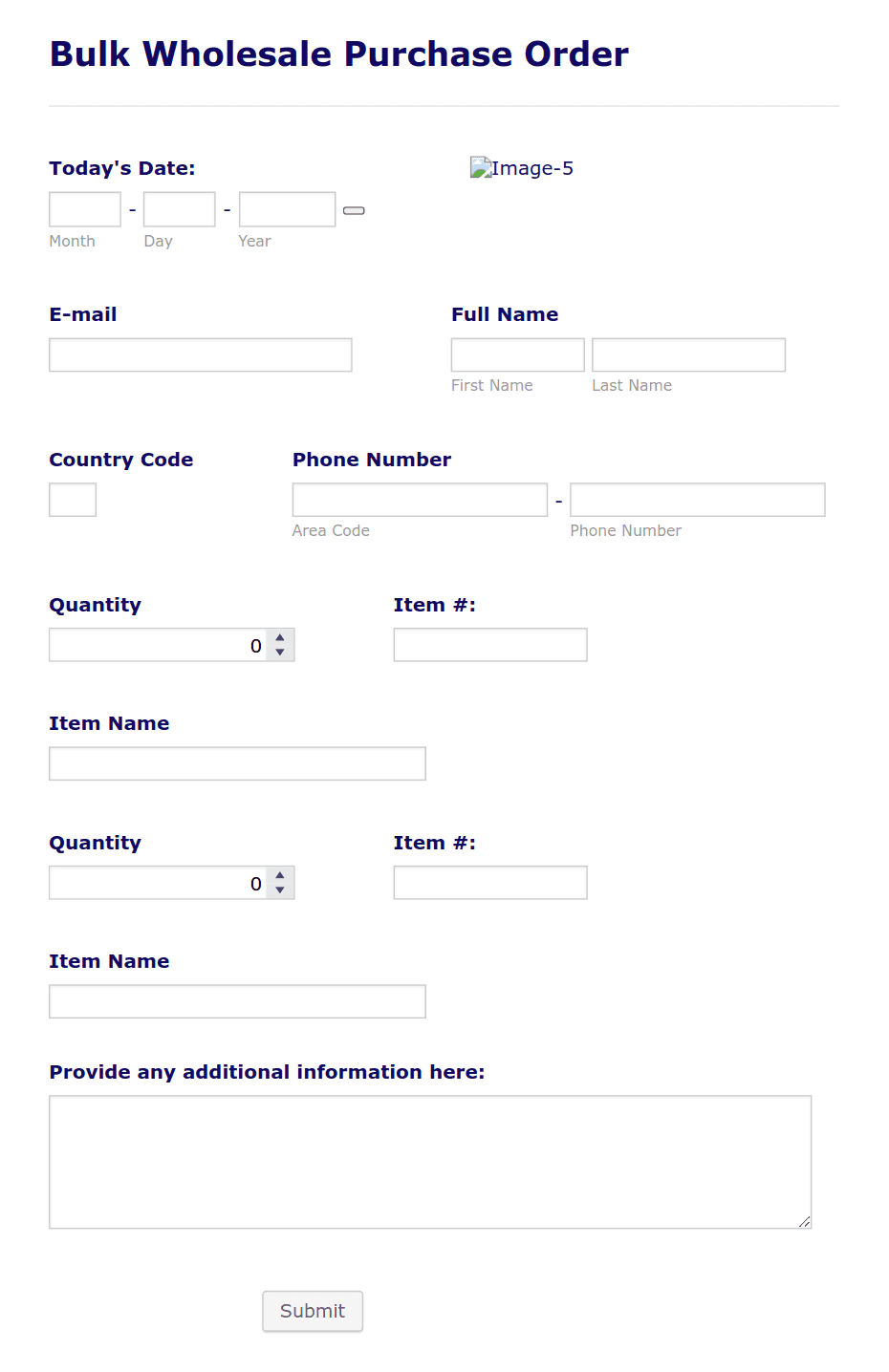
✔ Bulk order forms
✔ Quick add-to-cart
✔ Table-based product listing
✔ CSV import for orders
👉 Improves user experience for large buyers.
🔒 Step 5: Restrict Content for Wholesale Users
You may want to hide wholesale pricing from regular users.
Options include:
✔ Show prices only after login
✔ Hide wholesale products from retail users
✔ Restrict access to wholesale categories
👉 Keeps pricing confidential.
💳 Step 6: Set Custom Payment Methods
Wholesale customers often require flexible payment options.
Examples:
✔ Bank transfer (NEFT/RTGS)
✔ Cash on delivery (limited cases)
✔ Credit terms (Net 15 / Net 30)
✔ Manual invoices
👉 Builds trust with business buyers.
📄 Step 7: Generate Invoices & GST Support
For B2B in India, GST invoices are essential.
Features to include:
✔ GST number field
✔ Auto invoice generation
✔ Tax breakdown display
👉 Required for business compliance.
📊 Step 8: Manage Wholesale Orders Efficiently
Wholesale orders are larger and more complex.
You should:
✔ Track bulk orders separately
✔ Monitor high-value customers
✔ Provide dedicated support
👉 Helps manage B2B operations smoothly.
🚀 Step 9: Optimize Performance
Wholesale systems often handle large orders and data.
Optimize your store:
✔ Use caching
✔ Optimize database
✔ Reduce unnecessary plugins
✔ Use CDN
👉 Ensures fast performance even with heavy usage.
📈 Step 10: Promote Your Wholesale Program
Let customers know about your wholesale offerings.
Marketing ideas:
✔ Add “Become a Wholesale Partner” page
✔ Email campaigns
✔ LinkedIn outreach
✔ Vendor partnerships
👉 Attracts serious business buyers.
🚨 Common Mistakes to Avoid
❌ No user role separation
❌ Poor pricing strategy
❌ No MOQ
❌ Slow ordering process
❌ Ignoring performance
👉 These reduce wholesale success.
📌 Wholesale Setup Checklist
✔ Create wholesale roles
✔ Set pricing rules
✔ Add MOQ
✔ Enable bulk ordering
✔ Restrict access
✔ Configure payments
✔ Optimize performance
👉 Follow this for a complete setup.

Hire Me on Upwork – Dokan & WooCommerce Expert

 Chat on WhatsApp